The 7 Best Recruiting Software for Small Businesses in 2026
By Favour Etinosa Ogie
June 1, 2026
11 min read
You post a job posting on LinkedIn at 9:00 AM. By noon, you have 400 applications. Half are unqualified, three are bots, and the one "perfect" candidate just got snatched up by a competitor because you took four days to reply. The catch isn't finding people; it's the manual friction of moving them through a pipeline without losing your mind or the candidate.
Hiring for a small business is high-stakes, and small businesses face this challenge without the HR departments that large companies rely on. I spent three weeks testing the current crop of recruitment tech to find which tools actually improve the hiring process for small businesses, running a "ghost" hiring round for three different roles to see which platforms actually save time and which just add more tabs to your browser.
By the end of this guide, small businesses of any size will know exactly which of these hiring software solutions fits your specific workflow, whether you're hiring your first developer or scaling a sales team.
The Best Recruiting Software at a Glance
| Tool | Best for | Key differentiator | Starting price |
|---|---|---|---|
| TestTrick | Speed & Quality | AI-Skill Simulations & Ranking | $49/mo |
| Breezy HR | Visual Pipeline | Kanban-first interface | Free |
| Workable | Passive Sourcing | 400M+ profile "People Search" | $299/mo |
| Lever | Relationship Mgmt | Hybrid ATS + Recruiting CRM | Custom |
| Pinpoint | Employer Brand | Modern career site builder | Custom |
| GoHire | Startup Growth | Rapid multi-board posting | 89 Euros/mo |
| Freshteam | HR Integration | Combined ATS & HRIS | $49/month |
The Evaluation Criteria: How I Tested
To make this list, I looked at how these tools behave when you're actually in the thick of a hiring sprint, and how well they fit the recruitment process of a lean, resource-constrained team. I evaluated them based on:
- Time-to-Shortlist: How fast does the tool help me identify the top 5% of candidates?
- Frictionless Integration: Does it play nice with Google Workspace, Slack, and the job boards we actually use?
- Mobile Usability: Can a busy founder review an application on a train without the UI breaking?
- Automation Utility: Specifically, do the automation tools and AI actually help, or are they just glorified keyword filters?
1. TestTrick
Best for: Cutting through "Resume Padding" with Skill-First Hiring
TestTrick
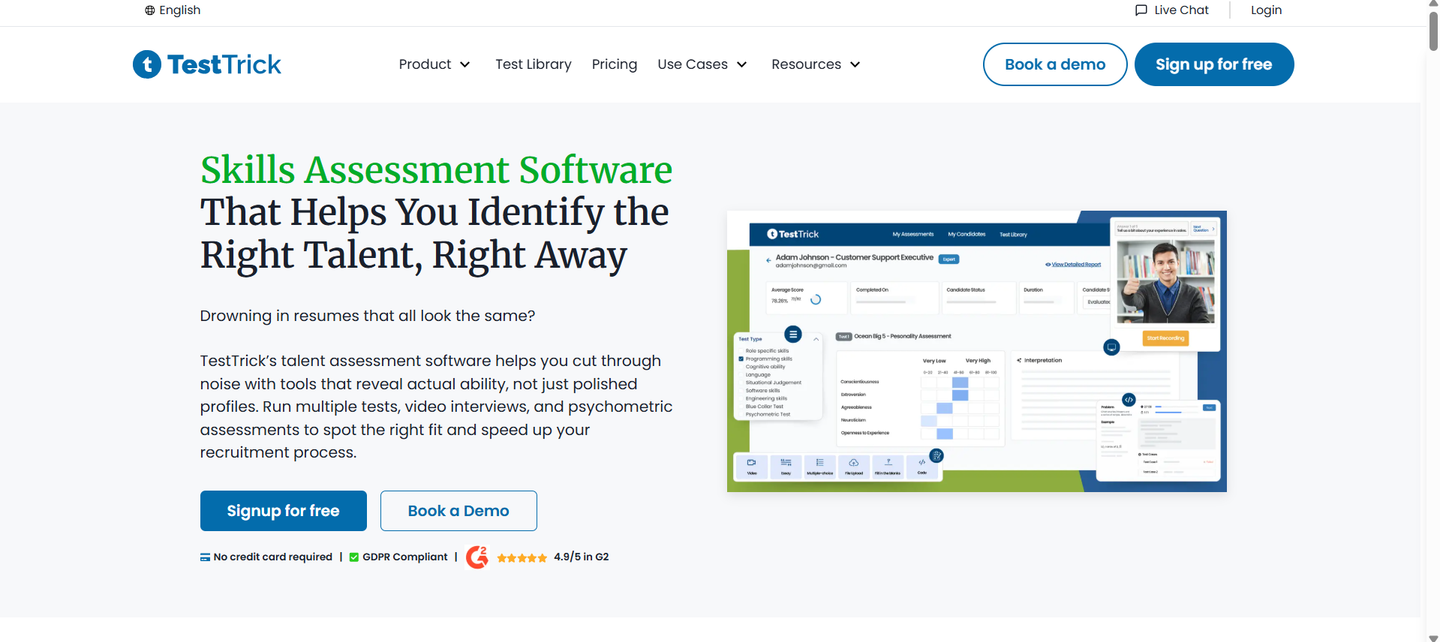
TestTrick is a small business recruiting tool for the owner who is tired of interviewing people who look great on paper but can't actually do the work. It's positioned as a pre-hire intelligence platform with a broad assessment library covering skill assessments for hundreds of role types. Instead of just tracking applicants, it improves candidate screening by forcing them to prove their skills before they even talk to you, so only qualified candidates enter your candidate pipeline. In the current market, where AI-generated resumes are everywhere, this is a necessity.
Key Features
- Skill Simulations: Candidates complete a pre-hiring task that mimics the actual job. You see their logic, not just their result.
- One-Way Video Interviews: Screen communication skills asynchronously. Candidates record responses to your preset questions on their own time, eliminating scheduling headaches.
- Automated Ranking: The skill assessment platform scores candidates based on their simulation performance, so your best talent is at the top of the list instantly.
- Anti-Cheating Suite: It tracks tab-switching and uses behavioral patterns to ensure the candidate actually did the work themselves.
- Unified Candidate Profiles: Combines their resume, simulation scores, and social links into one clean view.
Pros
- Drastically reduces interview time: I found I could skip the "first round" screening entirely because the data was so accurate.
- Bias Mitigation: Because you see scores before resumes, you're less likely to hire based on "brand name" previous companies.
- Candidate Engagement: Top-tier talent actually enjoys the simulations more than a generic cover letter, a key advantage of AI-powered recruiting tools done right.
Cons
- May feel feature-rich for teams hiring only occasionally
- Works best when evaluation criteria are clearly defined upfront
Pricing: 7-day free trial available and starts at $49/month
2. Breezy HR
Best for: Small teams who need a "No-Learning-Curve" Pipeline
BreezyHR
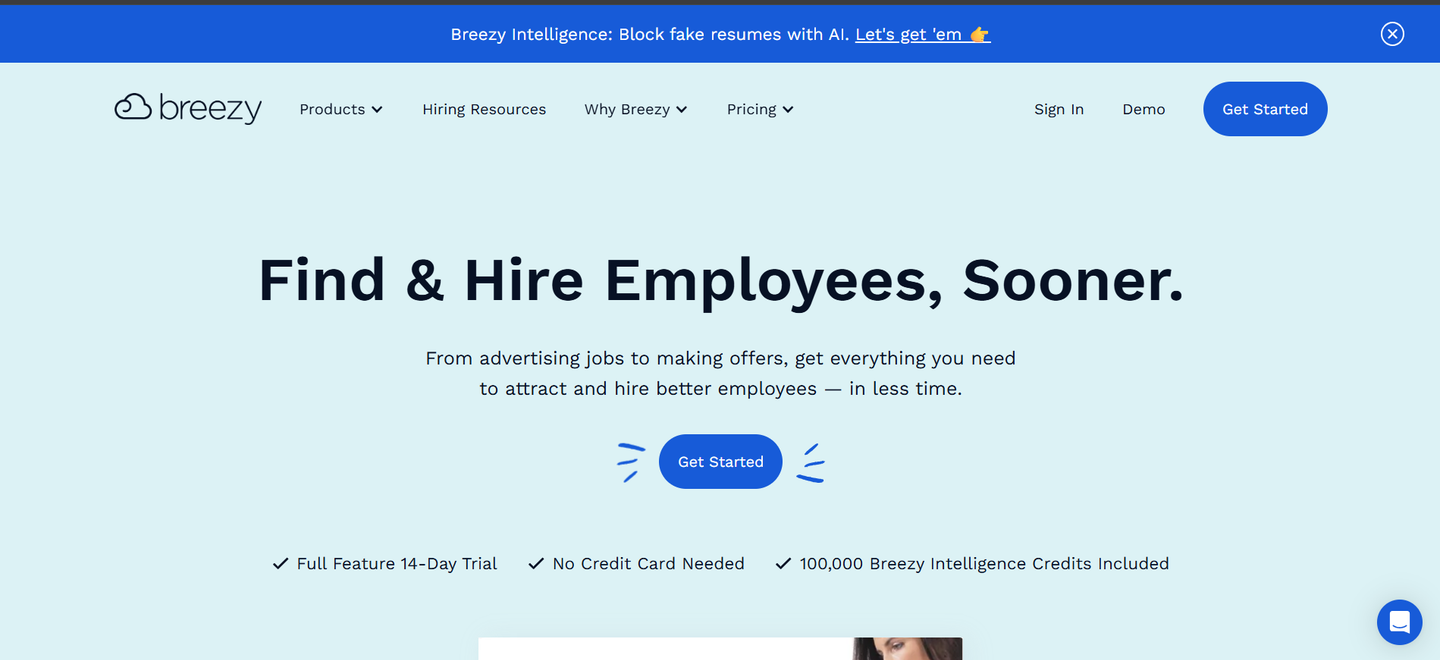
Breezy HR is the most intuitive tool I tested. If you use Trello or Asana, you'll feel at home here. It's a visual-first ATS that focuses on moving candidates through a funnel with as few clicks as possible. It fits perfectly for the business that needs to get a job posting live on 50+ boards in under five minutes, with built-in collaboration tools for the whole team.
Key Features
- Visual Pipeline: A Kanban board that lets you drag candidates from "Applied" to "Hired."
- Automated Stage Actions: You can set it to send automated rejection emails as soon as you move someone to the "Disqualified" column.
- Video Interviews: Built-in video calling so you don't have to keep a separate Zoom or Teams subscription for hiring.
- Team Collaboration: It's rare to find a tool that lets everyone on the team leave "thumbs up" or "thumbs down" reviews so easily.
- Chrome Extension: Source candidates directly from LinkedIn, pull them into your Breezy pipeline with one click, and enable real-time communication with your team from the same view.
Pros
- Generous Free Tier: One of the few platforms that stays free for one active position, ideal for small businesses just getting started.
- Automation: The "Stage Actions" are a massive time-saver for small HR teams of one.
- Modern UI: It feels like modern software, not a clunky legacy HR database.
Cons
- Limited Customization: You can't change as many workflow details as you can in JazzHR.
- Report Depth: The analytics are a bit basic if you need to deep-dive into "source of hire" data.
Pricing: Free plan available; paid plans start at $157/mo.
3. Workable
Best for: Finding "Passive" candidates who aren't actively looking
Workable
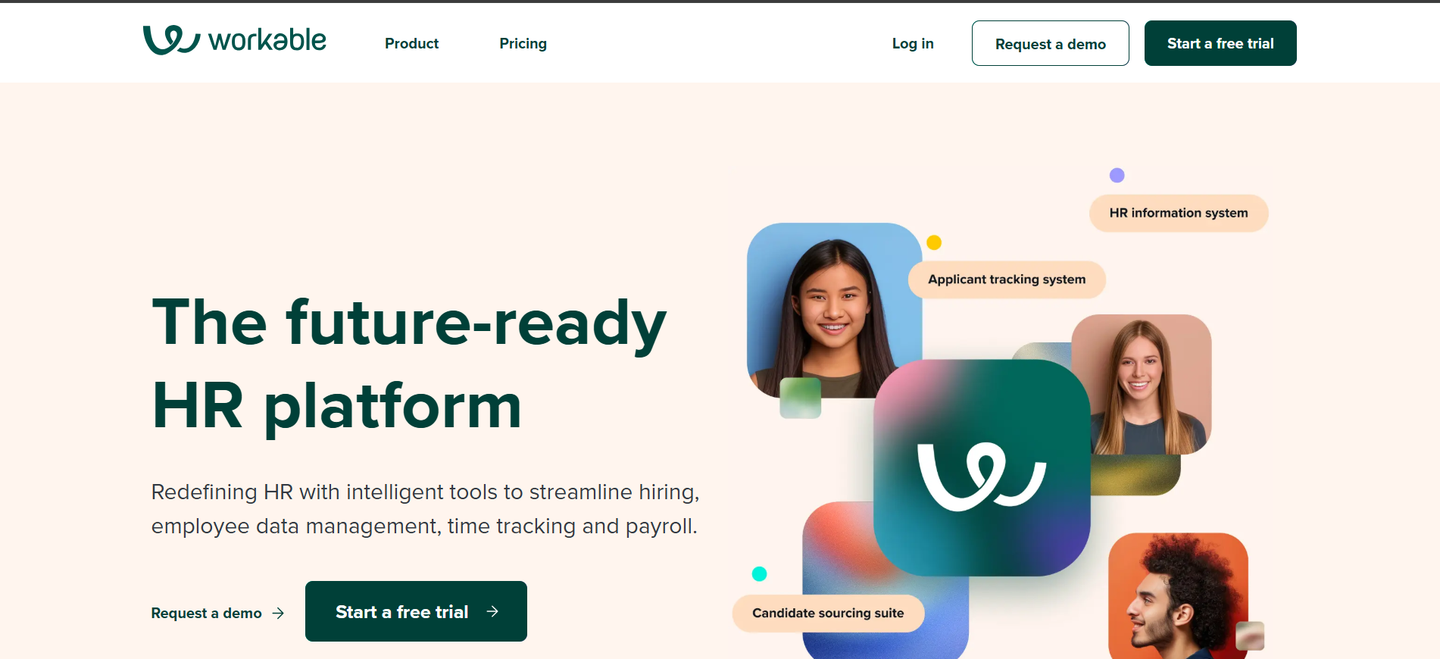
Workable is the heavy hitter for sourcing. While other tools wait for people to apply, Workable's AI-powered sourcing tools handle candidate sourcing by scanning social media and professional sites for people who match your job description. In practice, this is how you hire for hard-to-fill roles, and it's particularly useful when you're looking to fill remote roles or niche positions where active applicants are scarce.
Key Features
- People Search: An AI tool that scans 400M+ profiles to find matches for your role.
- AI Recruiter: Automatically suggests candidates based on your job description.
- Referral Portal: A built-in referral program for your current employees to submit friends and get tracked for bonuses.
- Anonymized Screening: A toggle to hide names and photos to reduce unconscious bias.
Pros
- Sourcing Power: The ability to "find" candidates rather than just "manage" them is a game-changer for startups.
- Vast Integration List: It connects to almost every HRIS or payroll tool you likely use, and pairs cleanly with ATS integrations you may already have in place.
- Ease of Use: Very polished; I didn't need to read a single help article to get a job posting live.
Cons
- Price Point: It's significantly more expensive than TestTrick or Breezy.
- Sourcing Credits: You often have to pay more for "premium" sourcing credits to get the best AI suggestions.
- Feature Bloat: For a very small business (under 10 people), many features will go unused.
Pricing: Starts at $299/mo for the "standard" plan.
4. Lever
Best for: Outreach-Heavy Teams Who Need a CRM and ATS in One
Lever
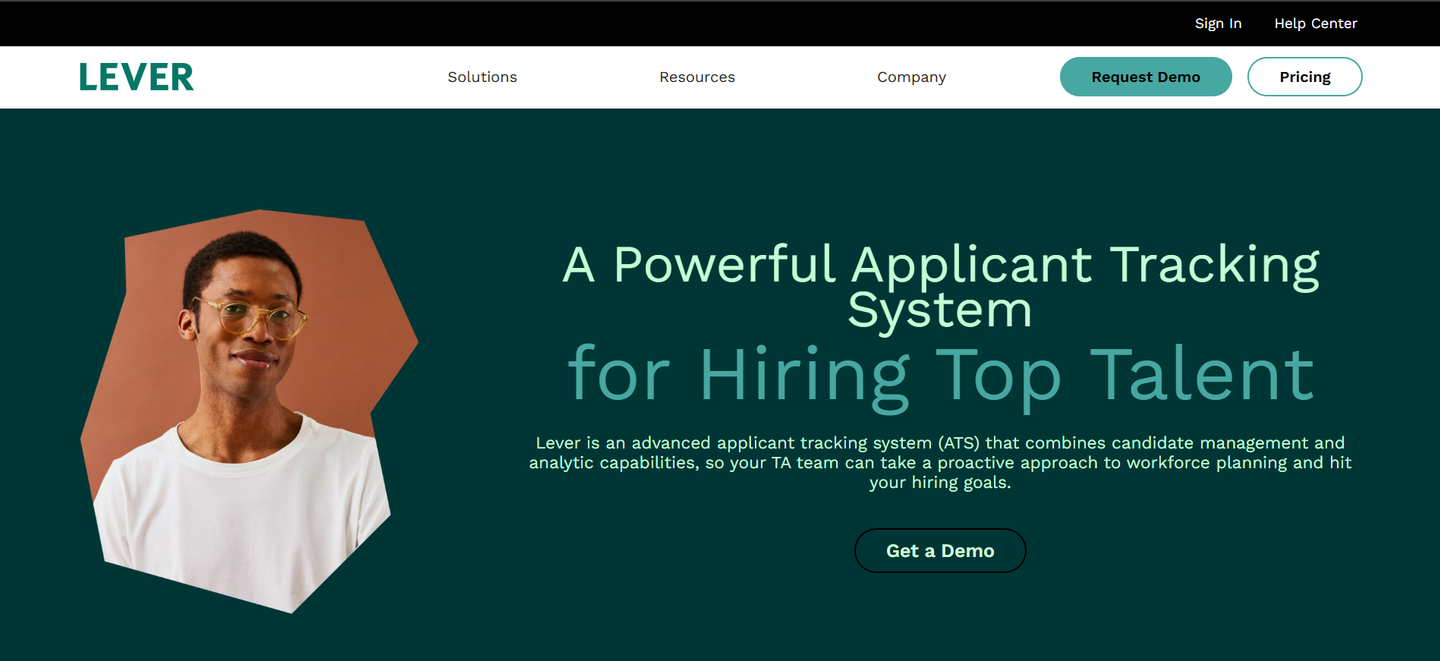
Lever is the heavy hitter for teams that hunt for talent. It's a hybrid platform that combines an ATS with robust CRM tools, supporting multi-channel sequences to keep candidates warm. In practice, this means your LinkedIn sourcing and your interviews live in the same dashboard. It's a strong fit if you're building a sales team or any function where relationship-building before the offer matters.
Key Features
- Unified Pipeline: See both applicants and sourced prospects in a single view.
- NurtureKit Sequences: Set up automated email sequences to keep passive candidates warm over months.
- AI Interview Companion: Automatically generates structured interview questions.
- Visual Insights: Detailed dashboards that surface hiring metrics and show exactly where your pipeline is "leaking" talent.
- Browser Extension: One-click sourcing from that pulls full candidate data into your CRM.
Pros
- Best-in-Class Sourcing: The transition from finding someone on LinkedIn to an automated email sequence is incredibly smooth.
- Clean Interface: It feels like a high-end productivity app, not "HR software."
- Collaborative Scorecards: Easy for busy managers to leave interview feedback from their phones.
Cons
- Rigid Workflows: Hard to customize stages if your process doesn't fit the standard mold.
- Cost Barriers: Many of the best features are locked behind high-tier plans.
- Implementation Time: Often takes longer to get running than simpler tools.
Pricing: Custom quote-based pricing. No free trial.
5. Pinpoint
Best for: Branding-Conscious Businesses and Fast Implementation
PinPoint
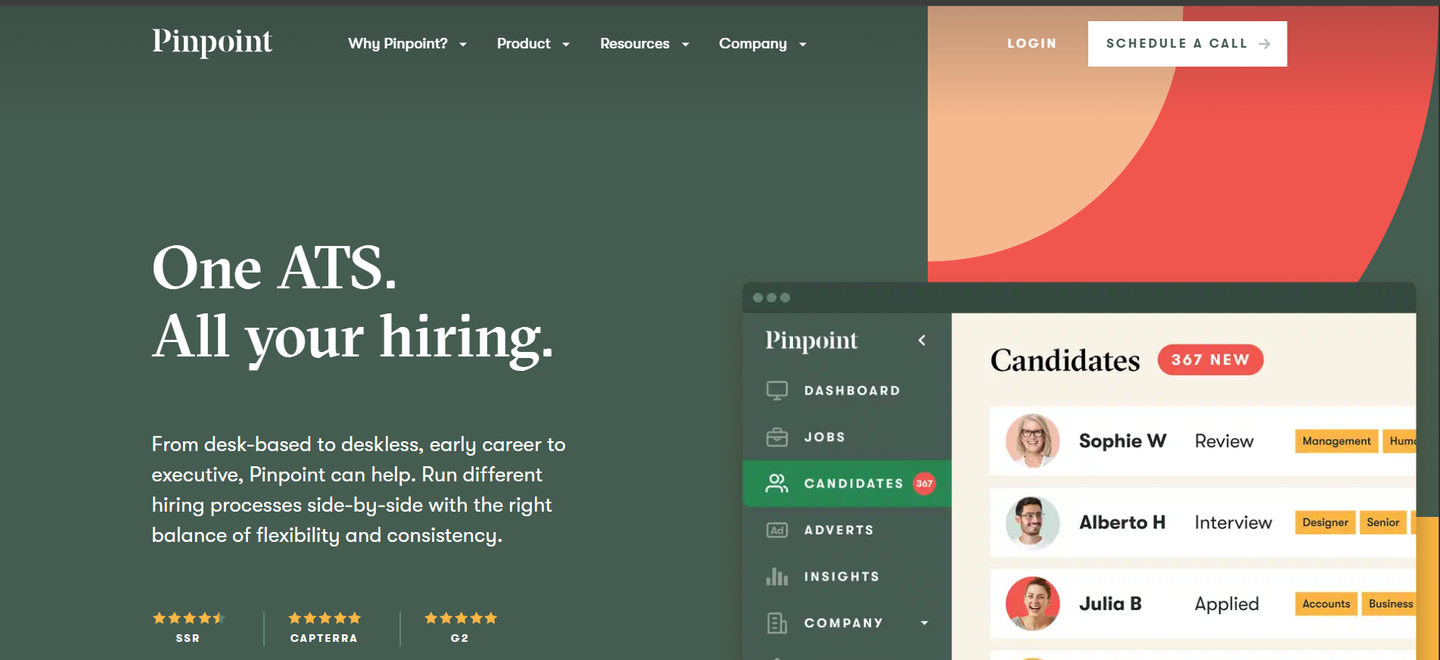
Pinpoint is for businesses that care deeply about their employer brand and want recruitment marketing that reflects it. If you want your careers page to look like a Fortune 500 company but only have a small team, Pinpoint is the answer. It helps small businesses look much larger. Modern hiring platforms like Pinpoint make that possible without a big team.
Key Features
- Branded Careers Site Builder: A drag-and-drop editor to build a mobile-optimized careers site without a developer.
- AI Candidate Match Score: Instantly highlights which applicants best match the job description.
- Onboarding Portal: Branded portal for new hires to meet the team and absorb company culture before day one.
- Agency Portal: Give external recruiters their own login to submit candidates via a dedicated candidate portal.
Pros
- Exceptional Support: Their managers actually help you migrate data and train your team.
- Candidate Experience: Lean, beautiful application forms improve the candidate experience and reduce drop-off rates.
Cons
- Ecosystem Limits: Fewer third-party integrations than Lever or Workable.
- Lacks Outreach CRM: No deep email sequencing for passive candidates.
Pricing: Custom quote-based pricing. No free plan.
6. GoHire
Best for: Fast-growing startups looking for high productivity
GoHire
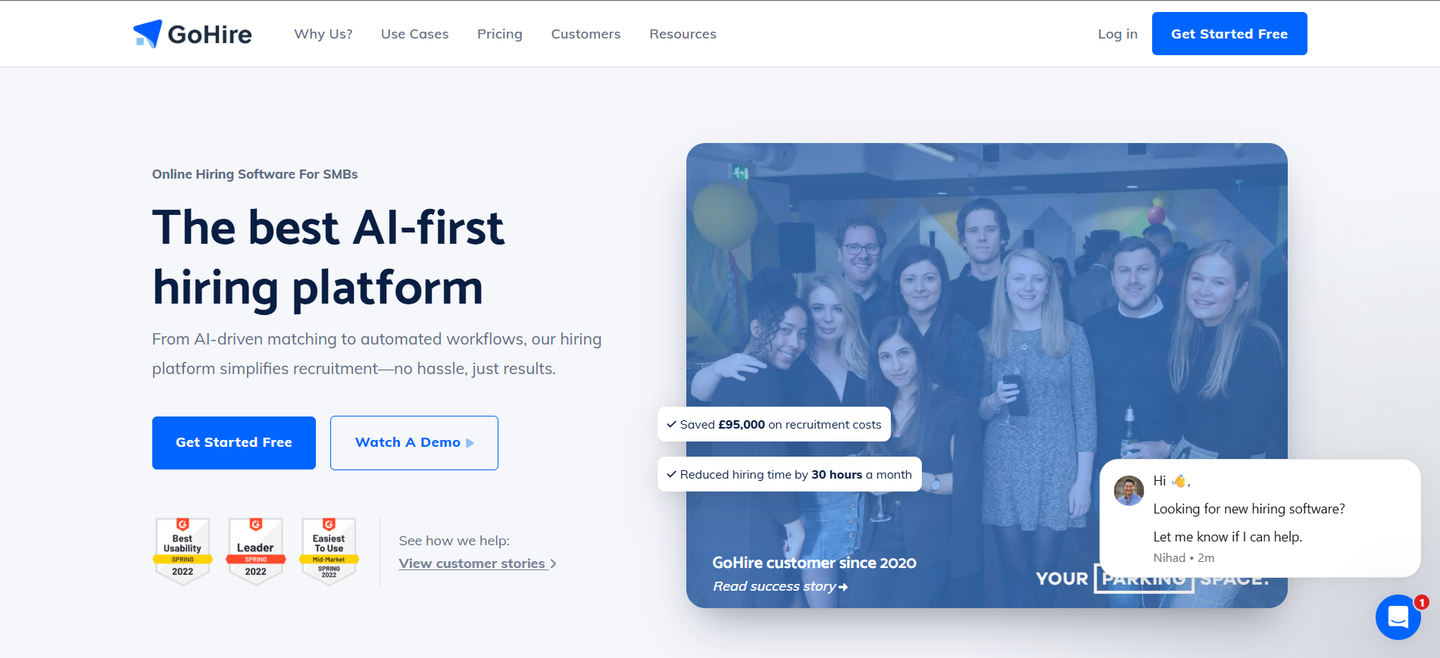
GoHire is built specifically for the high-velocity startup. It doesn't just manage candidates; it automates the entire outreach process. If your business is scaling quickly, GoHire's toolset fits naturally alongside a startup skills assessment setup where you need fast filtering without heavy overhead. What surprised me was the "Smart Search" which uses smart sourcing to act like a mini-headhunter within your own candidate database. If you've hired before, it tells you which past candidates might fit your new role. This is a useful shortcut for small businesses where company culture fit matters as much as skill.
Key Features
- Instant Job Distribution: One-click job post to 15+ major job boards (Indeed, LinkedIn, Glassdoor) for instant job distribution across every major channel.
- Advanced Resume Parsing: It breaks down PDFs with high accuracy, spotting "skills" that others miss, and works alongside built-in job templates.
- Automated Interview Scheduling: Similar to Calendly, but built-in and synced with your hiring stages.
- Bulk Actions: Disqualify, move, or email 50 candidates at once without it feeling like spam.
- Mobile-Friendly Application Forms: Proven to reduce candidate drop-off by making the initial application take under 2 minutes.
Pros
- Setup Speed: I was able to set up a full career page and post a job in under 15 minutes.
- No Long-Term Contracts: You can stop paying when you aren't hiring, which is a massive win for startups.
- Productivity Focus: The dashboard clearly tells you what you need to do next at every stage of the hiring journey (e.g., "3 candidates waiting for feedback").
Cons
- Customization: It's harder to build highly complex, 10-stage interview workflows.
- Reporting: Good for basic stats, but lacks deep "cost-per-hire" financial analysis.
Pricing: Starts at 89 Euros/mo
7. Freshteam
Best for: Small teams formalizing their first HR department
Freshteam
Freshteam (part of the Freshworks suite) is the HR platform for small businesses whose human resources needs span beyond just hiring. It's a full human resources light suite. In practice, when you hire someone in Freshteam, employee onboarding kicks off automatically, and employee data management is handled without manual data entry.
Key Features
- Integrated HRIS: Moves candidates seamlessly from "Hire" to "Onboarding" with automated task lists.
- Kanban Pipeline: A clean, visual applicant tracking system that shows where everyone is in the process, with candidate tracking built into every stage.
- Collaborative Interviewing: Hiring managers can leave "Interview Kits", scores, and candidate feedback directly on the profile.
- Employee Referral Tracking: Makes it easy for your current team to refer friends via a dedicated portal.
- Offer Management: Generate and send offer letters for digital signature within the app.
Pros
- Unified Experience: If you already use Freshdesk or Freshsales, the UI will be instantly familiar.
- Onboarding: The transition from "candidate" to "employee" is the smoothest on this list. New hires are set up and ready to go from day one.
Cons
- Recruiting Depth: It lacks the advanced AI sourcing of Workable or the skill simulations of TestTrick.
- Fragmented Reporting: Because it covers so much (time tracking, time off, HR, recruiting), the reports can feel a bit scattered.
- Speed: The UI can feel a bit "heavy" and slow.
Pricing: Pro plan starts at $49/month.
How to Choose the Right Software for Your Business
The "best" recruiting software doesn't exist. All you need is a tool that fits your current hiring bottleneck.
- If you are drowning in unqualified resumes: Go with TestTrick. This skill assessment platform acts as a natural filter, improving candidate evaluation and ensuring you only talk to people who can actually do the job.
- If you need to hire "right now" and have no budget: Use Breezy HR or TestTrick's free trial. You can get one job live for free, and the Kanban board is self-explanatory.
- If you are hiring for high-level roles (Director, Lead Dev): Workable is the choice. Their passive sourcing AI is the best in the business for finding people who aren't looking.
- If you need to screen candidates at volume before interviews: TestTrick's high-volume hiring tools let you bulk-invite, auto-score, and rank candidates without your team manually reviewing every submission.
- If you need to connect hiring to your payroll and HR records: Freshteam is the most practical all-in-one choice.
FAQ
What is the difference between an ATS and a CRM?
An applicant tracking system (ATS) manages applicant tracking for people who have already applied. A CRM (Candidate Relationship Management) helps you find and "nurture" people who haven't applied yet, which is a critical part of the recruitment process for competitive roles.
Can I use these tools for just one hire?
Yes. Tools like Breezy HR have free tiers for a single active position, while TestTrick offers a 7-day trial that is long enough to get started. If you work as a recruitment agency placing candidates across multiple clients, TestTrick also lets you run assessments across different roles simultaneously.
Is AI in recruitment actually useful?
It depends on the tool. AI that "ranks resumes" can be biased. AI used for skill assessments, anti-cheating (like TestTrick), or automated scheduling provides immediate, objective value to small teams.
Conclusion
At the end of the day, your recruiting software should be an invisible assistant, not a second job. If you spend more time updating statuses than you do talking to candidates, your hiring process is broken.
Small businesses that are ready to move away from the "resume and a prayer" model, start with a tool that prioritizes actual performance and build your hiring strategy around data, not gut feel. Most tools will keep you organized, but they won't tell you if a candidate is actually going to be good at the job. Human resources teams at larger companies have dedicated people to make that call. Recruiting software levels the playing field for everyone else.
Ready to stop guessing and start hiring based on actual skills? Start your 7-day free TestTrick trial.
Build a Hiring-Ready Assessment
Create role-specific, anti-cheat assessments and shortlist candidates on evidence, not guesswork.
Start for freeBy Favour Etinosa Ogie
June 1, 2026
11 min read
Build a Hiring-Ready Assessment
Create role-specific, anti-cheat assessments and shortlist candidates on evidence, not guesswork.
Start for free