One Way Video Interview Software
Video Hiring Software for Quicker First-Round Screening
Replace early phone screens with one-way video interviews. Review on your own schedule. TestTrick’s video hiring software cuts scheduling delays. Gain deeper insights into each person’s skills. Set questions and scoring criteria. Review recorded answers and AI scores when enabled. Move the people you choose to the next hiring stage.
Trusted by 500+ hiring teams worldwide for video screening






Hear Skilled Candidates. Book Fewer Screening Calls.
Spend Less Time on First-Round Phone Screens
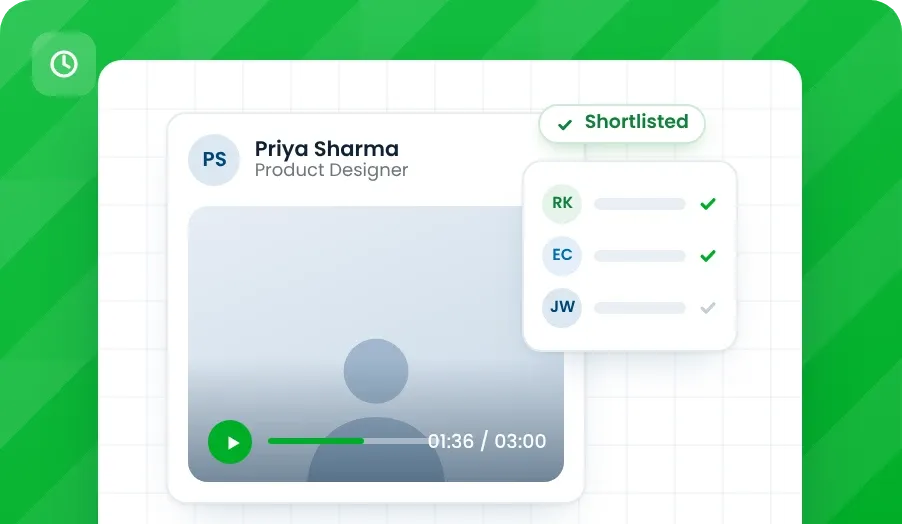
A live call takes time from both sides. TestTrick’s video interviewing software lets you review recorded answers first. Save phone screens for people you want to speak with.
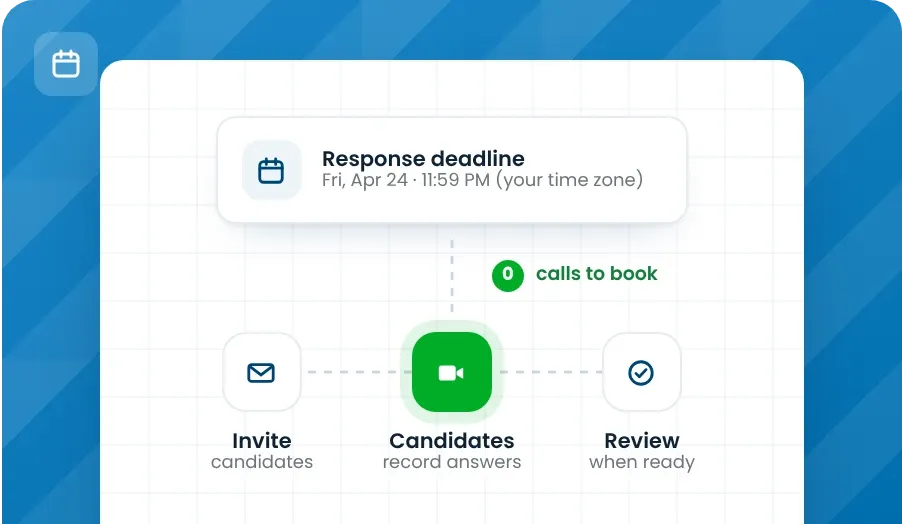
Leave the First-Round Calendar Chase Behind
Set a deadline instead of booking a call with each person. Candidates send their video answers. Your team reviews them when ready.
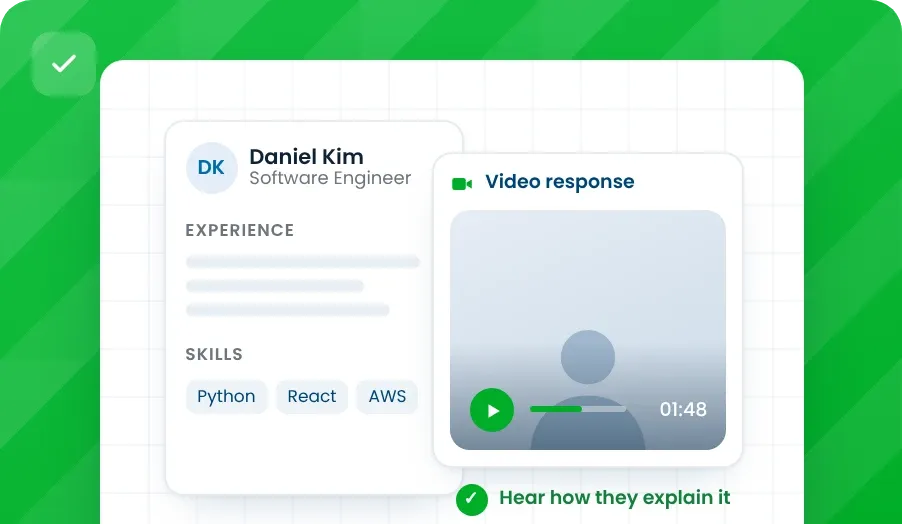
Shortlist with More Than a Résumé
A résumé lists past work. A recorded answer shows how a candidate explains it. Hear examples of their skills before making your first-round shortlist.
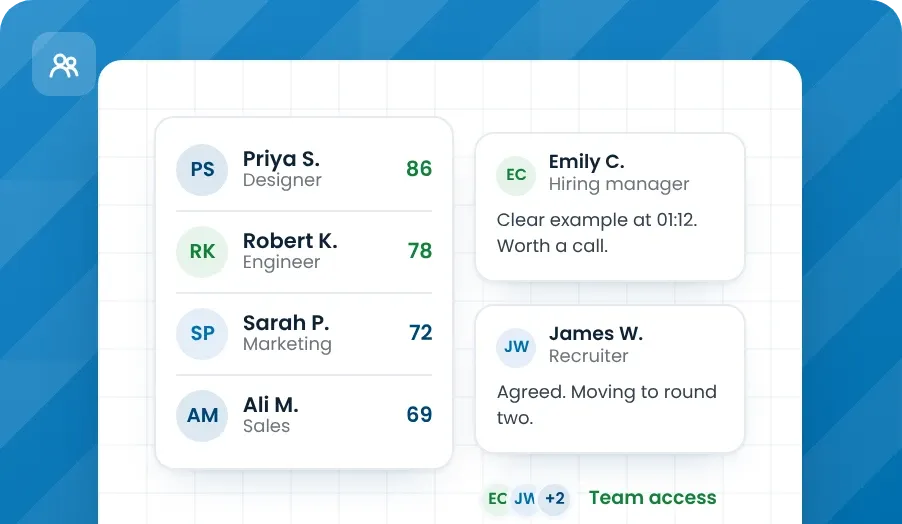
Give Your Hiring Team a Shared View
Keep answers and results together for your hiring team. Discuss the same evidence without passing separate spreadsheets back and forth.
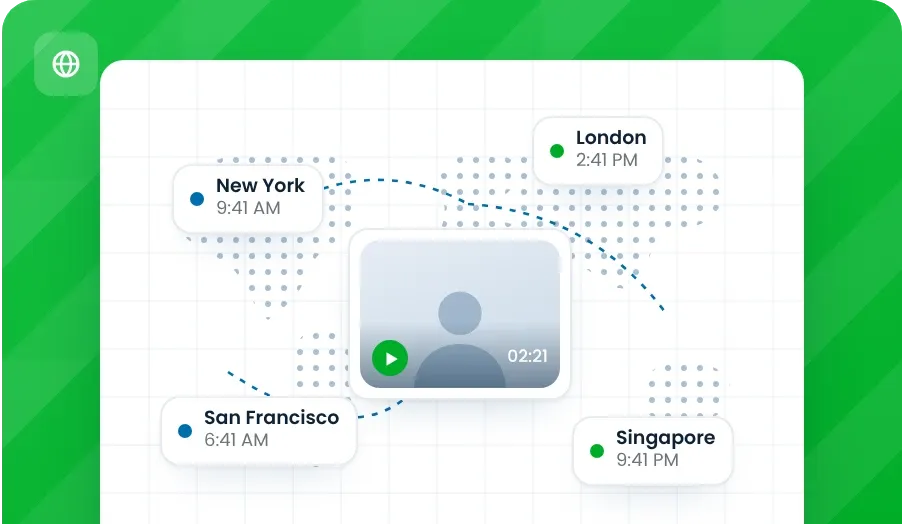
Candidates Anywhere Worldwide
Candidates across town or across the world answer your questions on video. Reach people beyond your local area without booking an overseas call.
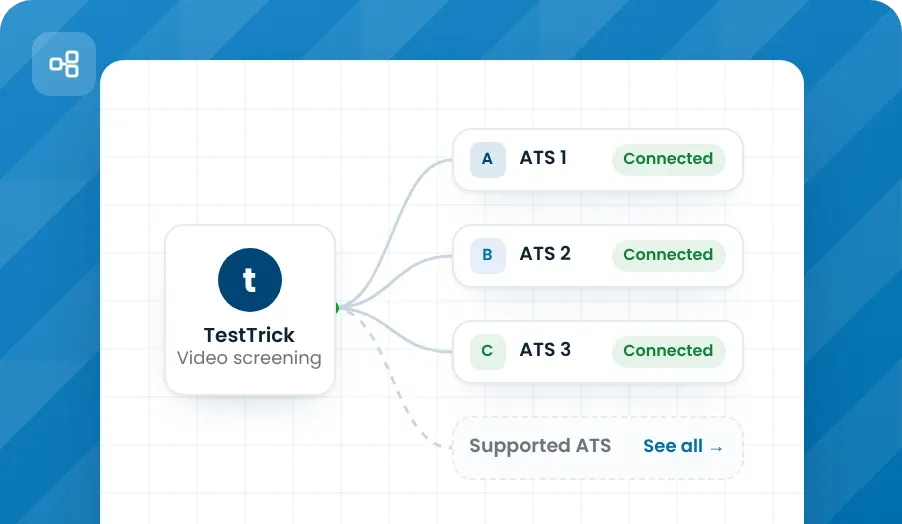
Keep Video Interviews in Your Hiring Workflow
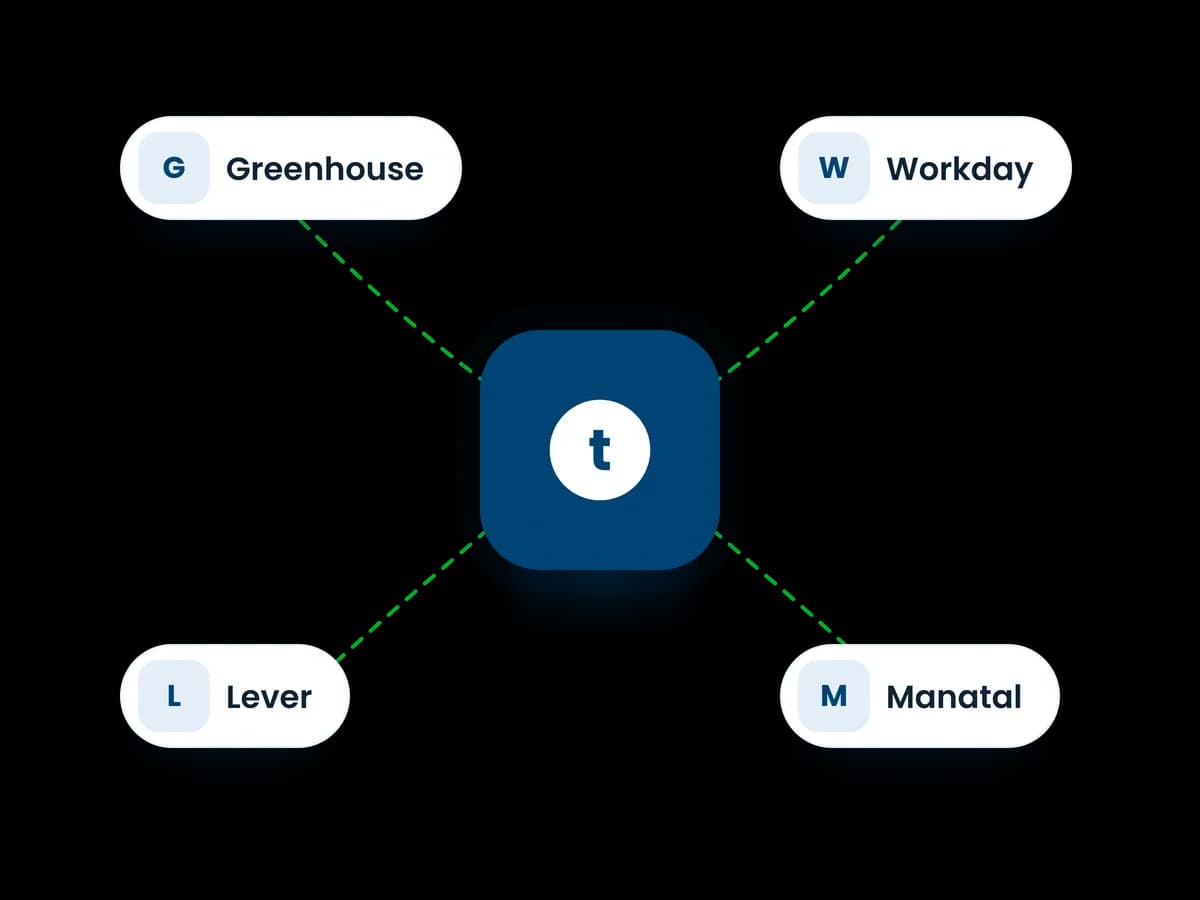
TestTrick’s supported ATS integrations connect video screening with the hiring tools your team already uses.
Real Results
Video Interviews Pay Off - The Numbers Show How
Hundreds of Hours
Saved each year
Robert W. Baird saved hundreds of hours each year by changing how it screened staff referrals via on-demand video interviews.
$475,000
In avoided costs
Novartis reported $475,000 in avoided costs in one year, held 2,700 video interviews in that time, according to SHRM’s 2015 report.
2×
As Many Applicants Screened
Cumming Corporation reported screening twice as many applicants through video interviews compared with phone interviews.
See How a One-Way Interview Performs in TestTrick
A useful first round should tell you something before you book a call. TestTrick’s one-way interview software takes you from the first question to a shortlist.
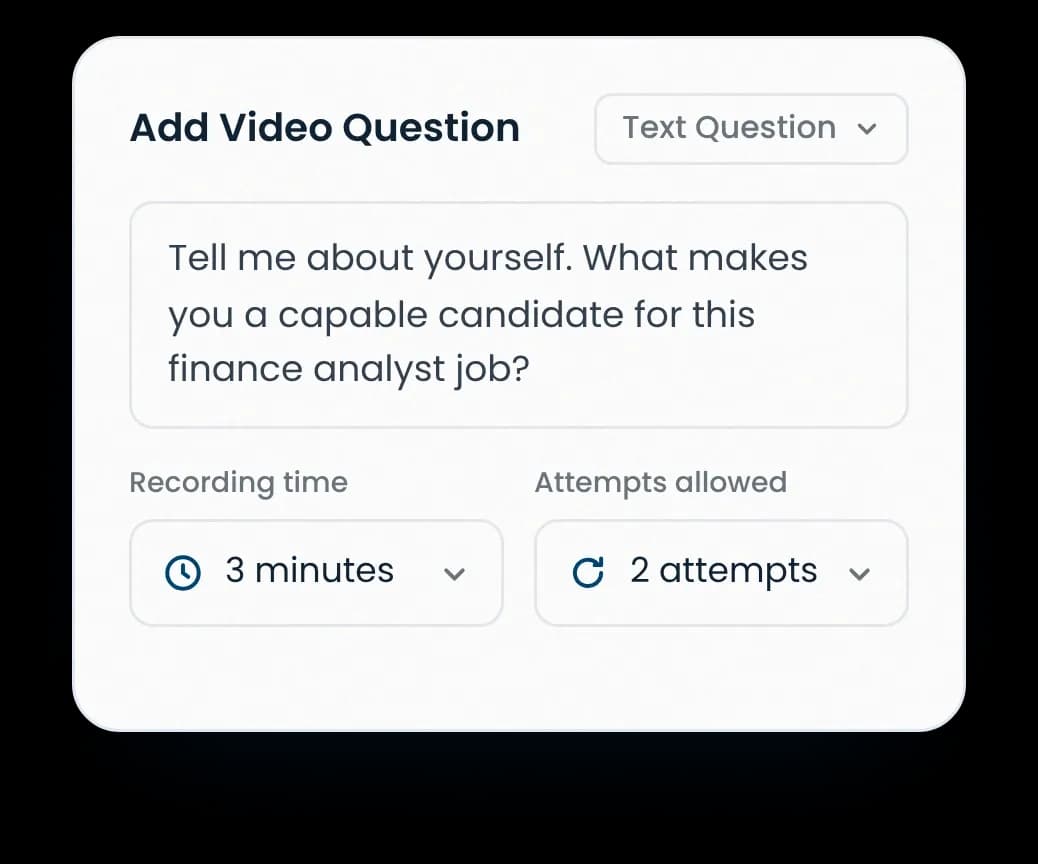
Set Up Questions
Write your questions or record on video. Set a time limit and choose how many attempts each person gets.
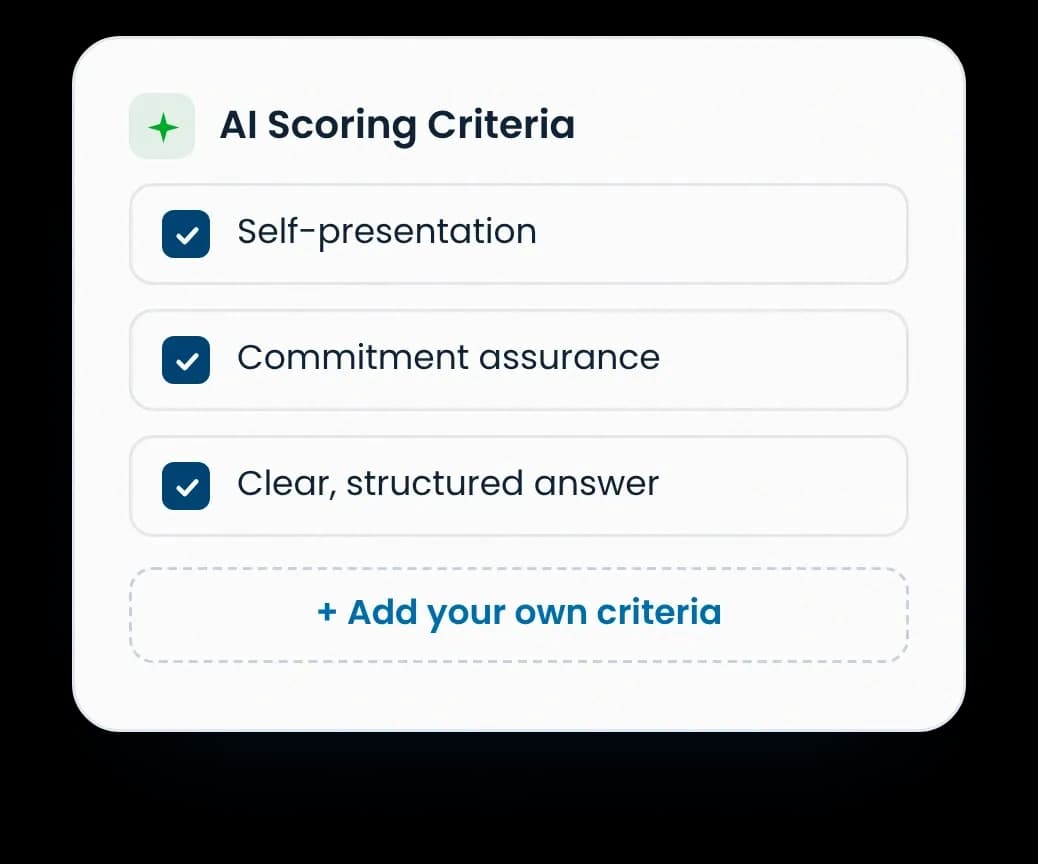
Set Scoring Criteria
For text questions answered on video, get suggested criteria for AI scoring. Read them, change them, or add your own.
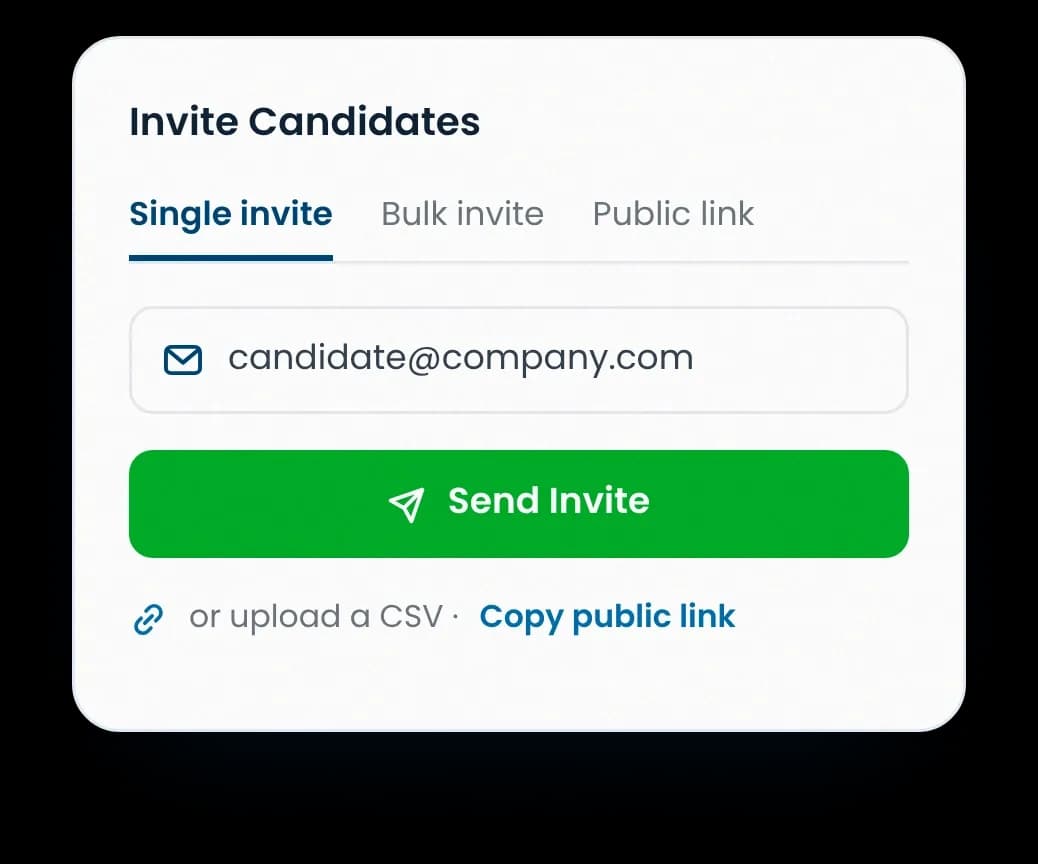
Invite Candidates
Email candidates one by one. Upload a list of email addresses to invite them in bulk. Or share a public link.
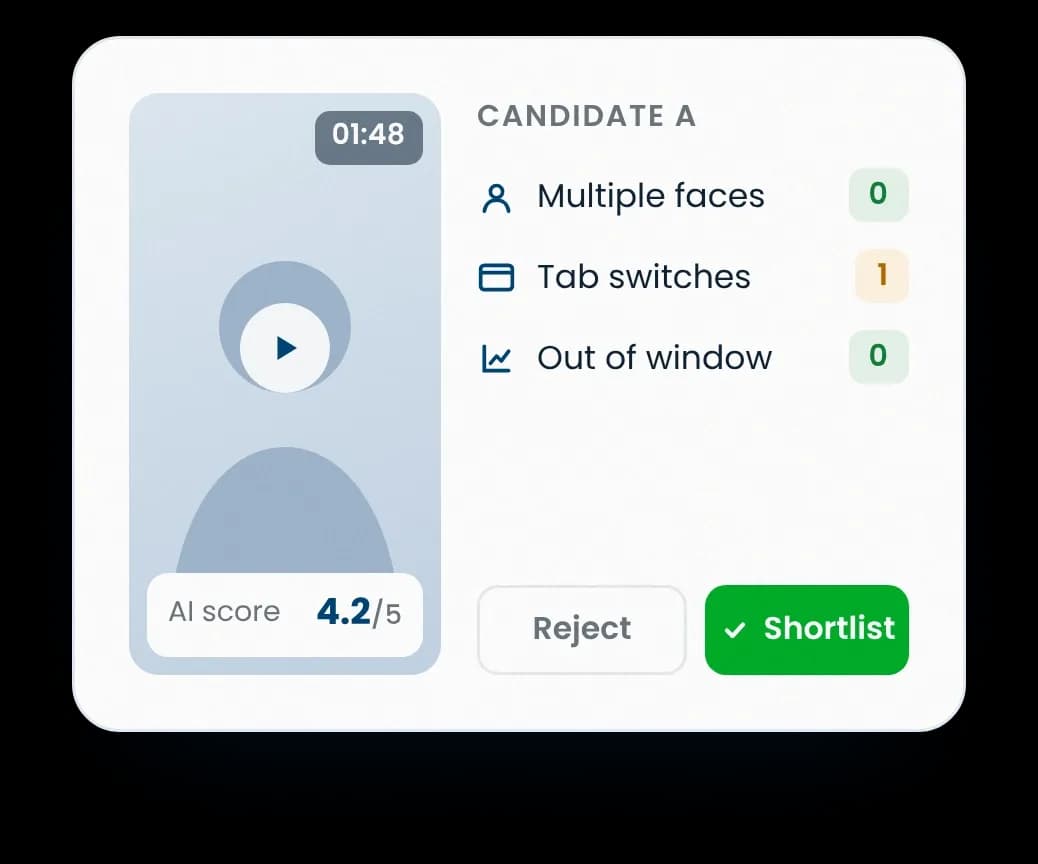
Review, and Shortlist
Watch the answers in the dashboard while looking for unusual activity. Review the results and choose who moves on.
See What a Video Interview Score Tells You
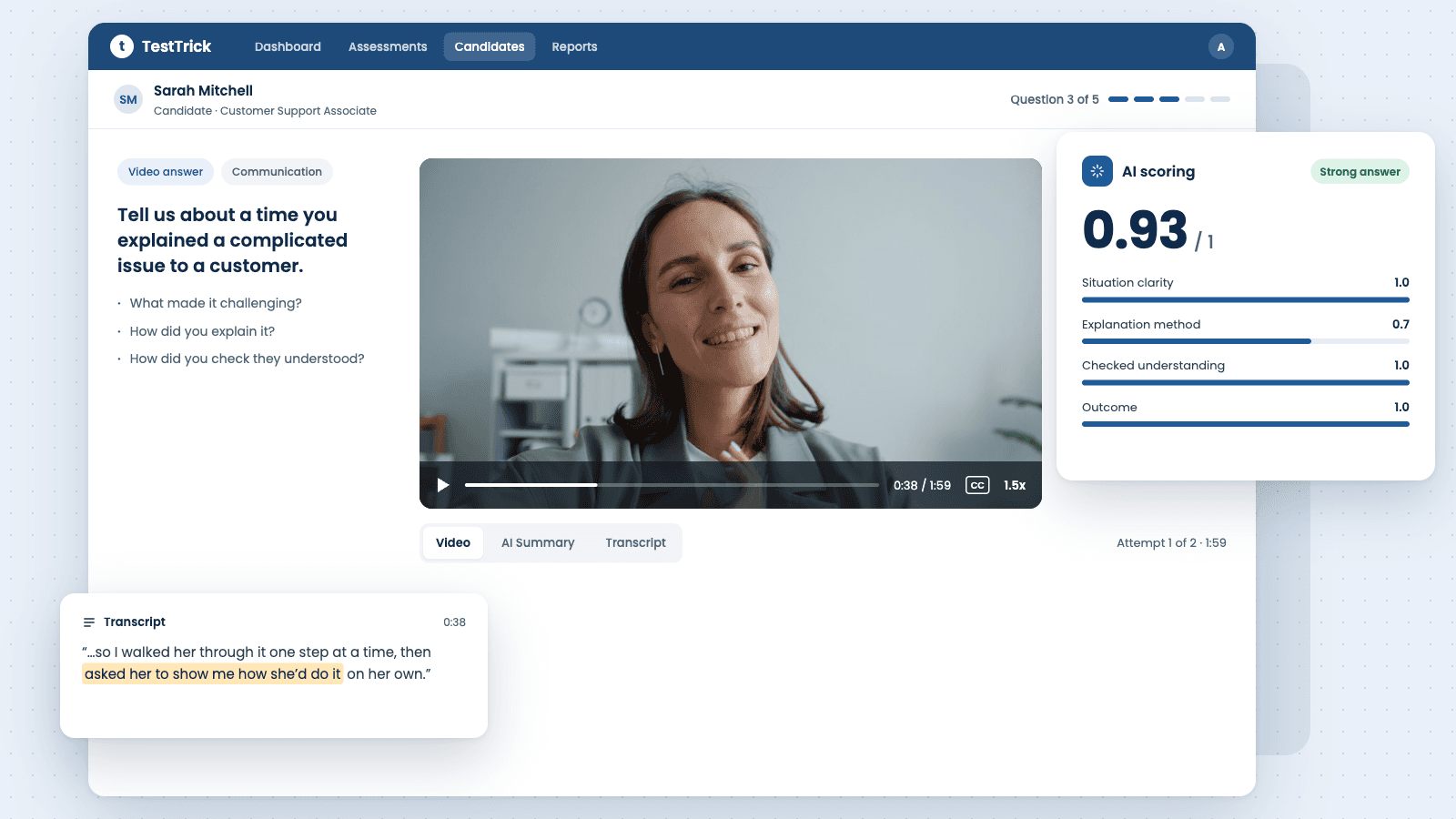
TestTrick’s AI video interview scoring checks answers against your set criteria. Review and edit. The results give a starting point.
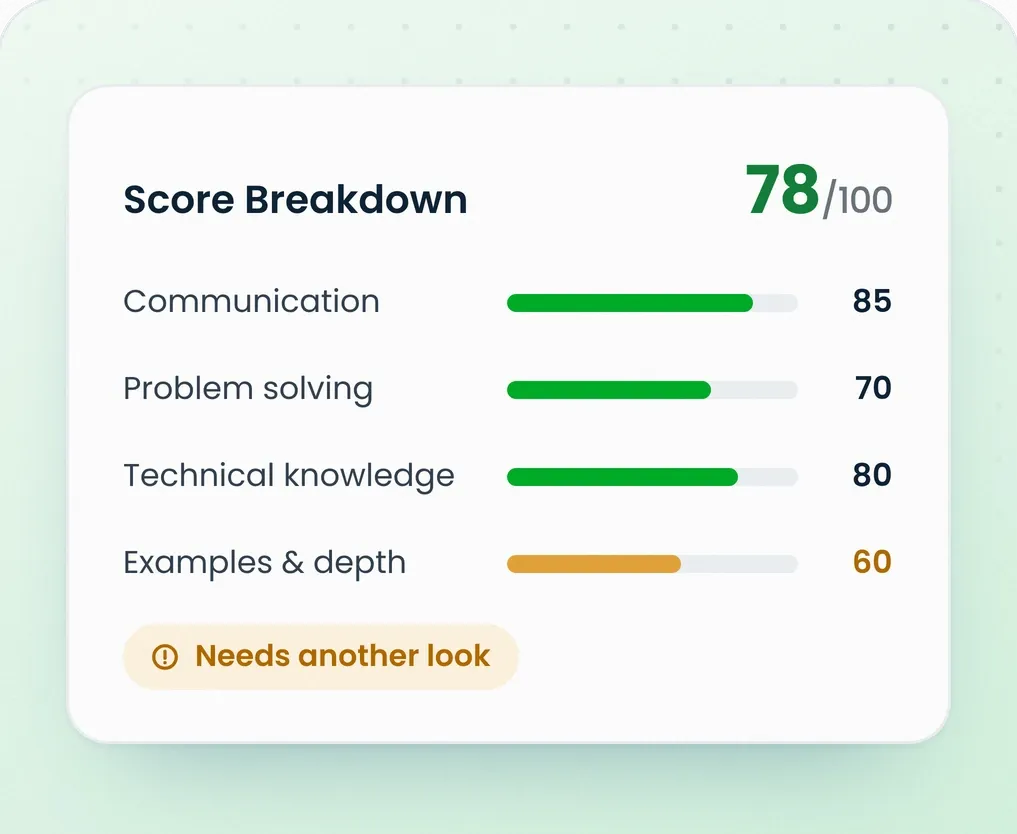
Understand
Know What Went into the Score
The total score tells you where the answer stands. The breakdown shows which criteria the answer met, and which needs another look.
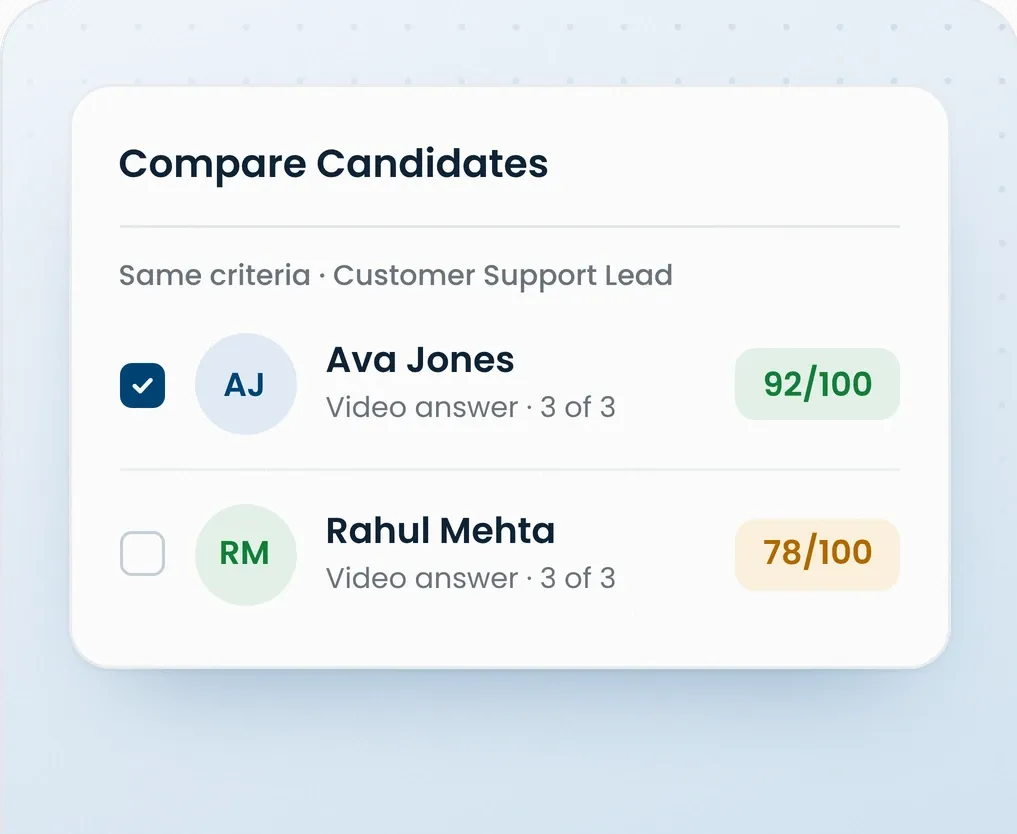
Compare
Compare Answers Against the Criteria
Compare recorded answers against the same standards. Base your review on what each person said, rather than a broad impression.
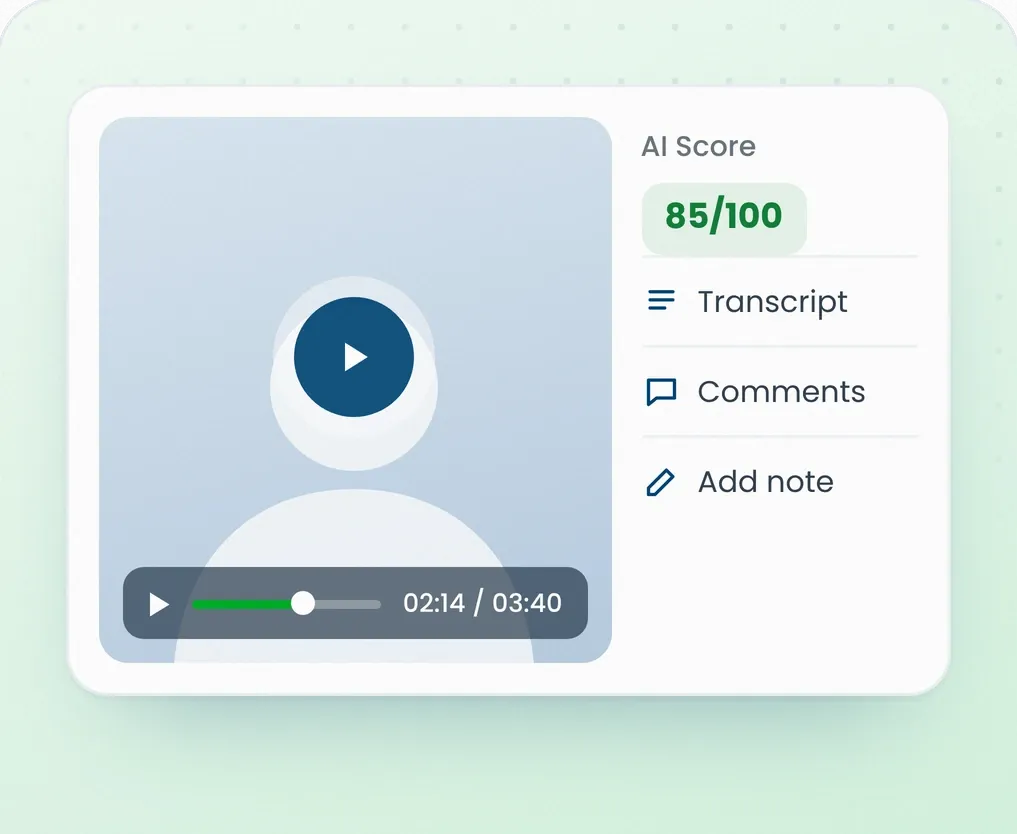
Review
Hear the Answer for Yourself
A score cannot capture every detail. Return to the recording and listen to the answer. Check whether the score reflects what was said.
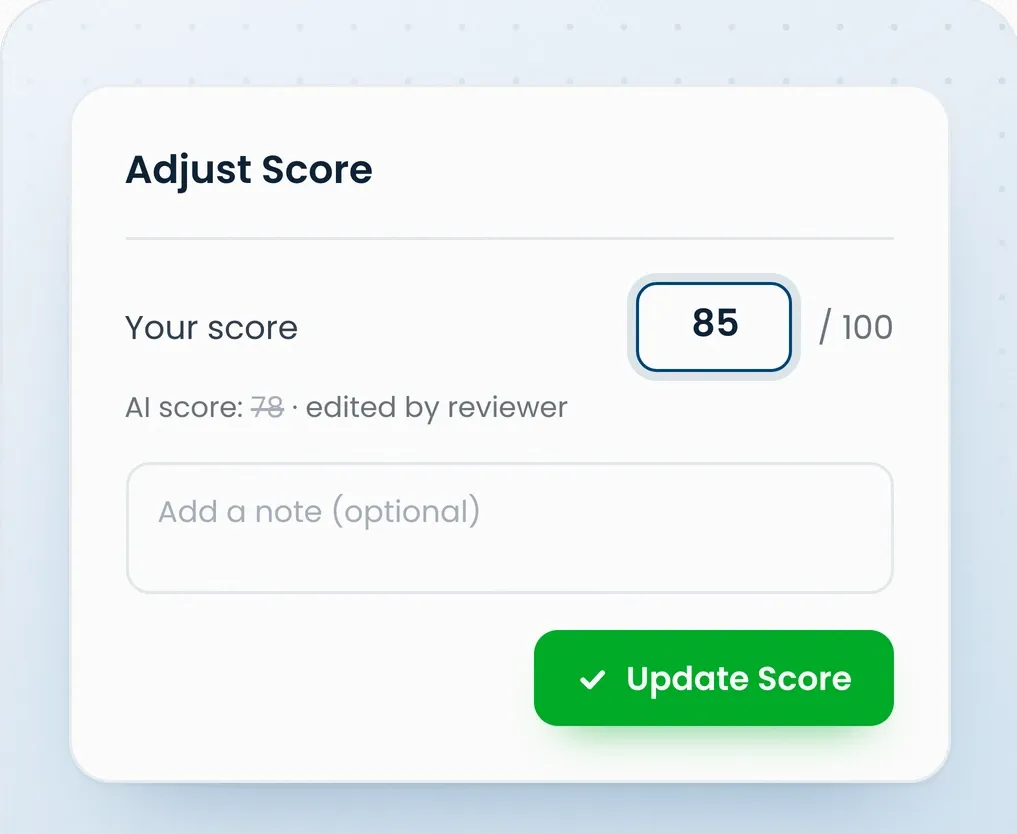
Control
Change a Score When You Disagree
Your review might lead you to a different view. Adjust the score when needed. Your hiring team has the final say on who moves forward.
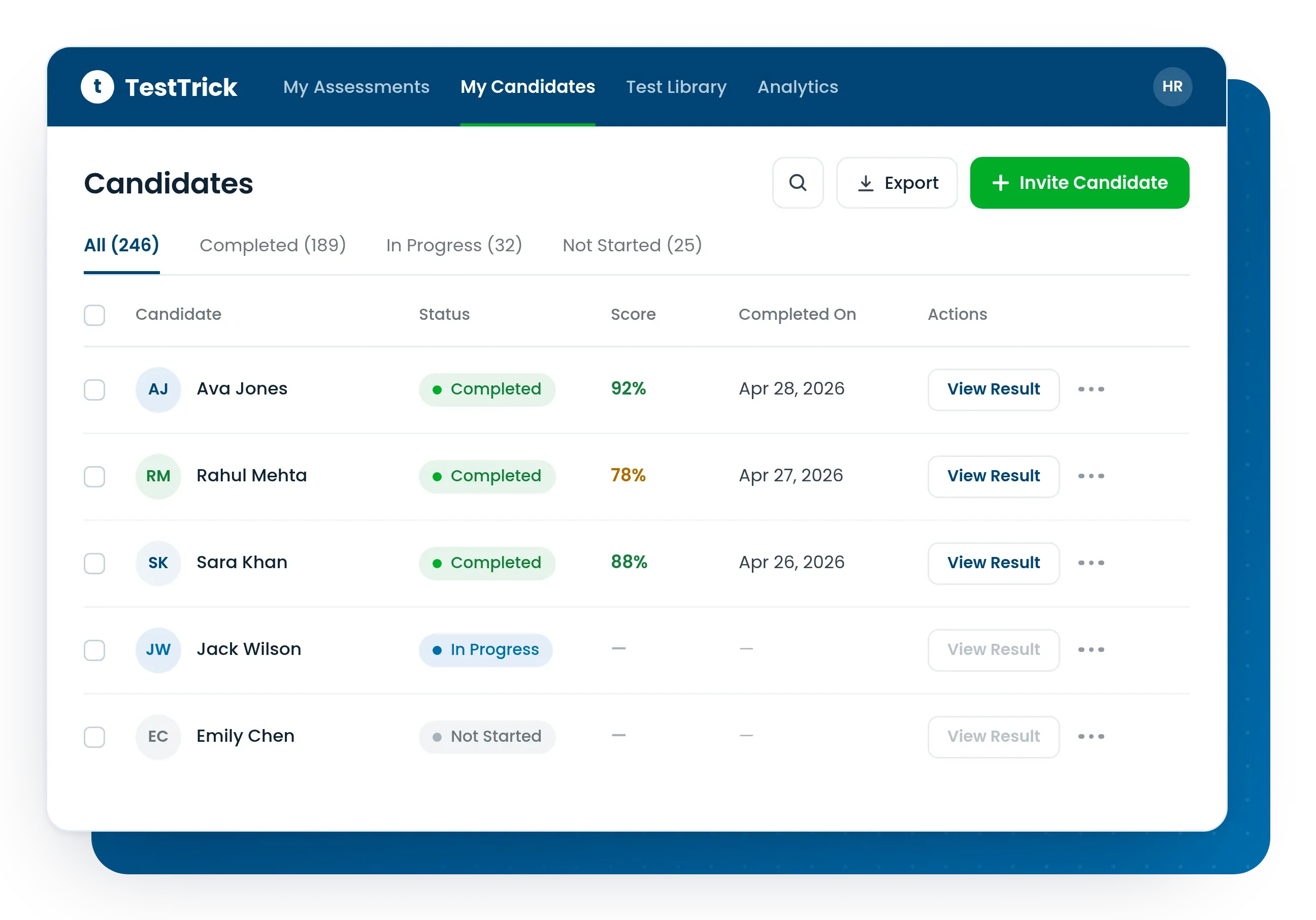
Get the Results Your Hiring Team Can Review
A hiring decision starts with what a candidate has shown. TestTrick brings answers, results and progress into one view.
Give Each Candidate Your Attention
A hiring decision starts with what a candidate has shown. TestTrick brings answers, results and progress into one view.
Keep the Details You Need for Follow-Up
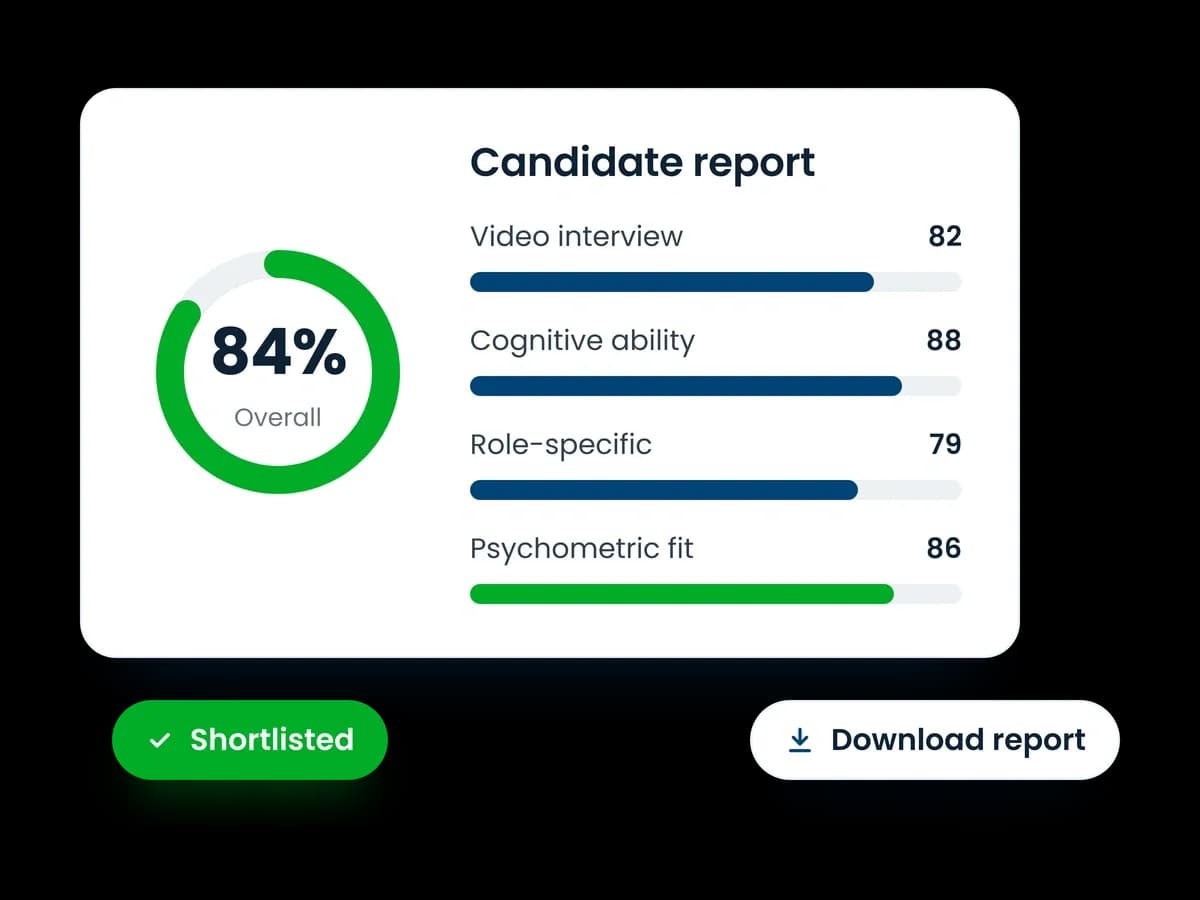
Your candidate assessment report holds test results, skill scores and proctoring data. Keep these details for follow-up with a PDF report or Excel export.
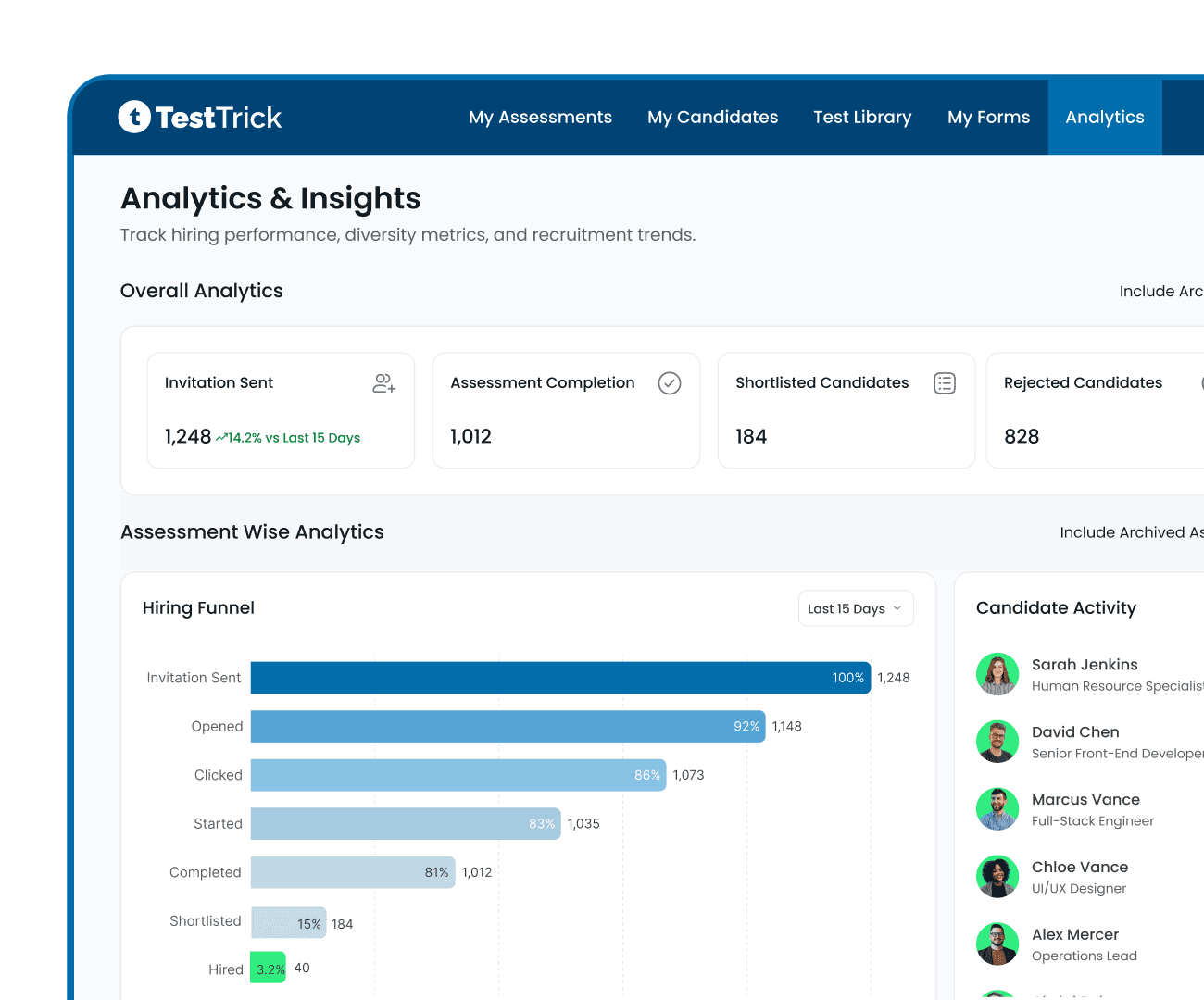
Understand How Your Hiring Is Progressing
Use the analytics dashboard to track test results, completion rates and hiring stages. See where people leave the process and who have reached the next stage.
Essential Powerful Features Built-In
Bring video interviews together with cognitive, behavioural, and job-readiness assessments. Experience a broader view of your candidate before deciding.

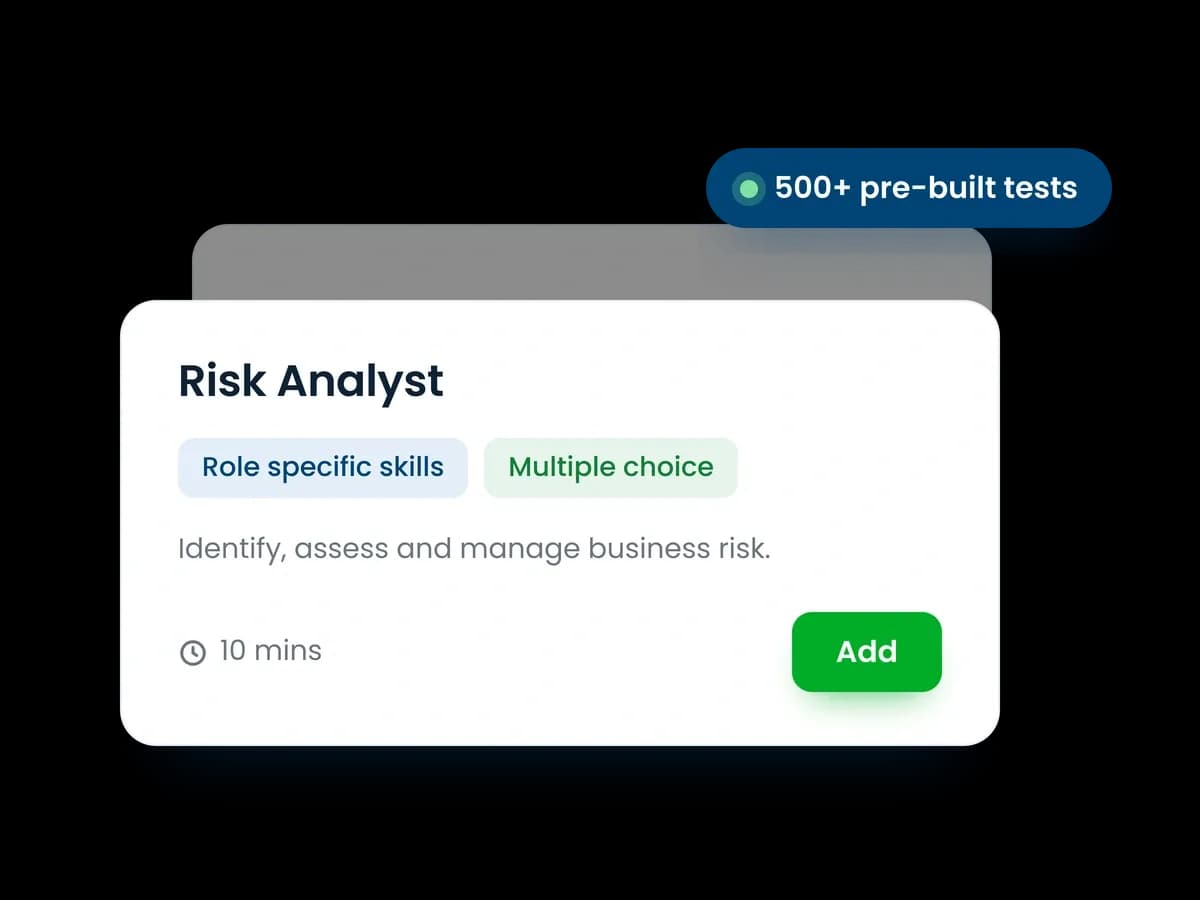
Role-Specific Assessments
Test the skills that matter for the job with 500+ pre-built or custom assessments.

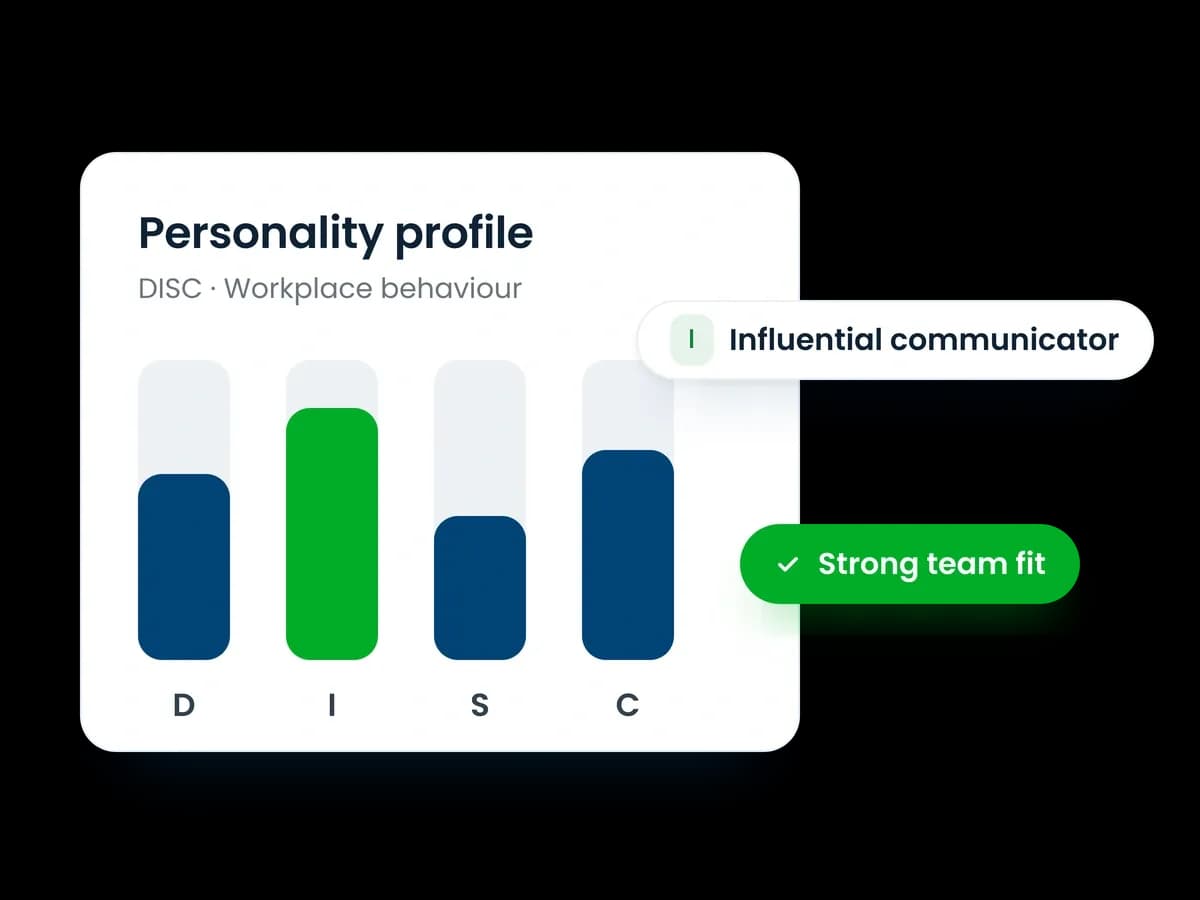
Psychometric Assessments
Understand workplace behavior, communication style, and candidate fit for the role.

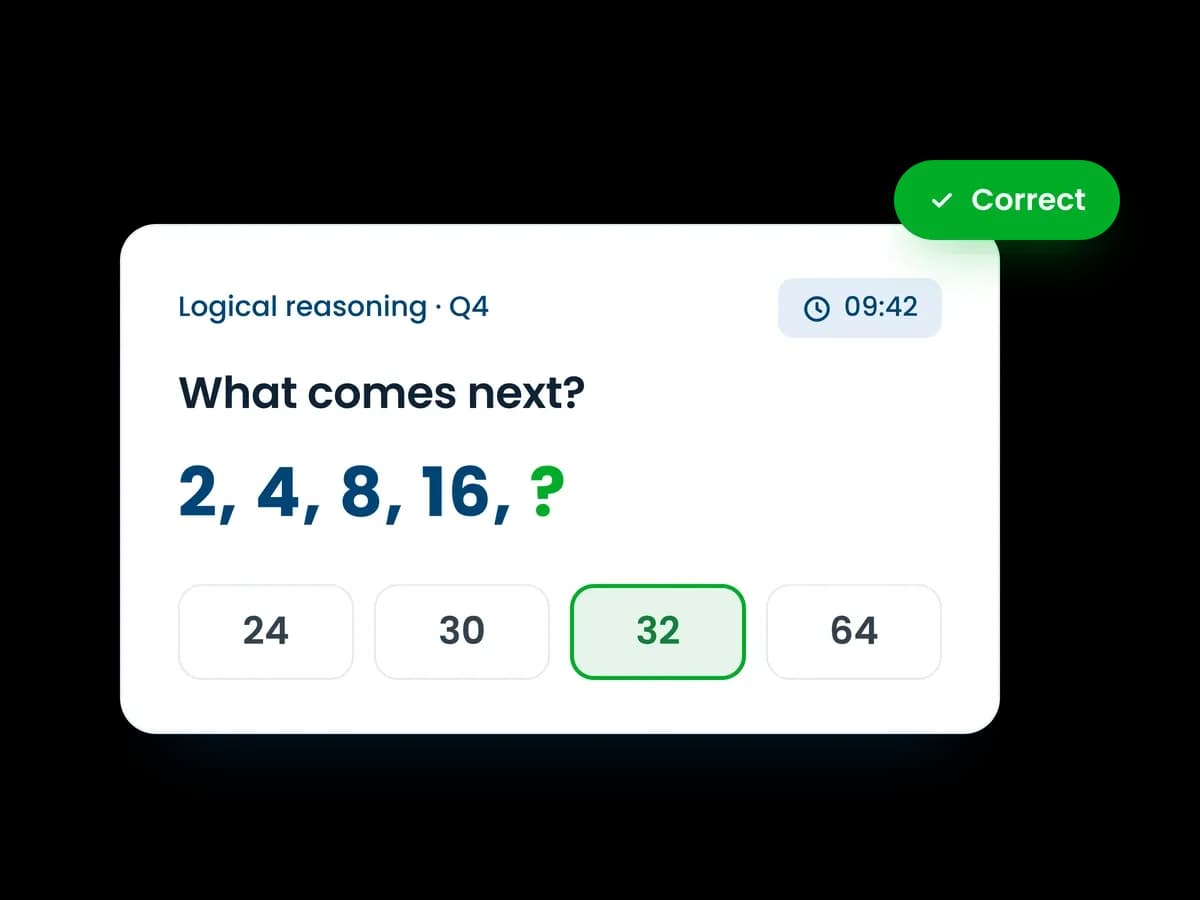
Cognitive Ability Tests
Measure your candidate's logical reasoning, problem-solving, numerical ability, and learning potential.

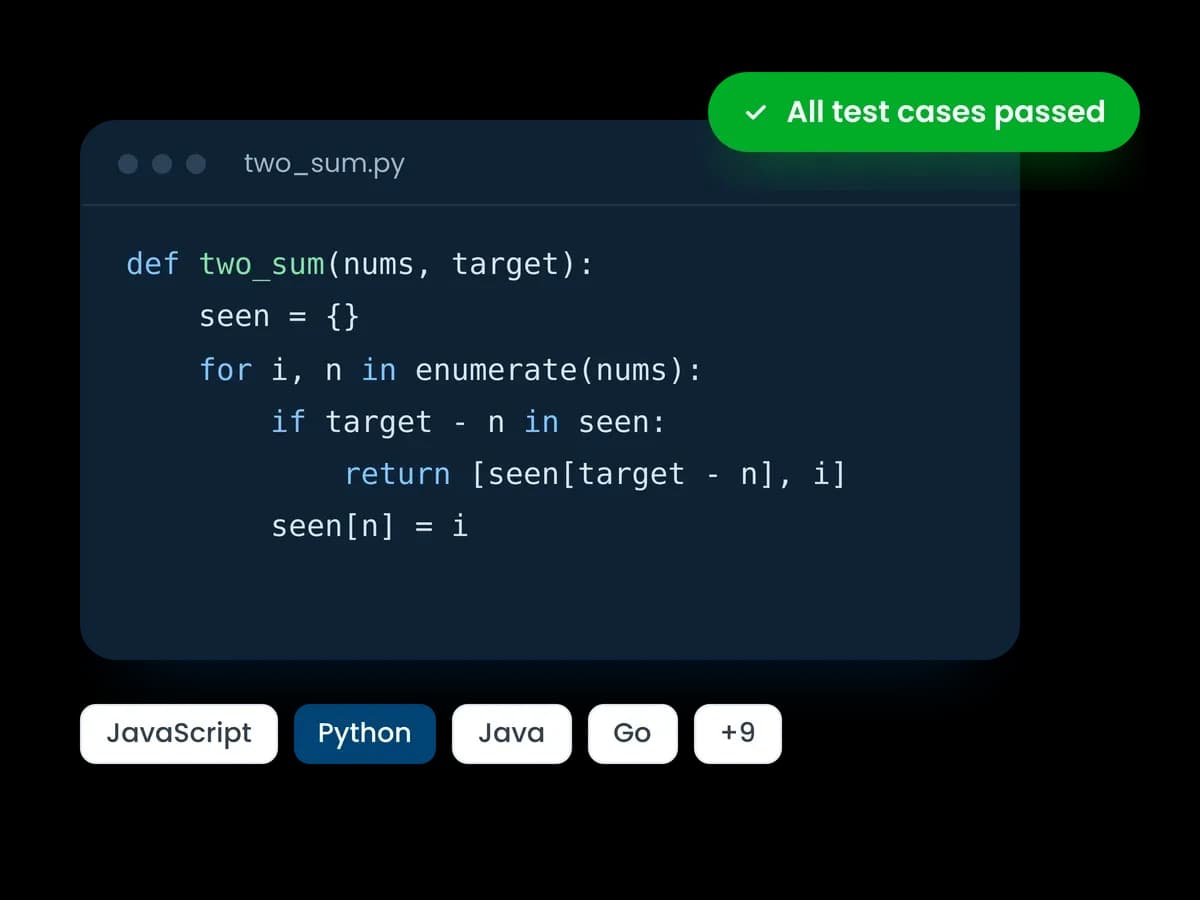
Coding Skills Assessments
Check real technical ability with hands-on coding tasks across multiple programming languages.

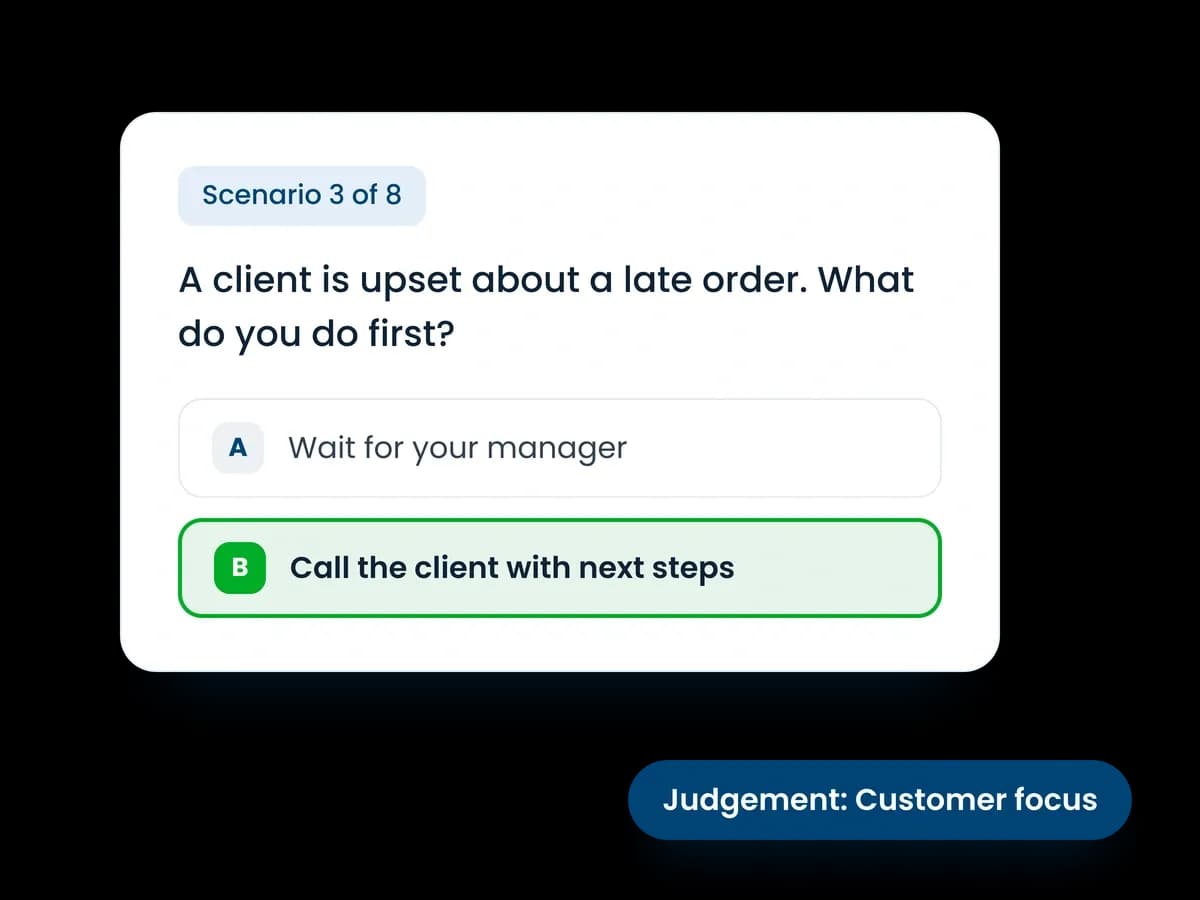
Situational Judgement Tests
See how candidates respond to realistic workplace situations and decisions.

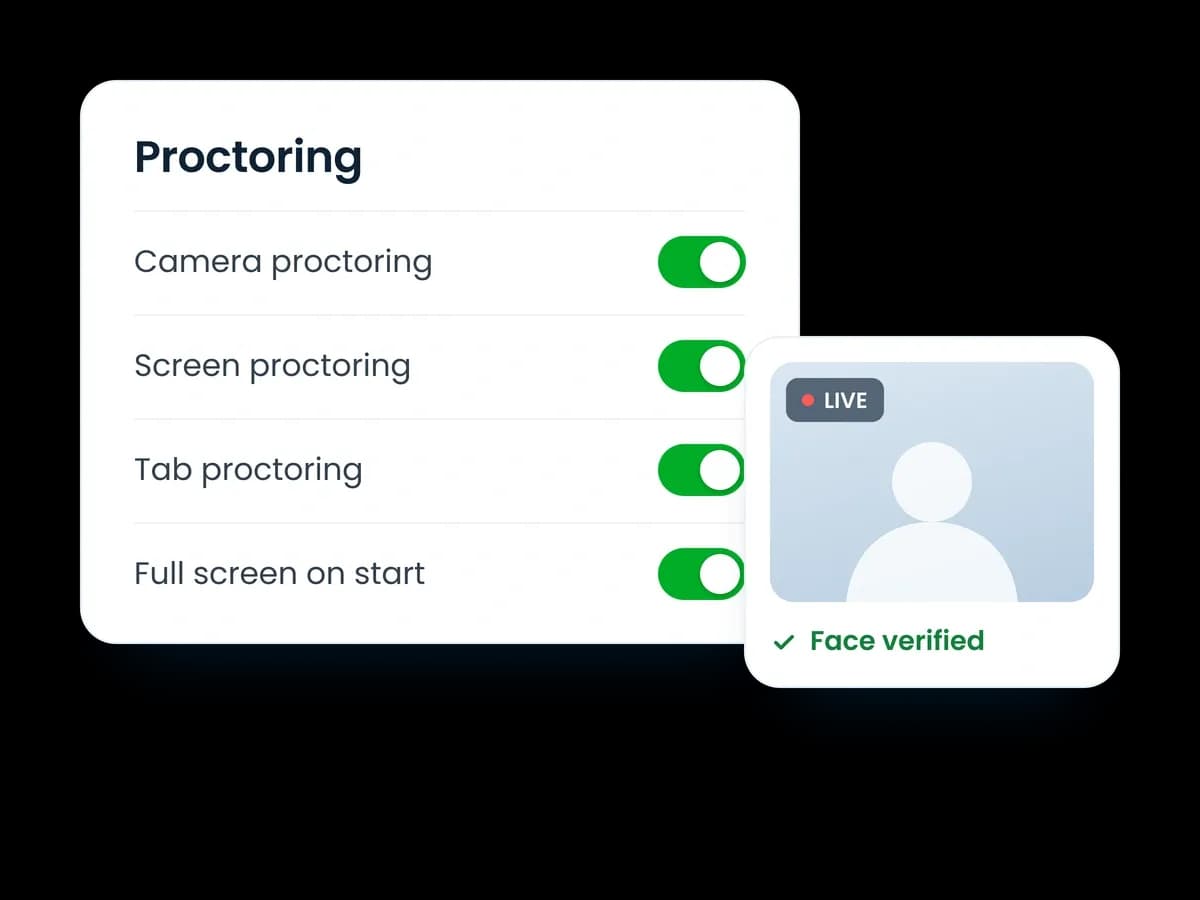
Proctoring & Anti-Cheat Controls
Add screen monitoring, webcam checks, screenshots, and lockdown controls.

Candidate Performance Reports
Review scores, skill breakdowns, test activity, and proctoring details in one place.

ATS Integrations
Connect assessments, scores, reports, and interview data with supported ATS platforms.
Compliance and Security
Enterprise-grade data protection and security
Information Security
Enterprise-grade security with ISO/IEC 27001 certification, robust encryption, and continuous monitoring.
Privacy
Fully compliant with GDPR and global privacy frameworks, with built-in controls to manage access and information sharing.
AI Audit
Our platforms AI is independently audited for fairness and bias by Holistic AI. With results openly reported, every decision is explainable.
Assessment Validity
Our pre-employment assessments are developed and validated by experts, tested for accuracy and continuously improved with performance feedback.
Our customers achieve more
We saved 20+ hours per role and felt much more confident in the candidates we shortlisted.
Asim Siddiqui - Head of Talent
Read the case study
87%
reduction in screening hours per campus
See how Manafa Technologies used TestTrick to streamline graduate hiring, assess interns at scale, and shortlist more qualified candidates faster.
Read the case study
Improved candidate experience through remote assessments
See how Habib Modarba replaced manual, paper-based in-person assessments with remotely proctored online assessments to make the hiring process more convenient, scalable, and engaging for candidates.
Read the case study
Ready to screen candidates more effectively?
See if TestTrick is right for your team with a free, fully functional trial. No card required.
“We tried different platforms, but TestTrick was the only one that met the requirements.”
Sajjad Ahmed - Head of Talent at Trillium Information Security Systems
Got questions