7 Best Pre-Screening Interview Tools for HR Teams in 2026
Find the best video screening and pre-screening interview tools to filter candidates faster, improve hiring quality, and reduce screening time.
By Favour Etinosa Ogie
July 1, 2026
12 min read
Pre-screening interview tools exist for one reason: to stop bad interviews from wasting everyone’s time. Before a hiring manager blocks off an hour for a full interview, you want basic answers.
- Can this person do the work?
- Do they understand the role?
- Do they communicate clearly?
- Do they fit how your team actually operates?
For HR teams, especially those hiring at scale or supporting multiple managers, pre-screening interviews are the pressure valve in the interview process. They filter out weak fits early, keep the recruiting process moving, and give structure to what would otherwise be messy phone calls and ad-hoc video calls.
The tools below focus on that early stage.Some rely on short video interviews, while skills assessment software pairs screening questions with light assessments. The goal is the same: help you decide, quickly, which candidates are worth moving to the next step.
What Should You Look for in a Pre-Screening Interview Tool?
Before you commit to any pre-screening interview tool, it helps to be clear on what actually matters at this stage of hiring. The right setup should help you spot obvious mismatches early and keep candidates engaged. These are the core things to pay attention to when you’re evaluating video screening tools.
Start with questions that reflect the role
A pre-screening interview tool should make early decisions easier, not more complicated. That starts with the questions themselves. The tool needs to support clear pre-screening interview questions that map back to the job description. Surface-level questions are fine at this stage, but they still need to reveal work style, communication ability, and basic competence. You should be able to ask behavioral questions and situational questions without forcing candidates into awkward formats.
Use structure to make comparisons easier
Structure matters just as much as question quality. Good screening technology lets you standardize interview stages so every job candidate gets the same experience. That makes candidate answers easier to compare and keeps hiring managers aligned. It also reduces the risk of inconsistent screening decisions. Tools that support interview scorecards or shareable candidate reports make this step far more practical.
Don’t ignore the candidate experience
Candidate experience is easy to overlook and expensive to ignore. If the software feels clunky or confusing, strong candidates drop off early. Pre-screening should feel shorter and lighter than a full interview, not more stressful. Simple booking pages, clear instructions, and mobile-friendly video interviews go a long way in keeping candidates engaged.
Make sure it fits into your hiring workflow
Look at how the tool fits into your wider hiring process. If it cannot connect to your Applicant Tracking System or your existing recruiting software, that friction adds up quickly. Pre-screening only works when it feeds clean, usable information into the rest of your vetting process instead of creating more manual work.
Pricing that matches your hiring volume
Per-candidate pricing sounds reasonable until you're screening 200 people and the bill hits $2,000. Some platforms charge flat monthly rates, others price by features or users. Figure out which model works better for your hiring cadence before committing.
The Best Pre-Screening Interview Tools for HR Teams
After testing these platforms and seeing how they work, these are the options worth considering. Each one handles different screening needs, so the right choice depends on your roles and volume.
1. TestTrick
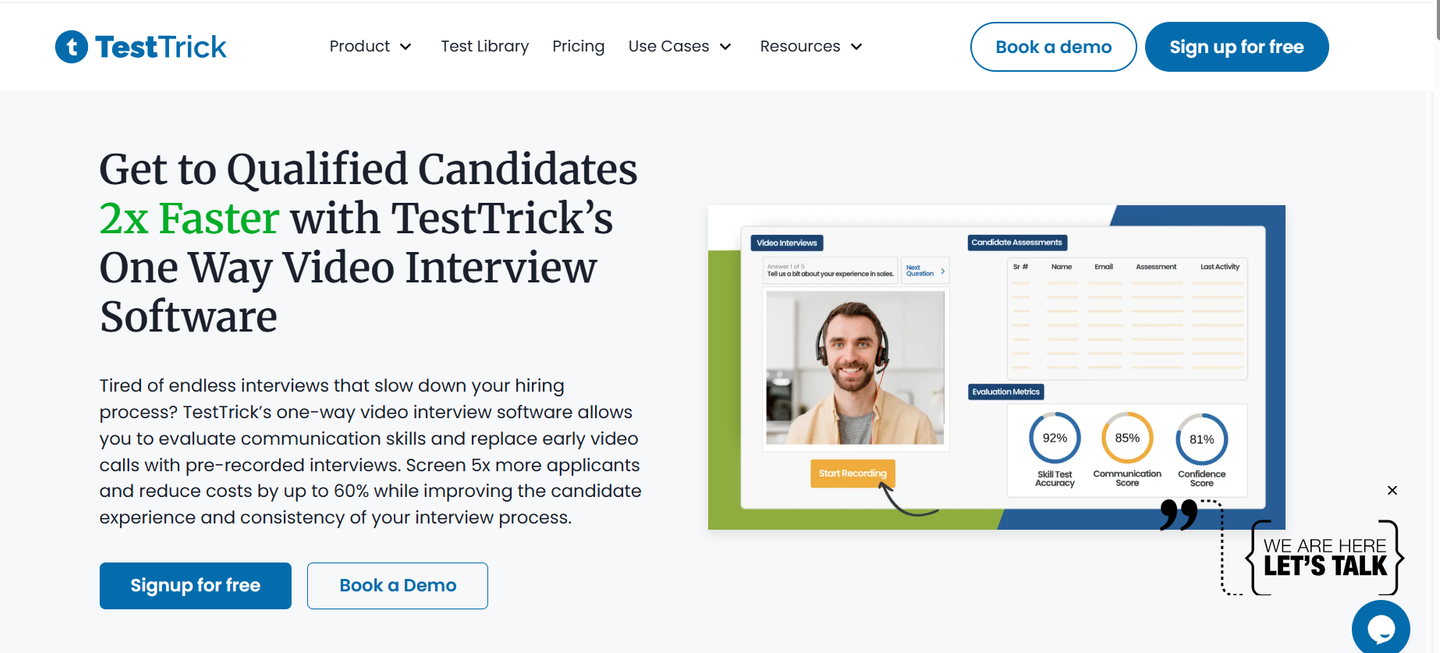
TestTrick-Pre Screening Interview Tool
Best for: Teams that need skills assessments and recorded interviews in one platform without enterprise pricing.
TestTrick is a skills assessment platform that also offers video interviews, giving you flexibility in how you screen candidates. You can use assessments, video questions, or both, depending on the role and how your team prefers to hire.
The test library covers a wide range of technical and non-technical roles, with ready-made assessments you can use as-is or customize. You can also build your own tests using coding challenges, scenario questions, written responses, file uploads, and timed tasks. This helps you evaluate actual ability instead of relying on resumes or surface-level answers.
Video interviews are simple to set up and review. You create your own questions, control time limits, and decide whether candidates can re-record responses. Transcripts and comments make reviews faster, and shared feedback keeps hiring managers aligned.
Behind the scenes, scoring is automatic and candidates can be shortlisted based on performance. Anti-cheating checks run quietly without disrupting the candidate experience, and reports make it easy to compare results across applicants. Integrations with common ATS tools also cut down on manual admin.
Pricing starts at $49 per month for up to 50 candidates, with unlimited assessments and video interviews included. For teams that want flexibility, clear signals, and predictable costs, TestTrick gives you what you need without piling on unnecessary complexity.
Key Features
- Video interview questions with customizable time limits
- Skills assessments across technical and non-technical roles
- Custom question builder
- Automated transcripts of video responses
- Team collaboration with notes and ratings
- ATS integrations
- Mobile-friendly candidate experience
- Bulk candidate invites
Pros
- Combines skills testing and video interviews in one tool
- Affordable pricing without per-candidate fees
- Quick setup and minimal learning curve
- Good for both technical and non-technical screening
- Clean review interface
Cons
- Limited advanced analytics
- No AI-assisted scoring
- Smaller feature set than enterprise platforms
Pricing
- Starter: $49/month for 50 candidates
- Basic: $75/month for 100 candidates
- Business: $99/month for 150 candidates
- Enterprise: Custom pricing
2. HireVue
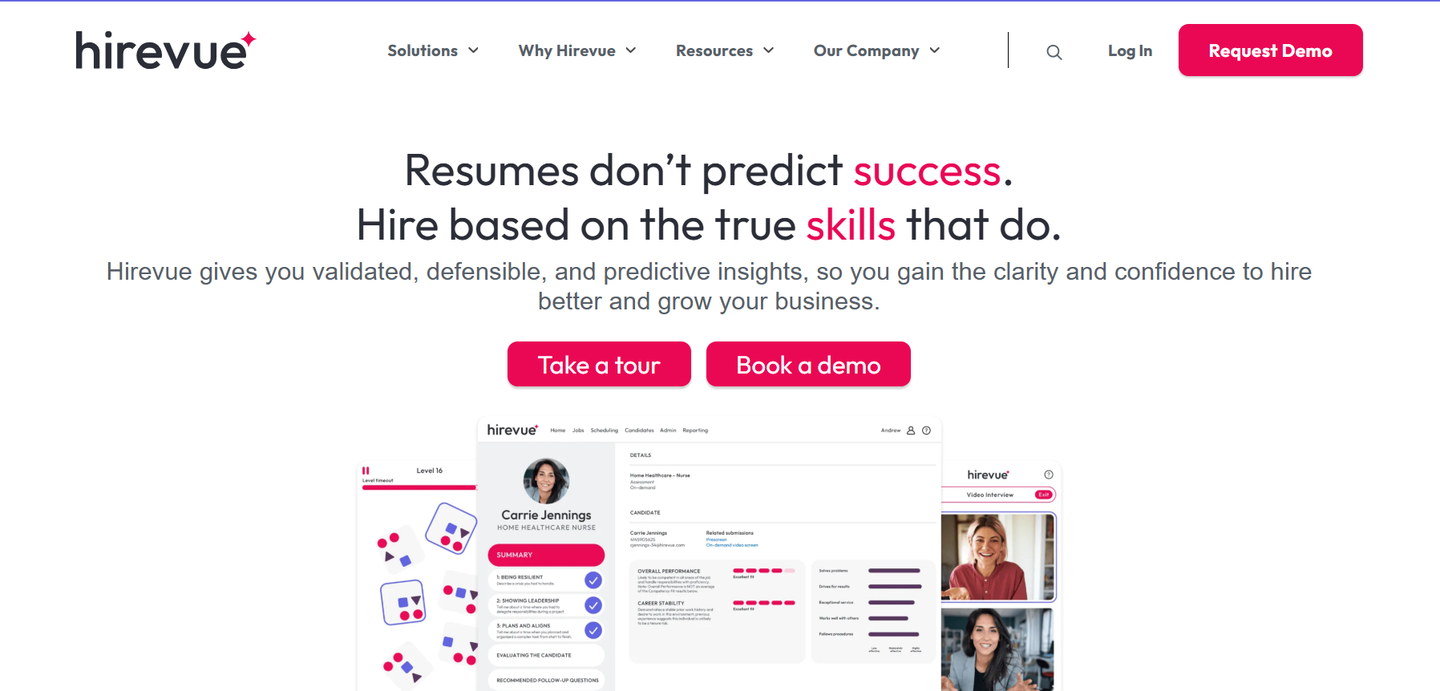
Hirevue
Best for: Large organizations that need advanced AI screening and can justify premium pricing.
HireVue focuses on video interviews with AI analysis. Candidates record responses to your questions, and the platform evaluates their answers using language processing and behavioral analysis. The idea is to surface strong candidates faster by scoring responses automatically.
The AI scoring looks at word choice, speaking patterns, and facial expressions to predict job performance. HireVue claims this reduces bias and improves hiring outcomes, but the approach has faced criticism for potentially introducing new forms of bias through algorithmic decisions.
The platform also includes features like interview scheduling, candidate communication tools, and detailed analytics on hiring funnel performance. Integration with major ATS platforms handles data sync automatically.
Pricing isn't public but starts in the thousands per month for mid-sized companies. You're paying for the AI capabilities and the infrastructure to support high-volume hiring.
Key Features
- AI-powered candidate scoring
- Video interview platform
- Behavioral analysis
- Automated scheduling
- Interview process analytics
- ATS integrations
- Mobile app for candidates
Pros
- Handles high-volume screening efficiently
- AI scoring speeds up initial review
- Strong analytics and reporting
- Works well for standardized roles
Cons
- Expensive, not suitable for small teams
- AI scoring raises bias concerns
- Complex setup and configuration
- Overkill for low-volume hiring
Pricing
- Custom pricing (typically $10,000+ annually)
3. Willo
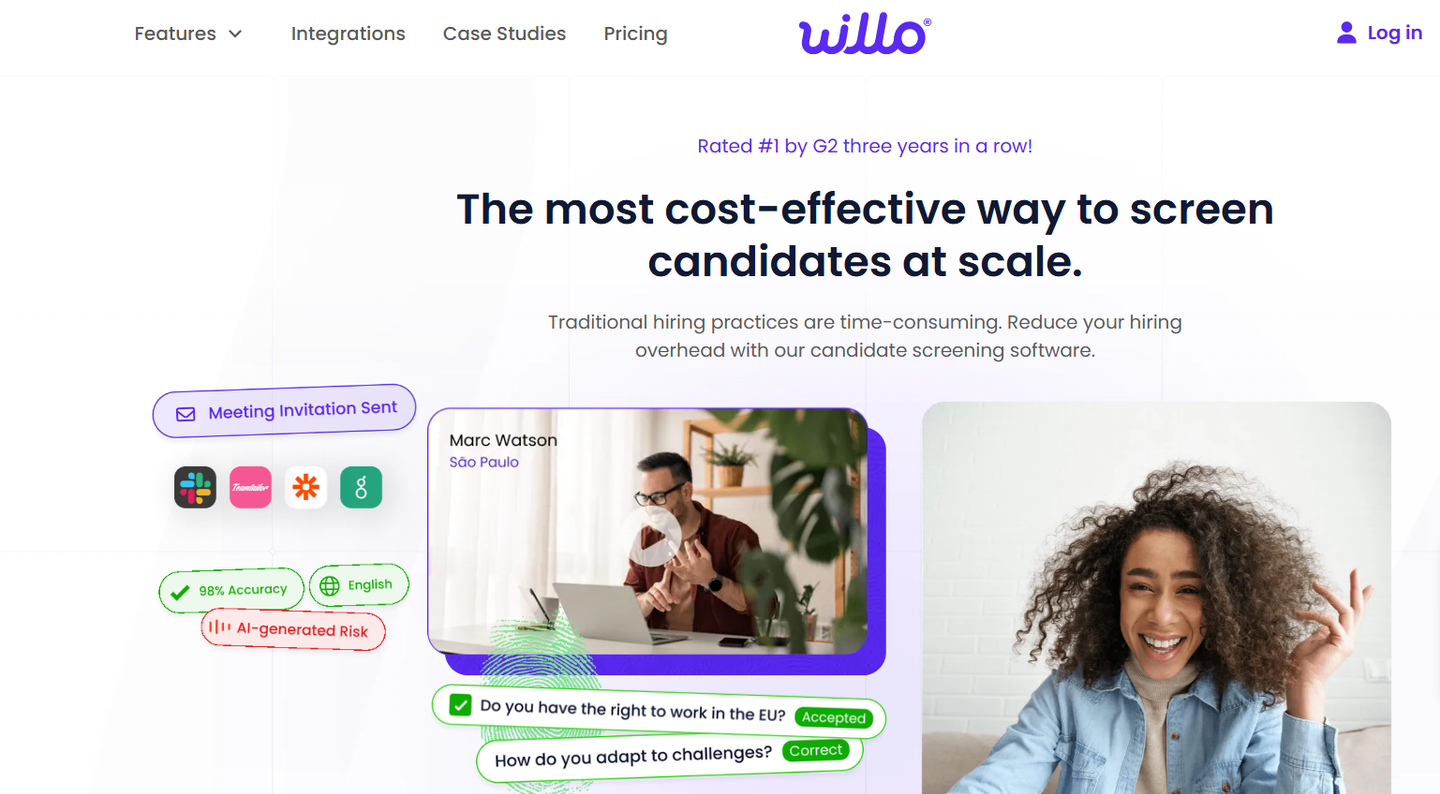
Willo
Best for: Small to mid-sized teams that want simple video screening without unnecessary complexity.
Willo keeps pre-screening simple by focusing only on video interviews. Candidates receive a link, record their answers, and you review responses when it works for you. There’s no skills assessment component, no automated scoring, and no complex workflows layered on top. It’s meant to replace early phone or video calls, not run deeper evaluations.
Creating an interview is quick. You write your questions, set response time limits, and send out invites. Candidates can re-record answers if you allow it, which reduces nerves and cuts down on half-finished responses. On your side, playback speed controls make it easier to move through interviews without dragging the process out.
Willo isn’t trying to be a full recruiting platform. Integrations are limited unless you move up to higher plans, and there’s no way to test job skills before or during the interview. If you need assessments, you’ll need another tool.
Key Features
- One-way video interviews
- Custom question builder
- Team collaboration and ratings
- Candidate re-recording option
- Playback speed controls
- Career site embeds
- Mobile-friendly interface
Pros
- Simple, clean interface
- Quick setup
- Unlimited interviews on paid plans
- Good candidate experience
Cons
- Can be quite expensive for smaller teams
- Basic feature set
- Limited ATS integrations on lower tiers
- No skills assessment component
- Minimal analytics
Pricing
- Growth: $310/month for 5 jobs and 300 responses
- Scale: $399/month for 10 jobs and 750 responses
- Enterprise: Custom pricing
4. VidCruiter
VidCruiter
Best for: Teams that need structured interviews with built-in scoring and comparison tools.
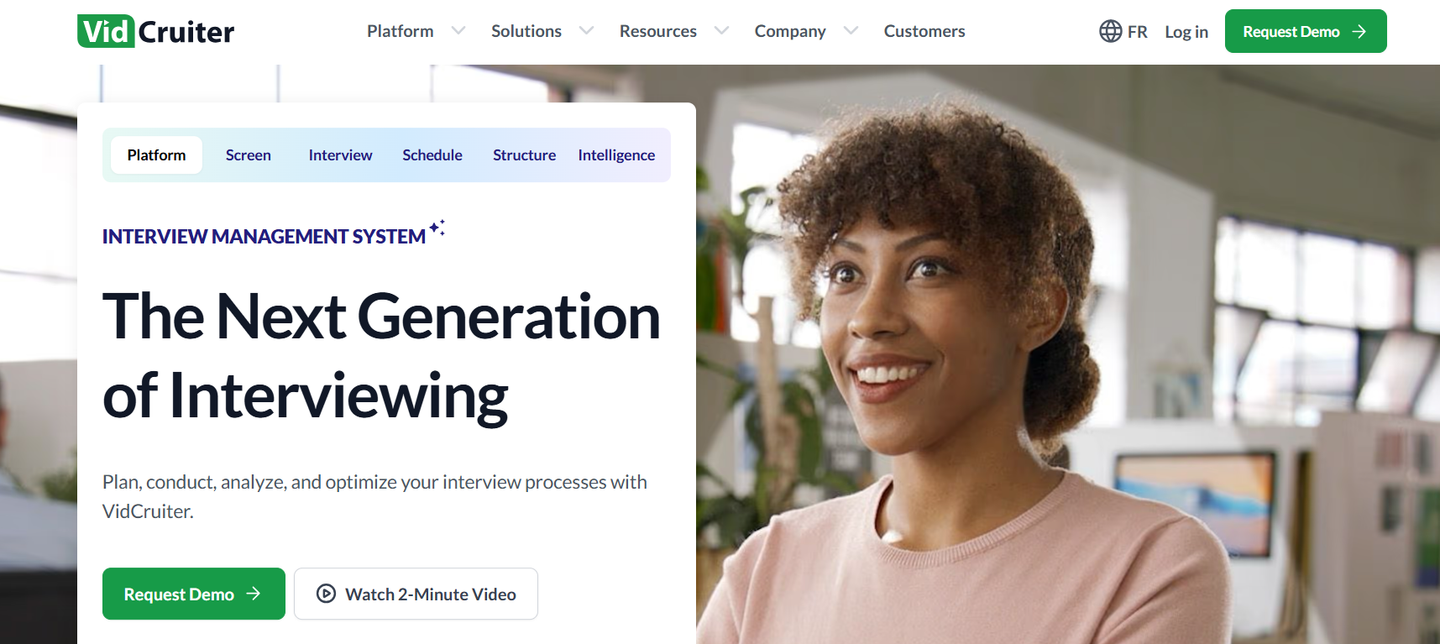
VidCruiter focuses on structured interviewing, which means every candidate gets asked the same questions in the same order. This approach reduces bias and makes comparisons easier, but it's less flexible than free-form conversations.
The platform includes interview scorecards where you define the criteria that matter for each role. As you review candidates, you rate them on these criteria and the system aggregates scores to help identify top performers. This works well when you have clear requirements and need objective ways to compare people.
Beyond video screening, VidCruiter offers live video interviews, skills testing, reference checking, and background screening. The idea is to handle multiple hiring stages in one platform. For companies that want to consolidate vendors, this breadth makes sense.
Key Features
- Structured video interviews
- Interview scorecards
- Live video interviews
- Skills assessments
- Reference checking
- Background screening
- Accessibility compliance
- ATS integrations
Pros
- Structured approach reduces bias
- Good comparison and scoring tools
- Multiple hiring functions in one platform
- Strong accessibility features
- Implementation support included
Cons
- Less flexible than unstructured interviews
- Higher pricing than simple tools
- Setup takes time
- Can feel rigid for creative roles
Pricing
- Custom pricing based on modules and volume
5. Humanly
Humanly- TestTrick Competitor
Best for: High-volume hiring teams that want chatbot-based screening and automated scheduling.
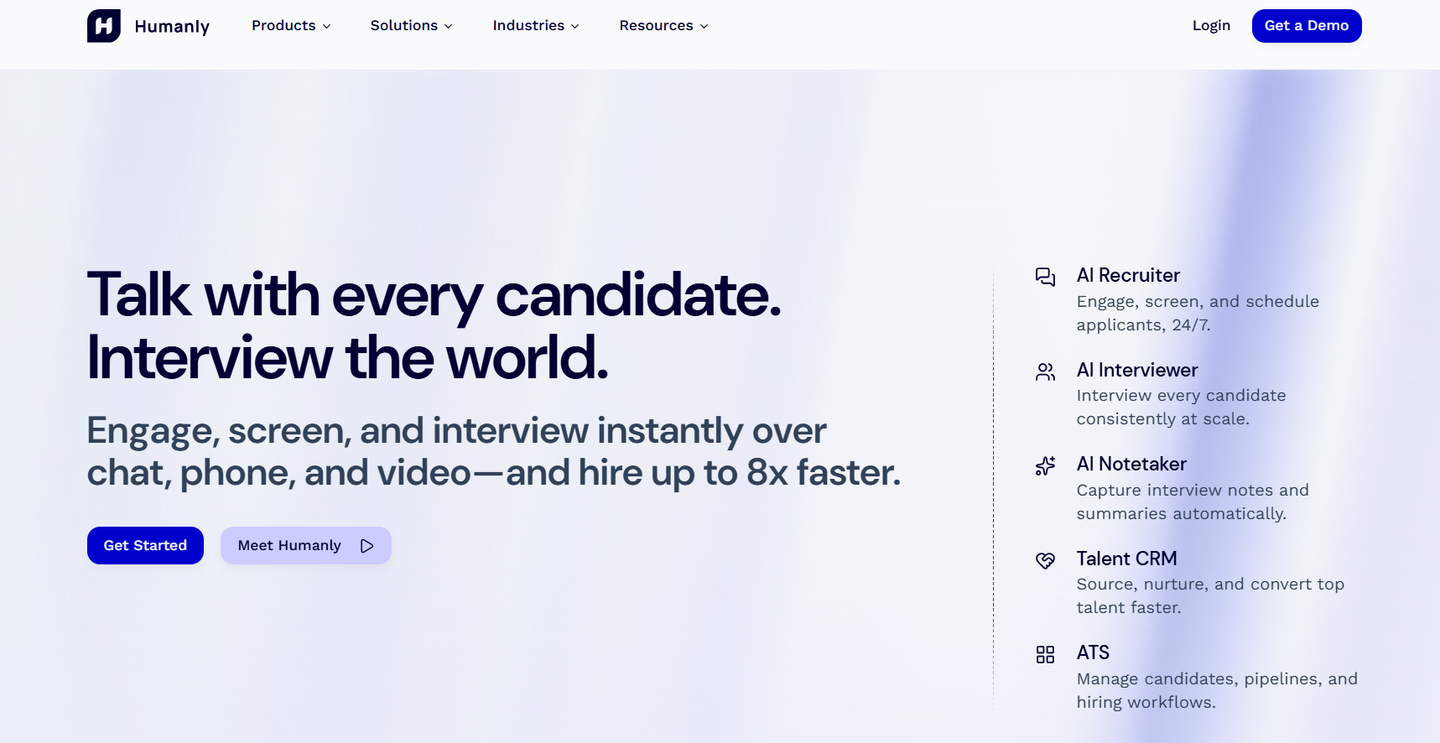
Humanly uses conversational AI instead of traditional video interviews. Candidates interact with a chatbot that asks pre-screening questions, evaluates responses, and schedules qualified people for next steps automatically.
This approach works well for roles with clear qualification criteria and high application volume. Retail, customer service, and entry-level positions where you're screening hundreds of people benefit from the automation. The chatbot can ask about availability, experience, work authorization, and other basic qualifiers without human involvement.
For roles requiring nuanced evaluation or where company culture fit matters more than credentials, chatbots fall short. You lose the ability to read body language, assess communication skills, or build rapport with candidates.
The platform includes features like automated interview scheduling that syncs with hiring managers' calendars, candidate nurturing for people who aren't ready yet but might be good future fits, and analytics on conversion rates at each stage of your recruiting process.
Key Features
- AI chatbot screening
- Automated qualification questions
- Interview scheduling automation
- Candidate nurturing workflows
- SMS and email communication
- Analytics dashboard
- ATS integrations
Pros
- Handles high-volume screening efficiently
- Reduces manual work dramatically
- Fast candidate response times
- Good for roles with clear requirements
- Strong scheduling automation
Cons
- Impersonal candidate experience
- Not suitable for senior or specialized roles
- Limited ability to assess soft skills
- Can feel robotic to candidates
Pricing
- Custom pricing based on hiring volume
6. TestGorilla
TestGorilla- TestTrick Competitor
Best for: Companies that prioritize skills testing over interviews but want video questions as a supplement.
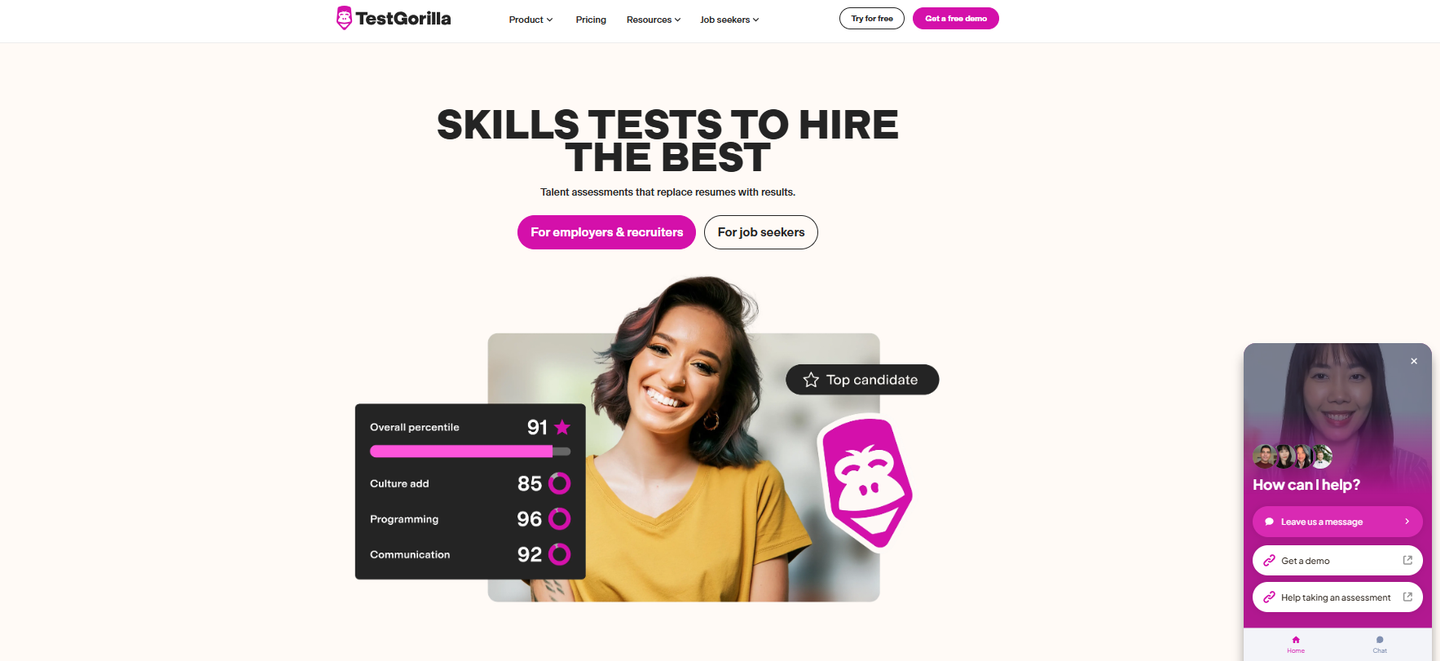
TestGorilla started as an assessment platform and added video interview capabilities later. The core strength is testing candidates on job-relevant skills before you talk to them. Video questions serve as a supplement to see personality and communication style.
The test library includes over 400 assessments covering cognitive abilities, technical skills, language proficiency, and role-specific knowledge. You can combine multiple tests into custom sequences that reflect your actual job requirements.
Video questions get added to assessment sequences. Candidates complete skills tests first, then record responses to your interview questions. This order makes sense because you're filtering on skills before investing time in video review.
The platform includes features like anti-cheating measures, custom branding, candidate reports that summarize performance across all tests, and team collaboration tools for hiring decisions.
For companies where skills matter more than credentials or interview performance, this approach reduces hiring mistakes. You're seeing what people can actually do before making decisions based on how well they interview.
Key Features
- 400+ skills assessments
- Custom test builder
- Video interview questions
- Anti-cheating technology
- Team collaboration tools
- Candidate reports
- Custom branding
- Mobile-friendly tests
Pros
- Excellent skills testing library
- Video and testing combined
- Reduces reliance on credentials
- Good for diverse hiring needs
- Strong anti-cheating features
Cons
- Video features less developed than dedicated platforms
- Can feel test-heavy to candidates
- Higher pricing for full features
- Learning curve for complex assessments
Pricing
- Starter: $135/month for small teams
- Pro: Custom pricing with advanced features
7. Spark Hire
Sparkhire- TestTrick Competitor
Best for: Teams that want straightforward video screening with strong collaboration features.
Spark Hire is a video interviewing tool built for early-stage screening. It focuses on one-way and live video interviews without layering on heavy automation or complex workflows. You create your questions, send candidates a link, and review responses on your own time.
Where Spark Hire works well is in how easy it makes reviewing and sharing feedback. You can watch responses at faster speeds, leave comments on specific answers, and invite hiring managers to review the same interviews. That makes it easier to align on candidates before moving them forward, especially when multiple people are involved in the decision.
The candidate experience is simple and predictable. Instructions are clear, interviews work on mobile, and candidates don’t need to create accounts or download software. That reduces drop-off, which matters when you’re screening a large pool.
Spark Hire stays focused on interviews only. There’s no built-in skills testing or automated scoring, so it’s best used alongside another assessment tool if skills verification matters for the role. For teams that mainly want to replace phone screens with asynchronous video, that simplicity is a plus.
ATS integrations are available on paid plans, and setup is fast enough that most teams can start screening the same day.
Key Features
- One-way and live video interviews
- Custom interview questions
- Team collaboration with comments and ratings
- Playback speed controls
- Interview libraries for repeat roles
- Mobile-friendly candidate experience
- ATS integrations on paid plans
Pros
- Easy to use with minimal setup
- Good collaboration for hiring managers
- Clean candidate experience
- Works well as a phone screen replacement
Cons
- Its video interview feature is charged separately from other features. With this structure, pricing can pile up if you ever decide to explore other features.
- No skills assessment component
- Limited analytics
- Less useful for technical or skills-heavy roles
Pricing
- $299/month for 5 jobs only
Frequently Asked Questions
How long should pre-screening interviews be?
Most candidates will complete a 10-15 minute screening without complaint. Anything over 20 minutes starts losing people, especially if they're applying to multiple jobs. Keep your question count low and time limits reasonable. Three to five well-chosen questions usually tell you what you need to know for initial screening.
Can video screening replace phone interviews entirely?
For early-stage filtering, yes. Video screening handles the same qualification checks as phone screens but on your schedule instead of theirs. You still want live conversations before making offers, but you can skip phone screens for candidates who clearly aren't qualified based on their video responses.
Do candidates actually like video screening tools?
It depends. Candidates appreciate the flexibility to respond on their own time instead of coordinating schedules. They dislike tools that are buggy, ask too many questions, or feel impersonal. The key is keeping screens short, providing clear instructions, and following up quickly with next steps.
How do you avoid bias in video screening?
Structure helps. Ask every candidate the same questions, use consistent evaluation criteria, and have multiple people review responses. Some teams hide candidate information until after video review. Tools with interview scorecards force you to rate specific competencies rather than relying on gut feel.
Conclusion
Pre-screening tools only matter if they save time without annoying candidates. The right choice depends on what you’re hiring for and how much volume you handle.
Many teams either skip screening and waste hours on poor fits, or buy bloated platforms they barely use. A simpler approach works better. Pick a tool that fits your current hiring needs and stick with it if it actually improves who reaches the interview stage.
Most teams don’t need enterprise features. They need faster filtering, a decent candidate experience, and clear signals on who’s worth moving forward. TestTrick does that for under $100 a month by combining video screening and skills testing in one place.
Want to see if it works for you? Start a free TestTrick trial and set up your first pre-screen in minutes.
Build a Hiring-Ready Assessment
Create role-specific, anti-cheat assessments and shortlist candidates on evidence, not guesswork.
Start for freeBy Favour Etinosa Ogie
July 1, 2026
12 min read
Build a Hiring-Ready Assessment
Create role-specific, anti-cheat assessments and shortlist candidates on evidence, not guesswork.
Start for free