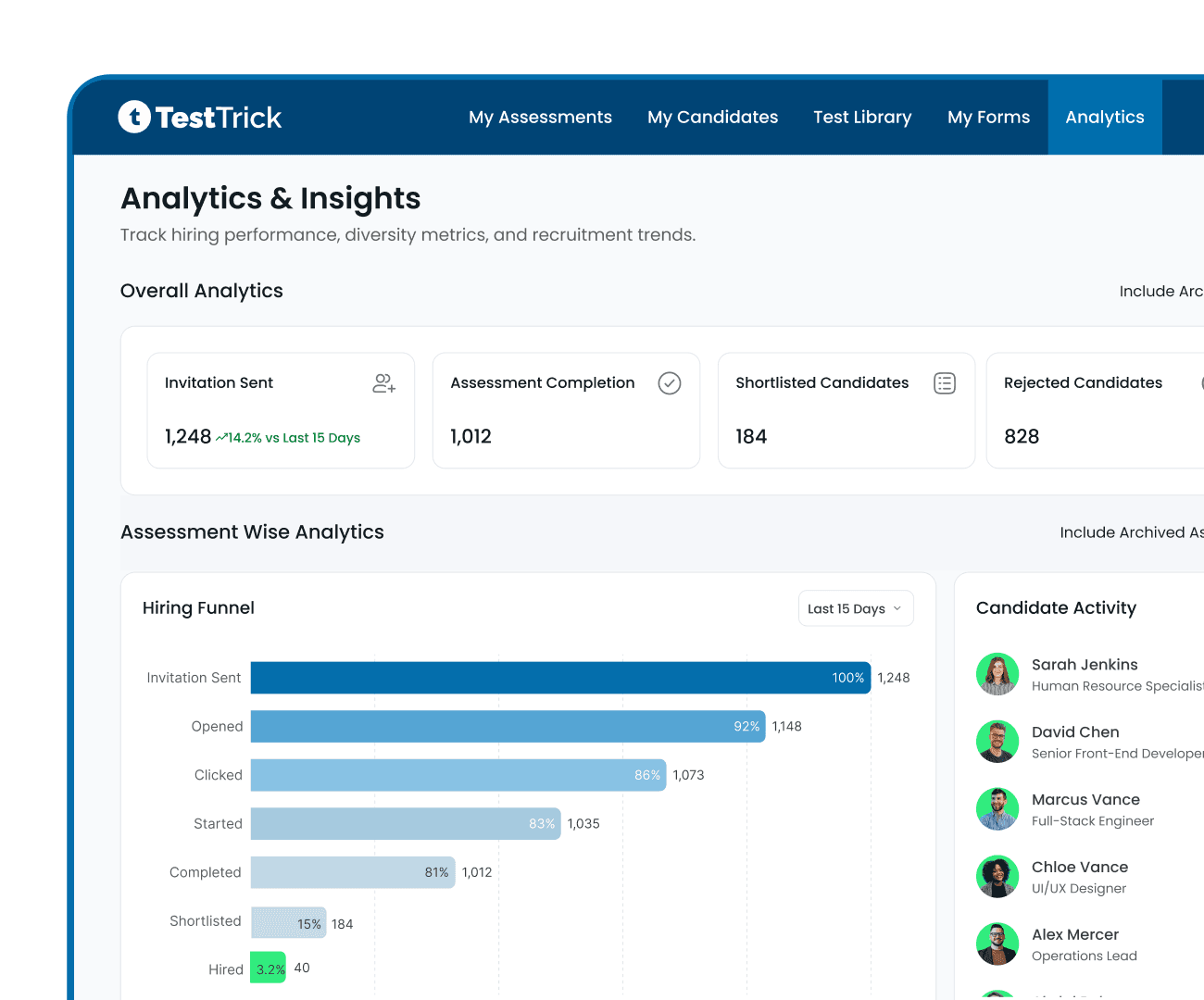
Analytics and Reporting for Hiring Decisions You Can Defend
Track invites, progress and completions with ease. Compare scores by skill and by role. Keep each candidate’s report in front of you and hire with evidence.

- G24.7-star rating
- Capterra4.9-star rating
Trusted by 500+ hiring teams worldwide








Easy-to-Use Hiring Analytics You Can Rely On
Your roles, candidates and scores sit together on one neat, simple view.

Hire people with proven skills
Resumes only hint at ability. Skill-by-skill candidate analytics show what candidates do well and where they need improvement. Make offers on proof, not gut feel.

Fill roles faster, without the chasing
Know where candidates stand at a glance. Live tracking shows who’s invited, in progress, finished or stalled. Take follow up at the right moment before anyone slips away.

Build a sharper screening process
See where candidates drop off and which assessments slow your hiring. Fix gaps early and protect your candidate experience.
Analytics Built for Faster, Fairer Shortlists
Our smooth candidate and assessment dashboard keeps your hiring funnel flowing in just a few clicks.
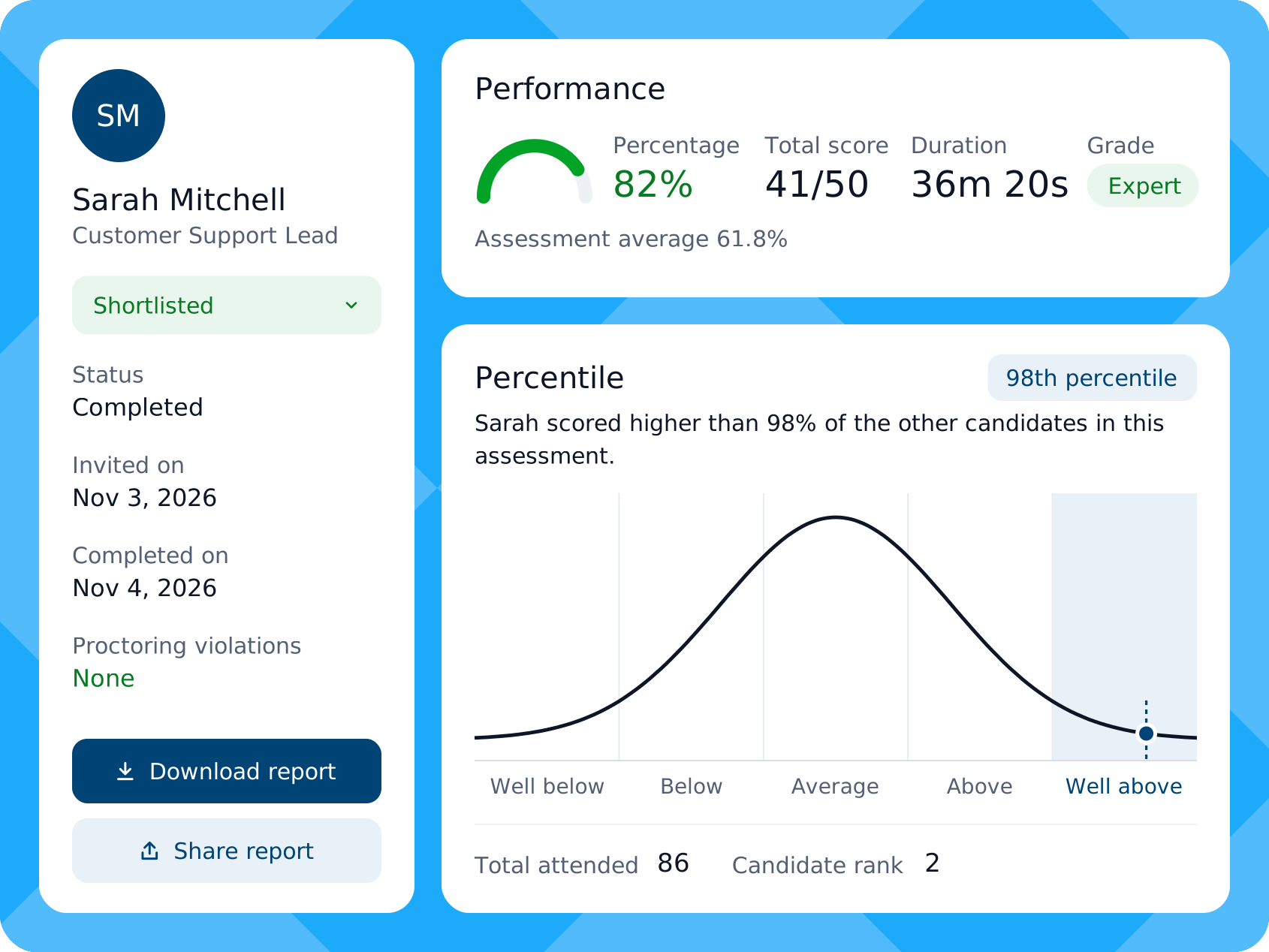
Candidate Analytics
Judge Candidates on Evidence
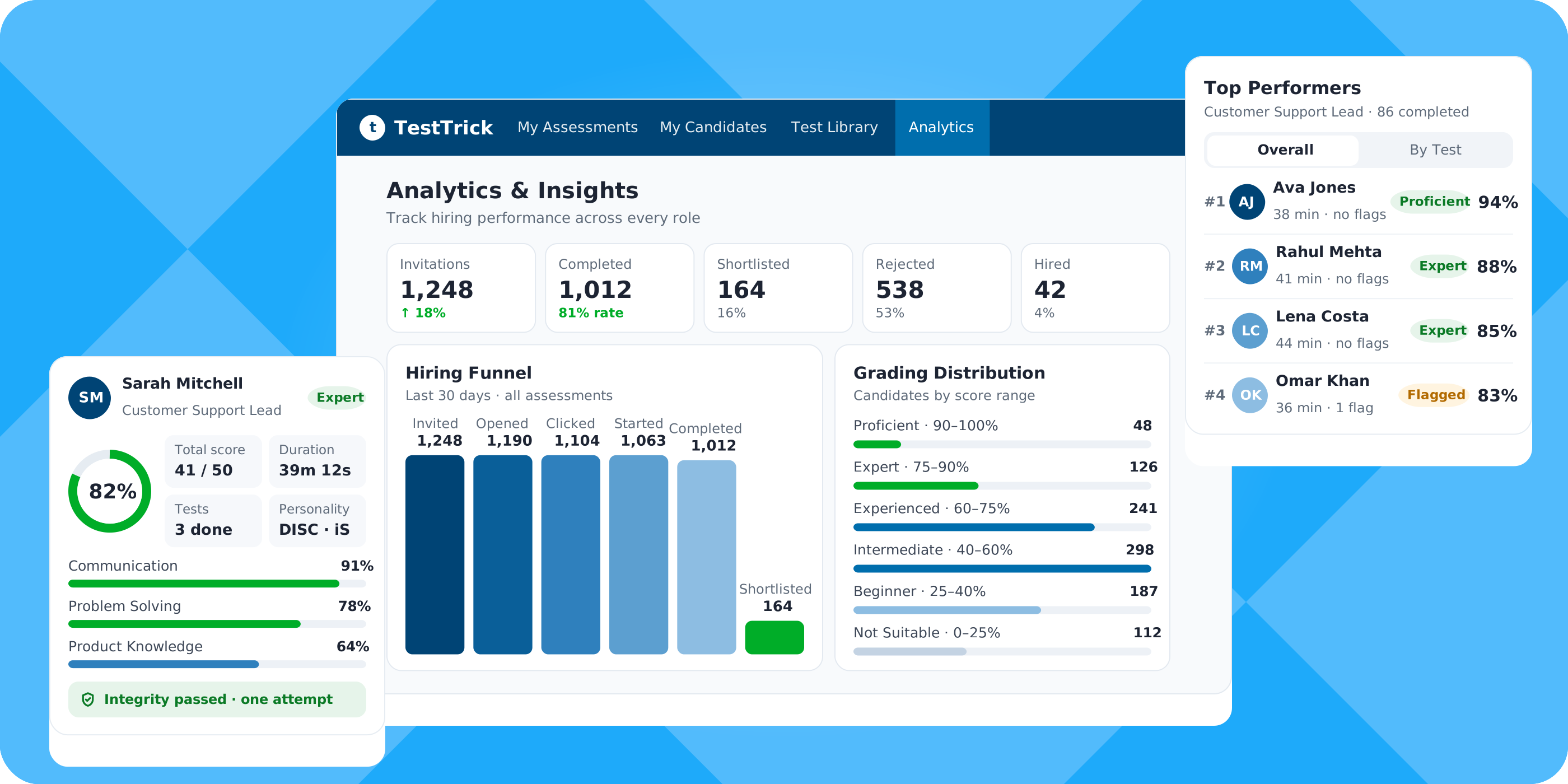
Percentage, total score, duration and grade
Average percentage beside each score
Percentile and rank in the assessment
Skill scores per test
Correct, incorrect, partial and unattempted counts
Proctoring checks: full screen, one attempt, mouse out, time away, dual screen
Device, browser and location
Camera snapshots and screenshots
Stage update, plus Share Report and Download Report
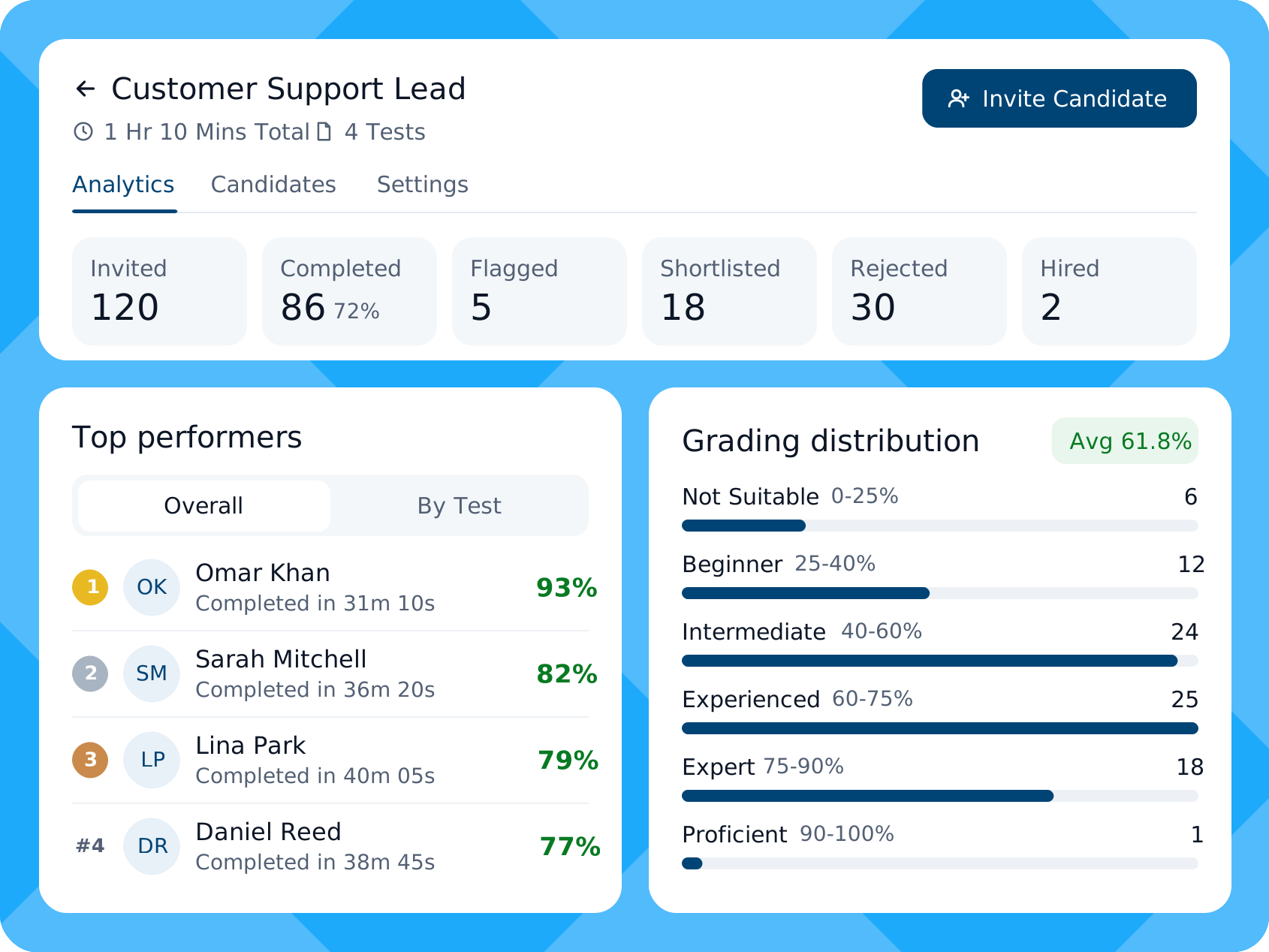
Assessment Analytics
Rank Candidates Per Assessment
Invited, completed, flagged, shortlisted, rejected and hired counts
Top performers, overall or by test
Grade spread from Not Suitable to Proficient
Average score and average time taken
Score and time per test
Step-by-step funnel with drop-off rates
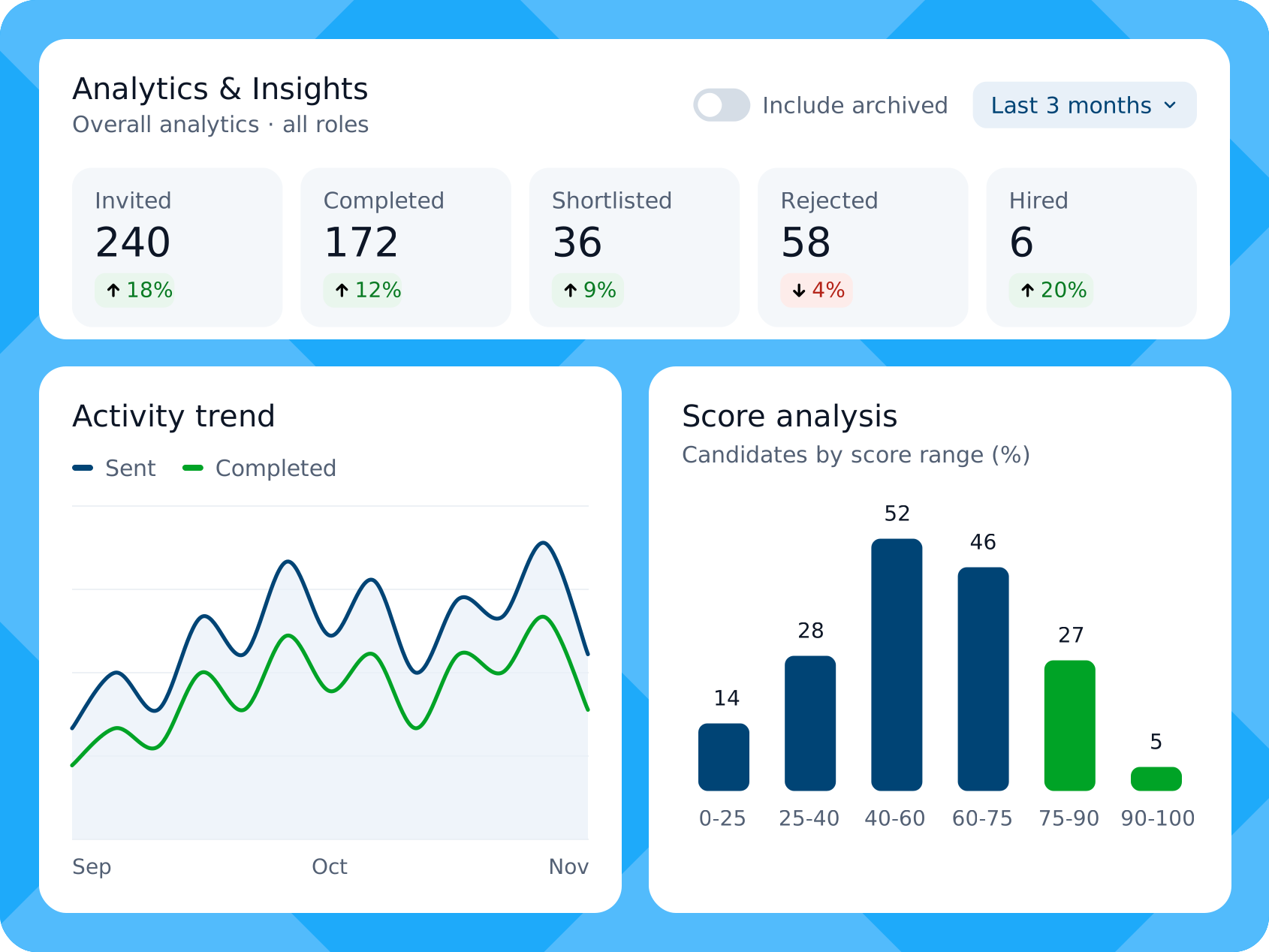
Overall Analytics
See All Hiring at Once
Invites, completions, shortlists, rejections and hires
Change against the previous period
Date filter and archive toggle
Hiring funnel for all or one assessment
Live candidate activity with status filter
Daily sent-versus-completed trend
Candidates grouped by score range
See Who Stands Out from the Very First Submission
Features that keep all your tracking results in neat place.
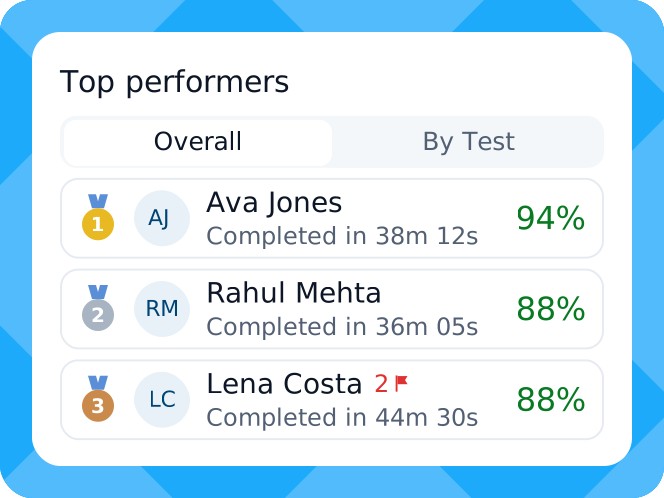
Top Performer
Spot Your Strongest Candidates First
See the top scorers per role, overall or test by test. Two candidates tied? The faster one ranks higher. Any cheating flag sits right beside the name.
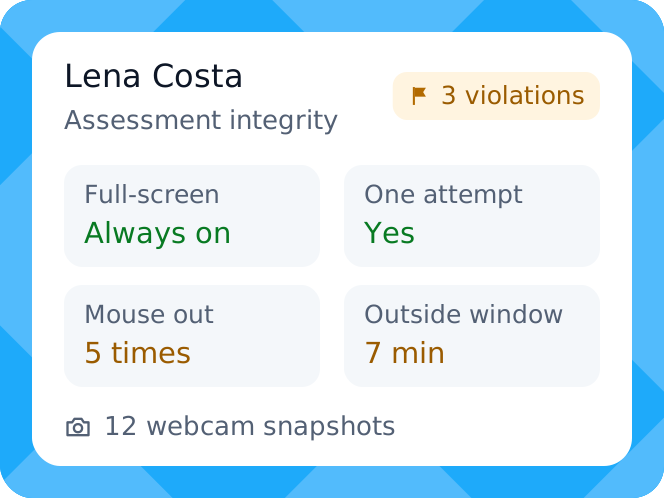
Trust Score
Check the Integrity Behind Scoring
Check the integrity record behind a result. Full-screen use, single attempt, mouse outs, time outside the window, dual screens, and webcam snapshots.
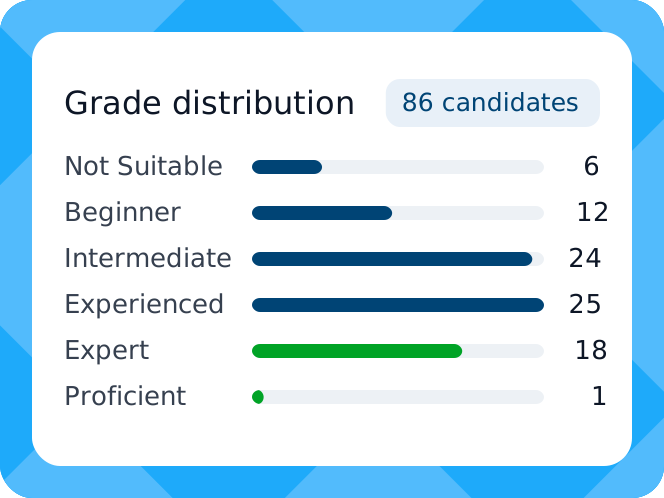
Score Distribution
See How Scores Spread
Candidate gets placed on a simple grading scale. With one quick glance, you can see how all your applicants rank in seconds.
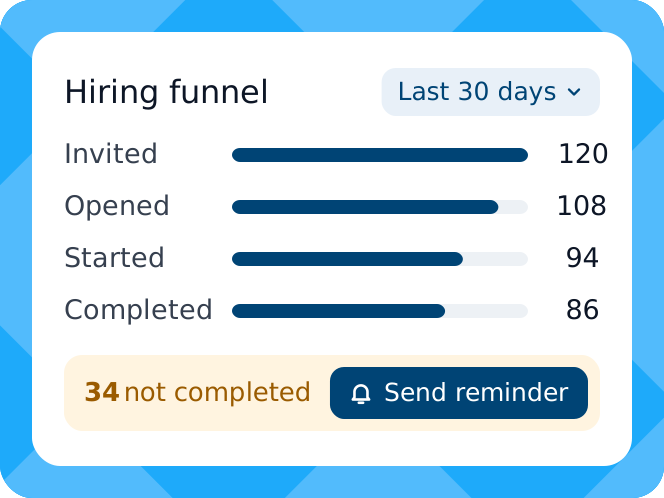
Hiring Funnel
Find Where Candidates Drop
Follow candidates from invited to opened to shortlisted, with the conversion rate between stages. Spot a sharp drop. Send a reminder or extend the invite link.
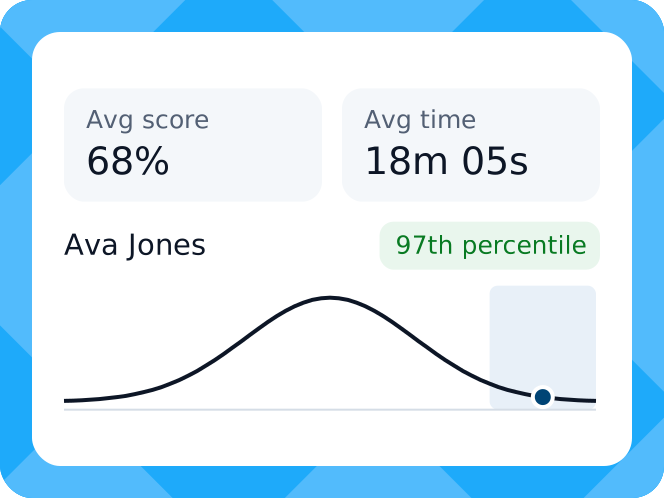
Test Benchmark
Benchmark Scores Against the Group
View the average test score and duration. You will get a percentile against an industry standard scoring to evaluate the candidate’s true standing for the role.
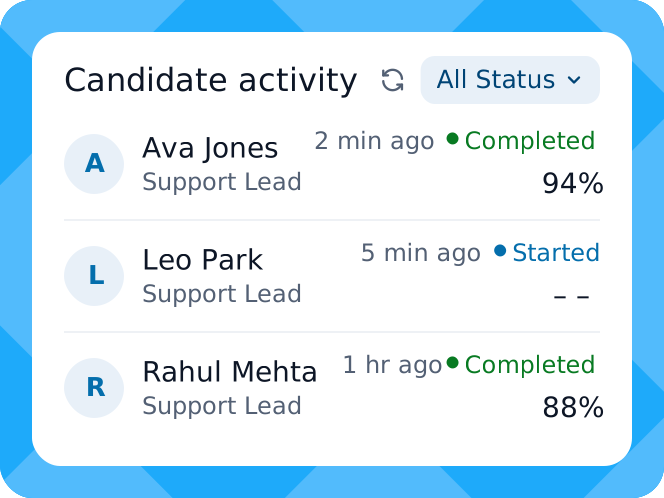
Candidate Activities
See Recent Candidate Activity
See who just started or completed an assessment, with role, status and score. Filter by status or date and contact strong candidates within a day.
Shortlist the Right Candidate Backed by Evidence
Share Assessment Reports with Your Hiring Team and Candidates
Results trapped in one recruiter’s login slow down every hiring decision. Send reports to your hiring team, back to the candidate or straight into your ATS, without retyping a single score.
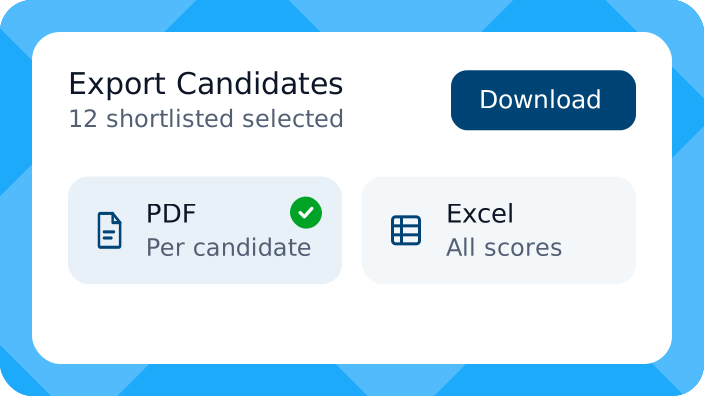
Download PDF or Excel Reports
Download summary reports in PDF or Excel, for one candidate or the whole list at once. Scores, skills and proctoring data always travel together.
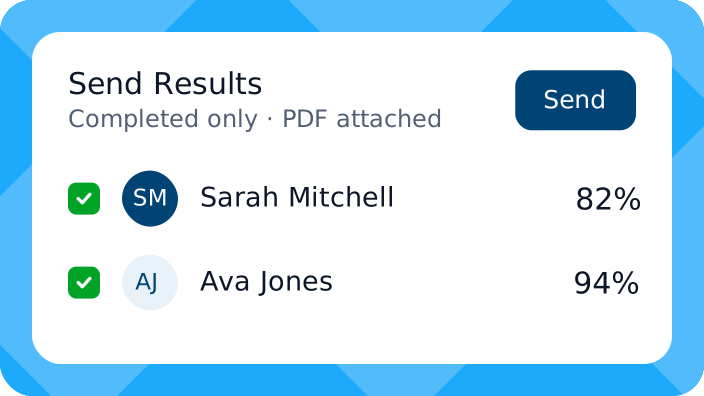
Send Results to Candidates
Send each finished candidate a PDF of the results, one by one or in bulk, with clear feedback. Rejected candidates see where they fell short.
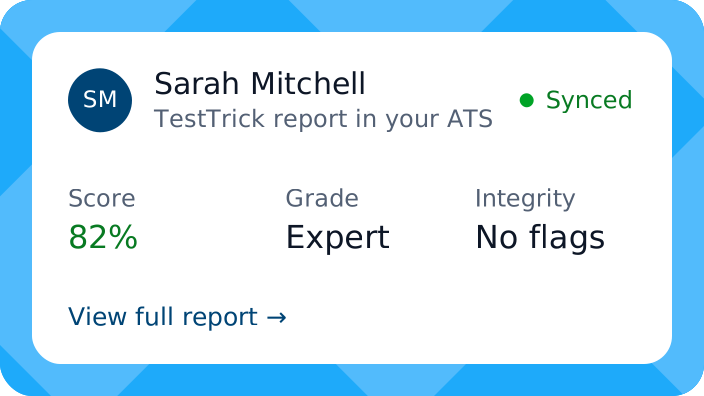
Sync Scores and Reports
Connect TestTrick through ATS integrations. Every candidate’s report link lands inside your ATS, one click away from scores, skills and integrity checks.
Beyond Skill Scoring
See the Intelligence and Personality Behind the Score
Shortlist candidates who fit your culture and match the role’s real demands.

Cognitive Ability Report
Measure your candidates’ thinking, reasoning, learning and problem solving against the role. The report breaks results into logic, deduction, math and data reading, with the time taken. Shortlist the sharpest minds first.
Download Sample Report
Personality Test Report
See your candidates’ behaviour, communication style and response to pressure. The report breaks DISC, MBTI or Big Five results into types or trait levels, top strengths, main challenges and ready-made interview questions.
Download Sample Report
Our customers achieve more
We saved 20+ hours per role and felt much more confident in the candidates we shortlisted.
Asim Siddiqui - Head of Talent
Read the case study
87%
reduction in screening hours per campus
See how Manafa Technologies used TestTrick to streamline graduate hiring, assess interns at scale, and shortlist more qualified candidates faster.
Read the case study
Improved candidate experience through remote assessments
See how Habib Modarba replaced manual, paper-based in-person assessments with remotely proctored online assessments to make the hiring process more convenient, scalable, and engaging for candidates.
Read the case study
Core Capabilities
Robust Features TestTrick Built Upon
Behind each report sits a full hiring toolkit. Choose what to run, and the scores, answers and checks collect in one place.

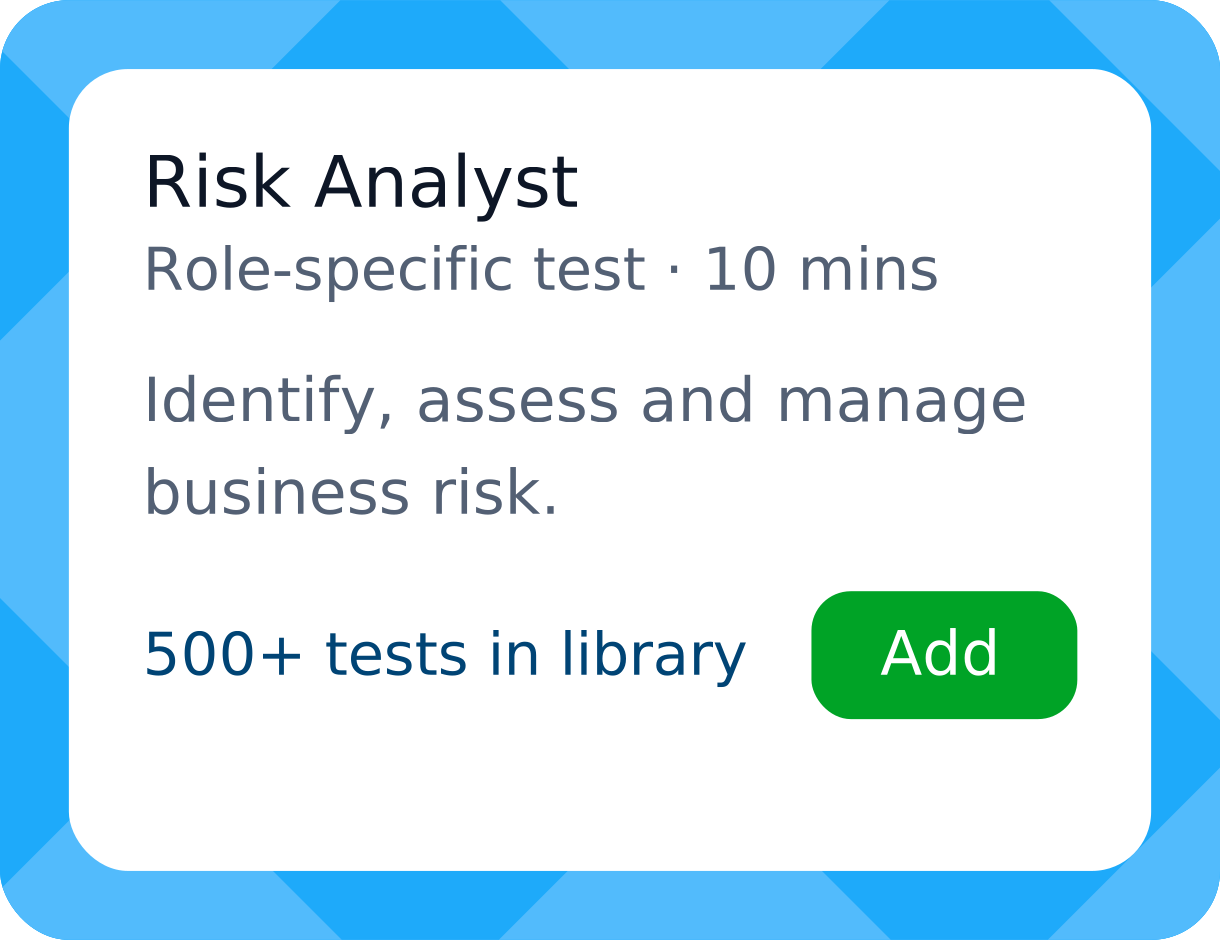
Role-Specific Tests
Choose from 500+ ready-made tests or build your own. Every answer lands in the report as a clear, skill-by-skill score.

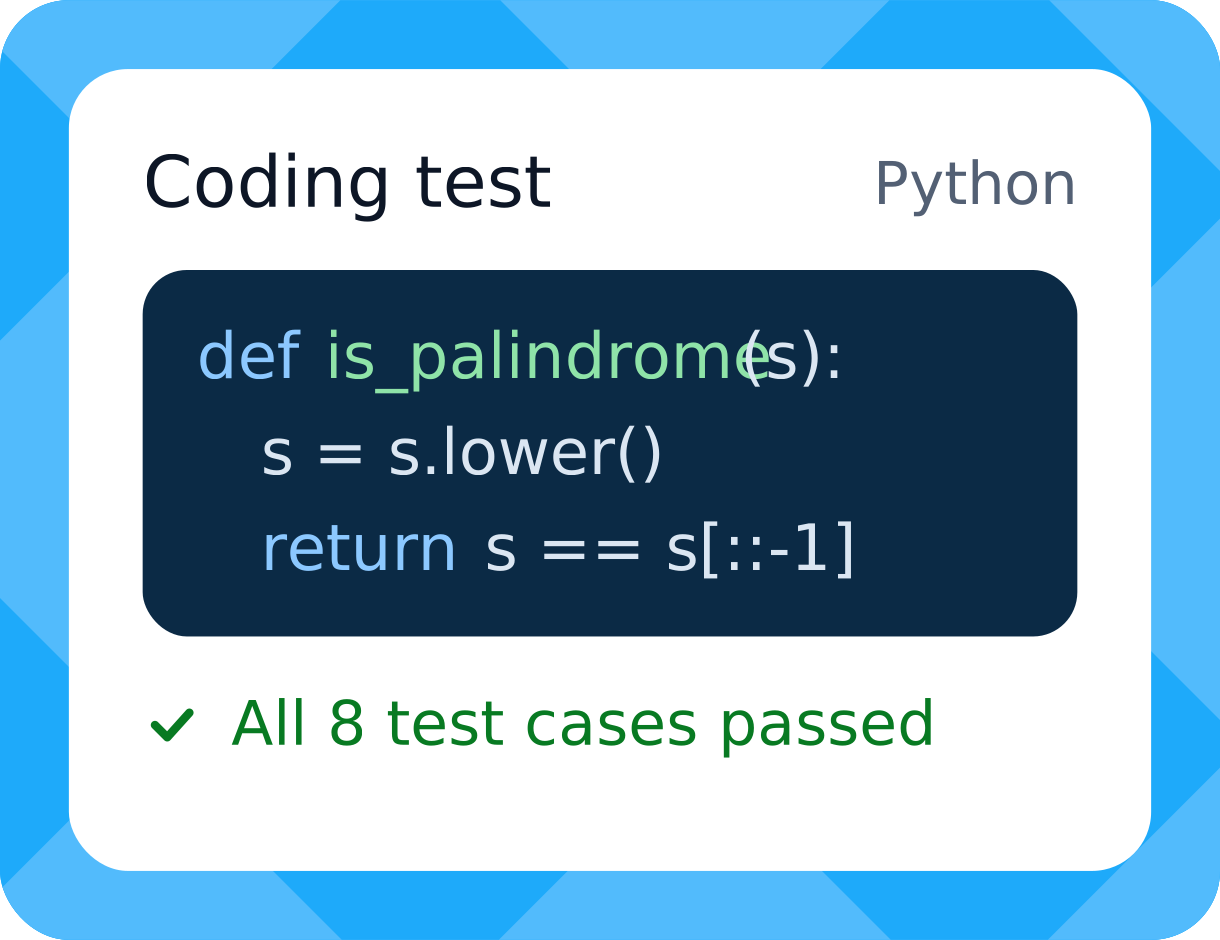
Coding and Technical Tests
Hands-on coding tasks in many languages prove a developer can ship working code, not just recite syntax.

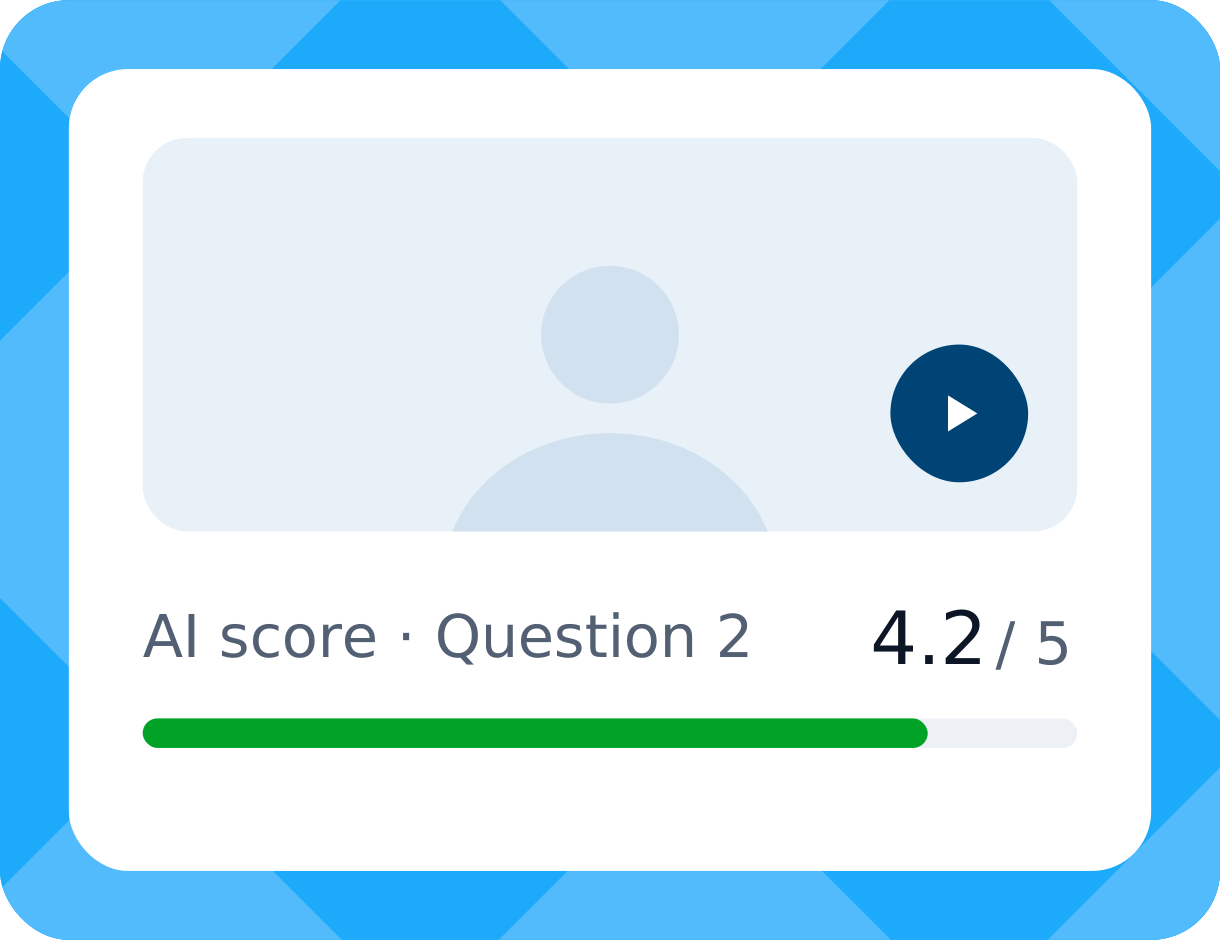
One-Way Video Interviews
Candidates record answers on their own schedule. You receive the report holding a transcript, an AI summary and a score against your criteria.

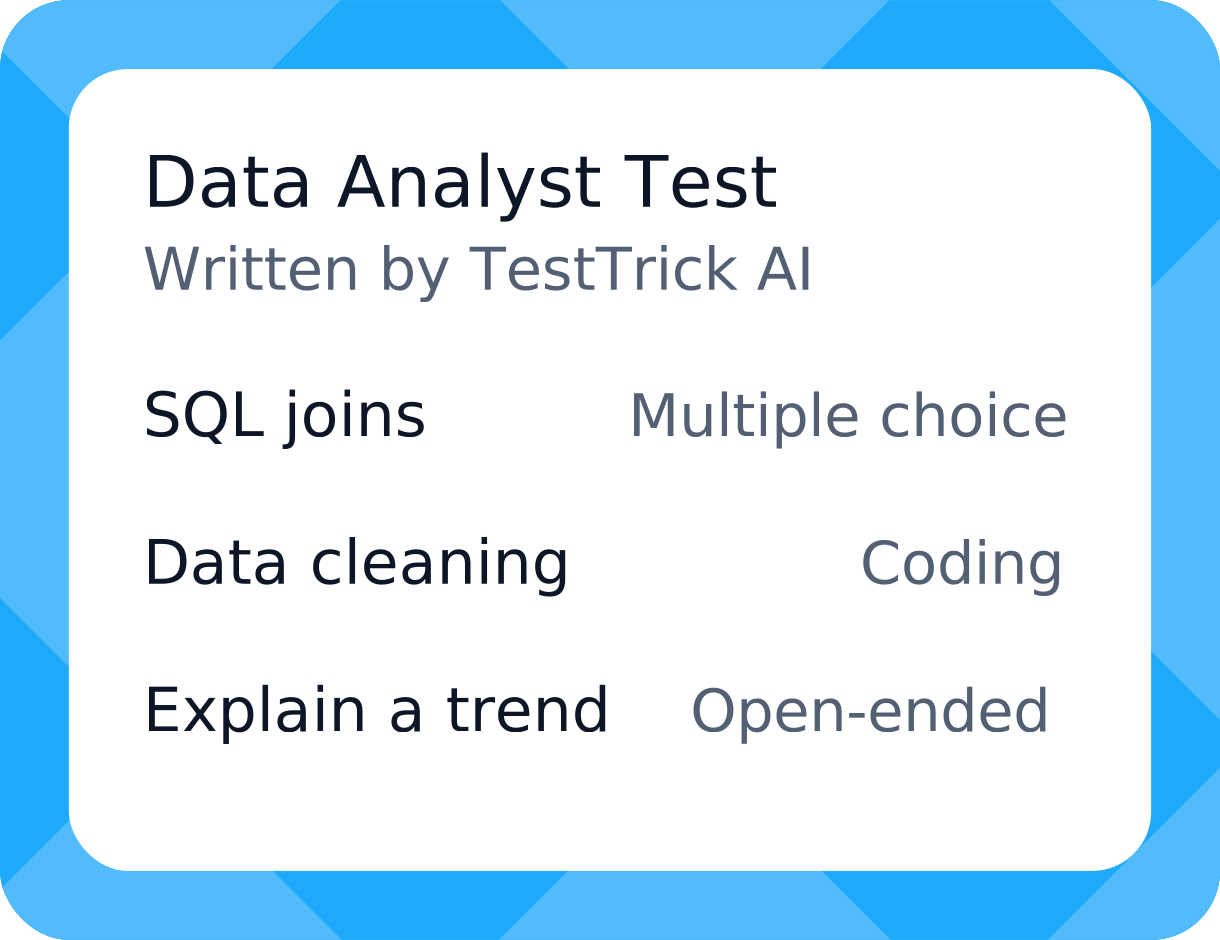
TestTrick AI
AI suggests tests, writes custom ones from a job description and scores open and video answers, with a reason for every score. You can override any score.

Anti-Cheating and Proctoring
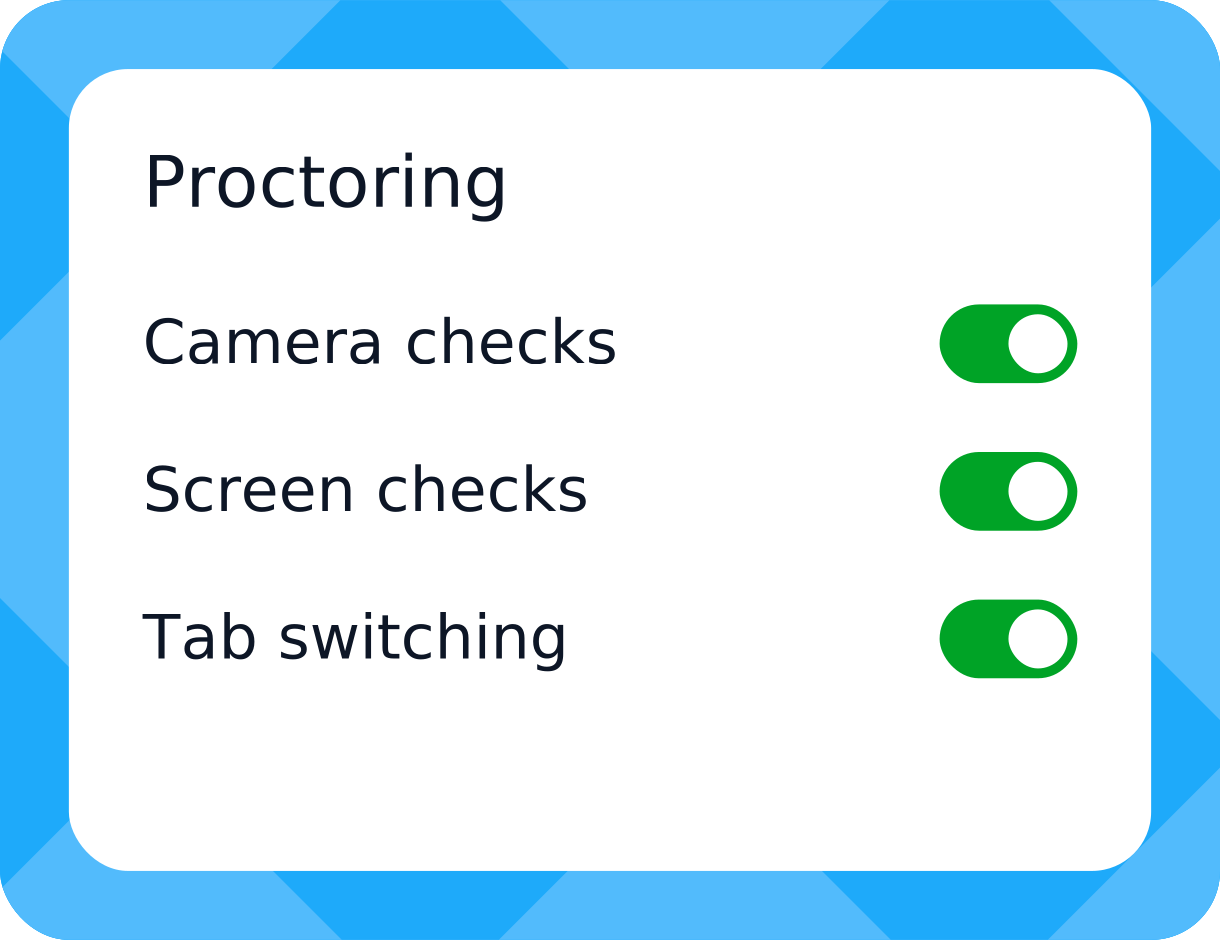
TestTrick logs tab switches, copy-paste, full-screen exits and camera snapshots during the test. Every flag appears in the report for your review.

ATS Integrations
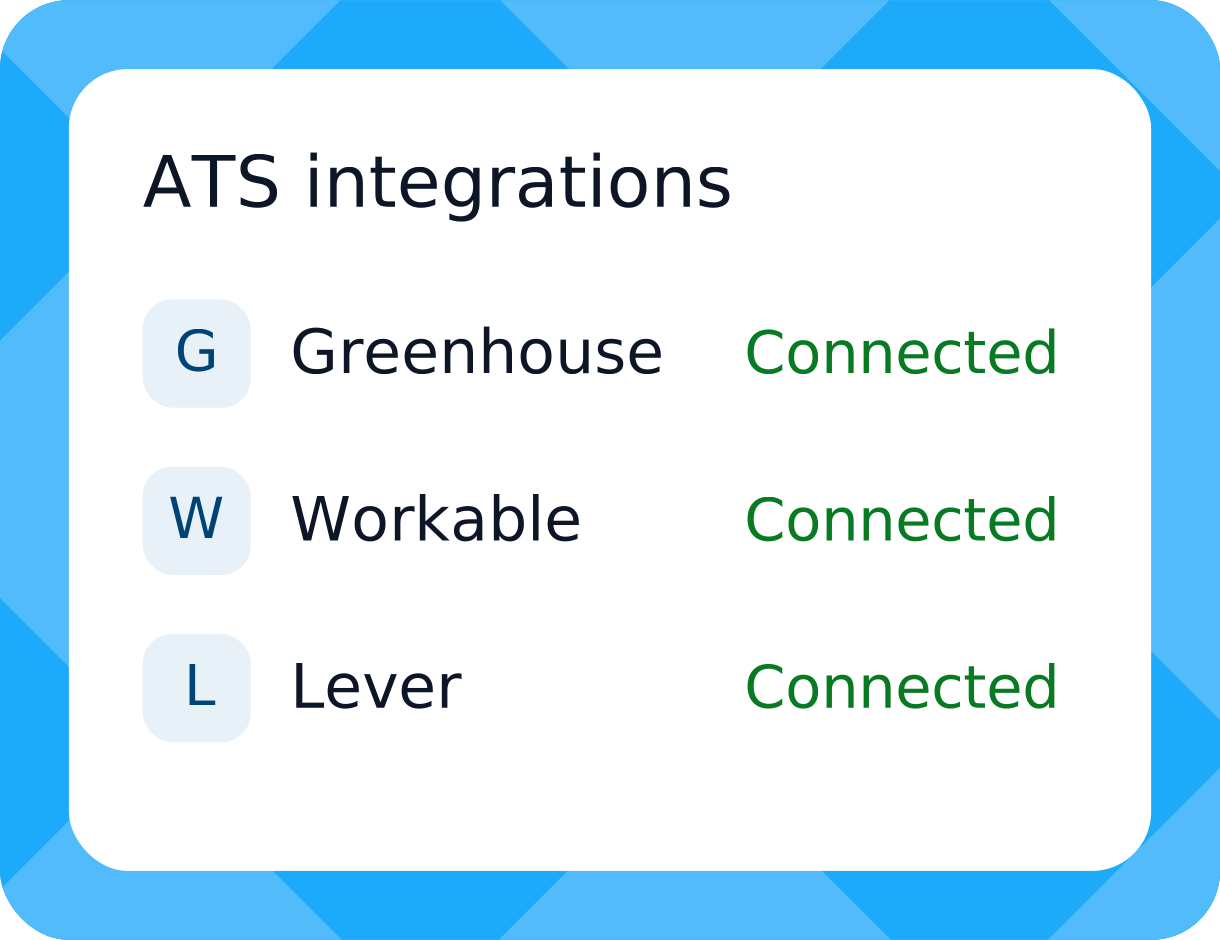
Send each report link into your ATS. Recruiters check performance at a glance, while hiring managers read the full results and the reasoning behind each score.
Testimonials
What Hiring Teams Say About TestTrick Reports
“Detailed reports made comparing applicants much easier. The built-in tests saved us a lot of time over our old way of screening.”
Mudassir H.
Account Receivable Specialist at Mid-market company (G2 review)
“The summary gives us a quick read before we decide. The detailed report digs deeper into how each person did.”
Muhammad F.
Senior Talent Acquisition Specialist at Mid-market company (G2 review)
“Auto scoring and detailed reports help our team pick the right people for high-volume BPO roles, without hours of manual screening.”
Salman B.
HR Coordinator at Small business (G2 review)
“I like the status tracking, most of all seeing who opened the test and who didn’t. ”
Reutki M.
CEO at Small business (G2 review)
Got questions
Frequently Asked Questions
Hire with Facts in a Single View
See every score, integrity check and personality insight in one view.
“We tried different platforms, but TestTrick was the only one that met the requirements.”
Sajjad Ahmed - Head of Talent at Trillium Information Security Systems