Administrative Assistant Test for Hiring
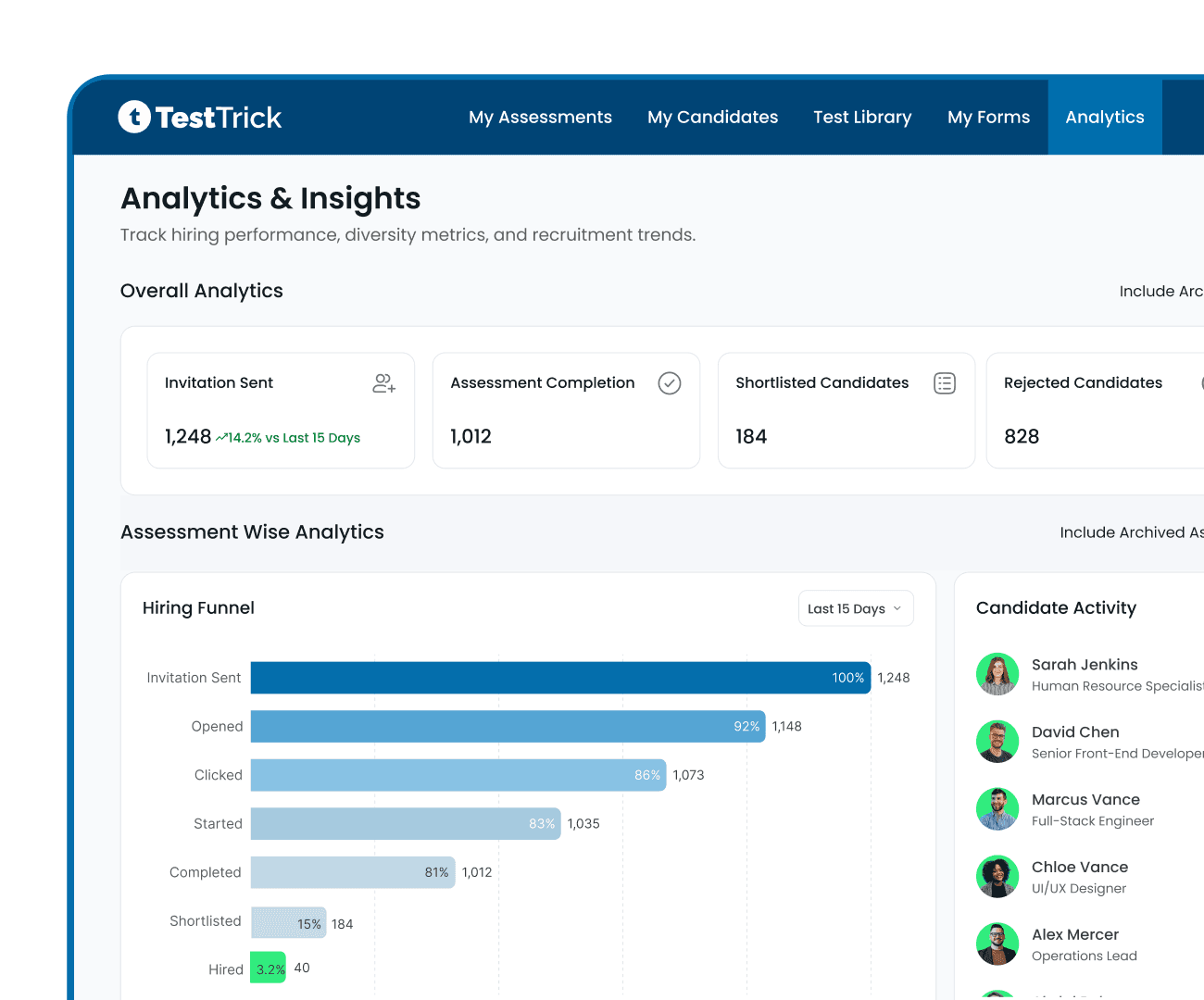
An organised assistant keeps the whole office running. TestTrick's administrative assistant skills test checks the everyday work, from email and scheduling to Word, Excel and file management, so you can shortlist the most capable applicants in minutes.

- G24.7-star rating
- Capterra4.9-star rating
Trusted by 500+ hiring teams worldwide








About This Test
About the Administrative Assistant Test
Admin roles attract a lot of applicants, and CVs rarely show who is genuinely organised. The TestTrick administrative assistant test shows how each candidate handles the tasks they would do every day.
Tests the real day-to-day
Questions cover email, calendars, data entry, documents and keeping files in order.
Works with your office tools.
Choose Microsoft Excel or Google Sheets to match the software your team uses.
Fair for high-volume hiring
Every applicant takes the same test, so you can compare a large pool quickly and fairly.
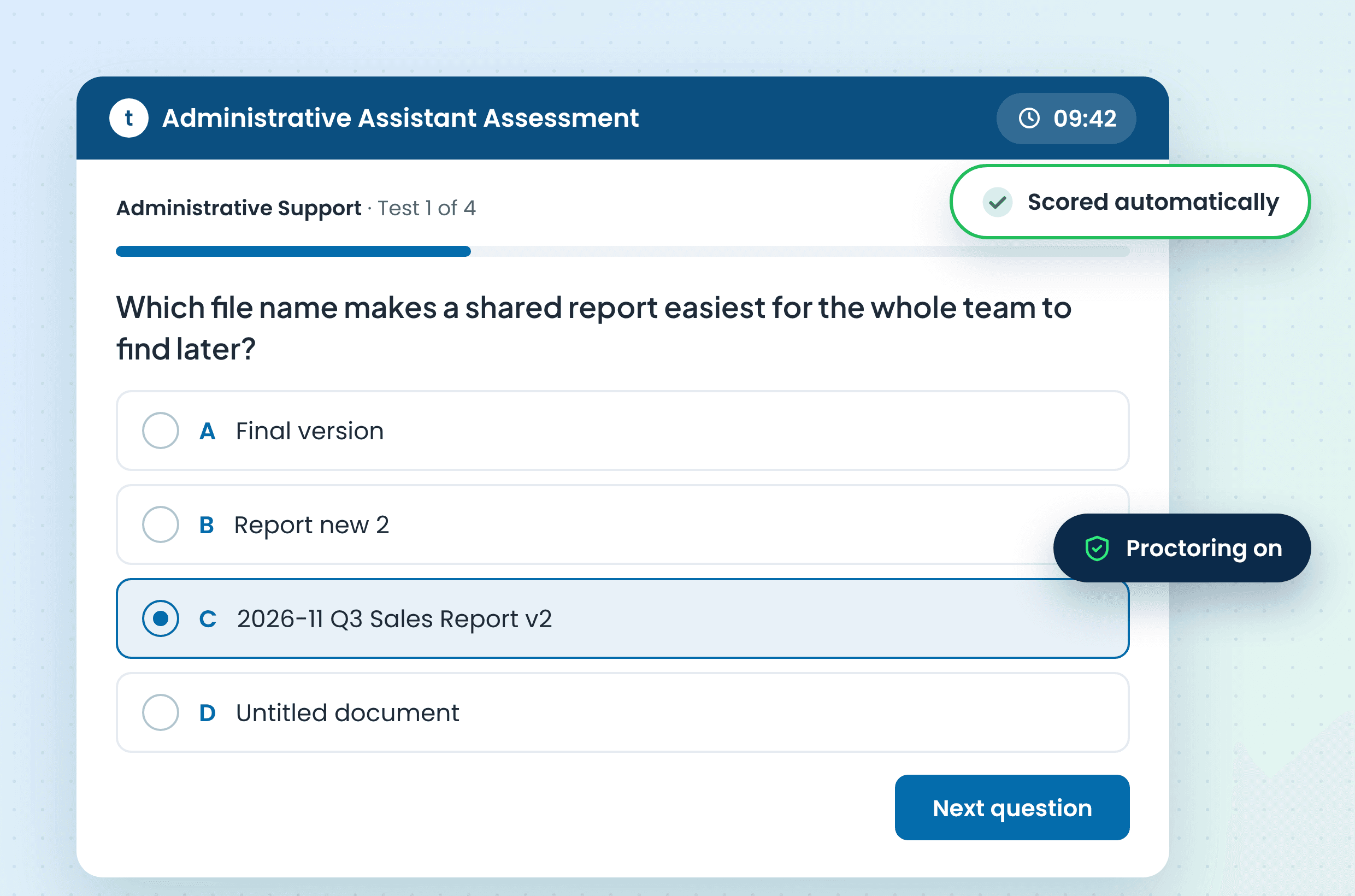
Scored automatically
Results arrive ranked by skill, with no manual marking.
Secure
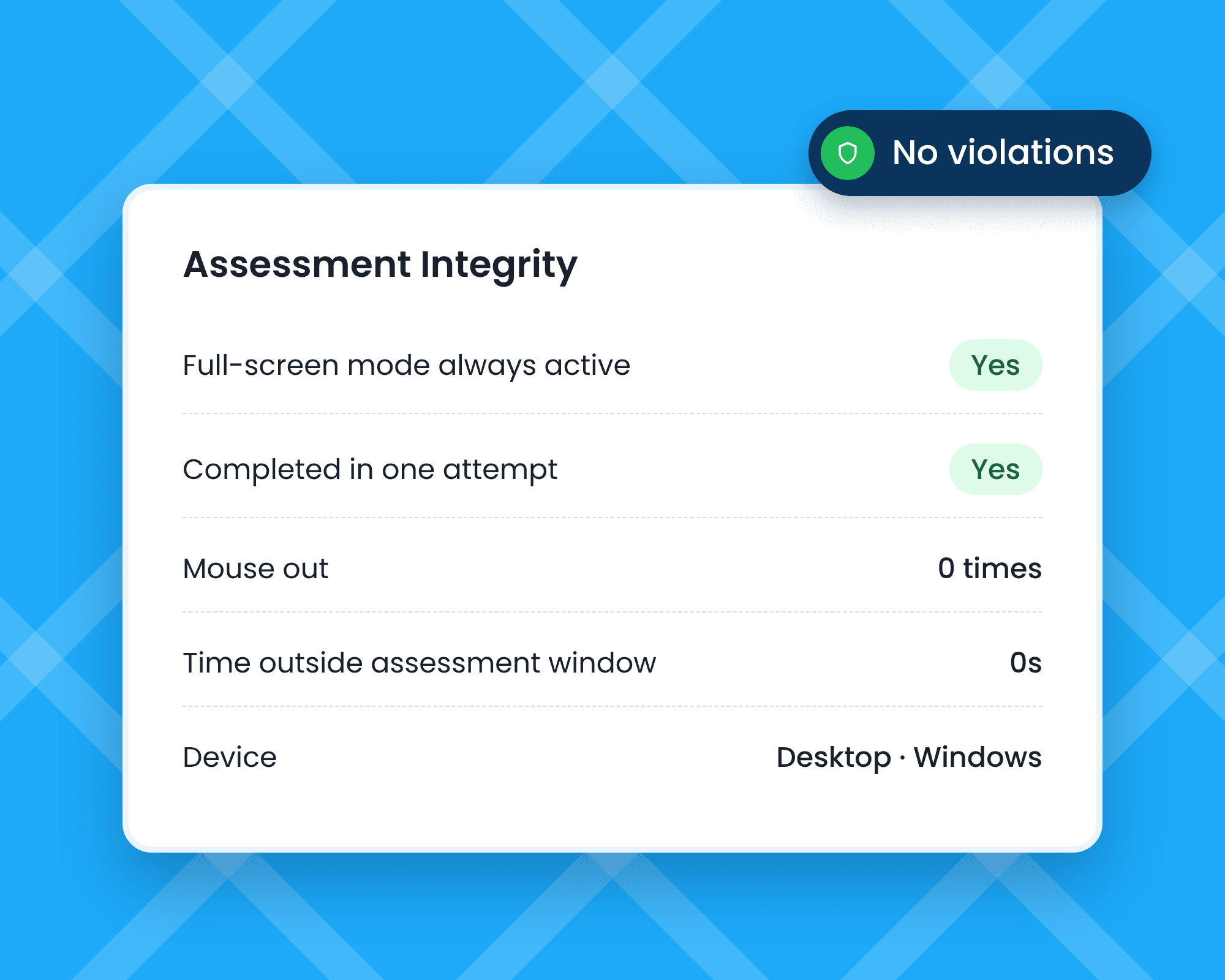
Proctoring flags unusual activity and gives every candidate a trust score.
The Template
What's in the Administrative Assistant Assessment Test
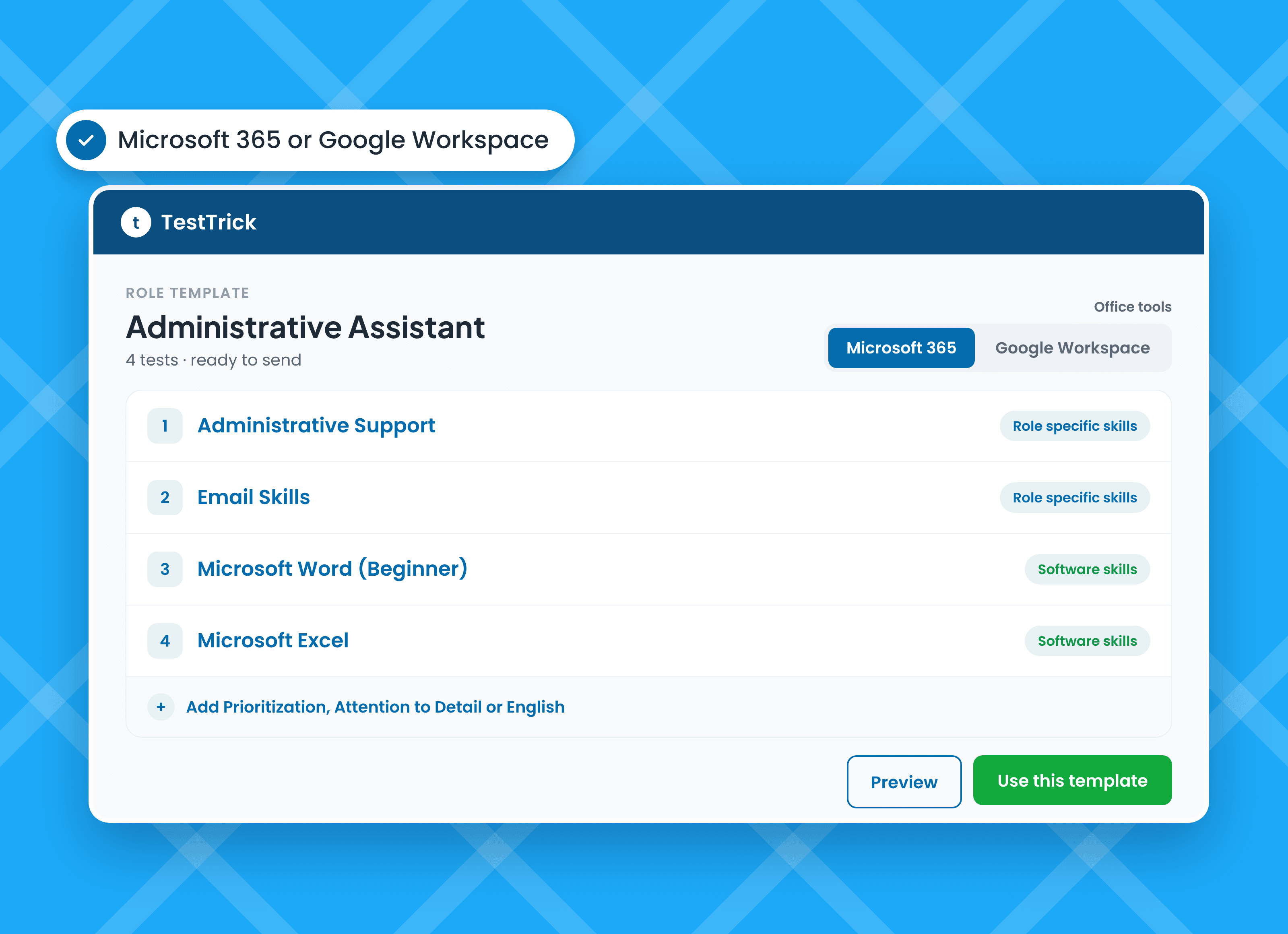
Three core tests for everyday admin work, plus one spreadsheet test for Microsoft 365 or Google Workspace. Add extra tests for busier or more senior roles.
Core
Administrative Support
Data entry, email management, basic file management and time management.
Beginner
Core
Email Skills
Email basics and etiquette, Microsoft Outlook, and handling virtual meetings and appointments.
Beginner
Core
Microsoft Word (Beginner)
Creating and formatting documents, inserting elements, page layout, styles, and reviewing and proofing.
Beginner
Pick one spreadsheet
Microsoft Excel
Data entry, formatting and validation, formulas and functions, analysis and charts.
Intermediate
Pick one spreadsheet
Google Sheet
Data entry and validation, core formulas, analysis and charts, and collaboration tools.
Intermediate
Optional add-on
Prioritization
Telling urgent from important, handling competing requests and pushing back when needed.
Intermediate
Optional add-on
Attention to Detail (Cognitive)
Proofreading, consistency checks, following a style guide and verifying data.
Intermediate
Optional add-on
Microsoft Word (Advanced)
Advanced formatting, collaboration tools, document automation, tables and complex layouts.
Advanced
Optional add-on
English B2 (Upper Intermediate)
Grammar, vocabulary, reading and the functional language used in workplace communication.
Intermediate
Shortlist the Right Administrative Assistant with TestTrick
Role Skills
Top Administrative Assistant Skills This Test Checks
The top skills for an administrative assistant are communication, organisation, scheduling, office software and attention to detail. This administrative assistant skills test scores each one.

Communication
Writing clear, professional emails and handling calls and messages politely.

Organisation and Prioritisation
Juggling competing requests and knowing what needs doing first.

Scheduling
Managing calendars, booking meetings and keeping appointments on track.

Microsoft Office or Google Workspace
Creating documents and keeping spreadsheets accurate and tidy.

Attention to detail
Spotting errors in documents, data and bookings before they cause problems.

Data entry and record keeping
Entering information accurately and keeping files easy to find.
How to Hire an Administrative Assistant With TestTrick
From a pile of applications to a short list of organised, capable assistants, in four steps.
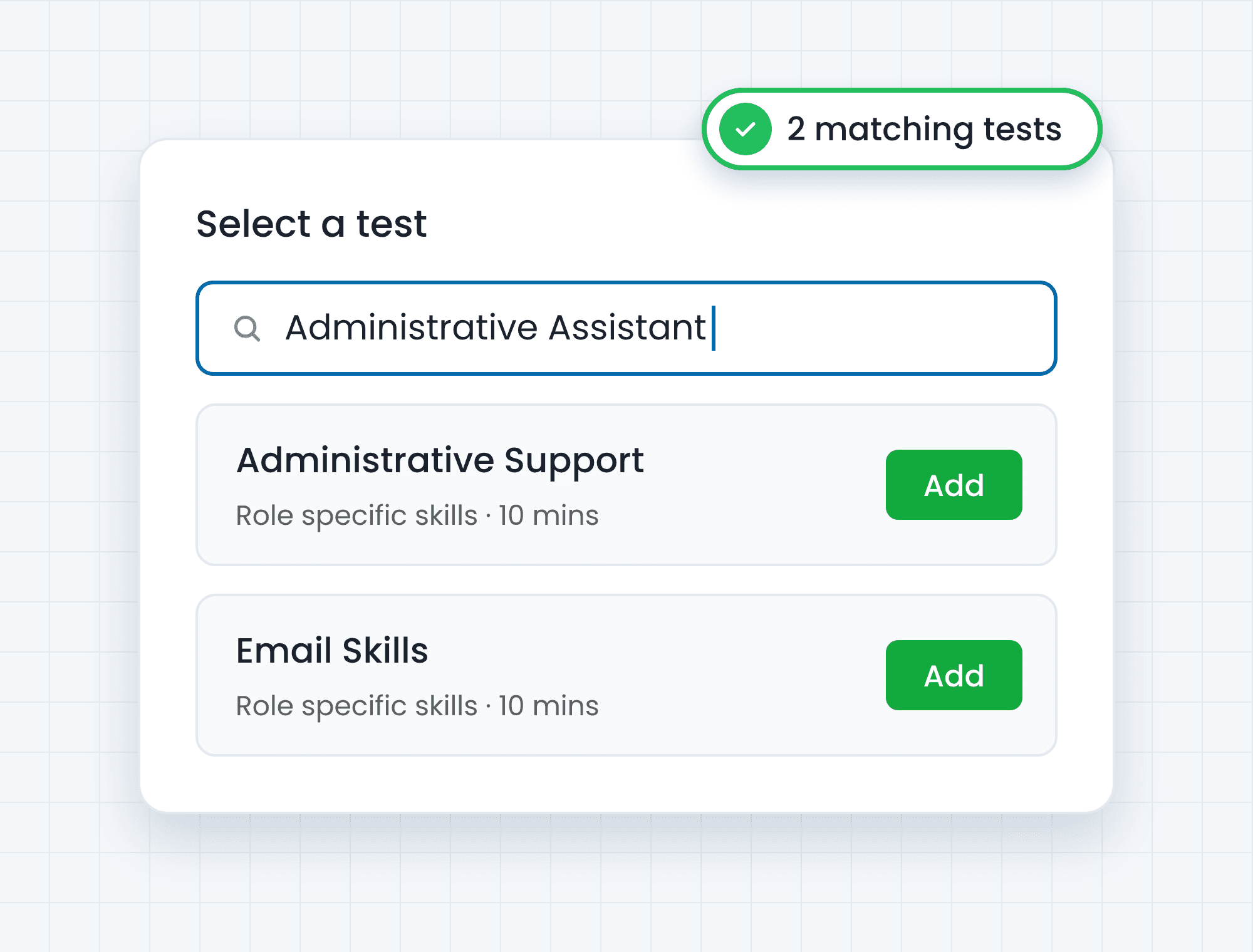
Open the Admin Assistant Template
Start with four tests built for everyday office work.
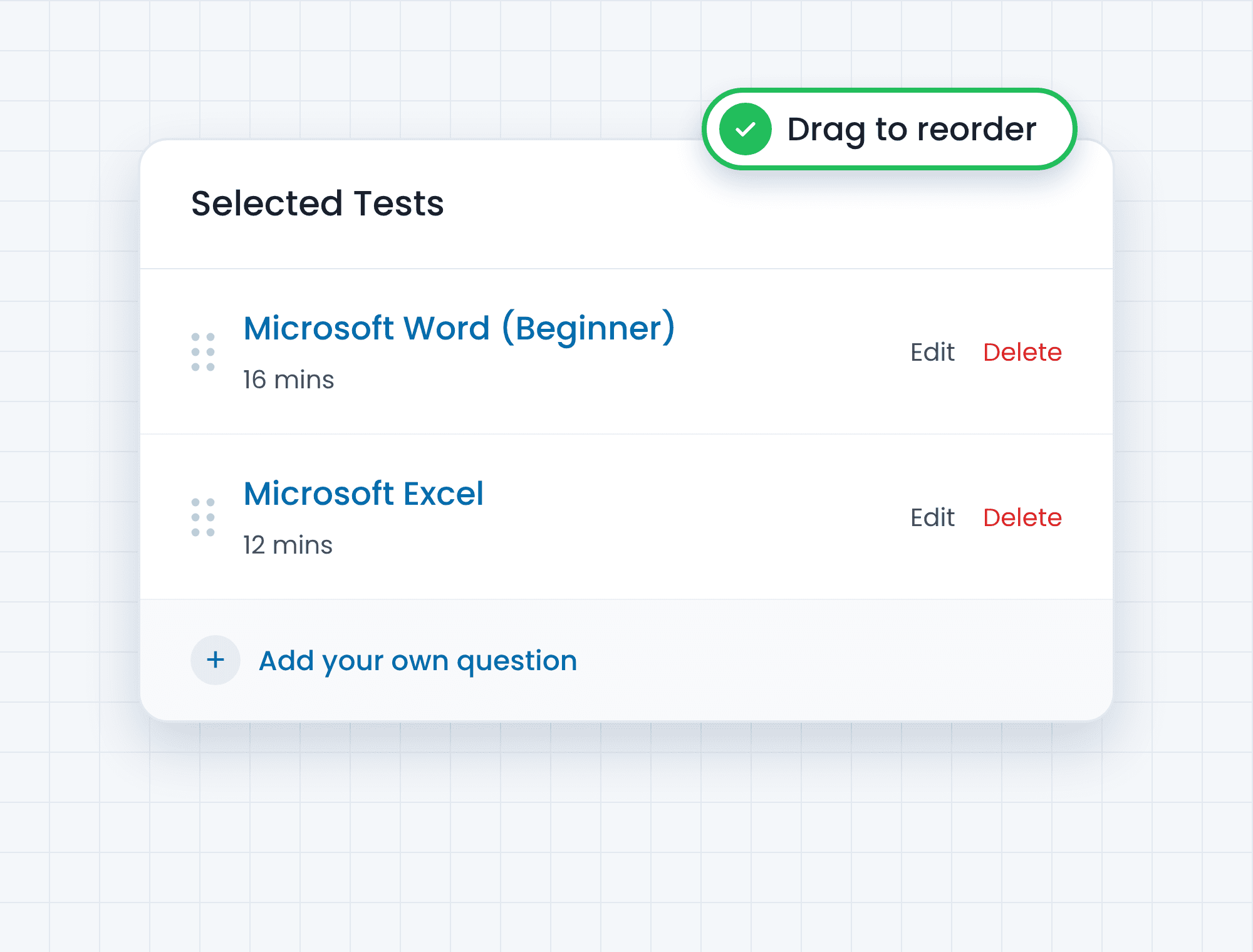
Match Your Office
Pick Microsoft Excel or Google Sheets, add any extra tests, and add your own questions.
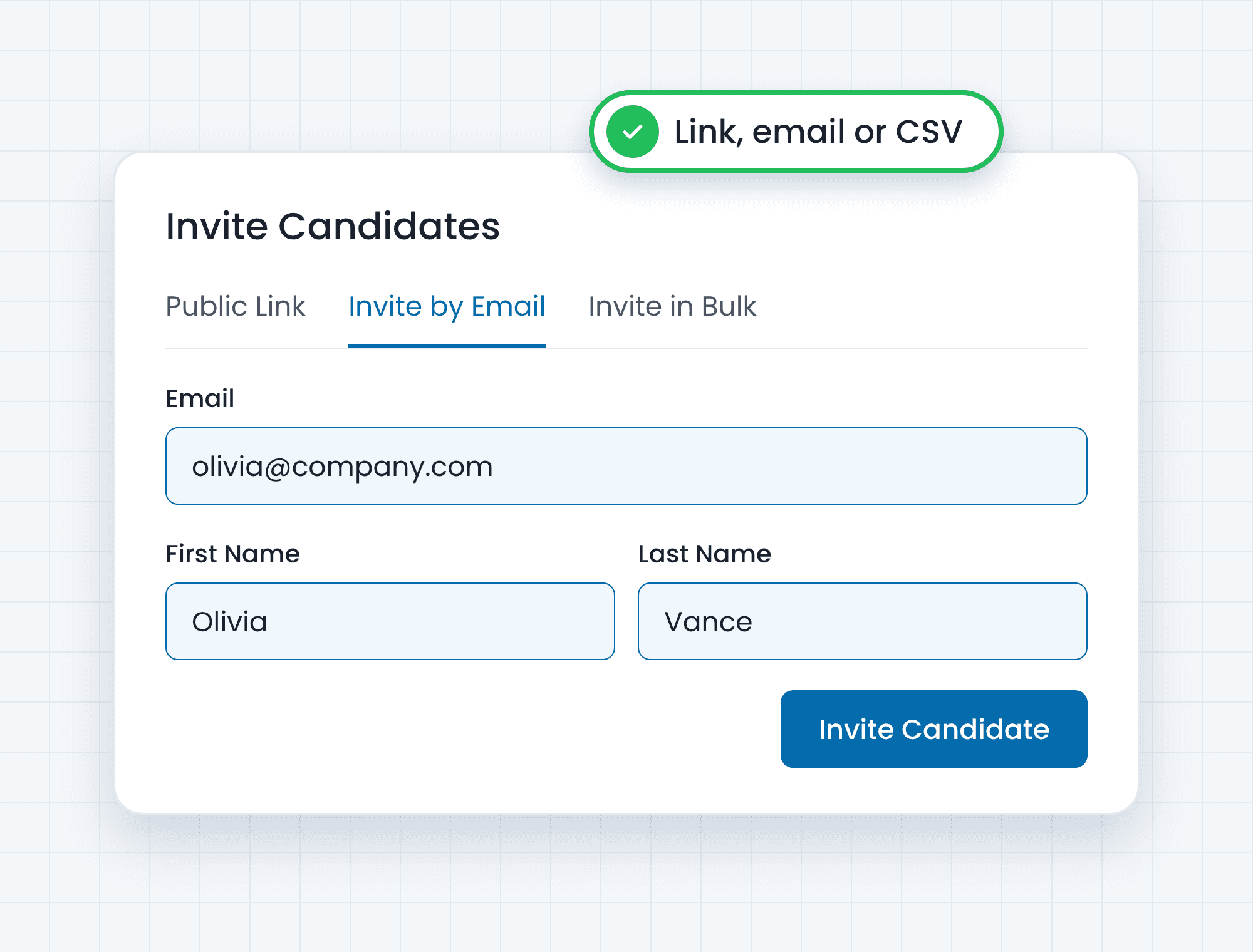
Invite Every Applicant
Share one link with your whole applicant pool, or send it from your ATS.
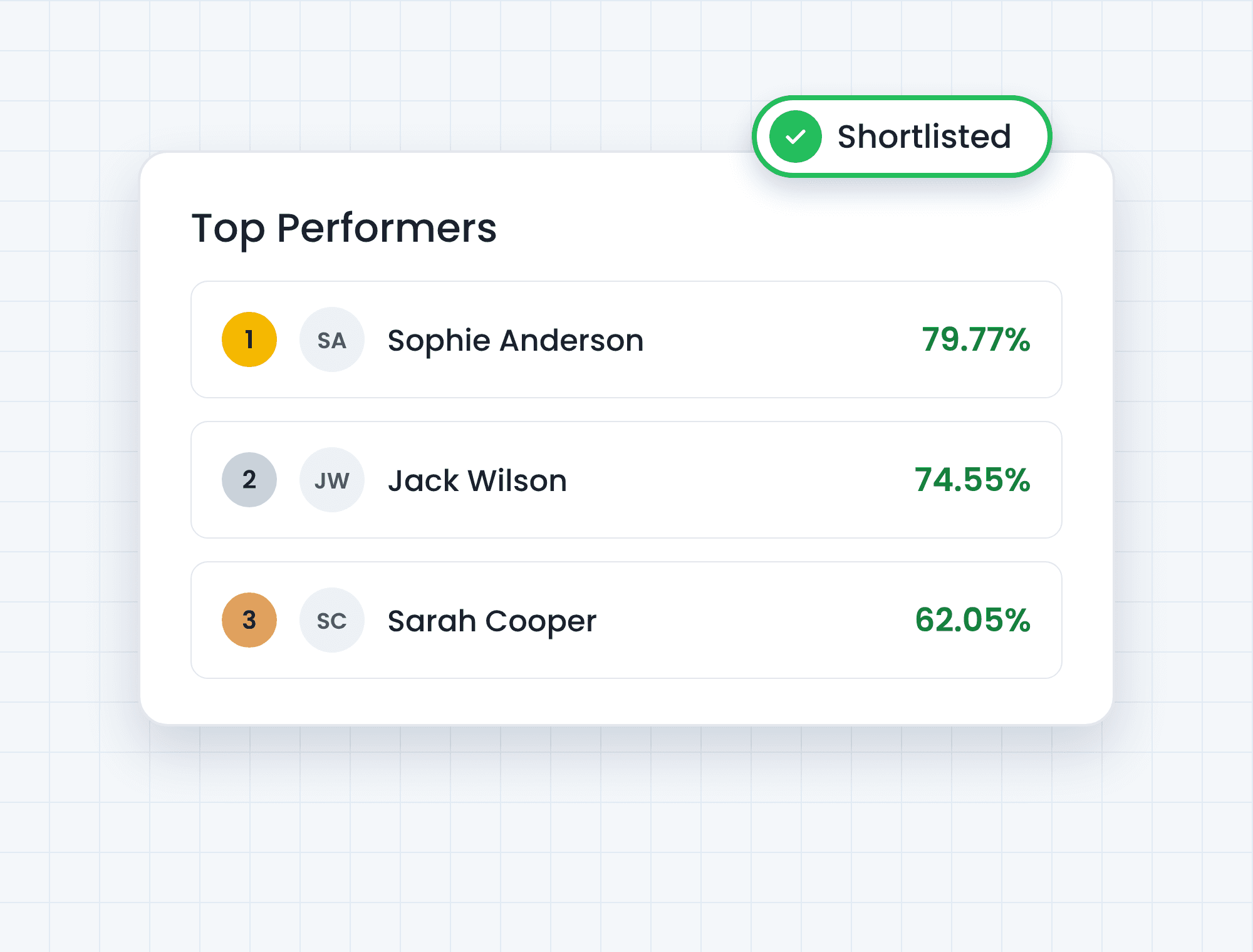
Interview the Most Organised
Shortlist the candidates who scored best and spend interview time only on them.
See What Each Administrative Assistant Test Score Tells You
Every result breaks down by skill, so you know who is great with email but needs support with spreadsheets.
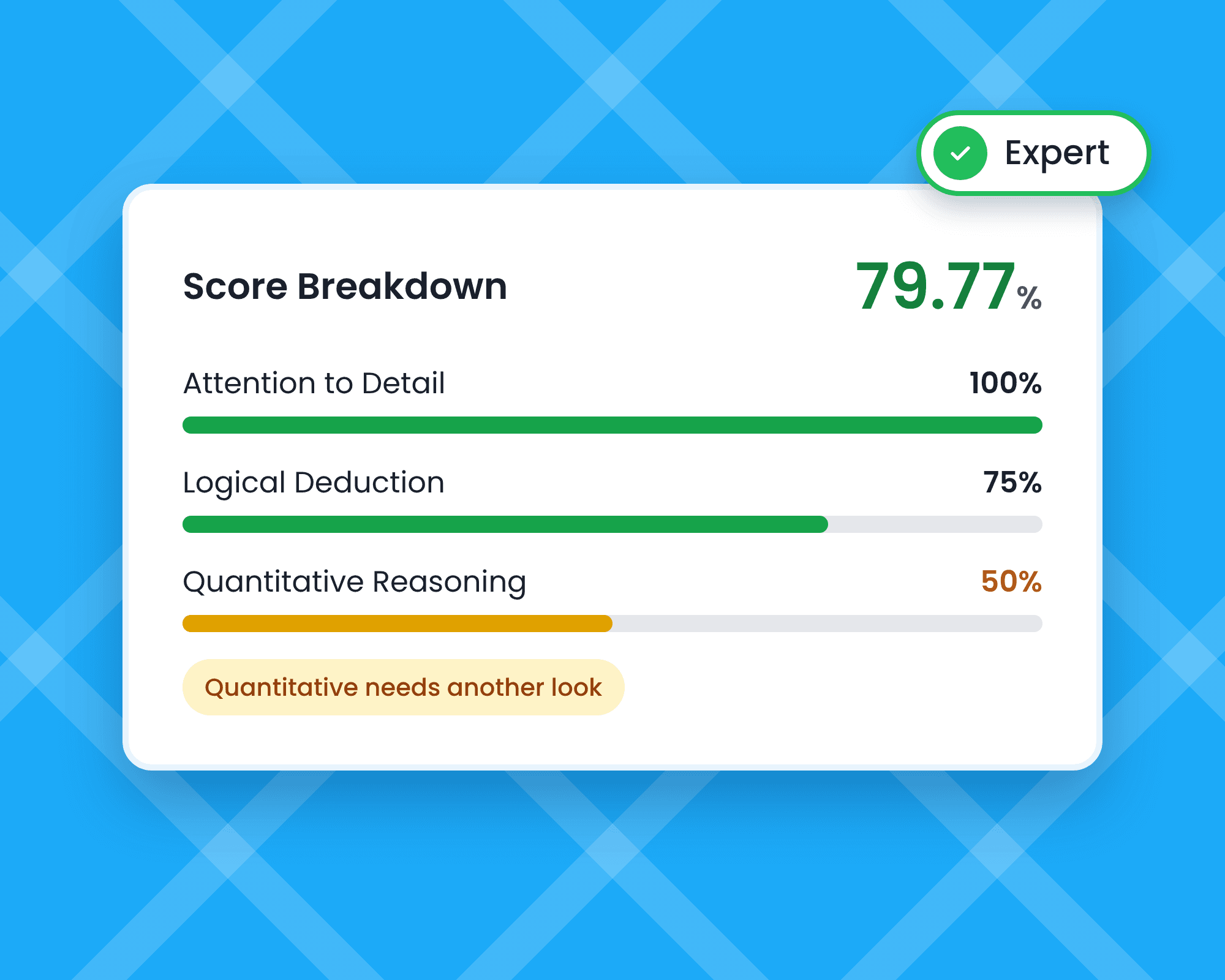
Understand
See Scores for Every Skill
See admin, email, Word and spreadsheet scores separately, not one blended number.
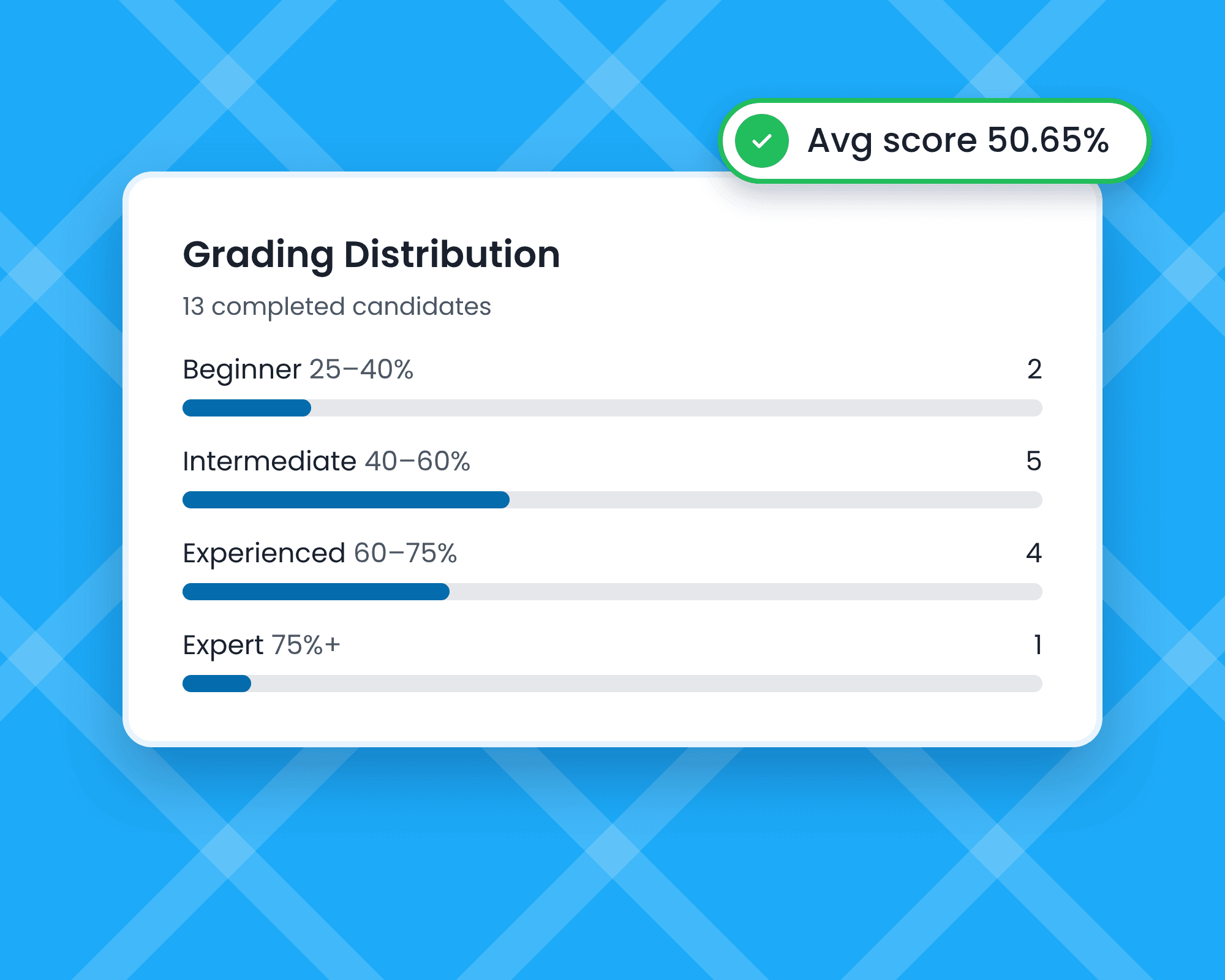
Compare
Compare Candidates Side by Side
Rank a large applicant pool on the same skills in seconds.
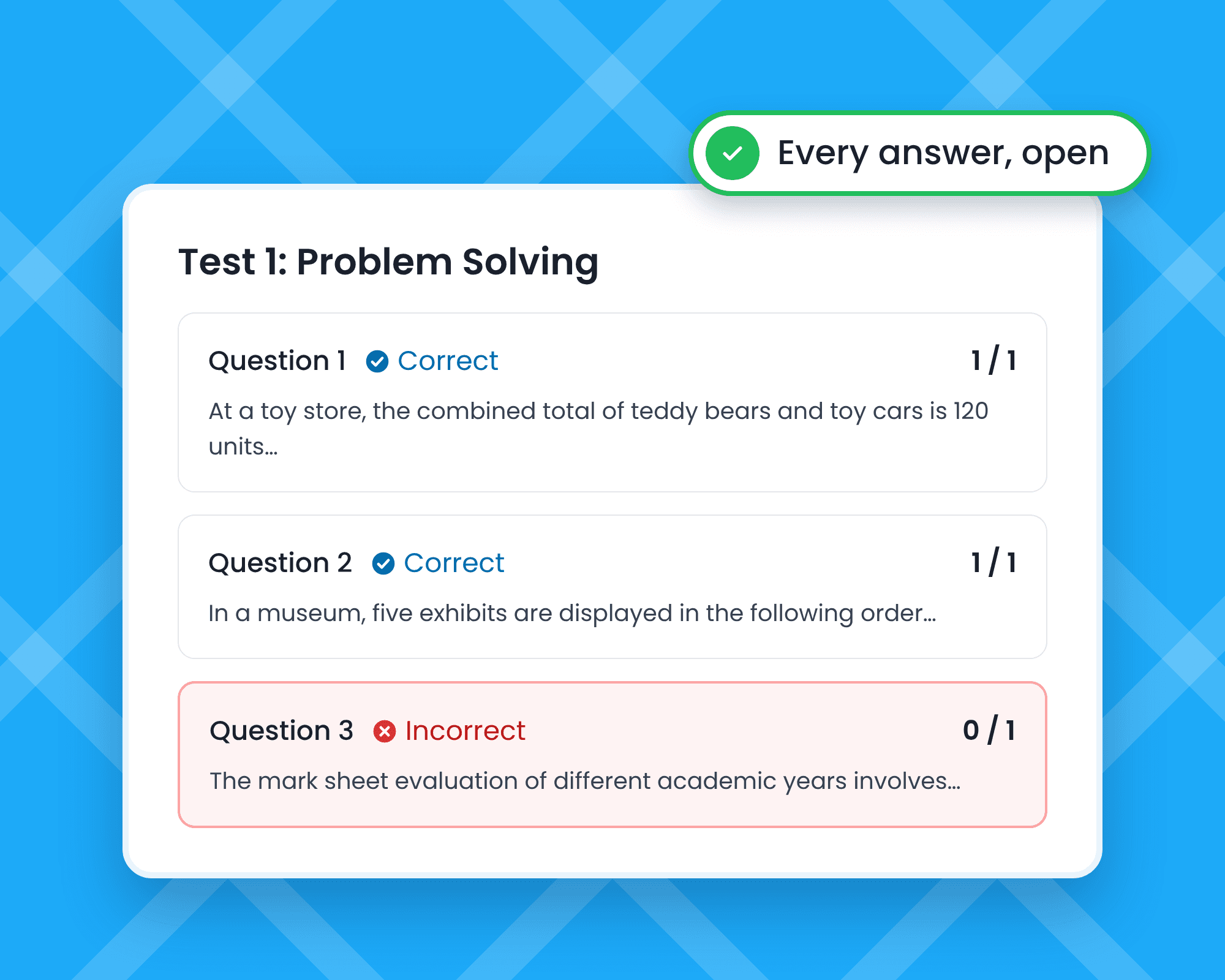
Review
Review Answers, Not Just Totals
Open each answer to see how a candidate handled a real office task.
By Role Type
Administrative Assistant Test Set-Ups for Every Office Role
Start from the same template and adjust it to the role, or jump to the ready-made test for a related job.
Office Administrator
Use the full template and add Prioritization for roles that run the office day to day.
Executive Assistant
Add Microsoft Word (Advanced) and Prioritization for roles that support senior leaders.
Receptionist / Front Desk
Keep Email Skills and Administrative Support, and add English B2 for customer-facing roles.
Virtual Assistant
Pick Google Sheet if the team works in Google Workspace, and add Prioritization.
Data-Heavy Admin Role
Add Attention to Detail and a typing test for roles with lots of data entry.
Junior or Entry-Level Admin
Keep the three core tests and set a lower passing score.
Got questions
Administrative Assistant Test FAQs
Hire an Assistant Who Keeps Everything on Track
Use the administrative assistant test template free for 7 days. No credit card required.
“We tried different platforms, but TestTrick was the only one that met the requirements.”
Sajjad Ahmed - Head of Talent at Trillium Information Security Systems