Best Greenhouse Integrations to Build a Better Hiring Stack
Explore the best Greenhouse integrations for sourcing, assessments, scheduling, background checks, onboarding, analytics, and more in 2026.

By Sanjana Sankhyan
October 7, 2026
19 min read
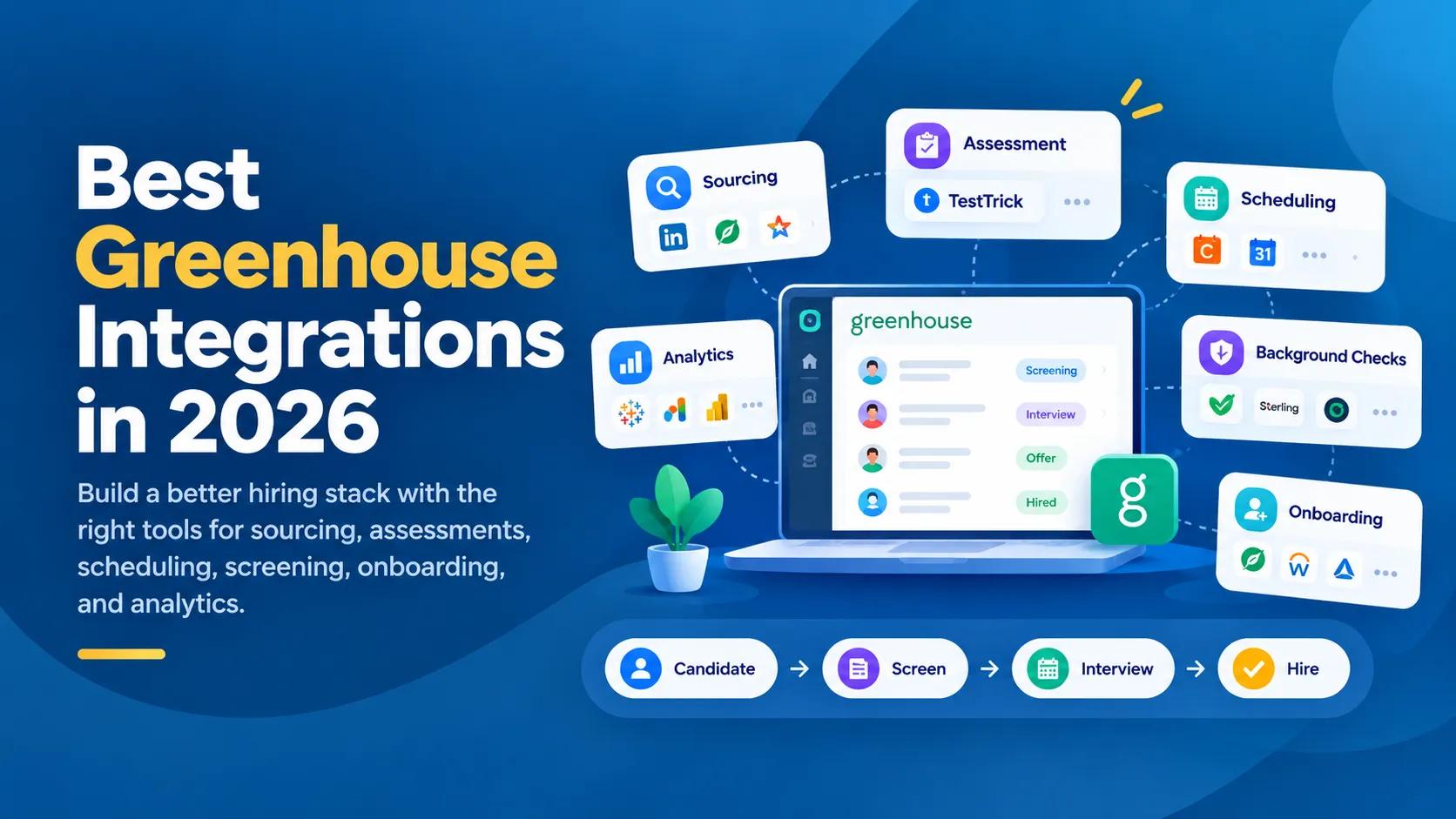
Greenhouse has a large integration ecosystem. That is useful until you actually have to choose what to connect.
Its partner directory currently includes hundreds of integrations across sourcing, job distribution, assessments, background checks, interview scheduling, HRIS, onboarding, analytics, candidate experience, productivity, and other parts of hiring.
That creates a different problem.
You probably do not need more tools. You need to know which parts of your hiring process are worth connecting, which integrations solve those problems well, and when adding another platform will just create another dashboard for recruiters to manage.
This guide approaches Greenhouse integrations that way.
Instead of ranking unrelated tools from 1 to 25, we have organized them around the actual hiring journey:
Source → Attract → Screen → Interview → Verify → Offer → Hire → Onboard → Analyze
For each stage, we will look at useful Greenhouse integrations, what they are best at, and which type of recruiting team should consider them.
Greenhouse integrations at a glance
Greenhouse currently has integrations spread across a broad ecosystem.
Some of the largest categories include:
| Category | Greenhouse integrations |
|---|---|
| Assessments | 108 |
| Sourcing | 93 |
| Analytics | 87 |
| Job distribution | 64 |
| Background checks | 42 |
| HRIS | 34 |
| Onboarding | 31 |
| Scheduling | 18 |
| E-signature | 4 |
Greenhouse also has integrations covering reference checks, candidate communication, recruitment marketing, productivity, headcount planning, video interviewing, employee referrals, and other recruiting workflows.
The takeaway is simple:
There is rarely one “best Greenhouse integration.” There is usually a best integration for a specific hiring problem.
How we evaluate Greenhouse integrations
Before adding another platform to your recruiting stack, look at more than whether it has a Greenhouse logo on its integrations page.
We suggest evaluating integrations across four areas.
1. What manual step does it remove?
A useful integration should eliminate something your recruiters are repeatedly doing themselves.
That might be:
- Recreating candidate profiles
- Copying assessment links
- Moving scores between platforms
- Coordinating interview availability
- Ordering background checks
- Sending offer documents
- Creating employee records
- Exporting hiring data into spreadsheets
If the integration does not remove meaningful work, it may not deserve another subscription.
2. How deep is the integration?
Not all integrations work at the same level.
A simple way to think about them is:
Level 1: Access
Greenhouse gives you a link or way to open the other platform.
Level 2: Data transfer
Candidate, job, or employee information moves between systems.
Level 3: Action
Recruiters can trigger something useful, such as sending an assessment or ordering a background check.
Level 4: Return data
Results, scores, statuses, interview information, or documents come back.
Level 5: Workflow automation
The recruiting process can trigger actions without recruiters manually coordinating every step.
A deeper integration is not automatically better. It only matters if you need the deeper workflow.
3. Does useful information return to Greenhouse?
Sending candidate information out is only half an integration.
If your recruiter still needs to open five other platforms every morning to find results or status updates, you still have a fragmented workflow.
Look for integrations that bring useful information back into the ATS.
4. Does it fit the way you hire?
A 100-person startup and a multinational employer do not need the same stack.
Neither do a software company hiring engineers and a retail business hiring hundreds of frontline employees.
The right integration depends on your hiring volume, role mix, geography, internal recruiting team, and existing HR systems.
1. Best Greenhouse integrations for candidate sourcing
Sourcing integrations help recruiters find candidates outside Greenhouse and bring them into the hiring workflow without manually recreating every profile.
Greenhouse currently lists dozens of sourcing tools, ranging from professional networks and candidate databases to referral platforms and specialized talent marketplaces.
A typical workflow looks like:
Find candidate → Add prospect to Greenhouse → Recruiter engages → Candidate enters hiring process
LinkedIn Recruiter
Linkedin Recruiter Homepage
Best for: Teams sourcing professional and passive candidates
LinkedIn is one of the most natural Greenhouse integrations for recruiters who already spend a large part of their day in LinkedIn Recruiter.
LinkedIn Recruiter System Connect is designed to reduce the separation between LinkedIn sourcing activity and the ATS. Greenhouse lists LinkedIn Recruiter System Connect among its preferred partners.
The main value is not simply finding candidates. Recruiters can work across LinkedIn and Greenhouse without maintaining two completely separate candidate records.
Choose LinkedIn when:
- Your recruiters already rely heavily on LinkedIn Recruiter
- Passive candidate sourcing is important
- You hire professional, technical, management, or specialist roles
- You want sourcing activity connected more closely to the ATS
SeekOut
Seek Out Homepage
Best for: Broader outbound sourcing and specialized talent discovery
SeekOut is another option for teams that need to search beyond traditional applicant pools. Greenhouse lists it within its sourcing ecosystem for finding and engaging talent across industries.
It becomes more relevant when your sourcing team needs dedicated search capabilities rather than relying entirely on applicants and LinkedIn.
Choose SeekOut when:
- Outbound sourcing is a major recruiting function
- You regularly hire difficult-to-find talent
- Your recruiters need additional candidate search capabilities
hireEZ
hire EZ homepage
Best for: Recruiters running structured outbound sourcing
hireEZ focuses on outbound recruiting and is listed among Greenhouse sourcing integrations.
It can make more sense for teams where sourcing is a repeatable process rather than occasional candidate research.
Choose hireEZ when:
- Your team has dedicated sourcers
- Recruiters regularly build outbound pipelines
- Candidate discovery and outreach happen at scale
Employee referral tools
Not all sourcing needs to happen on external databases.
Greenhouse also supports dedicated referral platforms such as ERIN, Teamable, Boon, Referrals by Roots, and others. Its directory currently has a specific referral-sourcing category.
These become useful when employee referrals are an important hiring channel but your current process is basically:
“Send us a CV on Slack.”
Our take
LinkedIn is the obvious starting point for most professional recruiting teams.
Add a dedicated sourcing platform only when outbound candidate discovery is important enough to justify another system.
For referrals, consider a specialized integration when referral volume becomes difficult to manage manually.
2. Best Greenhouse integrations for job distribution
Sourcing is about going out and finding candidates.
Job distribution is about making sure candidates can find you.
Greenhouse currently lists dozens of job-distribution integrations, including broad job advertising platforms, programmatic advertising tools, niche job boards, and regional hiring platforms.
The ideal workflow is:
Create job in Greenhouse → Distribute job → Candidate applies → Application returns to Greenhouse
Indeed
Indeed Homepage
Best for: Broad applicant reach
Indeed remains a practical option for companies hiring across a wide range of roles.
The benefit is straightforward: jobs managed through the ATS can reach candidates on Indeed without recruiters repeatedly recreating listings.
It is particularly useful for roles where applicant volume matters more than highly targeted passive sourcing.
Choose Indeed when:
- You hire regularly
- You need broad applicant reach
- You recruit across multiple job families
- Job advertising is a meaningful source of candidates
Appcast
Appcast Homepage
Best for: Programmatic recruitment advertising
Appcast takes a different approach.
Rather than behaving like a normal job board, it focuses on getting jobs in front of candidates across channels using recruitment advertising technology. Greenhouse describes Appcast as a platform that delivers candidates for open jobs using technology and data.
Choose Appcast when:
- You spend significantly on recruitment advertising
- You advertise large numbers of jobs
- Optimizing where recruitment budget goes matters
Joveo
Joveo Homepage
Best for: Companies optimizing job-advertising spend across channels
Joveo is another programmatic recruitment advertising option in the Greenhouse ecosystem. Its directory description focuses on adjusting budgets, bids, and channels according to performance.
Choose Joveo when:
- Recruitment marketing operates at scale
- You advertise across several job channels
- You care about cost and performance by source
Our take
For many teams, direct job-board distribution is enough.
Programmatic platforms become more useful when recruitment advertising is large enough that where your budget goes becomes an operating problem in itself.
3. Best Greenhouse integrations for candidate assessments
Assessment is where Greenhouse's integration ecosystem becomes particularly crowded.
Greenhouse currently lists more than 100 assessment integrations covering technical testing, general skills, cognitive ability, personality, AI interviews, sales assessments, job simulations, and other screening methods.
That amount of choice is useful, but it makes “Which assessment integration should we use?” surprisingly difficult to answer.
The better question is:
What do you actually need to assess?
TestTrick
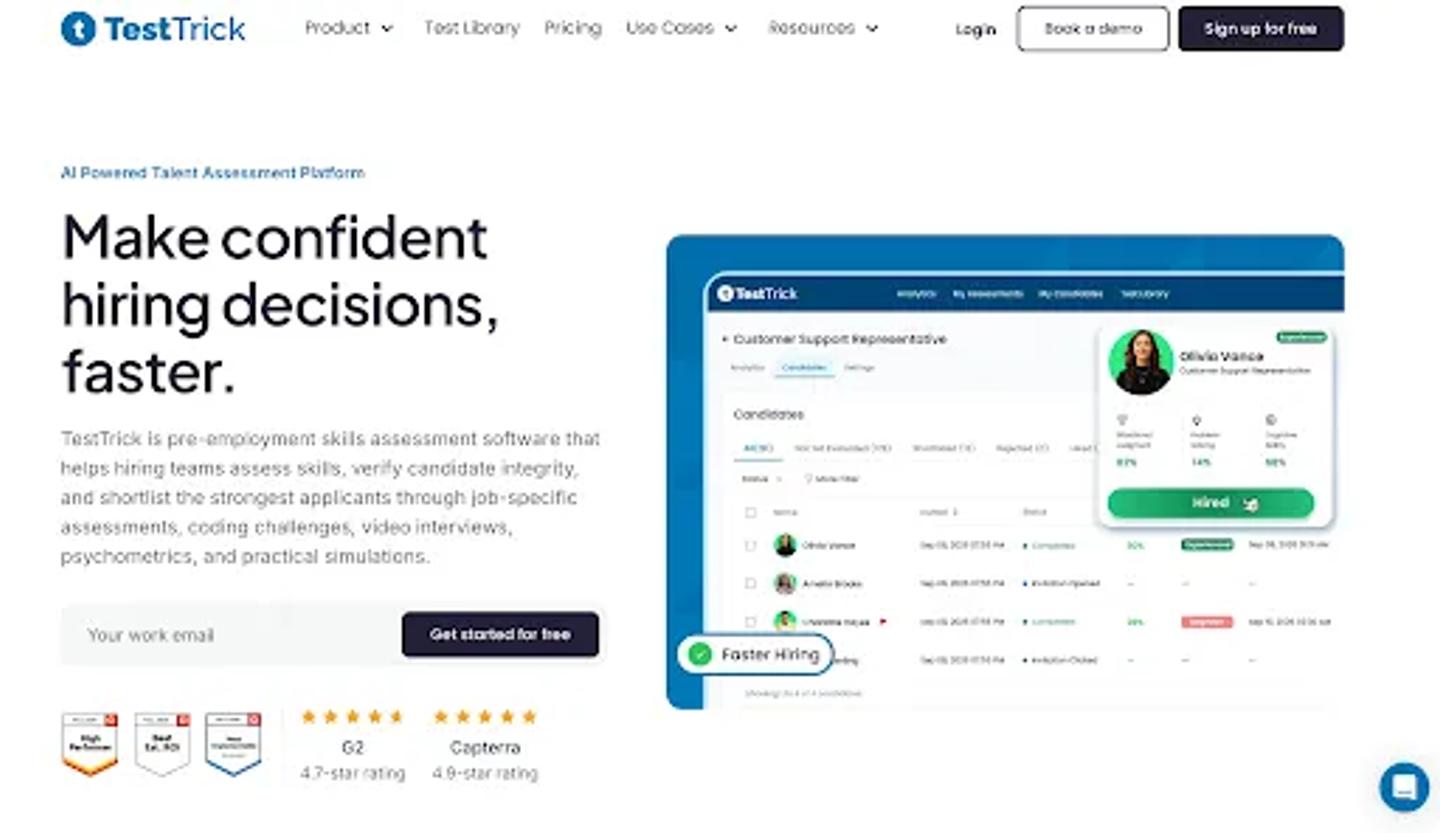
TestTrick Homepage
Best for: Companies that want technical and non-technical assessment in one platform
TestTrick is a strong fit when your organization hires across several departments and does not want a different assessment vendor for every role.
The platform supports 500+ ready-made assessments alongside custom tests across areas such as:
- Role-specific skills
- Coding
- Excel and spreadsheet simulations
- Cognitive ability
- Personality and behavioral assessments
- One-way video interviews
- Open-ended responses
It also includes proctoring features for teams that want additional signals around assessment integrity.
How TestTrick works with Greenhouse
Recruiters can use TestTrick assessments within their Greenhouse hiring workflow.
A typical process looks like:
Candidate in Greenhouse → Send TestTrick assessment → Candidate completes assessment → Assessment information returns → Recruiter makes decision
The value becomes particularly clear when assessment is a repeatable part of hiring.
Sending three assessments manually is manageable.
Sending hundreds of assessment invitations, checking their status, and moving the results back into the ATS is not.
Where TestTrick fits best
TestTrick is particularly useful for organizations hiring across different job families.
For example:
Finance hire: Excel + financial knowledge
Software engineer: Coding + problem solving
Sales role: Sales skills + communication
Customer support: Role-specific skills + video response
Graduate hire: Cognitive ability + personality
Instead of maintaining separate vendors for each assessment type, the organization can keep more of the screening process in one platform.
Pricing
TestTrick starts at $35/month when billed annually, including 600 candidate credits and three users. Higher plans mainly support greater candidate volume and additional users.
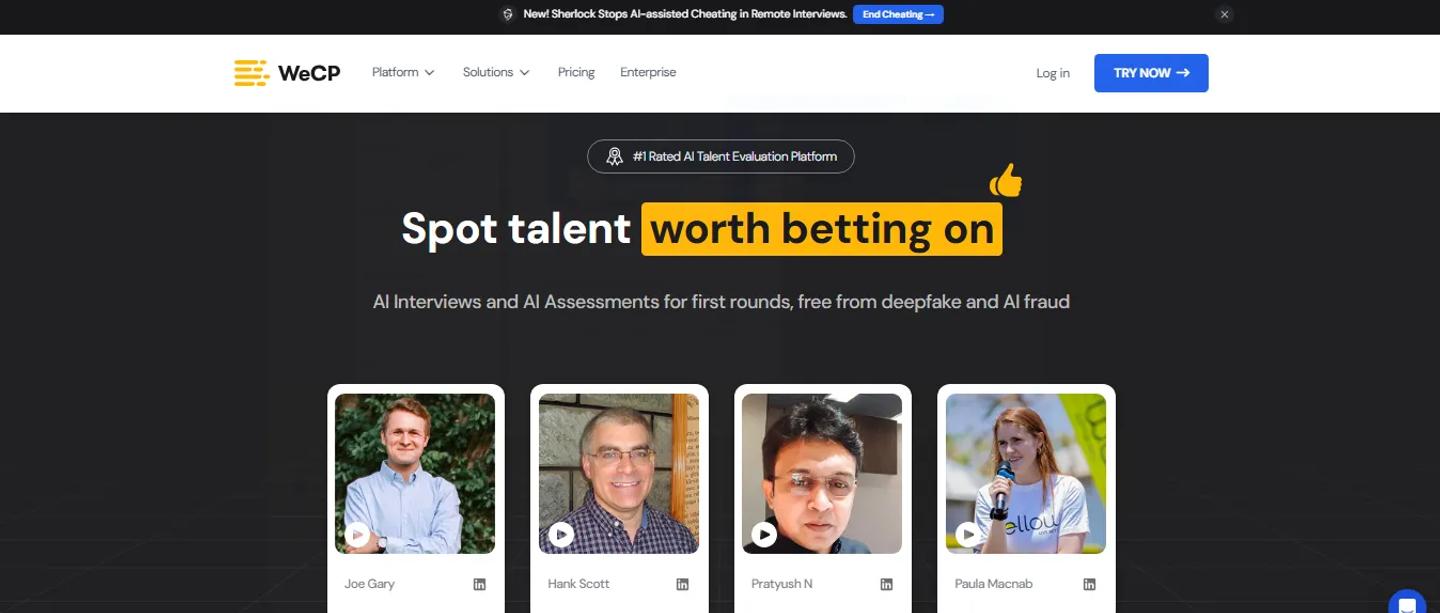
WeCP
WeCP Homepage
Best for: Technical hiring teams
WeCP focuses more heavily on technical assessment and is listed in Greenhouse's assessment ecosystem as a platform for evaluating technical skills.
It makes more sense when engineering and developer assessment is the primary requirement rather than one part of a broader hiring program.
Choose WeCP when:
- Most assessment use is technical
- Coding evaluation is the core requirement
- Engineering teams play a major role in screening
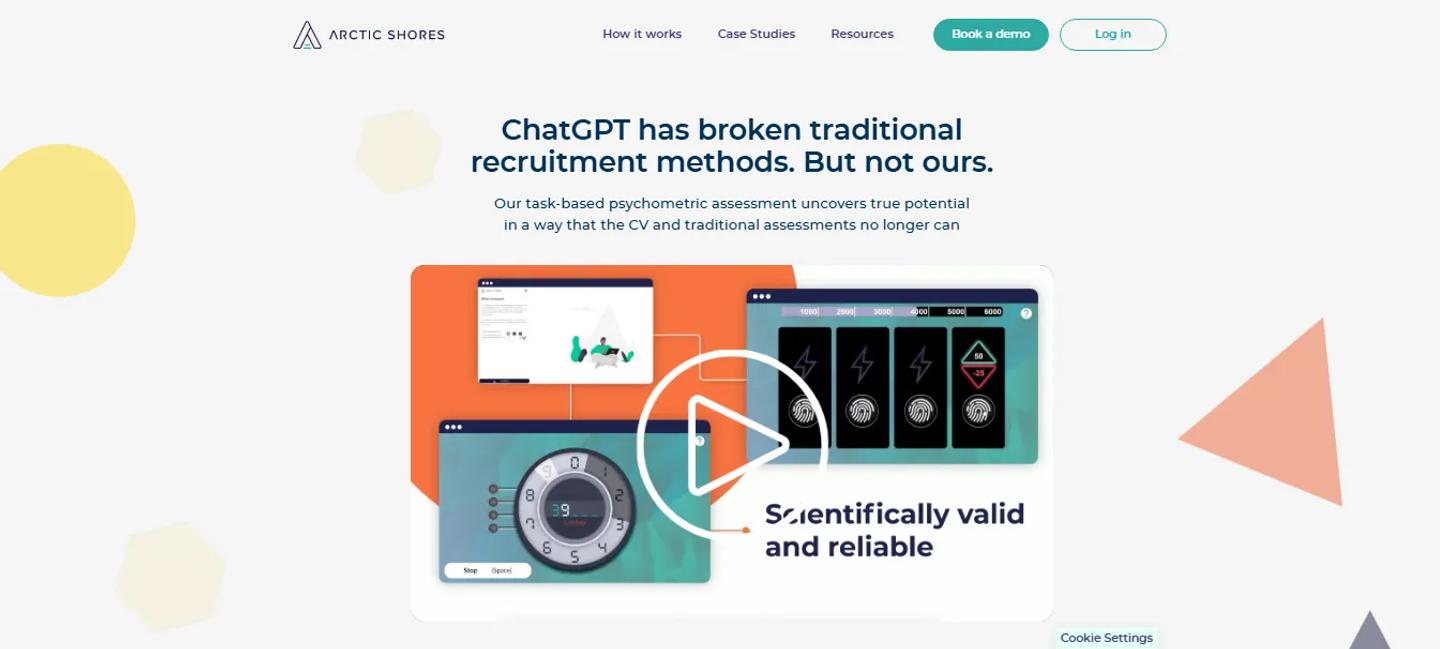
Arctic Shores
Artic Shores Homepage
Best for: Potential and behavioral assessment
Arctic Shores approaches assessment differently from traditional skills testing and focuses on measuring candidate potential.
Choose Arctic Shores when:
- Potential matters more than job-specific technical knowledge
- You run early-career or graduate recruitment
- Behavioral or cognitive insight is central to screening
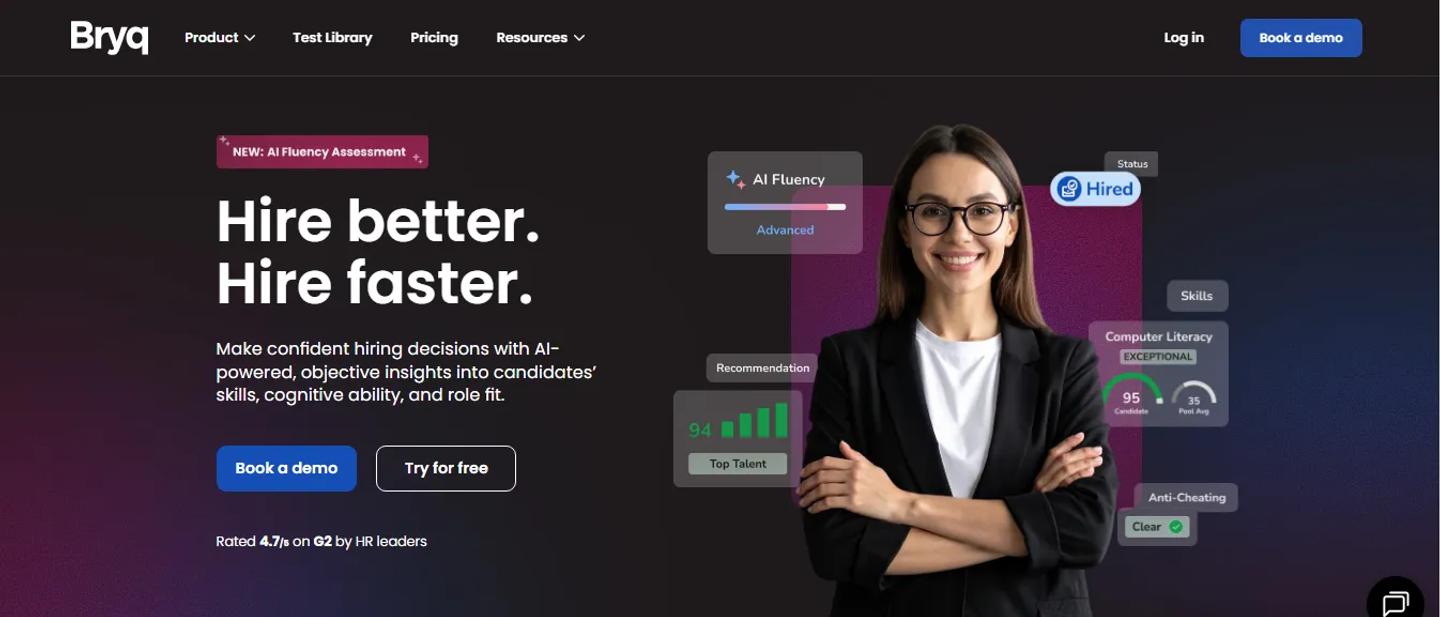
Bryq
Bryq Homepage
Best for: Cognitive ability and role-fit screening
Bryq combines skills and cognitive assessment with candidate-fit insights and is also available in the Greenhouse ecosystem.
Assessment comparison
| Platform | Best for | Broad role coverage | Technical skills | Cognitive / behavioral | Video / communication |
|---|---|---|---|---|---|
| TestTrick | Mixed-role hiring | Strong | Strong | Yes | Yes |
| WeCP | Technical hiring | Moderate | Strong | Limited | Varies |
| Arctic Shores | Potential assessment | Specialized | No | Strong | Limited |
| Bryq | Cognitive and role fit | Broad | Some | Strong | Limited |
Our take
Do not choose an assessment platform because it has the largest test library.
Choose based on the roles you actually hire.
If most of your hiring is technical, specialist tools can make sense.
If your organization hires across finance, sales, operations, engineering, support, and other departments, a broader platform such as TestTrick is easier to standardize across the business.
4. Best Greenhouse integrations for interview scheduling
Interview scheduling looks like a small operational problem until your hiring volume grows.
One recruiter scheduling a call is easy.
A recruiting coordinator arranging six interviewers, three candidates, two time zones, interviewer preferences, panel requirements, and reschedules is not.
Greenhouse currently lists 18 scheduling integrations.
Calendly
Calendly Homepage
Best for: Straightforward self-scheduling
Calendly solves the simplest scheduling problem well:
Stop emailing candidates back and forth trying to find a time.
Candidates receive available times and choose one.
Choose Calendly when:
- Most interviews are one-to-one
- Candidates mainly need self-scheduling
- Your scheduling problem is email coordination
GoodTime
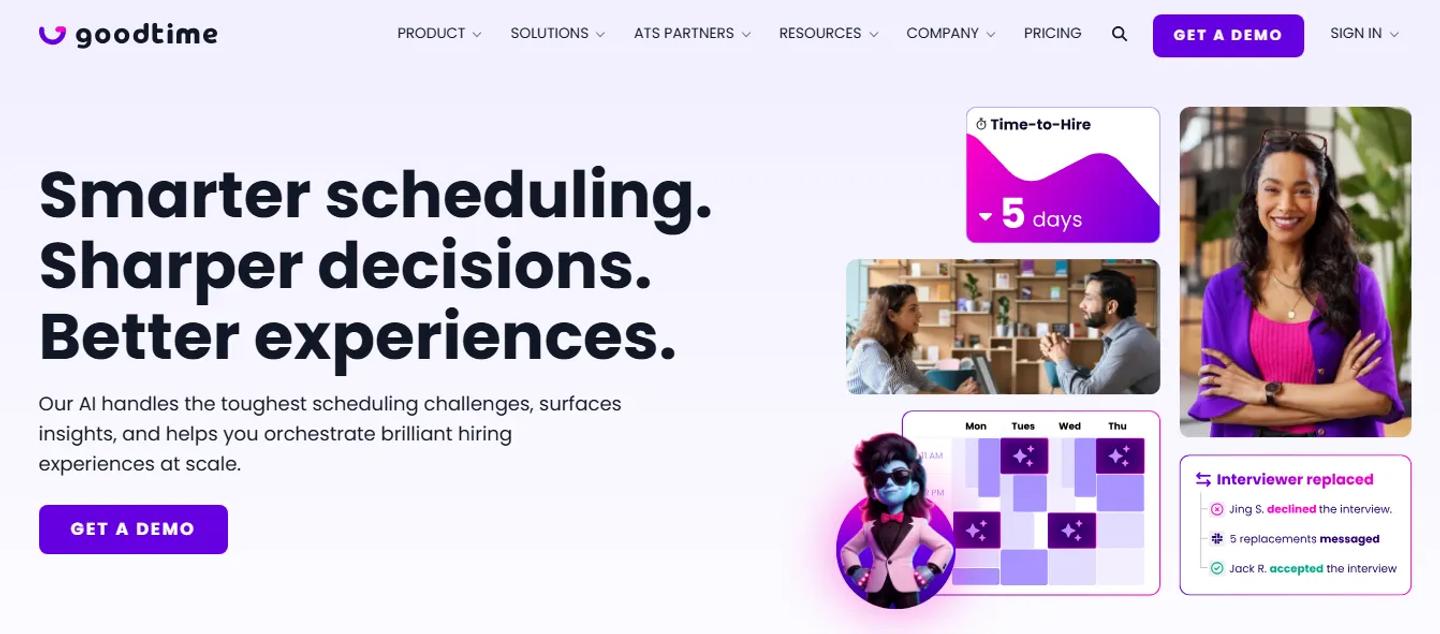
GoodTime Homepage
Best for: Complex interview operations
GoodTime is designed more specifically for recruiting teams handling complicated interview scheduling and is described by Greenhouse as a leader in complex interview scheduling.
It is better suited to:
- Panel interviews
- Interviewer pools
- High interview volume
- Recruiting coordinators
- Complex interview plans
Choose GoodTime when:
Scheduling is not just annoying. It is consuming meaningful recruiting-team capacity.
ModernLoop
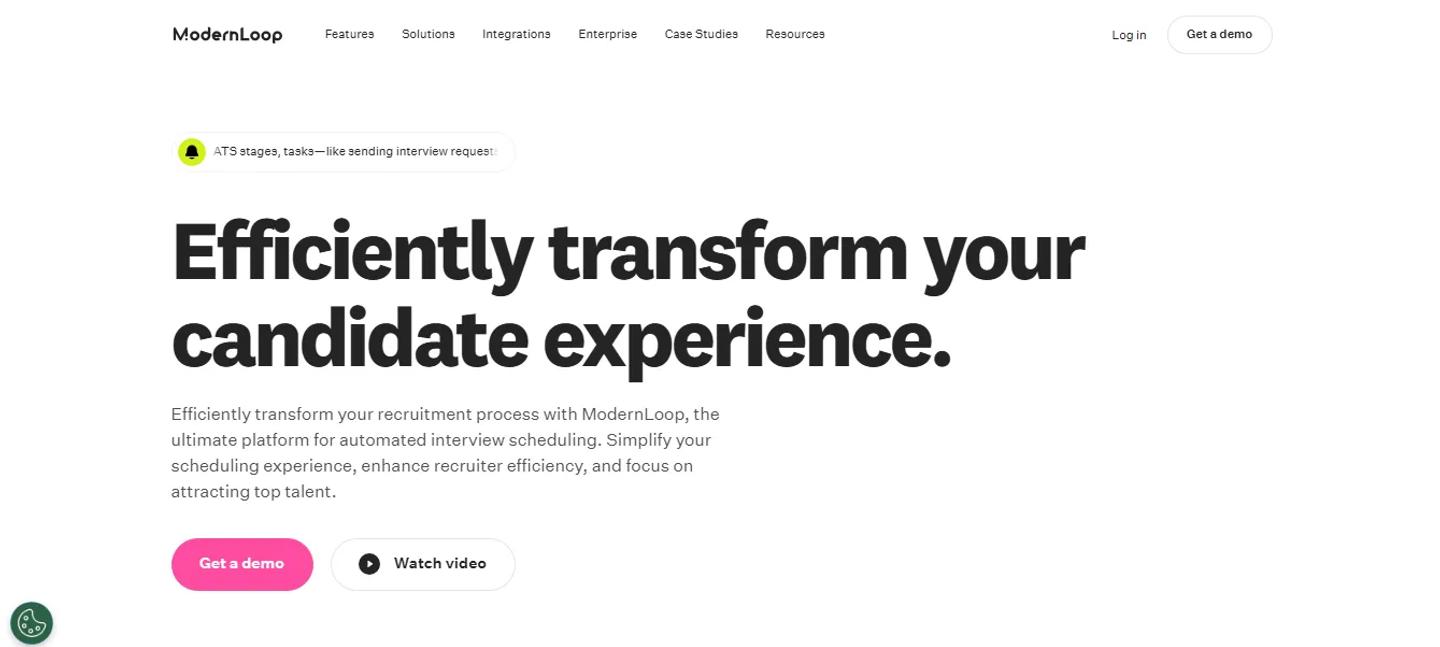
ModernLoop Homepage
Best for: Teams that treat interview coordination as a recruiting-operations function
ModernLoop also focuses on automating and optimizing scheduling across the candidate interview cycle.
It sits closer to GoodTime than Calendly in terms of the problem it solves.
Quick comparison
| Tool | Best fit |
|---|---|
| Calendly | Candidate chooses a simple available slot |
| GoodTime | Complex panels and high interview volume |
| ModernLoop | Structured recruiting coordination and scheduling operations |
Our take
Do not buy enterprise scheduling software to solve a Calendly problem.
But if recruiting coordinators are spending hours every day fixing calendars, basic self-scheduling probably will not go far enough.
5. Best Greenhouse integrations for background checks
Background screening is another category with a large Greenhouse ecosystem.
Greenhouse currently lists more than 40 background-check integrations.
The useful workflow is:
Candidate reaches screening stage → Check begins → Candidate provides information → Status updates → Recruiter reviews result
Checkr
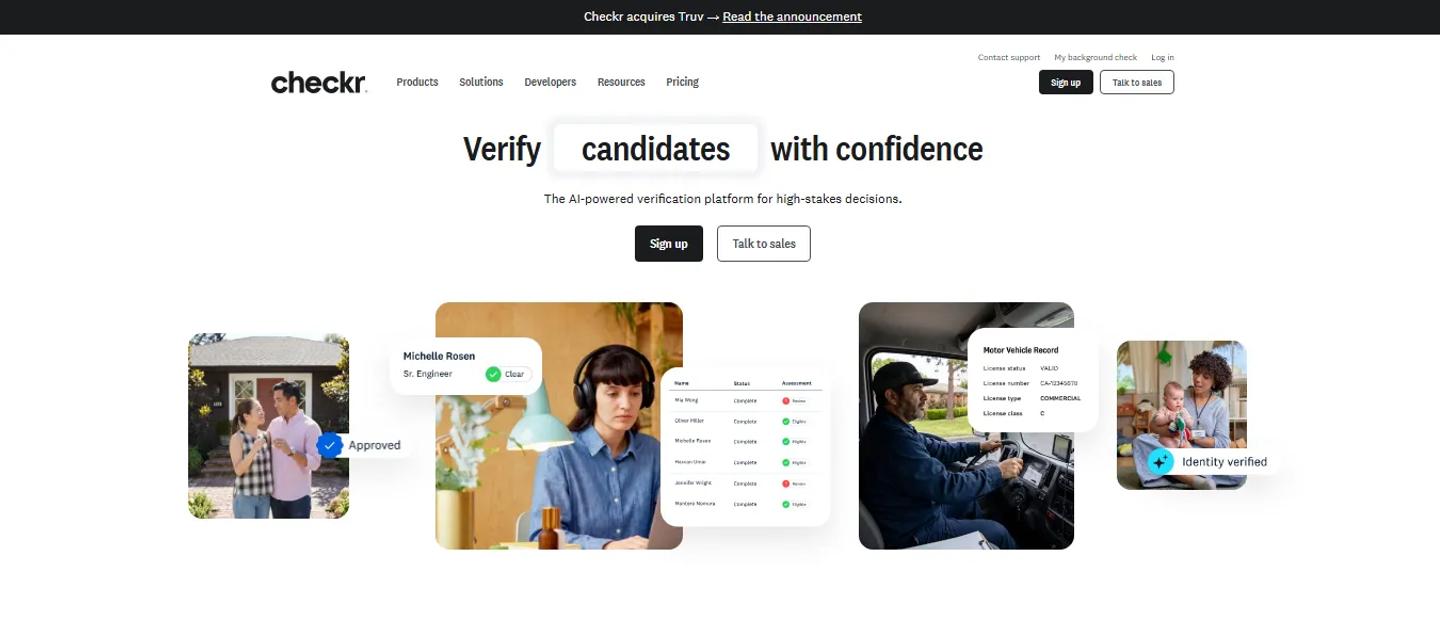
Checkr Homepage
Best for: Straightforward, configurable background screening
Checkr is one of Greenhouse's preferred partners and works well for employers that want background screening connected directly to recruiting workflows.
It is particularly practical for companies that want relatively straightforward screening with configurable packages.
Choose Checkr when:
- Most screening happens in the US
- You want a straightforward workflow
- Different roles require different screening levels
HireRight

HireRight Homepage
Best for: Larger and multinational screening programs
HireRight makes more sense when background screening extends across jurisdictions or involves more complicated checks.
For larger organizations, screening can include:
- Employment verification
- Education
- Criminal records
- Driving records
- Licenses
- Country-specific checks
- Role-specific screening requirements
Choose HireRight when:
Your screening program varies significantly by role or geography.
Certn
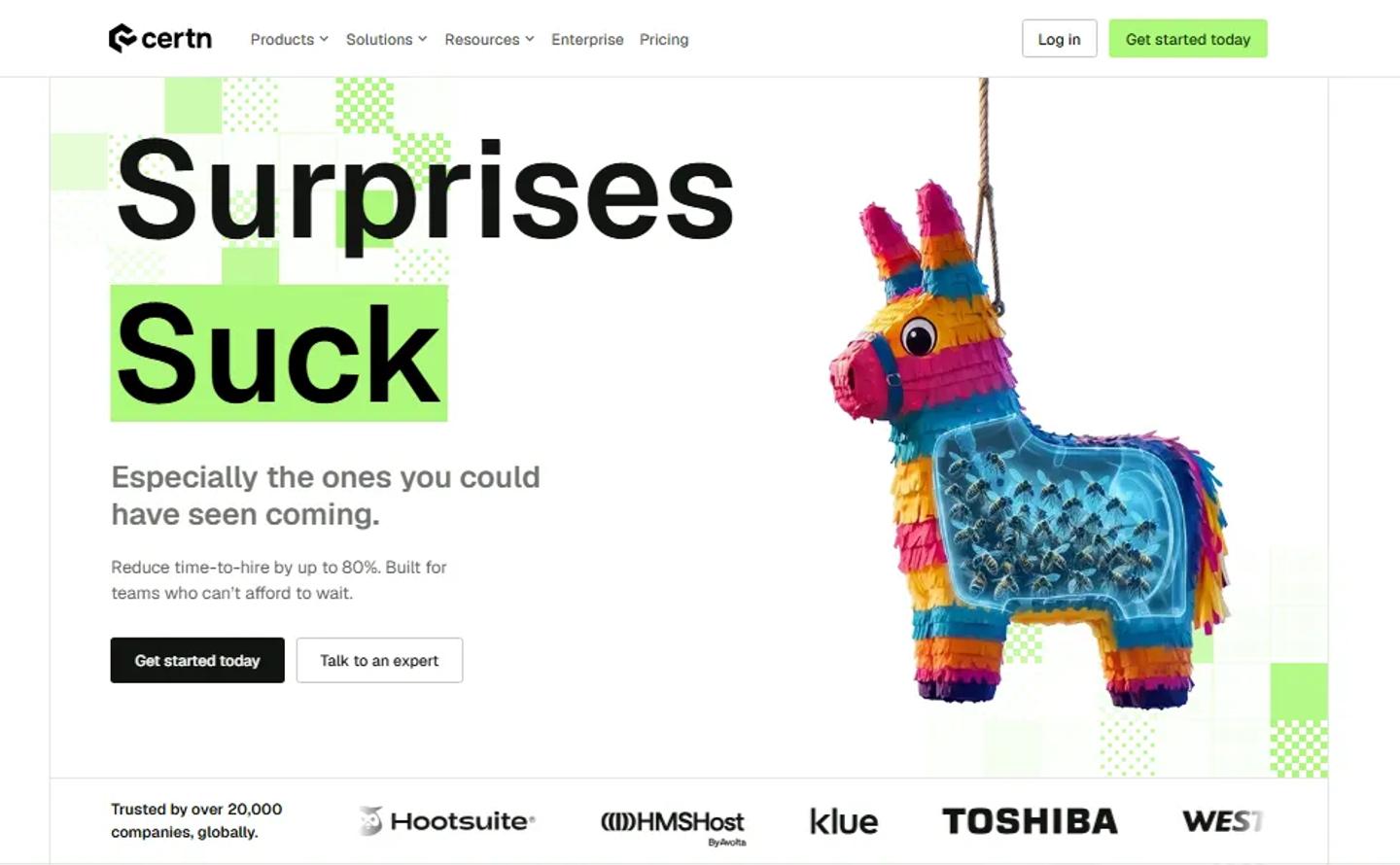
Certn Homepage
Best for: Companies looking for international screening coverage
Greenhouse describes Certn as a global background-screening platform operating across a large number of countries and territories.
Choose Certn when:
- You hire internationally
- You want a technology-first screening platform
- Geographic coverage matters
Our take
Background screening is one category where geography should strongly influence the decision.
Do not select a provider based only on interface or price. Check whether it actually supports the screening requirements and jurisdictions where you hire.
6. Best Greenhouse integrations for reference checks
Reference checking often becomes an awkward manual stage.
Recruiters email references, follow up, schedule calls, take notes, and then save those notes somewhere in the candidate record.
Greenhouse has a dedicated reference-check integration category with more than 20 partners.
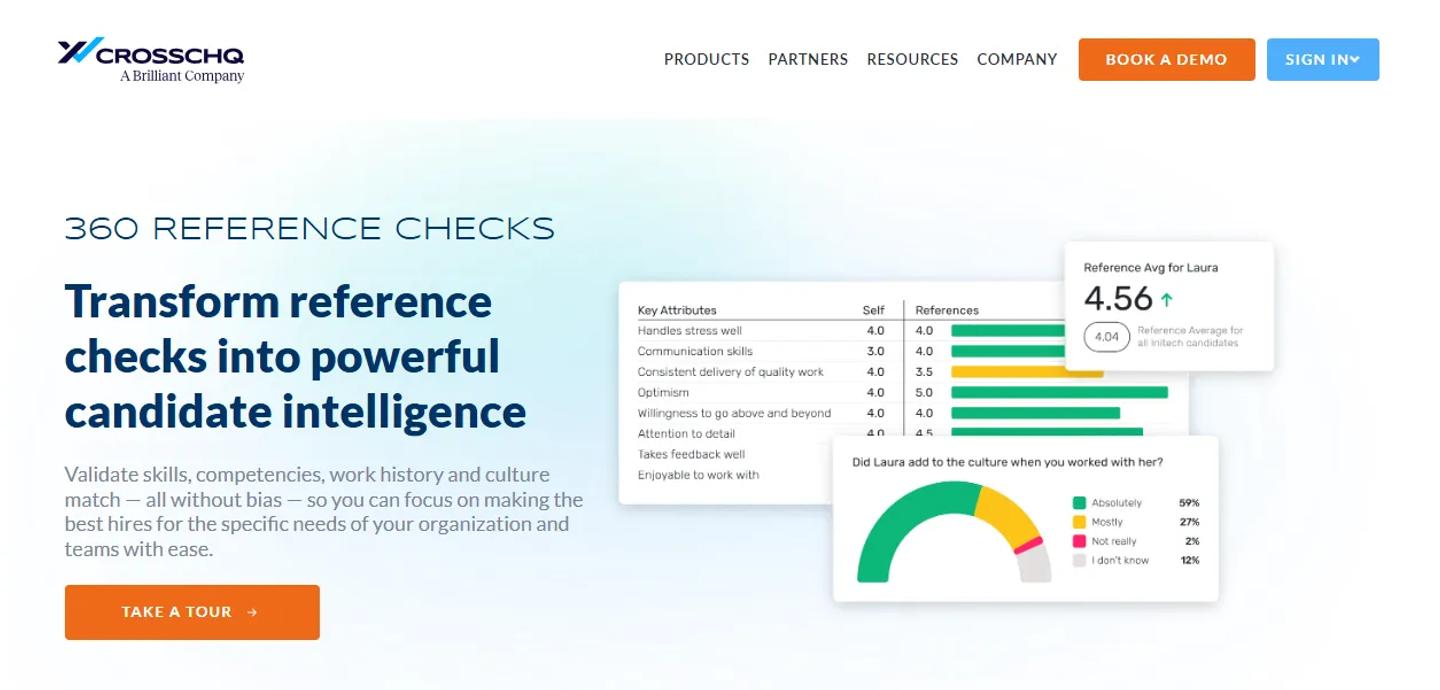
Crosschq Reference
Crosschq Reference
Best for: Structured, data-driven reference checking
Crosschq aims to turn reference feedback into more structured candidate information rather than relying only on informal phone conversations.
Harver Reference
Harver Reference Homepage
Best for: Automating high-volume reference collection
Greenhouse describes Harver Reference as a way to streamline reference checking and gather feedback more efficiently.
HiPeople
HiPeople Homepage
Our take
A dedicated reference-checking platform makes the most sense when references are mandatory and happen frequently.
If you hire only a few people each month and references are occasional, another platform may create more complexity than it removes.
7. Best Greenhouse integrations for offer letters and e-signatures
Offers are easy to overlook when thinking about ATS integrations.
But the process can still involve:
Generate document → Email candidate → Wait for signature → Follow up → Download signed copy → Upload it somewhere
Greenhouse currently lists four dedicated e-signature integrations: DocuSign, Dropbox Sign, Juro, and PandaDoc.
DocuSign
DocuSign Homepage
Best for: Organizations already standardized on DocuSign
If your legal, HR, sales, or procurement teams already use DocuSign, using it for candidate offers is a logical extension.
Dropbox Sign
Dropbox Sign Homepage
Best for: Straightforward signature workflows
Greenhouse describes Dropbox Sign as allowing teams to send and track legally binding signature requests without leaving Greenhouse.
PandaDoc
PandaDoc Homepage
Best for: Teams that want richer document workflows
PandaDoc can make sense when offer letters are part of a broader document creation and signature process.
Our take
This category is less about finding the objectively “best” product.
Use the e-signature tool your organization can standardize around.
If the legal and finance teams already use DocuSign, introducing another signature platform solely for recruiting probably does not make sense.
8. Best Greenhouse integrations for HRIS and onboarding
Hiring does not end when the offer is accepted.
That is usually when the candidate record needs to become an employee record.
Without an integration, someone often recreates:
- Name
- Job title
- Manager
- Department
- Start date
- Location
- Compensation information
Greenhouse currently lists dozens of HRIS and onboarding integrations.
BambooHR
BambooHR Homepage
Best for: Small and mid-sized organizations
BambooHR is a common fit for companies that want Greenhouse to handle recruiting and BambooHR to take over the employee lifecycle once someone is hired.
Greenhouse lists BambooHR within its HRIS and onboarding ecosystem.
Choose BambooHR when:
- You are an SMB or mid-market company
- You want a relatively straightforward HRIS
- Greenhouse remains your dedicated recruiting system
Rippling
Rippling Homepage
Best for: Companies connecting hiring with HR, payroll, identity, and IT
Rippling becomes more interesting when onboarding means more than creating an employee record.
After someone is hired:
HR needs their information.
Payroll needs their information.
IT needs to create accounts.
Someone may need to provision devices.
Benefits may need to be configured.
Greenhouse lists Rippling in its onboarding ecosystem.
Choose Rippling when:
You want recruiting to connect into broader employee operations.
Deel
Deel Homepage
Best for: International hiring
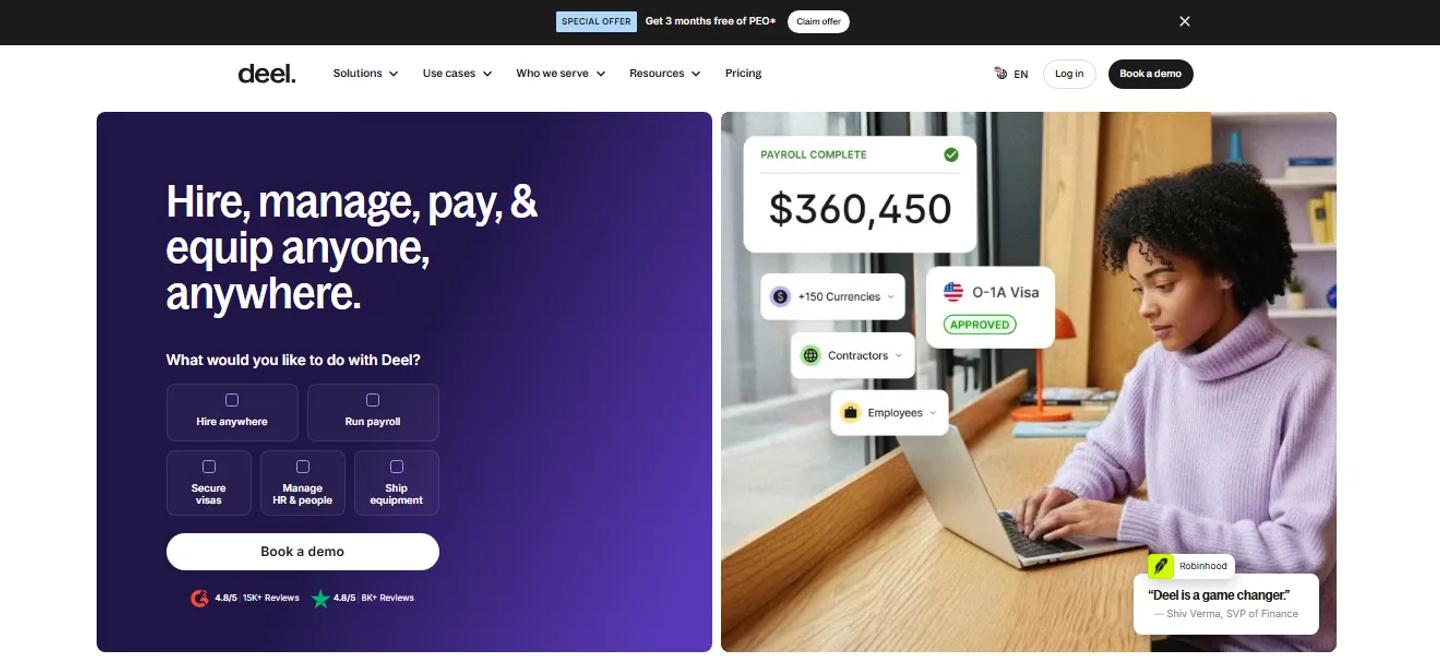
Deel appears in Greenhouse's onboarding ecosystem and among its preferred partners.
It is especially relevant for organizations hiring employees or contractors across multiple countries.
Choose Deel when:
- International employment is common
- You hire contractors globally
- Employment compliance across countries is a major consideration
Greenhouse Onboarding
Greenhouse Onboarding Homepage
Best for: Teams that want recruiting and onboarding inside the Greenhouse ecosystem
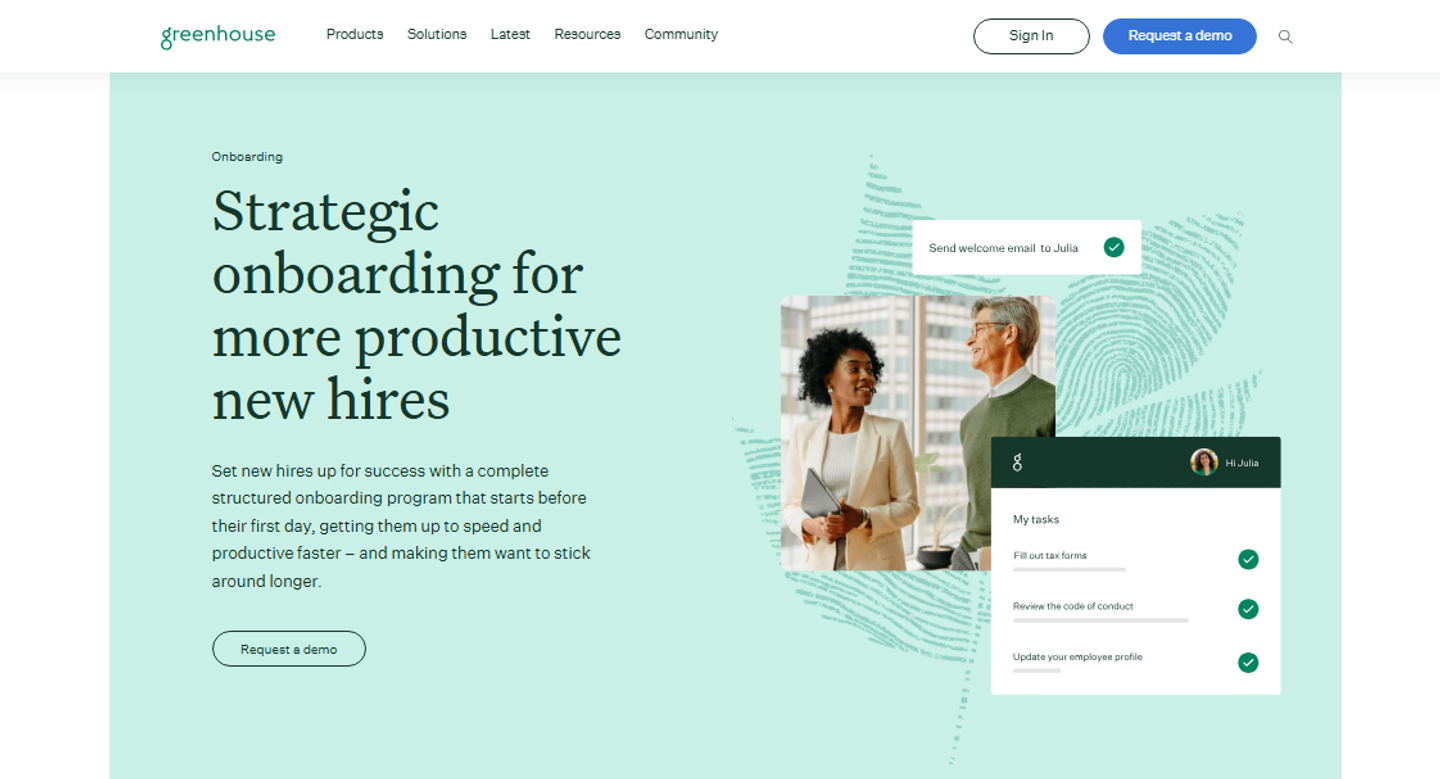
Greenhouse also offers its own onboarding product and lists it in the onboarding category.
For organizations already deeply committed to Greenhouse, keeping onboarding within the same ecosystem can reduce the number of systems involved.
9. Best Greenhouse integrations for recruiting analytics
Once hiring operations become more mature, the problem changes.
Instead of asking:
“How many candidates do we have?”
leaders start asking:
- Which sources produce hires?
- Where are candidates dropping out?
- Which recruiters are overloaded?
- Which roles are stuck?
- How long does each hiring stage take?
- Are hiring teams hitting their goals?
- Where is our hiring plan behind?
Greenhouse currently shows a large analytics ecosystem.
Benchmarket
BenchMarket Homepage
Best for: Recruiting teams that want clearer funnel insights without building their own BI setup
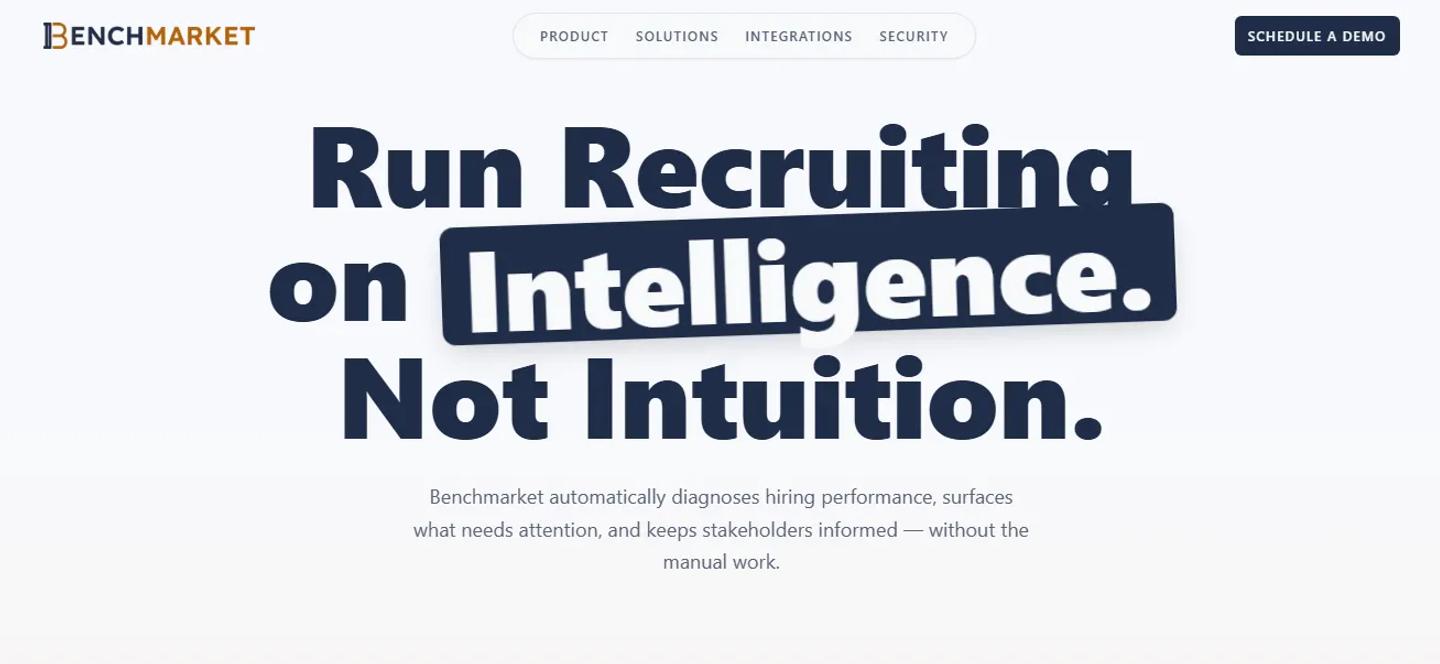
Benchmarket connects to Greenhouse recruiting data and focuses on highlighting hiring bottlenecks, source performance, recruiter performance, funnel health, and areas requiring attention.
Choose Benchmarket when:
- Your team exports Greenhouse data into spreadsheets regularly
- Leaders want clearer recruiting dashboards
- You want more actionable recruiting analysis
TalentWall by Crosschq
TalentwallHQ Homepage
Best for: Visual pipeline management and recruiting dashboards
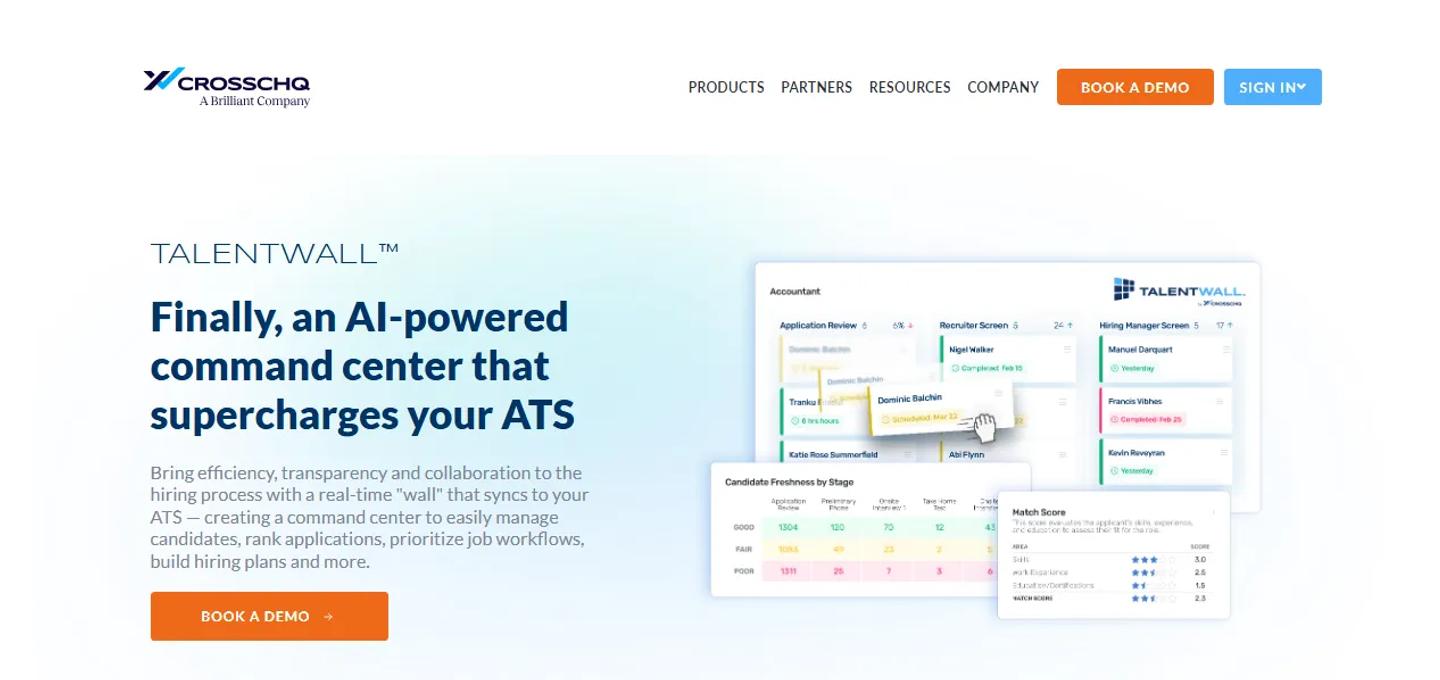
TalentWall provides a visual layer over Greenhouse data and focuses on pipeline visibility, recruiting metrics, and collaboration.
Choose TalentWall when:
Your team wants to see hiring pipelines visually and use Greenhouse data as an operating dashboard.
ChartHop
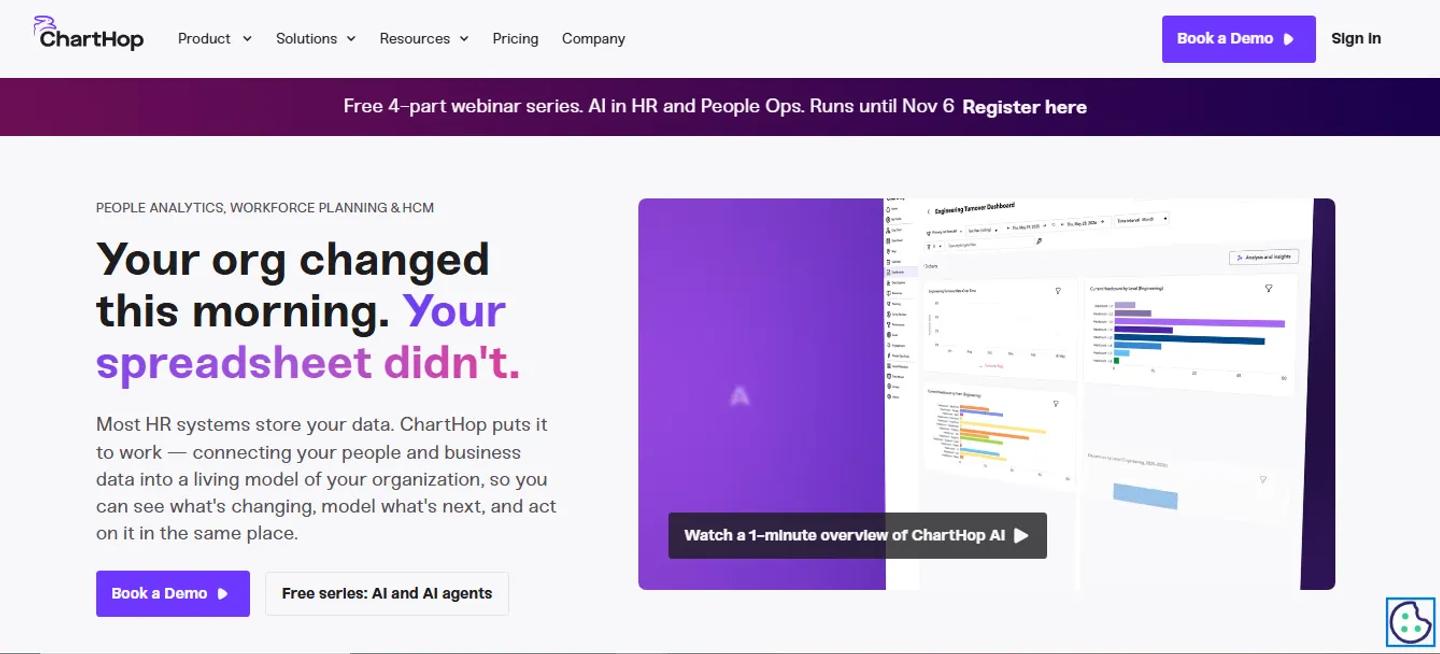
ChartHop Homepage
Best for: Connecting recruiting with headcount planning
ChartHop sits slightly outside pure recruiting analytics.
Its Greenhouse integration connects headcount planning and recruiting activity, allowing approved planning information to flow toward Greenhouse and new-hire information to flow back.
Choose ChartHop when:
Hiring plans are closely linked to finance, workforce planning, and organizational design.
Which Greenhouse integrations do you actually need?
This is the more important question.
You could easily connect Greenhouse to dozens of systems.
That does not mean you should.
Start with five questions.
Where are recruiters leaving Greenhouse most often?
Opening another platform is not automatically bad.
Opening it 40 times a day because information does not move between systems is.
What are we entering twice?
Look for:
- Candidate names
- Email addresses
- Interview information
- Assessment results
- Background-check statuses
- Offer information
- New-hire data
Repeated data entry is one of the clearest signals that an integration could help.
Where are candidates waiting because our internal process is slow?
Sometimes the biggest integration problem is not recruiter inconvenience.
It is candidate delay.
Examples include:
- Waiting for an assessment invitation
- Waiting three days for an interview slot
- Waiting for a background-check request
- Waiting for an offer document
Those delays affect candidate experience as well.
What information do we constantly export from Greenhouse?
If someone exports CSV files every Monday to build a recruiting dashboard, an analytics integration may matter more than another sourcing tool.
Which tool can we remove by choosing a broader platform?
Integration strategy should not always mean adding software.
Sometimes the better move is consolidation.
If one assessment platform can cover technical, business, cognitive, and video screening, you may not need three screening vendors.
If your HRIS already handles onboarding effectively, you may not need a standalone onboarding platform.
Recommended Greenhouse stacks by hiring model
There is no universal Greenhouse stack.
Here is how we would think about it for different types of companies.
Small recruiting team
A smaller team usually benefits more from simplicity than maximum specialization.
A practical stack might look like:
Greenhouse
→ LinkedIn for sourcing
→ TestTrick for assessment
→ Calendly for scheduling
→ Checkr for background checks
→ BambooHR for HRIS
Why?
Each tool solves a different stage without introducing enterprise-level complexity.
High-volume hiring team
Higher candidate volume creates different bottlenecks.
A stack could look like:
Greenhouse
→ Appcast or Joveo for job advertising
→ TestTrick for standardized screening
→ GoodTime or ModernLoop for scheduling
→ Checkr for screening
→ Rippling for onboarding
→ Benchmarket or TalentWall for analytics
Here the goal is automation and throughput rather than simply having access to additional recruiting tools.
Technical hiring team
A technical recruiting stack could look like:
Greenhouse
→ LinkedIn / SeekOut for sourcing
→ TestTrick or a specialized technical assessment platform for skills evaluation
→ GoodTime for technical interview coordination
→ Checkr for verification
The assessment decision depends heavily on whether the company hires only technical employees or across the wider business.
If engineering is only one part of your hiring, a broader assessment platform is easier to standardize.
Global hiring team
International companies need to think more carefully about geography.
A possible stack:
Greenhouse → Global sourcing platform
→ TestTrick for assessment
→ Scheduling platform
→ HireRight or Certn for screening
→ Deel for international employment/onboarding
→ Recruiting analytics
The key consideration is whether every provider actually supports the countries where the organization hires.
How many Greenhouse integrations are too many?
There is no useful magic number.
Ten well-used integrations can be better than three poorly connected systems.
But every additional platform creates potential cost:
- Another subscription
- Another login
- Another vendor relationship
- Another data source
- Another implementation
- Another system recruiters need to learn
- Another integration that may need maintenance
The goal should not be to maximize the number of integrations.
It should be to minimize the number of manual handoffs.
That is an important distinction.
A simple Greenhouse integration audit
If you already use Greenhouse, you can audit your stack without starting from the partner directory.
Take your current hiring process and write it out:
Candidate discovered
↓
Candidate applies
↓
Recruiter screens
↓
Assessment
↓
Interview
↓
Background/reference check
↓
Offer
↓
Hire
↓
Onboarding
For each arrow, ask:
Who moves the information?
If the answer is:
“Recruiter copies it manually”
you have found a possible integration opportunity.
Then ask:
How often does this happen?
An annoying manual task performed twice a month probably does not need another platform.
An annoying manual task performed 200 times a week probably does.
Frequently asked questions about Greenhouse integrations
How many integrations does Greenhouse have?
Greenhouse currently lists hundreds of partners in its integration directory, spanning sourcing, screening, job distribution, scheduling, candidate experience, productivity, analytics, HRIS, onboarding, and other recruiting functions.
Do Greenhouse integrations require coding?
Usually not.
Most prebuilt partner integrations are designed to be configured rather than developed from scratch.
Some may still require administrative permissions, credentials, API setup, configuration, or support from the vendor.
Custom integrations are different and may require development work.
What is the best Greenhouse integration for assessments?
There is no single answer for every company.
If you mainly hire software engineers, a technical assessment specialist may be enough.
If you hire across engineering, finance, operations, sales, support, and other functions, TestTrick is a stronger fit because technical and non-technical assessments can sit within the same platform.
What is the best Greenhouse scheduling integration?
Calendly is a practical fit for straightforward candidate self-scheduling.
GoodTime or ModernLoop make more sense when interview scheduling involves panels, interviewer pools, large candidate volumes, and dedicated recruiting coordination.
What is the best Greenhouse integration for background checks?
It depends heavily on geography and screening requirements.
Checkr can work well for straightforward screening workflows, while HireRight and other global providers may be more appropriate for complex or international screening programs.
What is the best Greenhouse integration for onboarding?
For smaller companies, BambooHR can provide a straightforward handoff from recruiting into HR.
Rippling makes more sense when onboarding also needs to trigger payroll, IT, identity, benefits, or device workflows.
For international hiring, Deel may be more relevant.
Should every recruiting tool integrate with Greenhouse?
Ideally, every platform that regularly exchanges candidate or hiring information with Greenhouse should have a reliable way to connect.
But that does not mean every small tool needs a deep integration.
Prioritize integrations where manual work happens frequently or where information needs to remain synchronized.
Build your Greenhouse stack around the workflow
Greenhouse already gives recruiting teams access to a huge integration ecosystem.
The challenge is no longer finding tools that integrate.
It is choosing the right ones.
Start with your hiring process rather than the Greenhouse partner directory.
Look at where candidates wait, where recruiters copy information, where teams switch between platforms, and where hiring data becomes difficult to track.
Then solve those gaps one by one.
For one company, that may mean improving sourcing.
For another, it may mean interview scheduling.
And for a company that screens candidates across several functions, it may mean replacing disconnected assessment workflows with one platform that works across roles.
That is where TestTrick fits.
By connecting skills assessments, coding tests, cognitive and personality assessments, spreadsheet simulations, video responses, and proctoring with the Greenhouse hiring workflow, TestTrick can turn candidate assessment into part of the recruiting process rather than another system recruiters have to manage.
The best Greenhouse stack is not the one with the most integrations.
It is the one where your team stops thinking about the integrations because the hiring process simply moves.
Build a Hiring-Ready Assessment
Create role-specific, anti-cheat assessments and shortlist candidates on evidence, not guesswork.
Start for freeBy Sanjana Sankhyan
October 7, 2026
19 min read
Build a Hiring-Ready Assessment
Create role-specific, anti-cheat assessments and shortlist candidates on evidence, not guesswork.
Start for free