11 Best TestGorilla Alternatives in 2026: Features, Pricing & Best Use Cases
Explore the best TestGorilla alternatives in 2026, with pricing, strengths, use cases, and comparisons for technical and non-technical hiring.

By Sanjana Sankhyan
October 22, 2026
20 min read
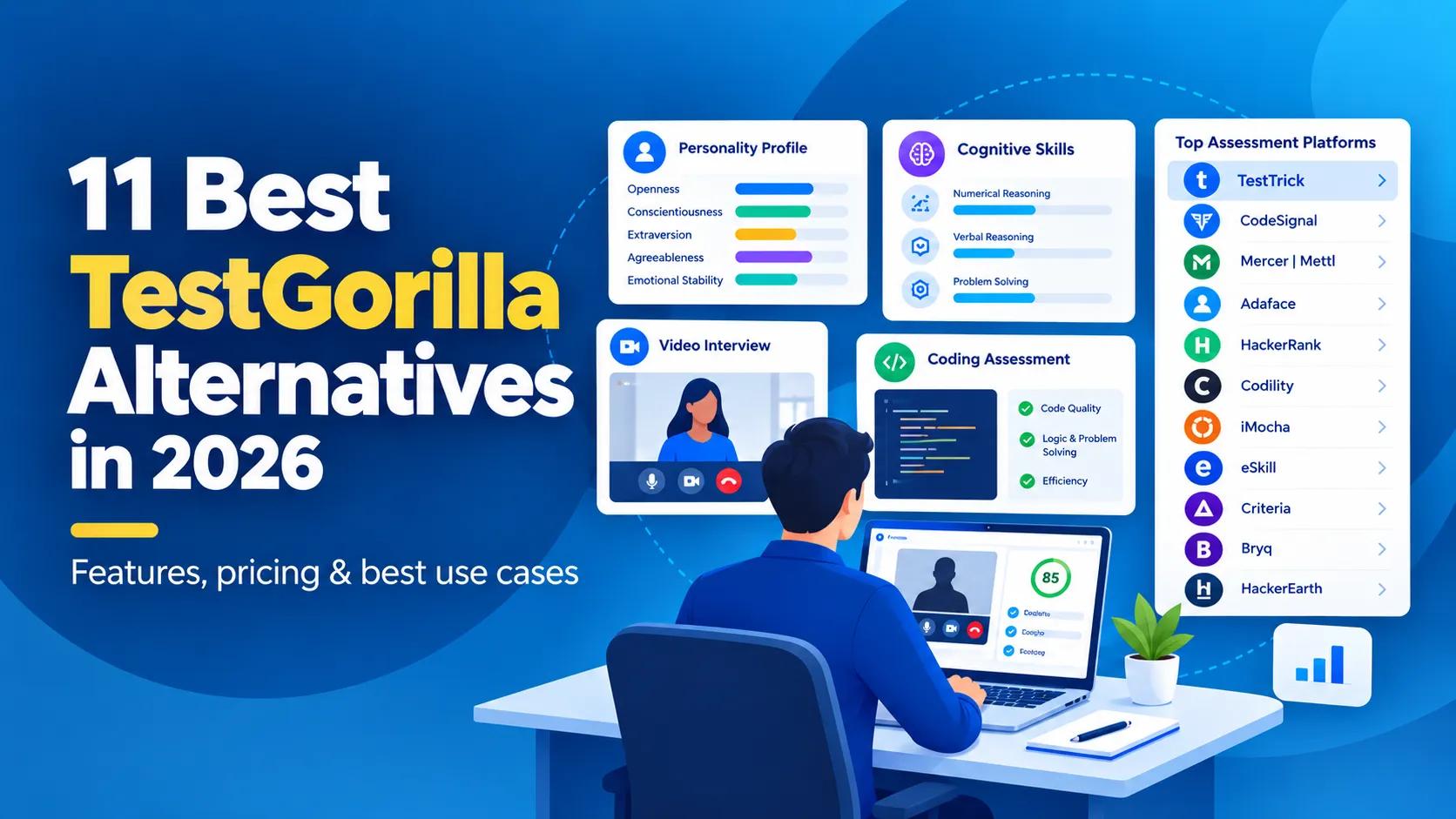
TL;DR – Key Takeaways!
- TestTrick is the strongest all-in-one option for teams that want technical and non-technical assessments, psychometrics, video interviews, proctoring in one platform.
- CodeSignal is a strong choice when realistic technical evaluation and modern AI-assisted development skills matter.
- Mercer | Mettl suits larger organizations that need customization, psychometrics, assessment centers, enterprise-scale testing.
- Adaface works well for teams that want a more conversational candidate experience.
- HackerRank and Codility are better fits when developer hiring is the main use case.
- iMocha stands out for large assessment libraries, skills intelligence, enterprise talent benchmarking.
- eSkill is useful when you need granular hard-skill and job-specific testing.
- Criteria and Bryq deserve a closer look when cognitive ability, personality, predictive assessment matter more than sheer test volume.
- HackerEarth remains a solid specialist option for technical screening and coding assessments.
- TestGorilla itself may still be the right choice if its broad ready-made library and current workflow already cover what you need.
TestGorilla is a sensible place to start when you want to screen candidates before interviews.
It has a broad assessment library. Skills tests, AI interviews, job simulations, resume scoring, technical assessments, a free entry point. Paid plans begin with Core; more advanced capabilities sit on higher tiers, things like custom tests, ATS integrations, API access, custom coding challenges, branding, some AI interview features.
Broad does not always mean best for every hiring team though. An engineering team may want deeper coding environments and technical interviews. An enterprise may care more about validated psychometrics, benchmarking, assessment centers.
Another company may want Excel simulations, skills tests, personality assessments, video interviews, stricter proctoring without spreading first-round screening across several tools.
That is where a broader talent assessment platform can make sense. The right replacement depends less on which platform has the longest feature list and more on what you want to do differently.
Editor's note: TestTrick publishes this comparison and is included as one of the products reviewed. To keep the guide useful, the same buying questions are applied across platforms, and current feature and pricing claims are based on public vendor information. Pricing was checked on October 21, 2026.
TestGorilla Alternatives Compared
| Platform | Best for | Main Strength | Public Pricing |
|---|---|---|---|
| TestGorilla | Broad general screening | Large skills library + AI interviews | Free; Core from $215/mo annually |
| TestTrick | All-in-one mixed-role screening | Skills + coding + psychometrics + video + proctoring | From $35/mo annually |
| CodeSignal | Modern technical hiring | Realistic technical assessments and AI-assisted coding | From $79/mo annually |
| Mercer Mettl | Enterprise assessment programs | Deep assessment formats and customization | Custom quote |
| Adaface | Candidate-friendly screening | Conversational, role-specific assessments | From $180/year |
| HackerRank | Developer hiring at scale | Deep coding assessments and live technical interviews | From $165/mo annually |
| Codility | Engineering screening | Work-sample coding and technical interviews | From $1,200/year |
| iMocha | Enterprise skills intelligence | Large skills library and benchmarking | Custom quote |
| eSkill | Job-specific hard skills | Highly granular customizable assessments | Custom quote; annual subscription |
| Bryq | Cognitive + behavioral assessment | Cognitive, personality and hard skills in one profile | From $69/mo annually (smallest company tier) |
| Criteria Corp | Evidence-based psychometrics | Cognitive, personality and behavioral science | Custom quote |
| HackerEarth | Technical recruiting | Coding tests and proctoring | From $99/month |
TestGorilla currently lists 350+ premium skills tests on its paid assessment plans, with Core starting at $215 per month when billed annually. CodeSignal starts at $79 per month billed annually, HackerRank at $165 per month billed annually, and Codility at $1,200 per year.
Why Consider a TestGorilla Alternative?
Nothing inherently wrong with TestGorilla.
The platform now covers more of the first-round hiring process than it used to: skills testing, AI interviews, job simulations, resume scoring, ID verification, coding, candidate sourcing.
The case for switching usually comes down to fit. If you are comparing recruitment assessment tools, start with the problem you need to solve rather than the number of features on the page.
You Need Deeper Technical Assessment
A broad assessment platform has to serve many job families. Useful when you hire marketers, accountants, developers, salespeople, operations staff from one system.
But an engineering organization may care more about a realistic IDE, system design, pair programming, AI-assisted coding, code quality, detailed technical scoring.
That is where CodeSignal, HackerRank, Codility, HackerEarth start to look more attractive. If technical hiring is the main gap, compare specialist coding assessment tools before choosing another generalist platform.
You Want A Different Kind of Psychometric Assessment
TestGorilla includes personality, cognitive, culture-related assessments.
Some organizations want psychometric assessment to be a deeper part of selection though; not just one section of a broader skills platform. If psychometric assessments are central to your hiring model, the quality of the underlying framework matters as much as the number of tests available.
Criteria Corp, Bryq, Mercer Mettl approach that problem differently. Stronger emphasis on cognitive ability, personality, behavioral tendencies, assessment science, broader talent measurement.
Your First Round Needs More Than Tests
Some hiring teams do not want a standalone testing step.
They want:
Skills assessment → psychometric evaluation → video response → proctoring → shortlist inside one screening experience.
That is where broader alternatives such as TestTrick can be interesting.
You Need Different Pricing Economics
TestGorilla now offers both free and paid assessment plans. Its current Gorilla Assessments pricing starts at $215 per month for Core and $520 per month for Plus when billed annually, while the Free plan includes 10 credits per month.
Plus unlocks capabilities such as ATS and API integrations, custom tests and coding challenges, ID verification, branding removal, and the full AI interview library.
That model may work perfectly well. The headline subscription is only one part of skills assessment software pricing; credit rules, seat limits, and feature gating can change the real annual cost.
But if you screen at high volume, use only a narrow subset of features, need capabilities sitting on another tier? Worth calculating annual cost based on your actual hiring pattern rather than comparing headline monthly prices.
When TestGorilla May Still be the Better Choice
Changing tools is not automatically an upgrade.
If your team wants a broad library of ready-made assessments, has mostly generalist hiring needs, likes TestGorilla's workflow, does not need specialist technical or psychometric depth: staying put may be the easiest answer.
TestGorilla also gives smaller teams a genuine free starting point. Its free assessment plan currently includes 10 monthly credits, five essential skills tests with unlimited use, limited access to additional tests, qualifying questions, resume scoring, limited video/AI interview functionality.
So if the problem you are trying to solve is simply:
We want an easy way to add skills-based screening before interviews
TestGorilla can still do that. Look for an alternative when you can clearly explain what you need it to do differently.
How We Evaluated TestGorilla Alternatives?
We looked at the questions a hiring team would actually ask before changing platforms.
- Does the platform cover the roles you hire?
- How deep does it go beyond simple multiple-choice testing?
- Can you customize the assessment?
- Can you trust the result when candidates are taking it remotely?
- Does it support technical, cognitive, psychometric, video, work-sample assessment where needed?
- How easy is it to fit into your existing hiring workflow?
- And finally: what does the pricing model look like once you use the platform at realistic volume?
The goal is not to crown one platform for every company. It is to understand which one makes sense for a specific hiring problem.
1. TestTrick
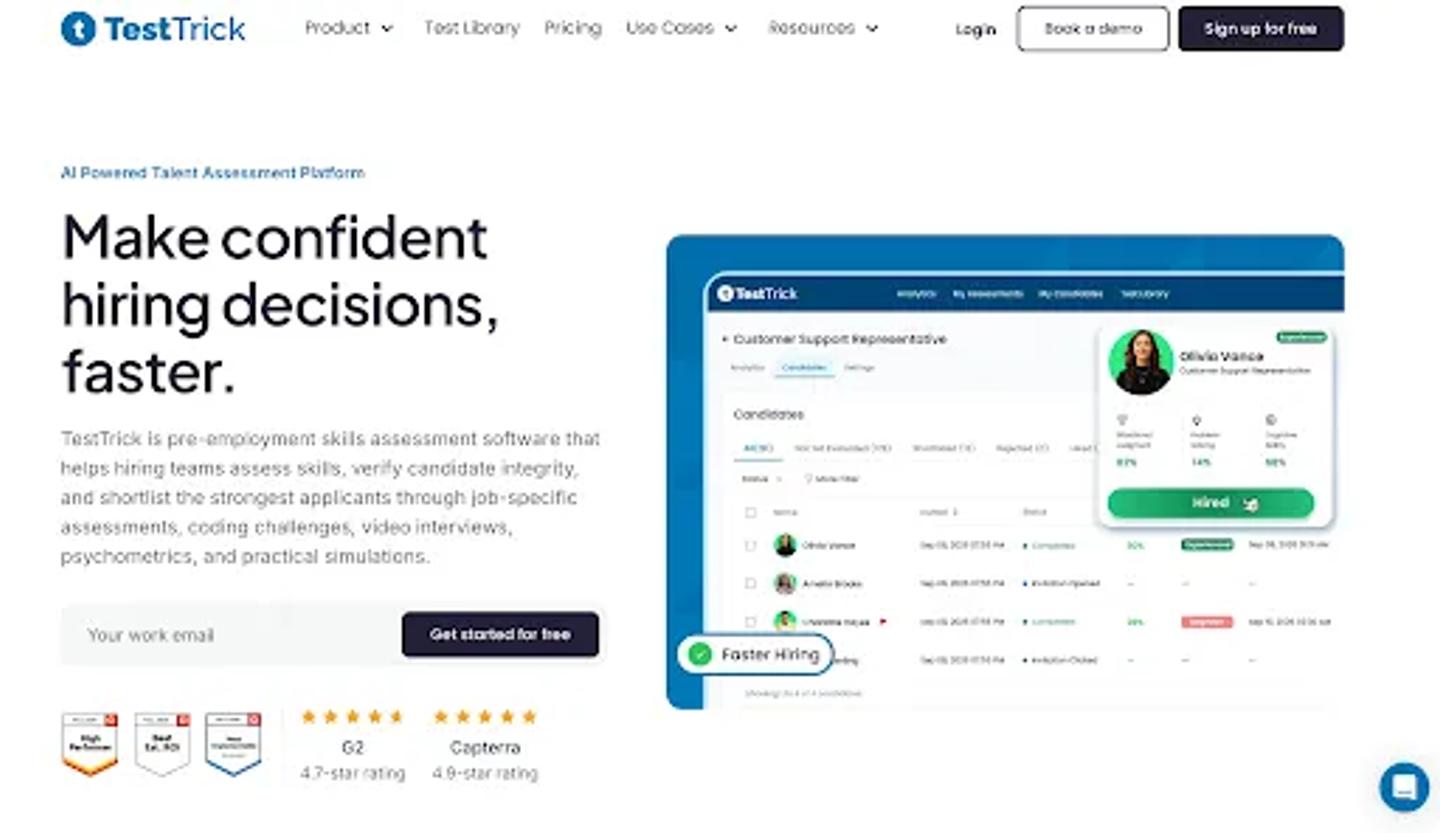
TestTrick Homepage
Best for: Companies that want technical and non-technical screening in one platform
Suppose you are hiring three people this month.
- One is a software engineer.
- One is a financial analyst.
- One is a customer success manager.
The easiest solution is not always three separate assessment platforms. That is where TestTrick makes sense.
Its library includes more than 500 built-in assessments across technical, cognitive, personality, language, situational-judgment, role-specific skills. Teams can combine different test types inside the same assessment: add coding questions, spreadsheet tasks, custom questions, one-way video interviews.
For communication-heavy roles, one-way video interview software can sit in the same screening flow as skills tests.
The useful part is how these pieces can be combined.
A finance candidate could complete:
Financial knowledge → Excel simulation → cognitive assessment → video response
An engineering candidate could take:
Coding → problem solving → video response
A graduate assessment could combine:
Cognitive ability → personality → role-specific skills without forcing the recruiter to manage several candidate journeys.
TestTrick also puts more emphasis on proctoring and assessment integrity, with monitoring features designed to help recruiters review what happened during a remote assessment rather than relying only on the final score.
TestTrick vs TestGorilla
Both platforms are broad assessment products. TestGorilla has a mature library, now combines skills assessment with sourcing, AI interviews, resume scoring, job simulations, technical testing.
TestTrick is the more interesting choice when you specifically want to combine skills tests, coding, psychometrics, spreadsheets, video responses, proctoring into one screening flow.
Pricing
- Starter: 35/month billed annually(420/year), with 600 candidate credits and 3 users.
- Basic: 65/month billed annually(780/year), with 1,200 credits and 5 users.
- Business: 75/month billed annually(900/year), with 1,800 credits and 7 users.
- Enterprise: Custom credits, users, onboarding, and support for larger hiring volumes.
Every paid plan includes the full feature set. A credit is used only when a candidate completes an assessment, extra credits cost $2 each, and a 7-day free trial is available without a credit card.
Choose TestTrick when: your biggest requirement is breadth across very different job families without splitting the first screening round across multiple tools.
2. CodeSignal
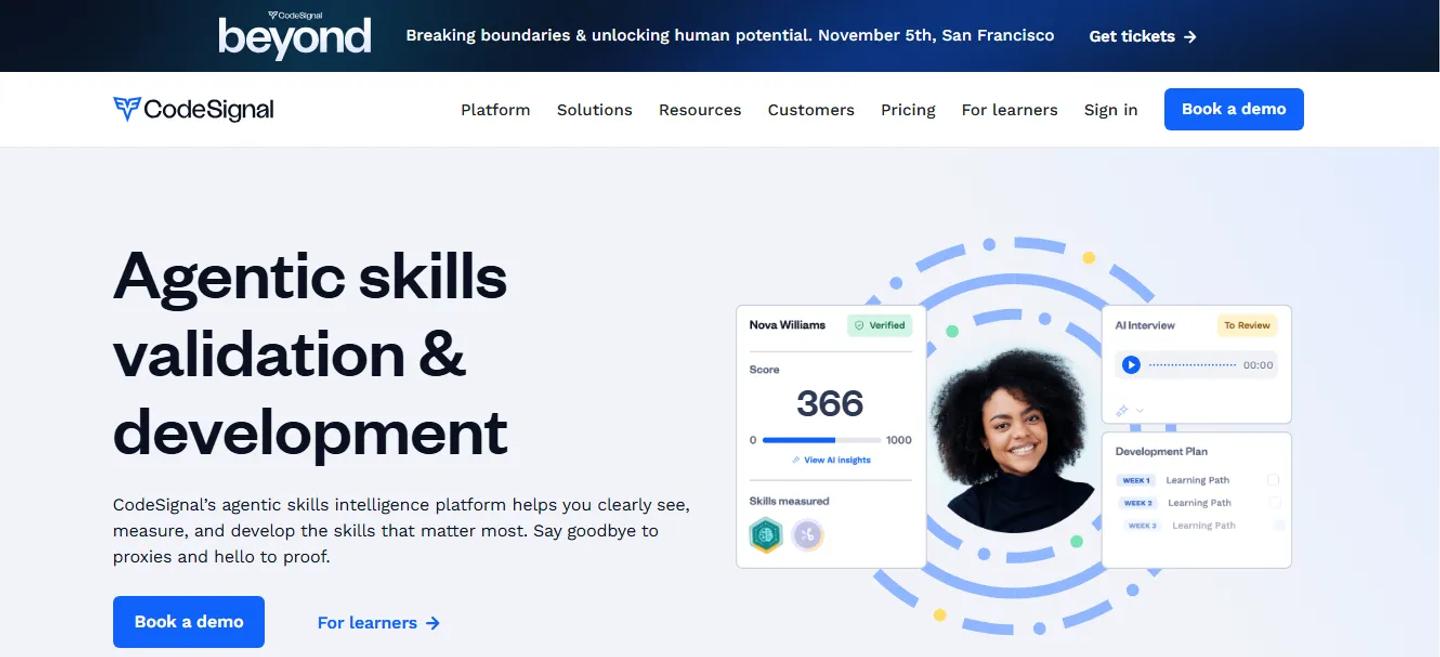
CodeSignal Homepage
Best for: Technical hiring that reflects how engineers actually work
If your biggest frustration with a general assessment tool is technical depth, CodeSignal deserves a serious look.
Its technical assessments use a full coding environment rather than treating programming like a multiple-choice subject. CodeSignal also offers validated assessments, live technical interviews, identity verification, plagiarism monitoring, proctoring.
One of its more interesting developments is AI-assisted coding. Instead of pretending developers never use AI, CodeSignal can allow controlled AI assistance inside the assessment, show hiring teams how candidates interact with it.
Session replay and AI interaction transcripts provide more context around how the candidate approached the work. That makes sense for teams asking a newer hiring question:
Can this engineer use AI well, rather than can this engineer avoid AI for 60 minutes?
CodeSignal has also expanded beyond pure engineering into areas such as finance, accounting, product, design, sales, marketing, customer success; technical assessment remains one of its strongest use cases though.
Compared with TestGorilla
TestGorilla is the easier choice when you want broad screening across many common job families.
CodeSignal becomes more compelling when the quality of technical evaluation matters more than having hundreds of general skills tests.
Pricing
- Build: $79/month billed annually, with 60 annual credits for assessments and interviews.
- Grow: $479/month billed annually, with 420 annual credits and basic ATS integrations.
- Pro: Custom pricing for organizations that need advanced security, support, and tailored volume.
CodeSignal uses credits across assessments and interviews, so the practical annual cost depends on how many candidate activities your team runs.
Choose CodeSignal when: engineering and technical assessment are important enough that you want a platform built around realistic skill demonstration.
3. Mercer | Mettl
Mercer | Mettl Homepage
Best for: Enterprise assessment programs and deep customization
Some companies are not simply looking for a better pre-employment quiz. They are running graduate programs, leadership hiring, succession planning, assessment centers, large-scale technical assessments, global talent programs.
That is a different buying problem. Mercer | Mettl supports a wide range of assessment formats: technical questions, coding simulators, spreadsheet questions, case studies, psychometrics, cognitive ability, situational judgment, assessment-center exercises. Remote proctoring and secure testing capabilities too.
Its scale is also much more enterprise-oriented. Mercer | Mettl says it works with more than 6,000 clients, delivers 25 million assessments annually, reaches 100+ countries, supports 20+ languages.
TestGorilla vs Mercer Mettl
TestGorilla is simpler if your main goal is getting a skills-testing process running quickly.
Mercer Mettl becomes more interesting when the assessment itself needs to be heavily designed around the organization; especially for enterprise programs, psychometrics, development centers, high-stakes testing.
The trade-off is buying complexity.
Pricing
- Public pricing: No fixed self-service dollar price is published.
- Commercial model: Tailored assessment packages are priced around organizational requirements, with Mercer | Mettl describing the model as customized and pay as you go.
For a realistic comparison, ask for a quote based on candidate volume, assessment types, simulations, proctoring, implementation, and support.
Choose Mercer Mettl when: assessment design is a major HR program, not just a screening step.
4. Adaface
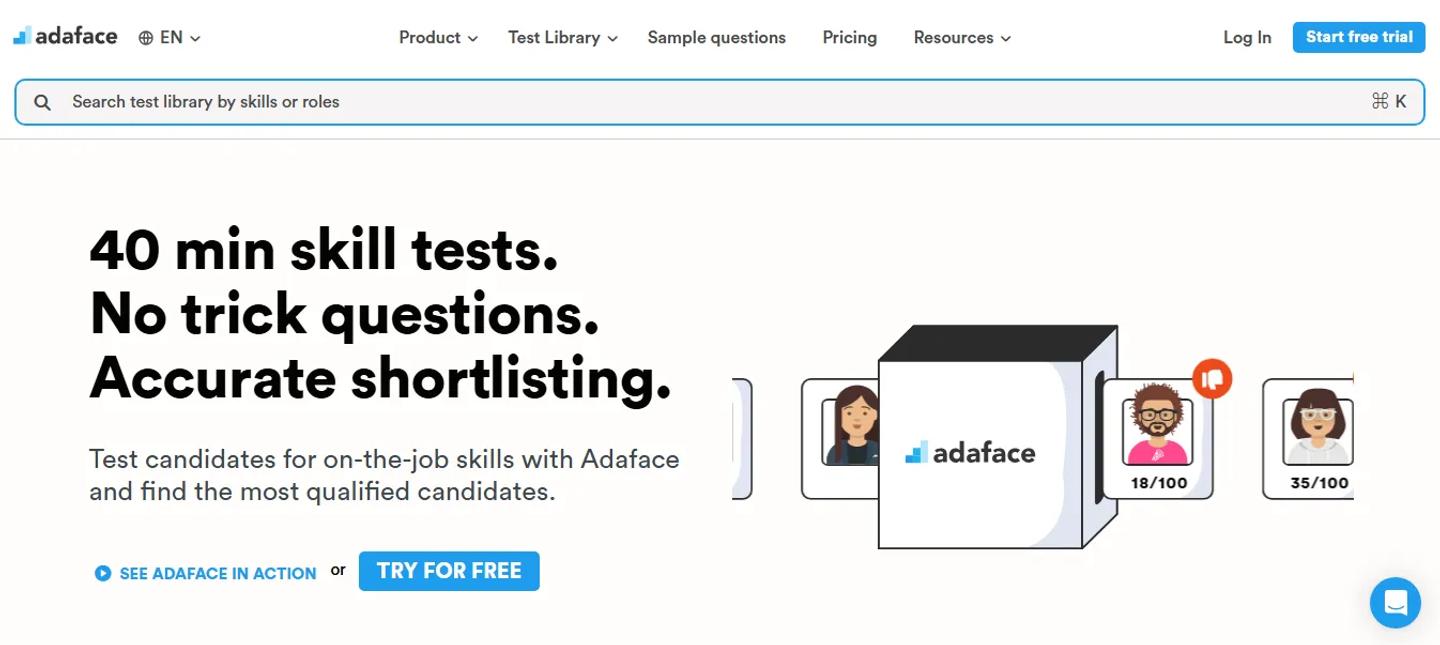
Adaface Homepage
Best for: Teams that care heavily about candidate experience
Assessments can feel like exams. That is not always a good thing. Candidates who are already interviewing with several companies may not be excited by another long grid of multiple-choice questions.
Adaface takes a more conversational approach to screening, supports a large library spanning programming, data, AI, cloud, accounting, finance, Excel, aptitude, psychometric testing, language proficiency, project management, other areas. Its current pricing page lists more than 500 tests.
This makes Adaface a useful middle ground. It has enough technical coverage to appeal to recruiting teams hiring developers; is not limited to developer assessment though.
Compared with TestGorilla
TestGorilla gives you a broader general-purpose screening ecosystem. Adaface is worth comparing if your priority is making skill screening feel less like a traditional test, and you prefer its credit structure.
Pricing
- Individual: $180/year with 12 credits.
- Starter: $500/year with 50 credits.
- Pro: $900/year with 100 credits.
- Scale: $3,000/year with 500 credits.
- Growth: $5,500/year with 1,000 credits.
- Enterprise: $20,000/year with 5,000 credits.
Adaface charges credits for both assessment access and candidate invitations: a ready-to-use test costs 5 credits, a custom test costs 10, and each candidate invite costs 1 credit, with unused invite credits returned if the candidate does not take the test.
Choose Adaface when: candidate experience is one of the reasons you are reconsidering your current assessment process.
5. HackerRank
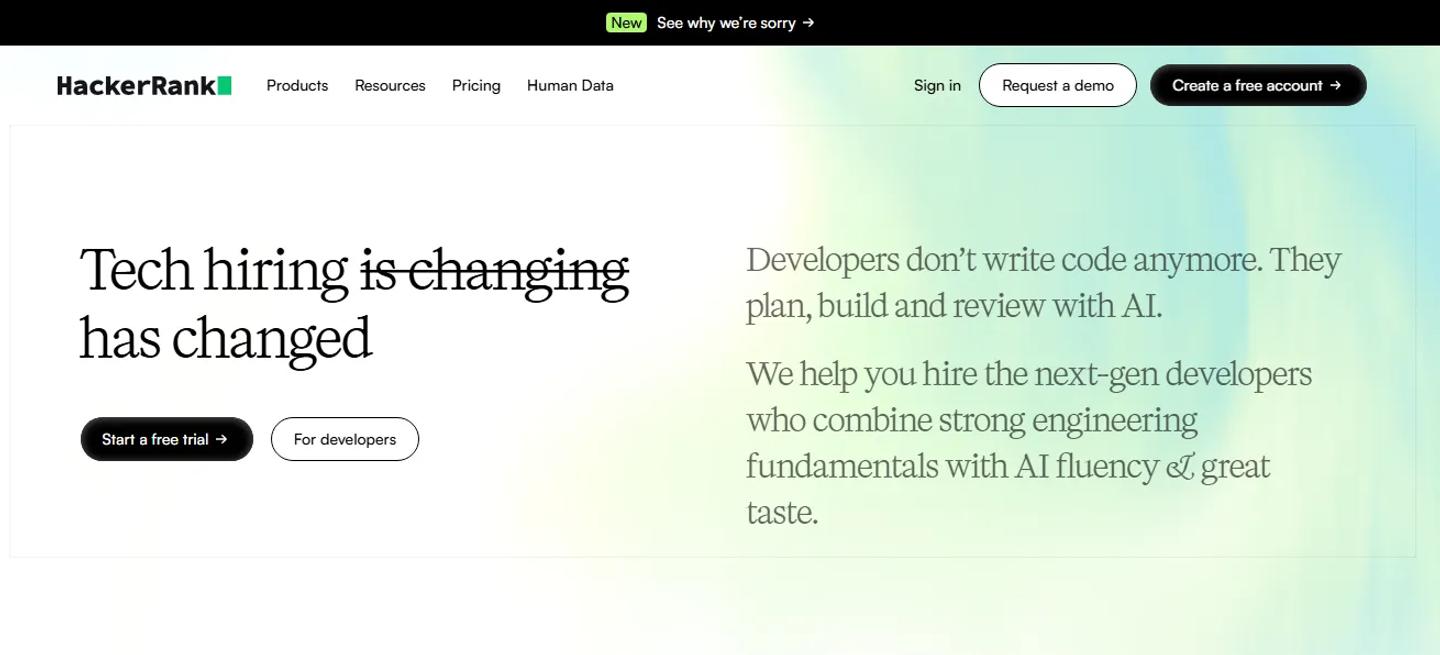
HackerRank Homepage
Best for: Developer hiring at scale
HackerRank is not trying to be the best personality assessment platform. That is part of its appeal. It is built primarily around technical hiring.
Teams can run coding screens and live interviews, use multi-file project questions, evaluate candidates in technical environments, apply plagiarism and integrity controls. Higher plans add AI-assisted IDE features, AI proctoring, identity verification, ATS integrations, more advanced evaluation.
The question library becomes especially deep at enterprise level; HackerRank advertises access to more than 7,500 questions and the ability to test very large candidate populations. This makes it a natural fit for companies hiring developers continuously.
If you hire five engineers this year alongside 100 people in sales, finance, operations, customer success, you may prefer something broader. If you hire 500 engineers, the calculation changes.
Pricing
- Starter: $165/month, with $1,990 billed annually. Includes 1 user, 120 attempts per year, Screen and Interview, and 2,000+ questions.
- Pro: $375/month, with $4,490 billed annually. Includes unlimited users, 300 attempts per year, advanced AI features, and selected ATS integrations.
- Enterprise: Custom pricing with tailored users and attempts, 40+ integrations, the full 7,500+ question library, SSO, and premium support.
Starter and Pro list additional attempts at $20 each, so teams hiring above the included annual volume should factor overage into the comparison.
Choose HackerRank when: developer hiring is large enough to justify a specialist technical platform.
6. Codility
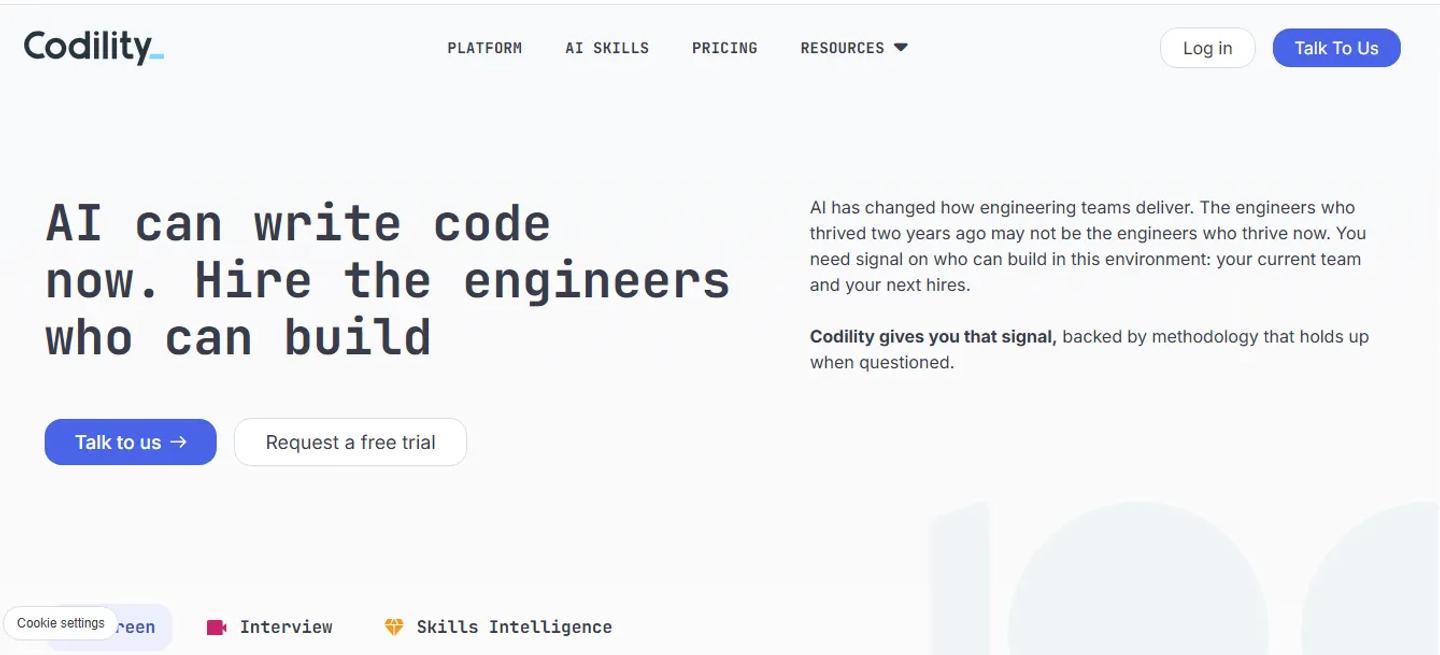
Codility Homepage
Best for: Engineering screening and work-sample evaluation
Codility solves a similar problem to HackerRank, with its own approach to engineering skill measurement.
Its platform is focused on assessing and developing engineering capability using coding tasks, SQL, technical work simulations, interviews, AI-skill tasks, plagiarism detection, candidate snapshots, other integrity controls.
The important distinction from TestGorilla is specialization. If you need a cognitive test, personality profile, sales assessment, finance test next week, Codility is probably not the platform you buy for everything. If you need developers to demonstrate that they can actually solve engineering problems, that narrower focus becomes an advantage.
Pricing
- Starter: $1,200/year for up to 120 invite credits, 1 platform user, Screen and Interview, and the limited engineering task library.
- Scale: $6,000/year for up to 300 invite credits and 3 platform users, with a broader engineering, AI, and system-design task library.
- Custom: Quote-based enterprise pricing with tailored assessment volume, unlimited platform users, premium proctoring, enterprise integrations, SSO, API access, and dedicated support.
Codility is priced around invite credits rather than unlimited candidate usage, so compare the annual invite allowance with your actual engineering hiring volume.
Choose Codility when: the replacement you want is specifically for technical screening rather than company-wide assessment.
7. iMocha
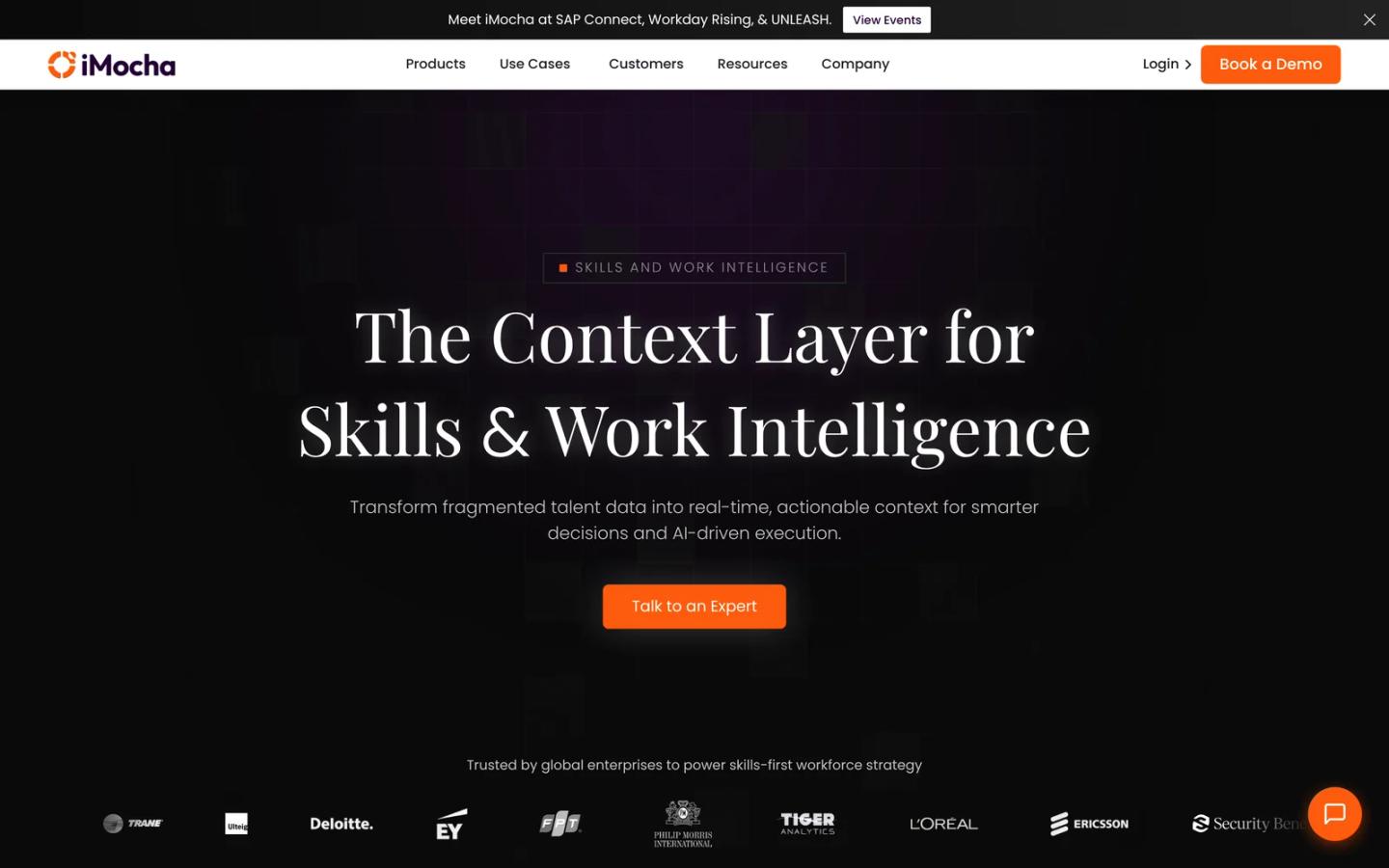
iMocha Homepage
Best for: Enterprise skills intelligence and large assessment libraries
Some assessment platforms are built mostly around hiring. iMocha stretches further into understanding skills across both candidates and employees.
Its current assessment platform advertises more than 10,000 ready-to-use skill tests across over 300 job roles, covering technical, functional, cognitive, soft skills. Supports coding with 30+ compilers and thousands of coding problems too.
That breadth makes iMocha useful when assessment data has a life beyond recruitment.
For example, an organization might use the same skills infrastructure for:
Hiring → benchmarking → internal mobility → skill-gap analysis → workforce planning
That is a bigger use case than screening candidates before interviews.
Compared with TestGorilla
TestGorilla is easier to understand as a recruiting product.
iMocha becomes more compelling if the company wants a broader skills-intelligence platform across hiring and workforce development.
Pricing
- Public pricing: iMocha does not publish fixed dollar pricing for its Skills Assessment or Skills Intelligence solutions.
- Commercial model: Pricing, packaging, implementation services, usage limits, and contract terms are tailored to organizational requirements.
This is a sales-led purchase, so ask for a quote that separates assessment volume, platform modules, implementation, integrations, and any workforce-skills functionality you plan to use.
Choose iMocha when: you care about organization-wide skills data as much as individual candidate screening.
8. eSkill
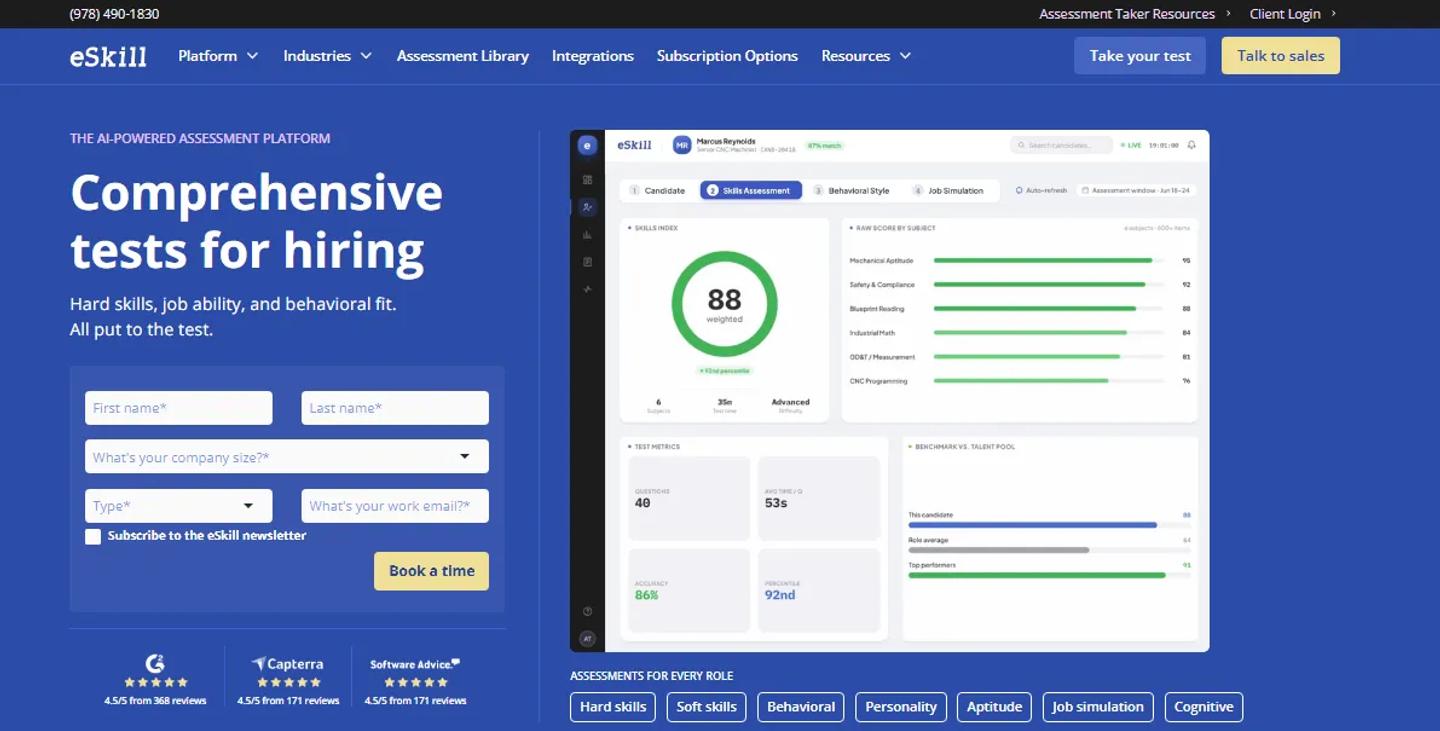
eSkill Homepage
Best for: Granular job-specific hard-skill testing
Imagine you are hiring an accounts-payable specialist. You do not necessarily need a general aptitude assessment platform.
You may need to know whether the person can actually perform the tasks the role requires. That is where eSkill's depth becomes useful.
eSkill says its content spans more than 600 subjects and 70,000 questions. Teams can use standardized assessments or create custom mix-and-match tests: combining hard skills, cognitive aptitude, behavioral measures, video questions, anti-cheating controls.
That makes it particularly relevant for operational and role-specific hiring where the exact skill mix matters.
Think:
- Accounting
- Healthcare
- Manufacturing
- Call centers
- Clerical roles
- Technical support
- Transportation
The advantage is not having the flashiest interface. It is being able to build an assessment around the actual work.
Pricing
- Growth: Quote-based annual subscription for screening up to 500 candidates per year.
- Scale: Quote-based annual subscription for screening up to 1,000 candidates per year and adds one-way interviews, test uploads, and team grading.
- Custom: Quote-based plan for higher-volume hiring and more tailored implementation and consulting.
eSkill requires an annual subscription and does not publish dollar prices. Anti-cheat and AI-powered proctoring are listed as add-ons, so include those in the quote if assessment integrity is part of your requirement.
Choose eSkill when: granular job knowledge and customizable hard-skill testing matter more than an all-purpose screening experience.
9. Bryq
Bryq Homepage
Best for: Combining cognitive, behavioral, and skills signals
Hiring managers often say they want the best candidate. That sounds obvious. The harder question is what best actually means.
- Raw skills?
- Learning ability?
- Personality?
- Behavioral tendencies?
- Role fit?
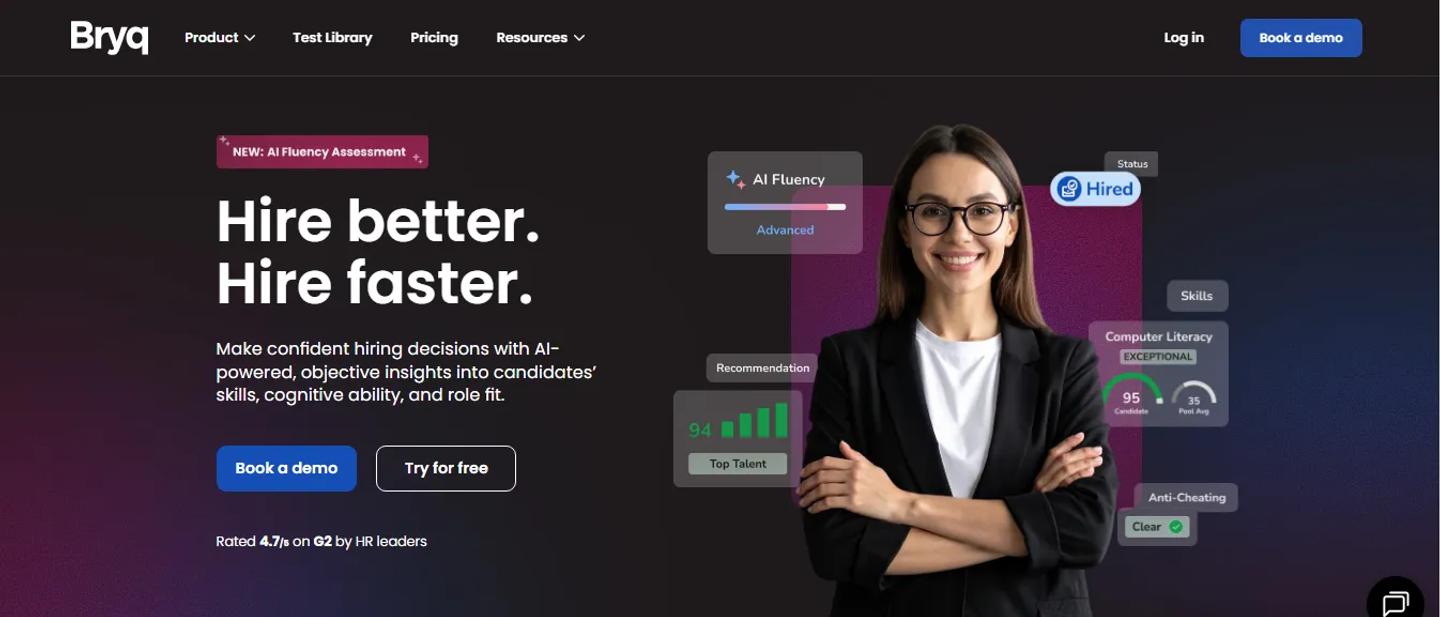
Bryq focuses heavily on combining those signals. Its current platform brings together cognitive ability, behavioral traits, hard skills in a single candidate profile; assessments designed and validated with I/O psychology input.
This makes Bryq a useful alternative when TestGorilla's broad test-library approach is not the main thing you value.
You may care more about:
How likely is this person to succeed in this role?
rather than:
How many individual tests can I choose from?
Pricing
- Pro: Starts at $69/month on a 1-year annual commitment for companies with 1-15 employees, or $828 for the year. Pricing changes with company size.
- Enterprise: Custom pricing for any company size, with guided integrations, expanded candidate results, rollout support, and dedicated customer success and I/O psychology support.
The Pro plan includes unlimited invitations, all assessment types, AI job building, analytics, and self-service ATS integrations. Some capabilities such as SSO, culture fit, custom competencies, and strategic reports are add-ons.
Choose Bryq when: cognitive and behavioral measurement is central to your hiring philosophy.
10. Criteria Corp
Criteria Corp Homepage
Best for: Scientifically grounded cognitive and personality assessment
There is a difference between testing what someone knows today and estimating their potential to perform and learn.
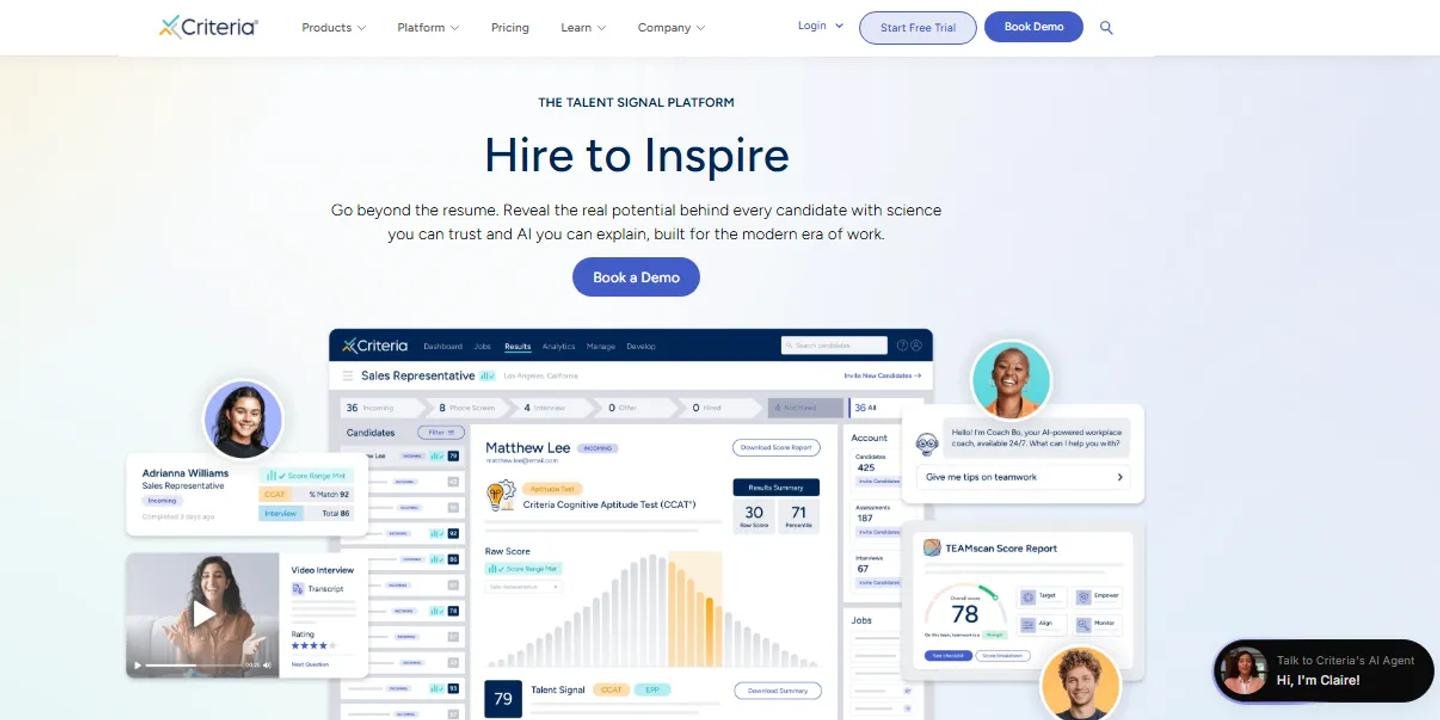
Criteria Corp leans heavily into the second question. Its assessment portfolio includes cognitive aptitude, personality, emotional intelligence, risk-related behavior, job skills.
For personality assessment, Criteria Corp draws on established approaches including the Five Factor model; its enterprise positioning emphasizes validated assessment science and prediction of job performance.
That makes it a very different alternative from something like HackerRank. You would not usually choose between those two because one has more features. You choose based on what you are trying to measure.
Criteria Corp is especially compelling for employers who care about cognitive ability, potential, behavioral tendencies, structured psychometric assessment across many job families.
Pricing
- Criteria Assess: Custom quote for the assessment platform, including cognitive, personality, emotional intelligence, risk, and skills assessments.
- Criteria Interview: Custom quote for asynchronous and real-time video interviewing.
- Criteria Hire: Custom quote for the combined assessment and interviewing suite.
Criteria Corp does not publish dollar prices. AI proctoring, advanced AI features, development tools, and premium integrations can be added to the base packages, so request pricing against the exact configuration you need.
Choose Criteria Corp when: assessment science and psychometric depth matter more than having the largest generic skills library.
11. HackerEarth
HackerEarth Homepage
Best for: Technical screening with customizable coding assessments
HackerEarth belongs to the technical group alongside HackerRank, Codility, CodeSignal. Its Recruit product supports coding assessments, question libraries, custom questions, test reports, proctoring controls.
Current plan documentation describes Startup, Enterprise, Custom options; advanced plans add stronger proctoring, white labeling, bulk question upload, Code Player, API access, ATS integrations.
Integrity controls include options such as disabling copy and paste, preventing candidates from copying problem statements, taking webcam snapshots during tests.
This makes HackerEarth most relevant when your TestGorilla replacement is really a technical assessment replacement. It is less compelling if the business wants one platform for accountants, salespeople, customer-service candidates, personality assessment, developers.
Pricing
- Growth: $99/month in HackerEarth's current 2026 published pricing guidance, aimed at smaller technical-assessment programs.
- Scale: $399/month for higher assessment volume and a broader feature set.
- Enterprise: Custom pricing for larger or bundled technical-assessment and interview requirements.
HackerEarth pricing is plan and volume dependent. Confirm the current assessment allowance, interview allowance, annual-billing discount, and enterprise integration requirements before purchasing.
Choose HackerEarth when: coding and developer screening are the problem you want the new platform to solve.
Which TestGorilla alternative should you choose?
Do not start by comparing 150 checkboxes. Start with the reason you are leaving.
- If you need one assessment platform across technical and non-technical hiring, TestTrick is the strongest fit in this list.
- If you mainly hire engineers, start with CodeSignal, HackerRank, Codility, HackerEarth.
- If you want enterprise-scale assessment design, Mercer Mettl deserves a closer look.
- If candidate experience is your biggest concern, compare Adaface.
- If your organization is trying to build a wider skills intelligence strategy, iMocha becomes more relevant.
- For job-specific hard skills, eSkill has impressive depth.
- For cognitive, personality, behavioral assessment, compare Bryq and Criteria Corp.
- If you want a broad all-in-one screening platform, TestTrick belongs on the shortlist.
That approach is much more useful than asking which tool has the most tests.
TestGorilla vs TestTrick: Which One is Better?
| Area | TestGorilla | TestTrick |
|---|---|---|
| Best for | Broad skills-based screening | Full first-round assessment across mixed roles |
| Skills library | 350+ premium skills tests | 500+ pre-built tests |
| Coding | Yes | Yes |
| Cognitive assessment | Yes | Yes |
| Personality | Yes | Yes |
| Spreadsheet assessment | Skills testing available | Dedicated Excel/Google Sheets simulation workflows |
| Video | Video questions and AI interviews | One-way video, including AI evaluation |
| Proctoring | Candidate behavior monitoring and integrity controls | Layered remote proctoring and trust signals |
| ATS integrations | Higher-tier availability | ATS integrations available |
| Starting published price | Core from $215/mo annually | From $35/mo annually |
| Free entry | Yes | Free trial |
These two are worth comparing separately because they solve a similar broad hiring problem.
TestGorilla's current Core and Plus plans offer a wide feature range; capabilities such as custom tests, ATS/API integrations, job simulations, custom coding challenges, some advanced screening functions are tied to Plus.
TestTrick is the more natural alternative if your main requirement is putting skills tests, coding, spreadsheet tasks, psychometrics, video interviews, proctoring into one screening process.
But if TestGorilla already covers the roles you hire, its free plan and mature general-purpose assessment workflow may mean there is little reason to switch.
Questions to Ask Before Switching Assessment Platforms
The wrong way to choose a TestGorilla alternative is to open every vendor's feature page, start counting checkmarks.
Instead, take one role you actually hire. Maybe it is a financial analyst. Ask what evidence you want before an interview.
Do you need:
- Excel ability?
- Financial knowledge?
- Critical thinking?
- A written response?
- A video answer?
- Personality?
Then repeat the exercise for another role. If your second role is a software engineer and the requirements are completely different, platform breadth matters. If every role is a software engineer, specialist technical depth probably matters more.
Then look at volume. A tool that looks inexpensive for 20 candidates may have completely different economics at 2,000. Finally, look at workflow.
If recruiters have to export candidates, recreate invitations, open another dashboard, download reports, manually update the ATS, a cheaper assessment tool can still become expensive in recruiter time.
Frequently Asked Questions
What is the best TestGorilla alternative?
No single best option for every company. TestTrick is a strong all-in-one alternative for technical and non-technical hiring. CodeSignal, HackerRank, Codility, HackerEarth are stronger specialist choices for developer assessment. Criteria Corp and Bryq are particularly relevant for psychometric and cognitive assessment.
What is the best TestGorilla alternative for technical hiring?
For primarily technical hiring, start with CodeSignal, HackerRank, Codility, HackerEarth. CodeSignal is particularly interesting for realistic technical environments and evaluating AI-assisted development. HackerRank and Codility are established options for structured coding screens and technical interviews.
If you need coding alongside non-technical assessments, TestTrick may be a better fit.
What is the best TestGorilla alternative for psychometric testing?
Criteria Corp, Bryq, Mercer Mettl are all worth comparing. Criteria Corp places strong emphasis on cognitive aptitude, personality, emotional intelligence, validated talent science. Bryq combines cognitive, behavioral, hard-skill measurement; Mercer Mettl supports larger and more customizable psychometric and assessment-center programs.
Is there a cheaper alternative to TestGorilla?
Yes, depending on your usage. TestTrick currently starts at $35 per month billed annually, CodeSignal Hire at $79 per month annually, some other providers publish smaller entry packages. Pricing models vary significantly though; compare annual cost at your expected candidate volume rather than the cheapest advertised number.
Does TestGorilla have a free plan?
Yes. TestGorilla currently offers a free Gorilla Assessments plan with monthly credits, essential skills tests, qualifying questions, resume scoring, limited access to additional assessment functionality.
Which TestGorilla alternative is best for mixed-role hiring?
If you hire across finance, engineering, sales, operations, customer service, graduate roles, prioritize platforms that cover both technical and non-technical assessment. TestTrick, Mercer Mettl, iMocha, and eSkill are all broader options, though they target different company sizes and assessment strategies.
Choosing the Right TestGorilla Alternative
The best TestGorilla alternative is not necessarily the platform with more tests than TestGorilla. It is the platform that solves the reason you started looking for an alternative.
If your problem is technical depth, choose a technical specialist. If it is psychometric depth, look at platforms built around assessment science. If you need enterprise customization, evaluate enterprise assessment vendors.
And if your problem is that your hiring team needs to evaluate very different roles without stitching together several products, choose an all-in-one platform that can handle that variety.
That is where TestTrick makes the strongest case. It combines technical and non-technical skills assessments, coding, spreadsheet simulations, cognitive and personality testing, video responses, custom content, proctoring in one screening workflow.
But the point of comparing alternatives is not to replace one recognizable logo with another. It is to build a screening process that gives you better evidence before you spend your team's time interviewing. Whichever platform does that best for the roles you actually hire; that is the right one.
Build a Hiring-Ready Assessment
Create role-specific, anti-cheat assessments and shortlist candidates on evidence, not guesswork.
Start for freeBy Sanjana Sankhyan
October 22, 2026
20 min read
Build a Hiring-Ready Assessment
Create role-specific, anti-cheat assessments and shortlist candidates on evidence, not guesswork.
Start for free