6 Best Hiring Assessment Tools for Small & Mid-Sized Teams
Best hiring assessment tools for small & mid-sized teams: compare 6 platforms with features, pricing, pros/cons, and how to choose.
By Favour Etinosa Ogie
June 3, 2026
14 min read
Bad hires cost companies an average of $17,000, according to CareerBuilder, and for small teams, that number hits harder. You don't have the budget cushion to absorb multiple hiring mistakes, and every role matters more when you're working with 20 people instead of 2,000.
Pre-employment assessment tools help close that gap. Instead of relying only on resumes and gut feelings during interviews, you can see how candidates actually perform on job-relevant tasks before making an offer. The challenge is finding talent assessment tools that work for smaller teams without enterprise pricing or feature bloat you'll never use.
This guide covers six hiring assessment platforms built for small and mid-sized companies. Some focus on coding tests, others cover behavioral assessments or job simulations. The goal is to help you figure out which one fits your hiring process without wasting time on free trials that go nowhere.
What Should You Look for in a Hiring Assessment Platform?
Not every assessment tool makes sense for smaller teams. Here's what actually matters when you're evaluating options.
Tests that match the jobs you're hiring for
Generic personality tests don't tell you much. You need pre-hiring assessments that map to the actual work someone will do. If you're hiring developers, you want coding challenges that reflect real problems they'll solve. For customer support roles, scenario-based tests showing how they handle frustrated customers make more sense than abstract cognitive ability tests.
The best assessment platforms let you customize tests or build your own. Pre-made assessment libraries save time, but only if they cover roles you actually hire for.
Pricing that doesn't punish low volume
Enterprise platforms often price per candidate or per test, which sounds fine until you realize you're paying $50+ per assessment when you only hire 10 people a year. Look for tools with flat monthly rates or reasonable per-test costs that don't penalize you for hiring slowly.
Some platforms offer pay-as-you-go options. Others have tiered pricing based on features rather than volume. Figure out which model works better for your hiring cadence.
Time to value
If it takes two weeks to set up your first test, you probably won't use the platform consistently. Good tools let you launch a basic assessment within an hour, even if you're not technical. Complex customization is nice to have, but you should be able to start testing candidates quickly.
Candidate experience that doesn't scare people off
Clunky, buggy assessment platforms frustrate candidates and make your company look unprofessional. Tests should load quickly, work on mobile if needed, and provide clear instructions. If candidates spend more time troubleshooting technical issues than completing the assessment, you'll lose good people before they even finish. A smooth candidate experience keeps top talent engaged throughout your hiring process.
Results you can actually use
Raw scores don't help much if you can't interpret them. The platform should show you how a candidate performed compared to benchmarks or other applicants, highlight strengths and weaknesses, and make it easy to share results with your team. Video responses, AI slides, code samples, or written answers matter more than a single number.
The Best Pre-Employment Testing Tools for Small and Mid-Sized Teams
After testing these platforms and looking at how they work for teams under 100 people, these are the options worth considering. Each one handles different types of roles or assessment needs, so the right choice depends on what you're hiring for.
1. TestTrick
TestTrick
Best for: Small teams that need straightforward skills testing across multiple roles without paying enterprise prices.
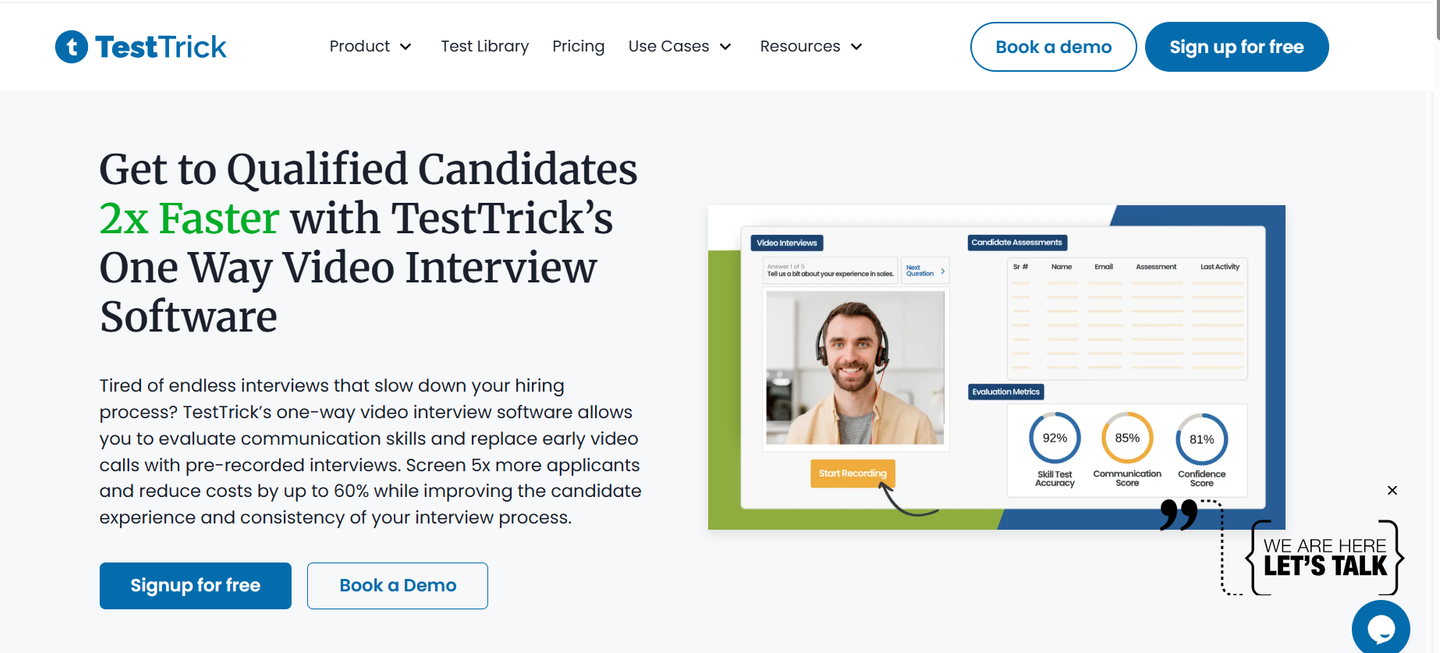
TestTrick focuses on practical skills assessments for a variety of roles like developers, marketers, designers, and customer support.The platform comes with an assessment library of pre-built tests you can use immediately, with the option to customize them if your role or workflow is more specific.
That practicality carries through to setup. Creating your first test is quick and uncomplicated. You choose a role, select an existing assessment or build one from scratch, then send the link to candidates. Once responses come in, you get clear scores, section-by-section breakdowns, and comparison data showing how each candidate performed against others who took the same test.
If you need more control, the custom test builder gives you plenty of flexibility without becoming overwhelming. You can combine multiple-choice questions, coding challenges, written responses, video interview questions, file uploads, and timed tasks in a single assessment. You can also weight sections differently, set pass or fail thresholds, and add company-specific job simulations so the test reflects the kind of work candidates would actually do on the job.
While the platform keeps things simple on the surface, it still takes integrity seriously. Anti-cheating measures run quietly in the background, including tab-switch detection, time tracking, randomized question order, and plagiarism checks for written and coding responses. You get clear indicators when something looks suspicious, without making the candidate experience uncomfortable for legitimate applicants.
The platform integrates with popular applicant tracking systems, making it easy to incorporate assessments into your existing candidate screening workflow. For HR teams managing multiple roles, this integration saves time and keeps all your hiring data in one place.
Pricing also reflects the tool's small-team focus. Plans start at $49 per month and you can test up to 50 candidates, which works out to less than $1 per candidate if you use your full allowance. There are no per-candidate fees, no extra charges for adding teammates, and the flexibility to downgrade if hiring slows down.
Key Features
- Pre-built assessment library covering 150+ job roles
- Custom test builder with multiple question types
- Anti-cheating measures (tab monitoring, plagiarism checks, randomized questions)
- Automated scoring with detailed breakdowns
- Candidate comparison and ranking tools
- Video interview questions for evaluating soft skills
- Mobile-friendly tests
- ATS integrations
- White-label options on higher plans
- Bulk candidate invites
- Team collaboration features
Pros
- Affordable pricing with transparent costs
- Quick setup, minimal learning curve
- Covers multiple job types in one platform
- Good candidate experience
- Strong anti-cheating features without intrusive proctoring
- Responsive customer support
- Flexible test customization
- No hidden fees or per-candidate charges
- Can scale up or down based on hiring volume
Cons
- Advanced analytics limited compared to enterprise platforms
Pricing
- Starter: $49/month for 50 candidates, unlimited assessments
- Basic: $75/month for 100 candidates
- Business: $99/month for 150 candidates
- Enterprise: Custom pricing
2. TestDome
TestDome
Best for: Companies hiring developers or technical roles that need validated, anti-cheating coding assessments.
While TestDome does support a handful of non-technical roles, its real strength lies in the depth and breadth of its technical assessment library. It focuses on coding tests across more than 20 programming languages, along with database tests, algorithm challenges, and role-specific simulations for positions like front-end development, DevOps, and data science.
That specialization shows in the results. TestDome gives you detailed reports that show which questions candidates got right, where they struggled, and how their code actually performed. You can review real code submissions and use them as discussion points during interviews, which makes it easier to evaluate how candidates think and solve problems.
The platform includes strong anti-cheating measures like code plagiarism detection and randomized questions, which matters when you're hiring remote developers you can't supervise in person.
This depth is exactly what makes TestDome appealing for engineering-heavy teams, but it's also where its limits start to show. The test library is deep for technical roles, but thin once you step outside of them. If your hiring is focused entirely on developers, TestDome can handle everything on its own. If you're also hiring for roles like marketing, design, or operations, you'll likely need a second tool to cover those gaps.
Key Features
- 20+ programming languages supported
- Randomized questions to prevent cheating
- Code plagiarism detection
- Real-world coding challenges
- Detailed code analysis
- Timed assessments
Pros
- Strong anti-cheating measures
- Comprehensive technical test library
- Shows actual code, not just scores
- Works well for remote hiring
Cons
- Expensive for low-volume hiring
- Limited non-technical assessments
- Overkill if you rarely hire developers
Pricing
- Starter: $100/month for 5 candidates
- Small: $400/month for 25 candidates
- Medium: $1000/month for 100 candidates
- Large: $2400/month for 300 candidates
- Extra large: $4200/month for 600 candidates
3. TestGorilla
TestGorilla
Best for: Teams that want a broad assessment library covering technical, cognitive, and soft skills in one platform.
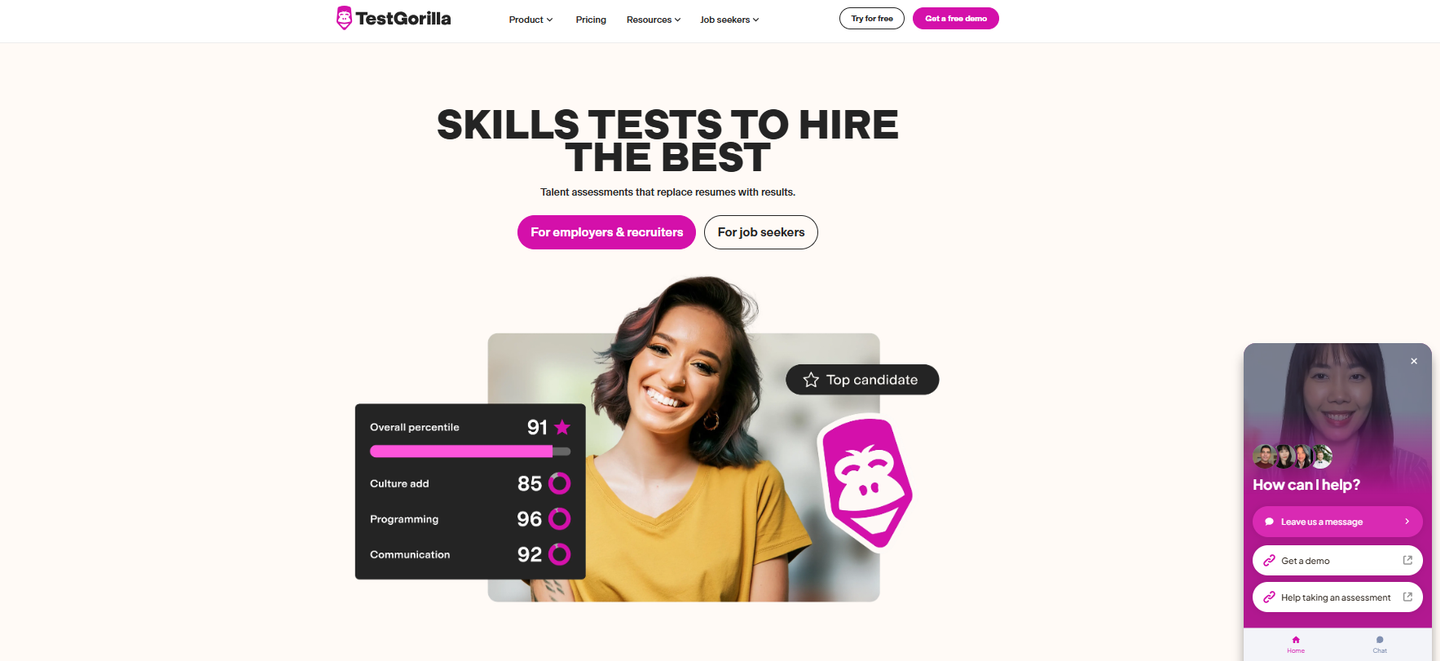
TestGorilla offers over 400 pre-built tests covering everything from Excel skills to critical thinking to culture fit assessments. The idea is to replace multiple assessment tools with one platform that handles most hiring needs.
The test library is genuinely comprehensive. You can assess developers with coding challenges, test marketers on SEO knowledge, evaluate sales reps with role-play scenarios, and measure cognitive abilities with logic puzzles. Most roles have multiple test options, and you can combine different assessments into custom sequences.
Creating an assessment is also straightforward. You search for relevant tests, add them to your sequence, set time limits, and invite candidates. The platform handles scoring automatically and generates comparison reports showing how each candidate stacked up.
The platform includes both behavioral assessments and personality questionnaires to help you evaluate culture fit alongside hard skills. For recruiting teams managing diverse hiring needs, this breadth can simplify your HR tech stack.
Pricing starts at $135 per month for small teams, with limits on users and features. Mid-tier plans unlock custom questions, video assessments, and advanced reporting. For companies hiring across multiple departments, consolidating tools into TestGorilla can actually save money compared to using separate platforms.
Key Features
- 400+ pre-built tests
- Custom question builder
- Video response questions
- Multi-test assessments
- Automated scoring and ranking
- Culture fit assessments
Pros
- Massive test library
- One platform for all roles
- Good for diverse hiring needs
- Regular test updates
Cons
- Individual tests less specialized than dedicated tools
- Can feel overwhelming with so many options
- Higher-tier features require expensive plans
Pricing
- Starter: $135/month for small teams
- Plus: Custom pricing
4. Xobin
Xobin
Best for: Small teams that need AI-based proctoring and structured hiring workflows without hiring a recruiting team.
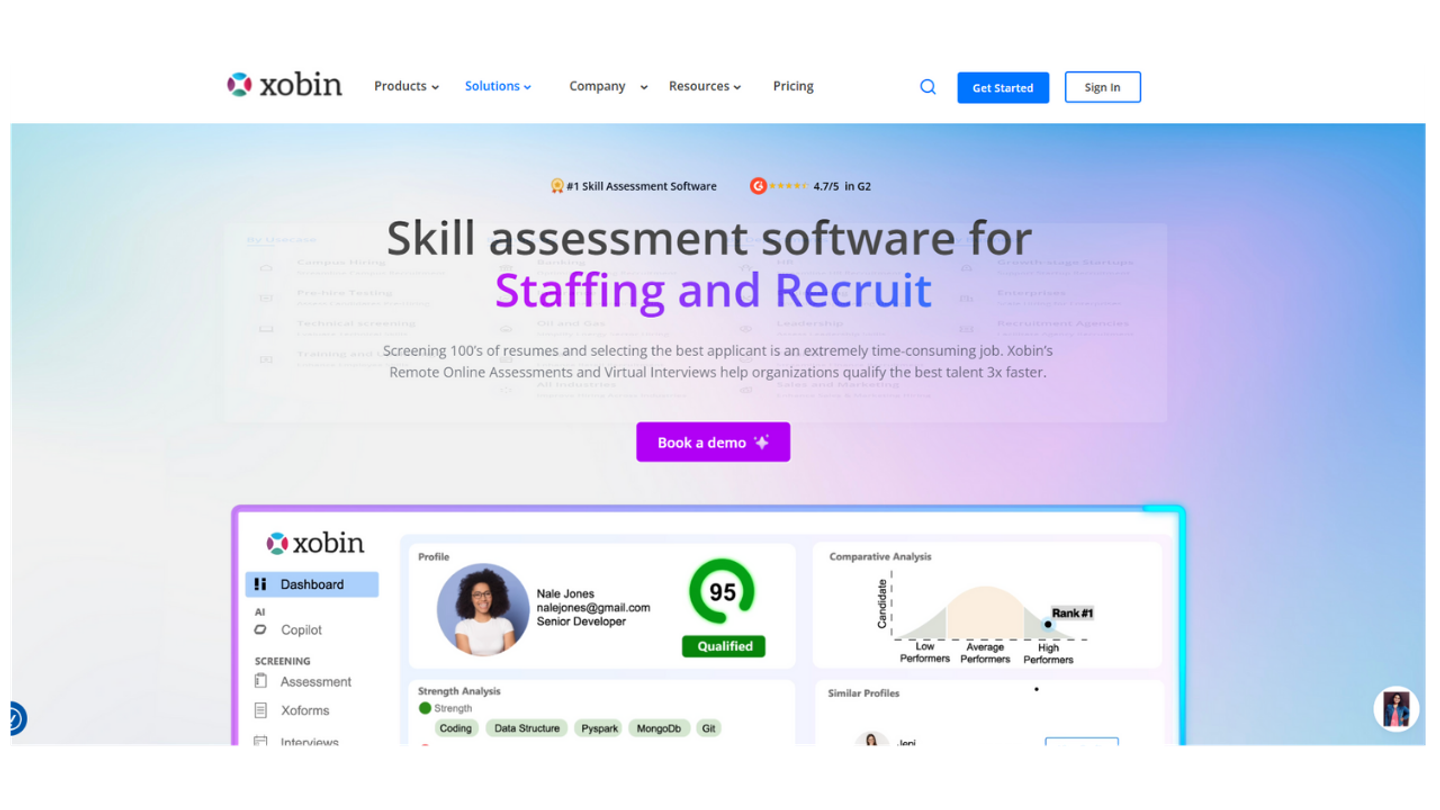
Xobin combines pre-employment tests with AI-powered proctoring, interview scheduling, and candidate management tools. It's designed for small companies that don't have dedicated recruiting teams and need the software to handle more of the process.
The AI proctoring feature uses webcam monitoring, tab switching detection, and facial recognition to flag potential cheating. You get a report showing any suspicious activity during the test. For remote hiring where you can't supervise candidates, this adds a layer of confidence to results.
Tests cover technical skills, cognitive assessments, soft skills, and job simulations. The library isn't as large as competitors, but it covers common roles well enough. You can also build custom assessments using various question types including coding, case studies, and video responses.
Where Xobin goes further than basic assessment tools is workflow automation. You can set up hiring pipelines that automatically send tests to candidates, schedule interviews with top scorers, and move people through stages without manual intervention. For small teams juggling hiring alongside other work, that automation saves time.
The interface does feel a bit dated compared to newer platforms, and setup takes longer than simpler tools. You're getting more features, but that means more configuration upfront. Plan on spending a few hours getting everything set up the way you want it.
Key Features
- AI-based proctoring with cheating detection
- Coding assessments and simulations
- Automated hiring workflows
- Interview scheduling
- Customizable test builder
- Candidate tracking
Pros
- AI proctoring adds security for remote tests
- Workflow automation saves time
- Handles more than just assessments
- Good for teams without recruiters
Cons
- No monthly plans, just an annual flat fee payment. If you don't want to make such an expensive commitment up front, this might be a deal breaker.
- Steeper learning curve
- Interface feels older
- More expensive than simple assessment tools
Pricing
- Flat fee: $699 per year
5. Vervoe
Vervoe
Best for: Companies that want to see how candidates perform real job tasks instead of answering theoretical questions.
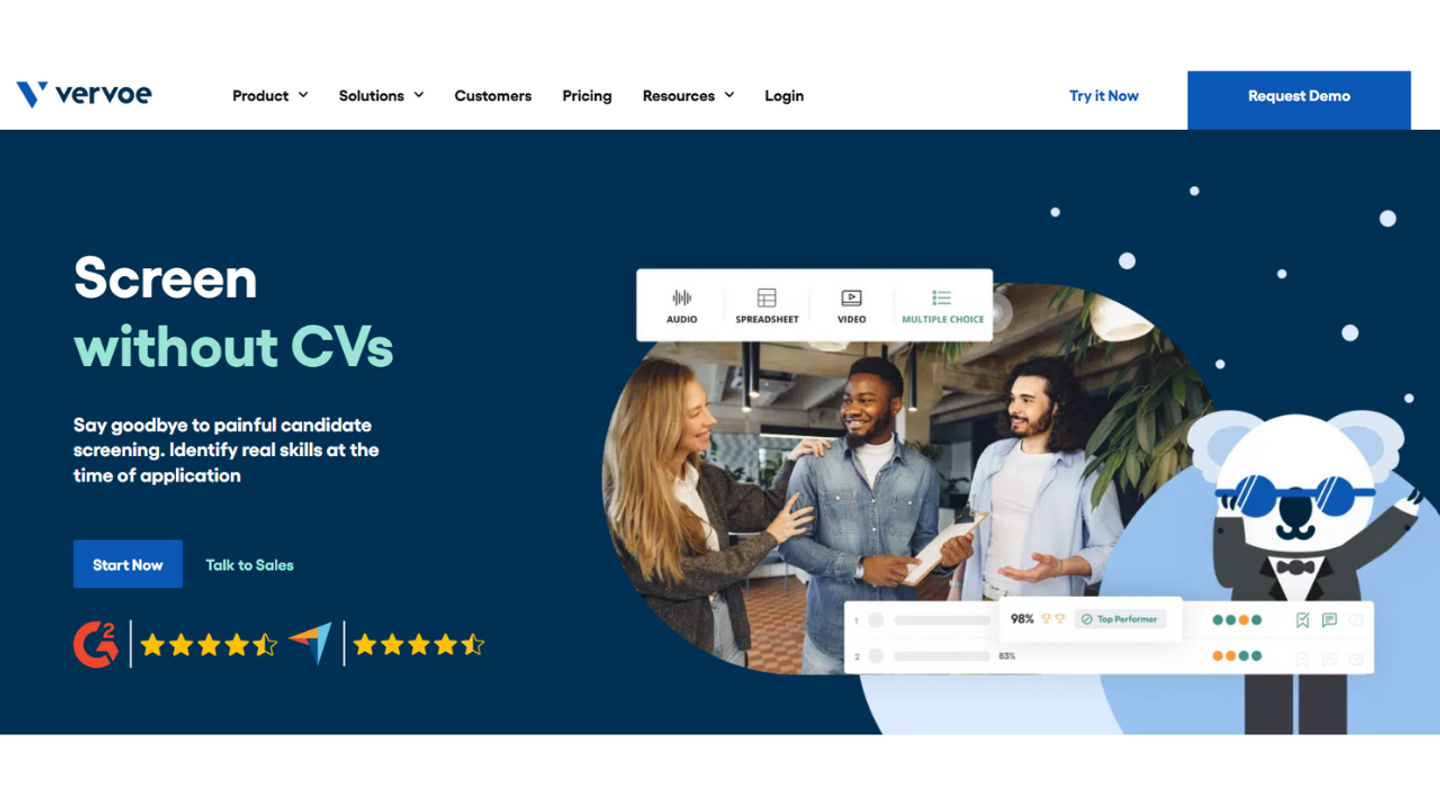
Vervoe takes a different approach than multiple-choice tests or coding challenges. The platform focuses on situational-based assessments where candidates complete actual work they'd do in the role. A content writer might write a blog post. A customer support rep might handle a series of support tickets. A project manager might prioritize a backlog and explain their reasoning.
The idea is that simulations predict candidate performance better than abstract tests. Someone might score well on a communication quiz but struggle to write a clear email. Vervoe surfaces that gap by making them do the actual task.
Building simulations takes more work than using pre-made tests. You need to define the scenario, provide context, set evaluation criteria, and decide how to score candidate responses. Vervoe provides templates and examples to speed this up, but you'll still invest more time upfront compared to clicking "add test" from a library.
Scoring is partially automated and partially manual. Multiple-choice portions grade automatically. For open-ended responses or work samples, you review submissions and rate them based on criteria you defined. The platform uses artificial intelligence to help flag strong and weak responses, but you're still doing the evaluation.
This works well for roles where the work is hard to test with standard assessments. Creative positions, strategic roles, or jobs requiring judgment benefit from simulations. For high-volume recruiting or very technical roles with clear right/wrong answers, the manual review becomes a bottleneck.
Key Features
- Realistic job simulations
- Custom scenario builder
- AI-assisted scoring
- Video and written responses
- Real work sample evaluation
- Skills-based hiring focus
Pros
- Tests actual job performance, not proxies
- Catches gaps standard tests miss
- Good for creative and strategic roles
- Reduces unconscious bias from resume screening
Cons
- Costs $30 per candidate, making it one of the pricier tools on this list.
- Requires more setup time
- Manual review needed for best results
- Not ideal for high-volume hiring
Pricing
- $300 for 10 candidates
- $600 for 50 candidates
- $9,000 for 1000 candidates
6. Criteria
Criteria
Best for: Teams that need legally defensible assessments backed by industrial-organizational psychology research.
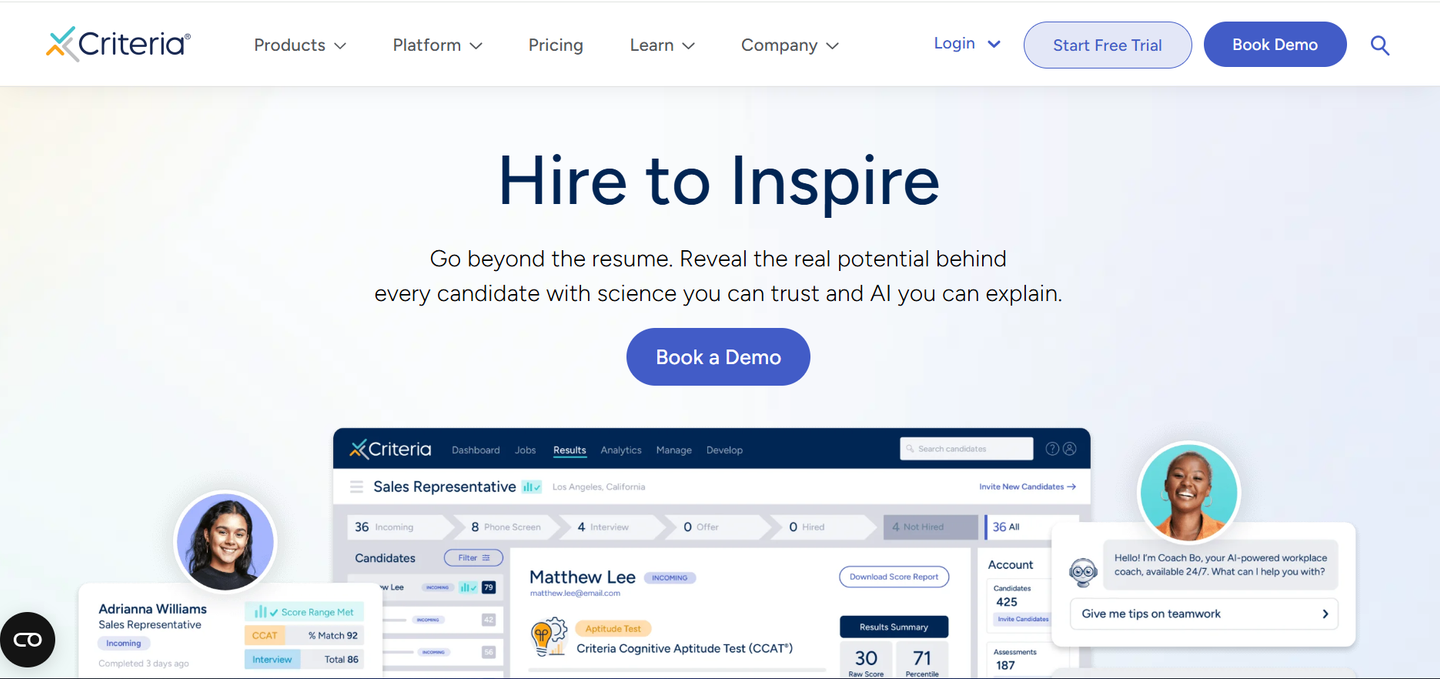
Criteria focuses on scientifically validated tests that hold up to legal scrutiny. The company employs industrial-organizational psychologists to develop assessments and regularly runs validation studies. If you're in a regulated industry or worried about discrimination claims, Criteria's approach provides more legal cover than tools cobbled together from crowdsourced questions.
The test library includes cognitive aptitude tests, personality assessments, emotional intelligence measures, and skills tests for roles like customer service, sales, and office administration. Technical assessments exist but aren't as comprehensive as dedicated coding platforms.
Results come with detailed reports explaining what each score means and how to interpret it during hiring decisions. The platform also provides adverse impact analysis, showing whether certain demographic groups score significantly lower on your tests. If they do, you can adjust which assessments you use to avoid potential discrimination issues.
The trade-off for this validation and legal backing is less flexibility. You can't build custom tests or significantly modify existing ones because doing so would invalidate the research backing them. You're choosing from Criteria's library and using their tests as designed.
Key Features
- Scientifically validated assessments
- Cognitive ability tests
- Personality and EI assessments
- Adverse impact analysis
- Legal defensibility
- Detailed interpretation guides
Pros
- Strong legal backing
- Validated by IO psychologists
- Reduces discrimination risk
- Detailed, useful reports
Cons
- Less flexible than build-your-own platforms
- Higher pricing
- Limited technical assessments
- Can't customize validated tests
Pricing
- Not made public. Available upon request.
Frequently Asked Questions
Are pre-employment tests worth it for small companies?
Yes, if you're hiring for roles where skills matter more than experience or credentials. The ROI comes from reducing bad hires, which cost small teams disproportionately. One hiring mistake can set you back months and thousands of dollars. Testing helps filter out weak candidates before you invest interview time. The key is using tests that actually predict job performance, not just adding another hoop for candidates to jump through.
How long should pre-employment assessments take?
Most candidates will tolerate 30-45 minutes for a role they're interested in. Anything over an hour starts losing people, especially strong candidates who have other options. If your assessment takes 90 minutes, you're probably testing too much. Break it into a short screening test for all applicants and a longer evaluation for finalists.
Can pre-employment testing reduce bias in hiring?
Done right, yes. Skills-based assessments evaluate what people can do rather than where they went to school or who they know. Removing names and demographic information from test results helps reduce unconscious bias. But poorly designed tests can actually increase bias if questions unfairly advantage certain groups. Use platforms that provide adverse impact analysis and follow EEOC guidelines.
What's the difference between aptitude tests and skills tests?
Aptitude tests measure general abilities like logical reasoning, verbal skills, or numerical ability. They try to predict potential. Skills tests measure specific knowledge or capabilities, like coding in Python or using Excel. For entry-level roles where you're hiring for potential, cognitive assessments make sense. For experienced hires where specific skills matter, skills tests are more relevant.
Conclusion
Pre-employment testing works for small teams when you pick tools that match how you actually hire. If you're bringing on developers regularly, TestDome makes sense despite higher costs. If you need scientifically validated assessments for compliance reasons, Criteria is worth the premium. But if you're hiring across multiple departments, need flexibility without complexity, and want to avoid enterprise pricing, TestTrick gives you the best balance of features and affordability.
The mistake most small companies make is either skipping candidate screening entirely because assessment tools seem complicated, or buying expensive platforms they barely use because one hire went wrong. Start simple. Pick one tool that covers your most common hires, run it for a few months, and see if it actually helps you make better decisions. If it does, keep using it. If results don't improve your hiring quality, try something else or go back to relying on interviews alone.
Most teams don't need every advanced feature that enterprise platforms offer. What you need is a tool that covers the roles you actually hire for, doesn't require a training course to use, catches candidates who can't do the work, and costs less than a single bad hire. TestTrick checks all those boxes without the bloat or the price tag.
Want one tool that handles developers, marketers, support reps, and everything in between without draining your budget? Try TestTrick free for 7 days and see if it cuts your time-to-hire while improving who you bring on board. No credit card required, and you can set up your first assessment in under 10 minutes.
Build a Hiring-Ready Assessment
Create role-specific, anti-cheat assessments and shortlist candidates on evidence, not guesswork.
Start for freeBy Favour Etinosa Ogie
June 3, 2026
14 min read
Build a Hiring-Ready Assessment
Create role-specific, anti-cheat assessments and shortlist candidates on evidence, not guesswork.
Start for free