10 Best Technical Assessment Tools in 2026: A Buyer’s Guide for Recruiter
Compare the best technical assessment tools for coding tests, live interviews, practical job simulations, proctoring and multi-skill hiring. Explore features, pricing, strengths and limitations.
By Muhammad Noman
July 23, 2026
27 min read
TL;DR – Key Takeaways!
- The right technical assessment tool depends on whether you need coding tests, live interviews, broader skills assessment or workforce intelligence.
- TestTrick suits employers combining coding with cognitive, psychometric and video assessments.
- HackerRank, Codility and HackerEarth are strong for structured developer screening.
- CodeSignal stands out for AI-enabled assessments, while CoderPad is best for live pair programming.
- TestDome suits occasional hiring, while TestGorilla and Adaface support broader technical and non-technical roles.
- Compare assessment realism, integrity controls, reporting, integrations and pricing before choosing.
Hiring technical talent has become increasingly difficult to evaluate with confidence.
A polished résumé does not always reflect practical ability. A strong assessment score may not show how a candidate approached the problem. And with AI-assisted work becoming part of many technical workflows, employers need more context than a final answer or overall percentage.
Technical assessment tools help hiring teams evaluate candidates using practical, role-relevant evidence before investing significant recruiter and engineering time.
A reliable skills assessment platform helps employers evaluate practical abilities, compare candidates consistently and make evidence-based hiring decisions.
However, these platforms are not all designed for the same purpose.
Some specialize in high-volume coding skill assessments. Others focus on live pair programming, realistic job simulations, AI-enabled evaluation, proctoring or broader testing across cognitive, behavioural and role-specific skills.
The platform with the largest question library or the longest feature list is therefore not necessarily the best option for your organization.
The right choice depends on:
- The technical roles you hire
- Your candidate volume
- Whether you need asynchronous or live assessments
- How much engineering time is available
- The level of assessment integrity you require
- Whether you need to evaluate skills beyond coding
- How the platform fits into your existing recruitment workflow
In this guide, we compare 10 leading technical assessment tools based on their primary use cases, assessment formats, candidate experience, integrity controls, pricing models and important limitations.
Rather than identifying one universal winner, the goal is to help you choose the platform that provides the right evidence for your specific hiring decisions.
Best technical assessment tools at a glance
Almost everyone in this category calls themselves a “technical assessment platform.” In practice they do five quite different jobs, and most platforms specialize in one or two.
| Tool | Best suited to | Main assessment formats | Starting price |
|---|---|---|---|
| TestTrick | Combining coding with wider candidate evaluation | Coding, skills, cognitive, psychometric and one-way video assessments | $35/month, billed annually |
| HackerRank | Large-scale developer screening | Automated coding assessments and live interviews | $82/month, billed annually |
| CodeSignal | AI-enabled technical hiring | Technical assessments, live interviews and AI interviewers | $79/month, billed annually |
| Codility | Structured engineering assessment programmes | Coding screens, work simulations and live interviews | $1,200/year |
| HackerEarth | Broad technical-role screening | Coding assessments, FaceCode interviews and psychometric tests | $99/month |
| CoderPad | Collaborative live coding | Coding screens, realistic projects and live interviews | projects and live interviews Free plan; paid from $80/month annually |
| TestDome | Realistic technical and workforce skills assessment | Technical assessments, skills intelligence and workforce development | From $1 per employee/month |
| TestGorilla | Company-wide pre-employment testing | Coding, cognitive, software, personality and video assessments | Core from $142/month annually |
The pricing and product details above were checked against official vendor pages on July 22, 2026.
How we evaluated these technical assessment tools
This guide is published by TestTrick, and TestTrick is included as one of the platforms reviewed.
To make that commercial relationship clear, every product—including TestTrick—is reviewed using the same criteria:
- Intended hiring use case
- Technical assessment depth
- Candidate experience
- Assessment-integrity controls
- Live and asynchronous assessment options
- Recruiter and hiring-manager usability
- Wider skills coverage
- Pricing transparency
- Important limitations
The order of the tools does not represent a universal ranking.
Each platform is recommended for the hiring situation it appears best equipped to support. Because product capabilities and prices change, employers should verify final information directly with each vendor before purchasing.
Start with the hiring decision, not the feature list
Most technical assessment platforms advertise similar headline features:
- Large test libraries
- Automated scoring
- Custom questions
- Coding environments
- Proctoring or anti-cheating controls
- Candidate reports
- ATS integrations
These features do not tell you whether the platform fits your recruitment process.
A more useful approach is to identify the decision the assessment must help your team make.
Decision 1: Who should move beyond application review?
At this stage, the objective is efficient filtering.
The assessment should be:
- Short enough to avoid unnecessary candidate drop-off
- Easy to distribute at scale
- Automatically scored
- Relevant to the minimum requirements of the role
- Understandable to recruiters without constant engineering support
Platforms with broader automated screening capabilities include TestTrick, HackerRank, CodeSignal, TestGorilla and Adaface.
Decision 2: Who can perform the practical work?
At this point, assessment realism becomes more important than question volume.
Look for:
- Hands-on coding tasks
- Framework or environment support
- Debugging and code-review exercises
- Automated test cases
- Realistic project structures
- Code-quality indicators
- Evidence showing how the candidate reached the answer
Platforms built for deeper practical evaluation include SkillPanel, CoderPad, CodeSignal, Codility, HackerRank and TestDome.
Decision 3: Who should receive engineering interview time?
Senior developers should not spend hours interviewing candidates who lack the role’s foundational skills.
An effective asynchronous assessment should remove clearly unqualified applicants before engineering time is invested.
Evaluate whether the platform provides:
- Role-appropriate difficulty
- Automated scoring
- Skill-level performance breakdowns
- Code or session playback
- Candidate activity records
- Reviewable integrity evidence
- Reports recruiters can interpret independently
The goal is not to eliminate engineering involvement. It is to use it where it adds the most value.
Decision 4: What evidence supports the final hiring decision?
A final-stage technical evaluation may require evidence that an automated test cannot provide.This is where the distinction between coding assessments and technical interviews becomes important.
This may include:
- Live coding
- Pair programming
- System-design discussions
- Structured interviewer scorecards
- Communication and collaboration
- Response to feedback
- Technical judgement
- Interview recordings or transcripts
Platforms such as CoderPad, HackerRank, CodeSignal, Codility, HackerEarth and TestDome support live technical-interview workflows alongside or in addition to asynchronous screening.
The 10 best technical assessment tools in 2026
1. TestTrick
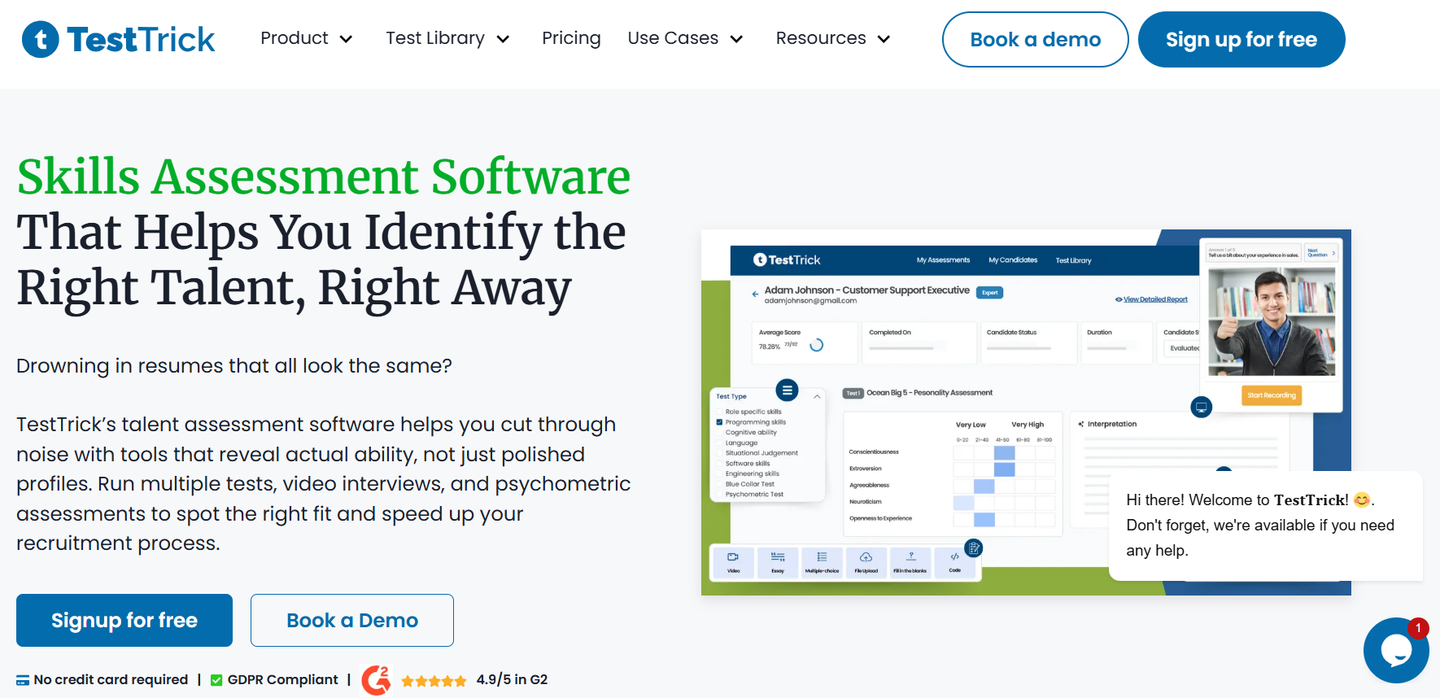
Testrick's website
Best suited to: Employers that want to combine coding assessments with cognitive, psychometric, job-knowledge and one-way video evaluation.
Assessment experience
TestTrick allows employers to build assessments using pre-built tests, custom questions, coding challenges, cognitive assessments, psychometric tests and asynchronous video-interview questions.
Its library includes more than 500 pre-built assessments. Available question formats include:
- Multiple-choice questions
- Coding challenges
- Essays and open-ended questions
- One-way video responses
- File-upload questions
- Cognitive ability tests
- Psychometric assessments
- Situational judgement tests
Coding assessments support more than 15 programming languages and include code playback, allowing reviewers to see how candidates developed and changed their solutions.
Where TestTrick stands out
TestTrick’s main advantage is the ability to combine several forms of candidate evidence within one assessment.
For example, an employer hiring a technical consultant could evaluate:
- Coding ability
- Product or domain knowledge
- Analytical reasoning
- Situational judgement
- Written communication
- Recorded video responses
This is useful for roles where technical competence matters but coding performance alone is not enough.
The platform also includes:
- AI-powered proctoring
- Browser lockdown
- Screen recording
- Tab-switch detection
- Code playback
- Automated scoring
- Bulk candidate invitations
- Candidate assessment reports
- Custom branding
- ATS integrations
TestTrick states that these capabilities are included across its standard plans rather than being restricted to higher feature tiers.
Important limitations
TestTrick’s coding assessments and one-way video interviews are asynchronous.
It does not currently offer a live pair-programming environment where an interviewer and candidate can code together in real time.
Organisations that need collaborative live technical interviews may find CoderPad, HackerRank, Codility, CodeSignal or HackerEarth more suitable.
TestTrick is also an assessment platform rather than a complete applicant tracking system. It supports candidate evaluation but does not replace sourcing, applicant-pipeline management or candidate-relationship functionality.
Pricing
TestTrick uses annual candidate credits.
A credit is consumed only when a candidate completes and submits an assessment. Creating an assessment and sending invitations do not consume credits.
Current plans include:
- Starter: $420/year for 600 credits and three users
- Basic: $780/year for 1,200 credits and five users
- Business: $900/year for 1,800 credits and seven users
- Enterprise: Custom candidate and user limits
Additional credits are listed at $2 each.
Choose TestTrick when:
- You hire technical and non-technical roles
- You need coding and video evaluation in one assessment
- You want to assess skills beyond programming
- Recruiters need reports they can interpret without relying entirely on engineers
- You prefer credits to be consumed only when candidates complete assessments
- You want proctoring and ATS integrations included across plans
See how TestTrick fits your technical hiring process
3.HackerRank
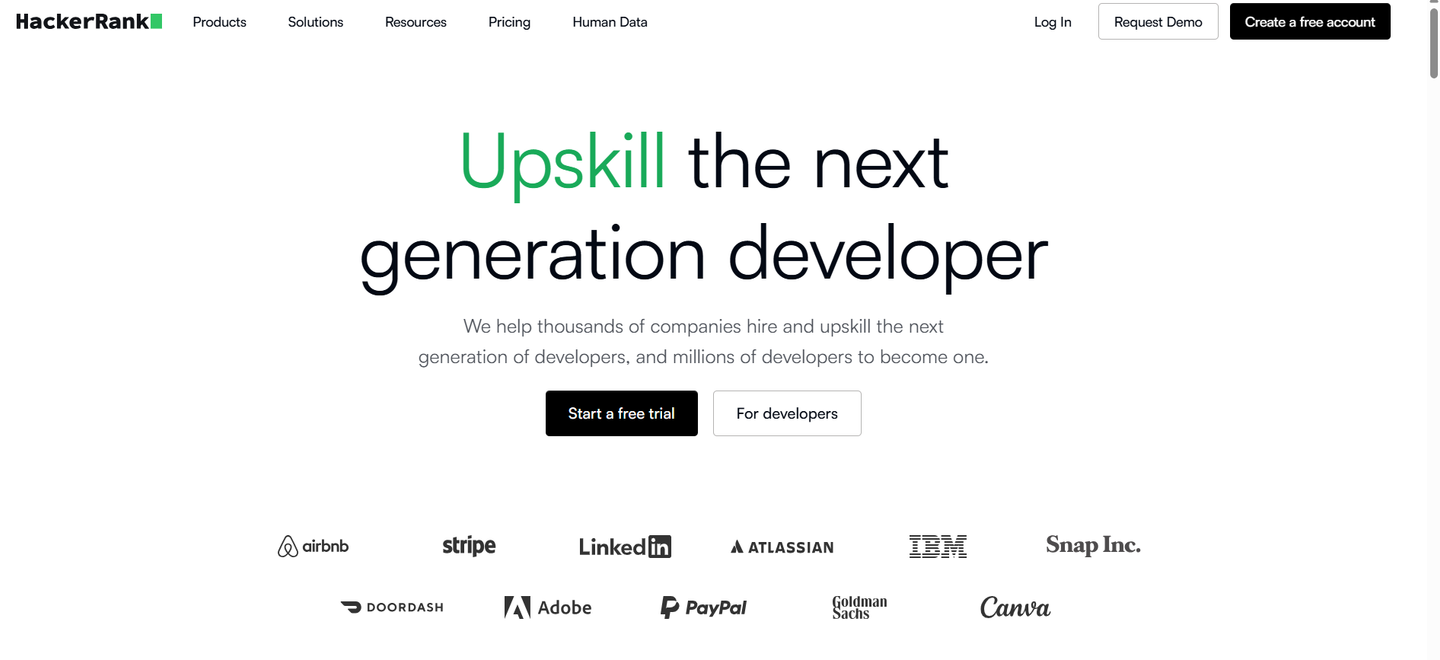
HackerRank website
Best suited to: Organisations running developer screening and interviewing at scale.
Assessment experience
HackerRank provides two primary technical-hiring products:
- HackerRank Screen for asynchronous coding assessments
- HackerRank Interview for live technical interviews
Its platform includes certified assessments, real-world coding questions, plagiarism detection and integrations with recruitment systems. HackerRank offers both monthly and annual purchasing options, with annual attempts available for use according to hiring demand.
Where HackerRank stands out
HackerRank is designed specifically for technical hiring.
Its combination of asynchronous screening and live interviews allows employers to manage several stages of developer evaluation within one specialist platform.
It is particularly relevant to organisations that:
- Recruit developers continuously
- Hire across multiple technical roles
- Run graduate or campus recruitment
- Need standardised coding screens
- Require structured live technical interviews
- Want technical hiring workflows rather than broad general testing
Important limitations
HackerRank is primarily focused on software and technical roles.
Employers that also need broad personality, language, cognitive, customer-service or general business assessments may need to use another platform alongside it.
Buyers should also calculate the cost of:
- Screening attempts
- Live interviews
- Platform users
- Integrations
- Enterprise controls
- Additional usage
The publicly accessible pricing page does not consistently expose every package detail without interactive site functionality, so employers may need to use HackerRank’s pricing calculator or request a proposal.
Choose HackerRank when:
- Developer recruitment is a major and continuous function
- You need automated coding assessments and live interviews
- You run high-volume technical hiring
- Your engineering team wants a specialist platform
- Enterprise technical-hiring workflows matter
Employers comparing HackerRank with a broader multi-format platform can read the TestTrick vs HackerRank comparison.
3. CodeSignal
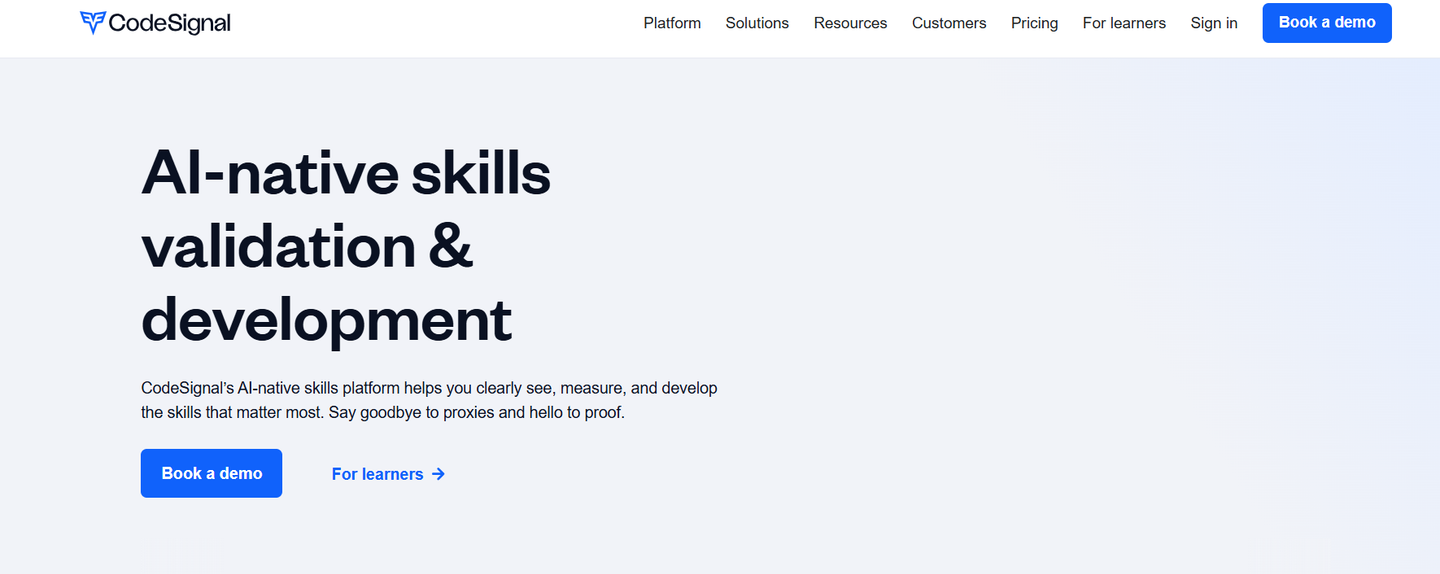
Codesignal website
Best suited to: Companies that want to evaluate technical skills and AI-related capabilities within the same platform.
Assessment experience
CodeSignal offers:
- Technical assessments
- Business assessments
- Live technical interviews
- AI interviewers
- AI proctoring
- Identity verification
- Custom assessment creation
Its current Build plan includes access to 2,000 questions, Universal and Core technical assessments, product, design and engineering AI interviewers, AI proctoring and identity verification.
Higher plans extend the platform into go-to-market assessments, additional AI interviewers, ATS integrations and advanced fraud-prevention controls.
Where CodeSignal stands out
CodeSignal is one of the broader platforms in this comparison.
It can support traditional coding assessments while also evaluating:
- AI literacy
- Technical reasoning
- Product and engineering skills
- Data and analytics
- Product management
- Product design
- Selected business functions
This makes it relevant to organisations that want a more unified skills-validation platform rather than a coding-test product alone.
Its AI interviewer and AI-related assessments may also suit employers that want to evaluate candidates for roles in which AI tools form part of the expected workflow.
Important limitations
CodeSignal’s more extensive role coverage, integrations and enterprise controls are concentrated in its higher plans.
The jump from Build to Grow is substantial, so organisations should check whether the additional assessments and integrations justify the higher cost.
Smaller employers that only need occasional conventional coding tests may find a simpler candidate-credit or prepaid model more economical.
Pricing
CodeSignal’s current plans include:
- Build annually: $79/month, billed annually, with 60 annual credits
- Build monthly: $99/month with five monthly credits
- Grow annually: $479/month, billed annually, with 420 annual credits
- Grow monthly: $599/month with 35 monthly credits
- Pro: Custom pricing
Credits can be used for assessments and interviews, and user licences are currently listed as unlimited.
Choose CodeSignal when:
- You want technical assessments and live interviews
- AI skills or AI-enabled work are relevant to your roles
- You need assessment coverage beyond software engineering
- Identity verification and AI proctoring matter
- You prefer unlimited user licences
4. Codility
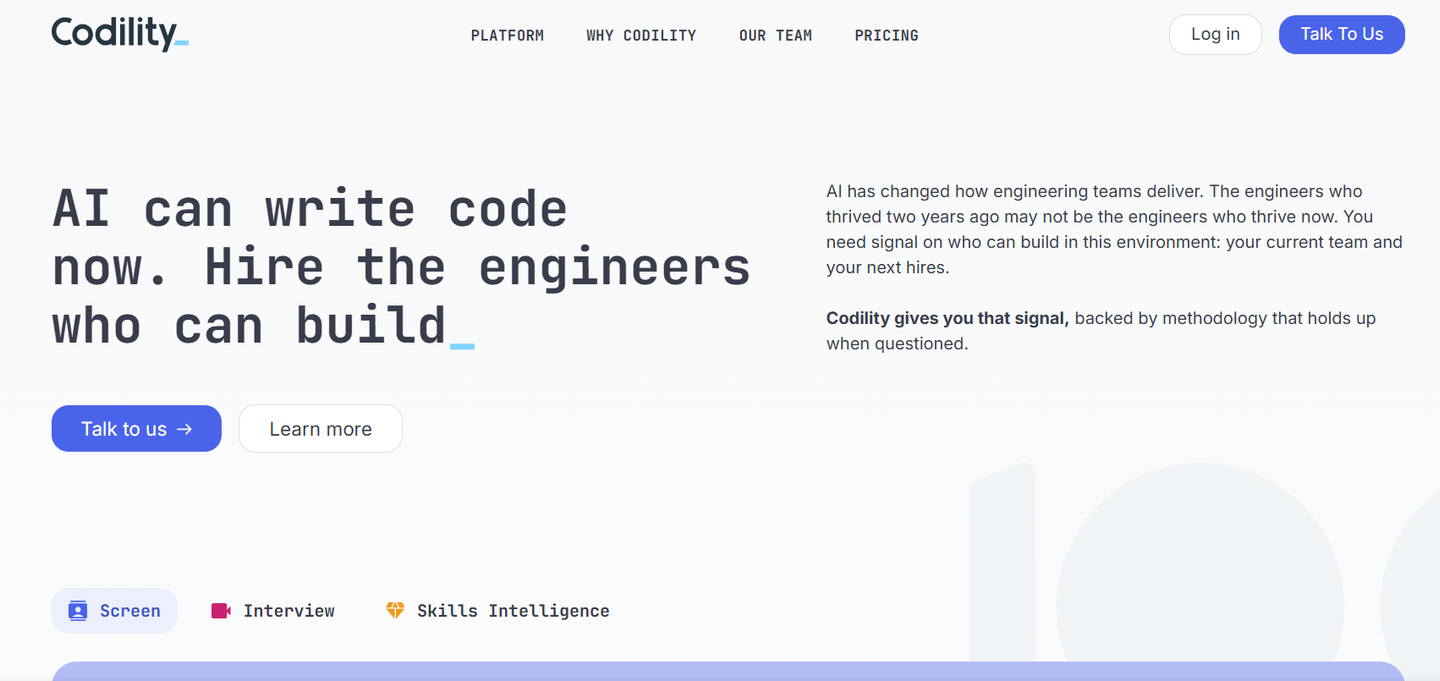
Codility Website
Best suited to: Engineering-led organisations that need structured technical screening and interviewing.
Assessment experience
Codility combines asynchronous technical assessments with live technical interviews.
Its Starter plan includes:
- Up to 120 annual invitation credits
- Screen and Interview usage
- Coding, SQL, multiple-choice and AI-skill tasks
- Engineering work simulations
- Plagiarism detection
- Core integrity signals
- Basic proctoring
- Candidate snapshots
- Reviewable AI-assistant activity
Its Scale and Custom tiers expand the task library, user access, assessment volume, analytics, integrations, proctoring and assessment-design services.
Where Codility stands out
Codility is well suited to organisations that want a consistent process from initial screening through final technical evaluation.
It supports employers that care about:
- Structured technical criteria
- Engineering-focused work simulations
- Live technical interviews
- AI-skill assessment
- Code-quality evidence
- Assessment validation
- Enterprise security
- Consistent evaluation across teams
The Custom tier includes a VS Code assessment environment, premium video proctoring, identity verification, interview recordings, transcripts and assessment validation by an internal assessment-science team.
Important limitations
Codility remains focused on engineering and technical capability.
It is less suitable for organisations seeking one platform for personality, languages, sales, customer service, finance and other broader business-role assessments.
Several advanced capabilities are available only through the Custom plan, including:
- Premium proctoring
- Identity verification
- Enterprise ATS integrations
- SSO
- Interview recordings
- Dedicated customer success
- Professional assessment design
Pricing
Codility currently offers:
- Starter: $1,200 per year for up to 120 invitation credits and one platform user
- Scale: $6,000 per year for up to 300 credits and three platform users
- Custom: Tailored pricing and volume
All plans include unlimited collaborator users, although collaborators cannot configure the platform.
Choose Codility when:
- Engineering leads are closely involved in assessment design
- You need both asynchronous and live coding
- Work simulations matter
- Enterprise security and assessment validation are priorities
- You primarily hire engineering talent
5. HackerEarth
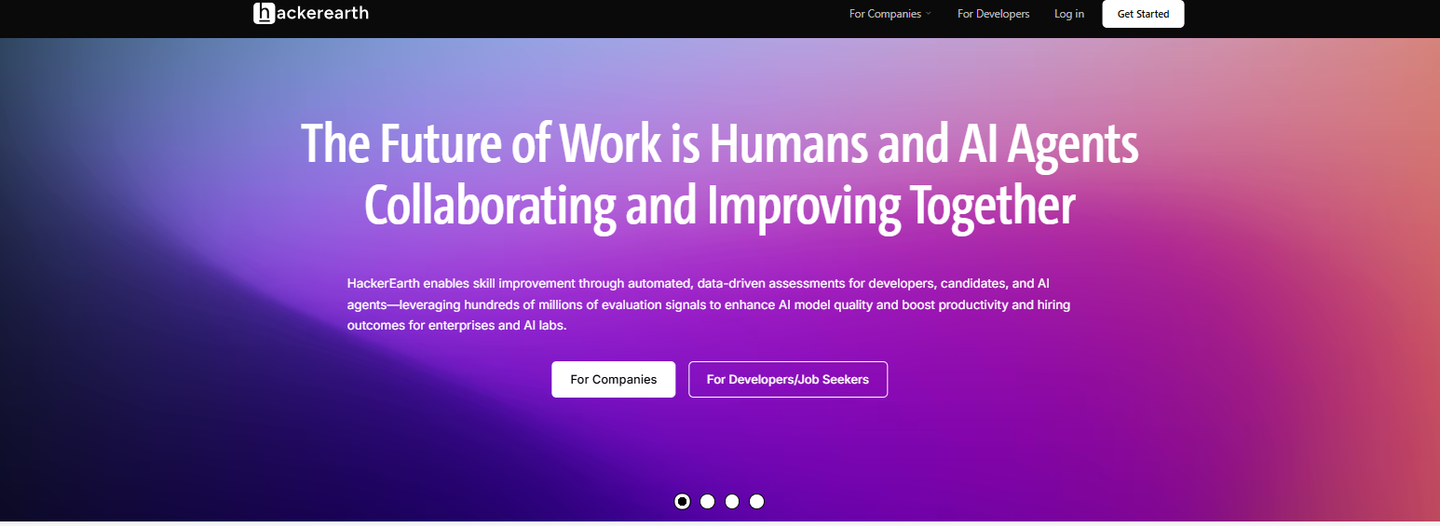
HackerEarth Website
Best suited to: Employers recruiting across multiple technical disciplines and using both assessments and live interviews.
Assessment experience
HackerEarth combines technical assessments with FaceCode live interviews.
Its Growth plan currently includes:
- One administrator
- 10 monthly credits
- Assessments and FaceCode
- More than 5,000 questions
- Plagiarism detection
- Full-stack and generative-AI skills
- Psychometric tests for common roles
The Scale plan expands this to 25 monthly credits, unlimited administrators, more than 20,000 questions, video responses, advanced plagiarism checks and ATS integrations.
Where HackerEarth stands out
HackerEarth provides broad technical coverage.
It can support employers recruiting across:
- Software engineering
- Full-stack development
- Data roles
- DevOps
- Artificial intelligence
- Cloud technologies
- Other specialist technical functions
The inclusion of FaceCode means companies can use the same vendor for asynchronous assessments and live technical interviews.
HackerEarth also operates hackathon and developer-engagement products, making it relevant to organisations that connect technical assessment with campus recruitment, developer communities or employer branding.
Important limitations
The Growth plan includes only one administrator and 10 monthly credits.
Features such as ATS integrations, a larger library, unlimited administrators, video responses and more advanced plagiarism controls require the Scale or Enterprise tier.
Employers should also verify exactly how credits are counted across assessments and FaceCode interviews. HackerEarth states that unlimited invitations can be sent, but charges apply only to attempted tests.
Pricing
Current monthly prices include:
- Growth: $99/month for 10 credits
- Scale: $399/month for 25 credits
- Enterprise: Custom pricing and volume
The Growth and Scale plans include both assessments and FaceCode.
Choose HackerEarth when:
- You recruit across several technical functions
- You need assessments and live coding interviews
- A large technical question library matters
- Hackathons or developer engagement support recruitment
- You need a specialist technical-hiring ecosystem
6. CoderPad
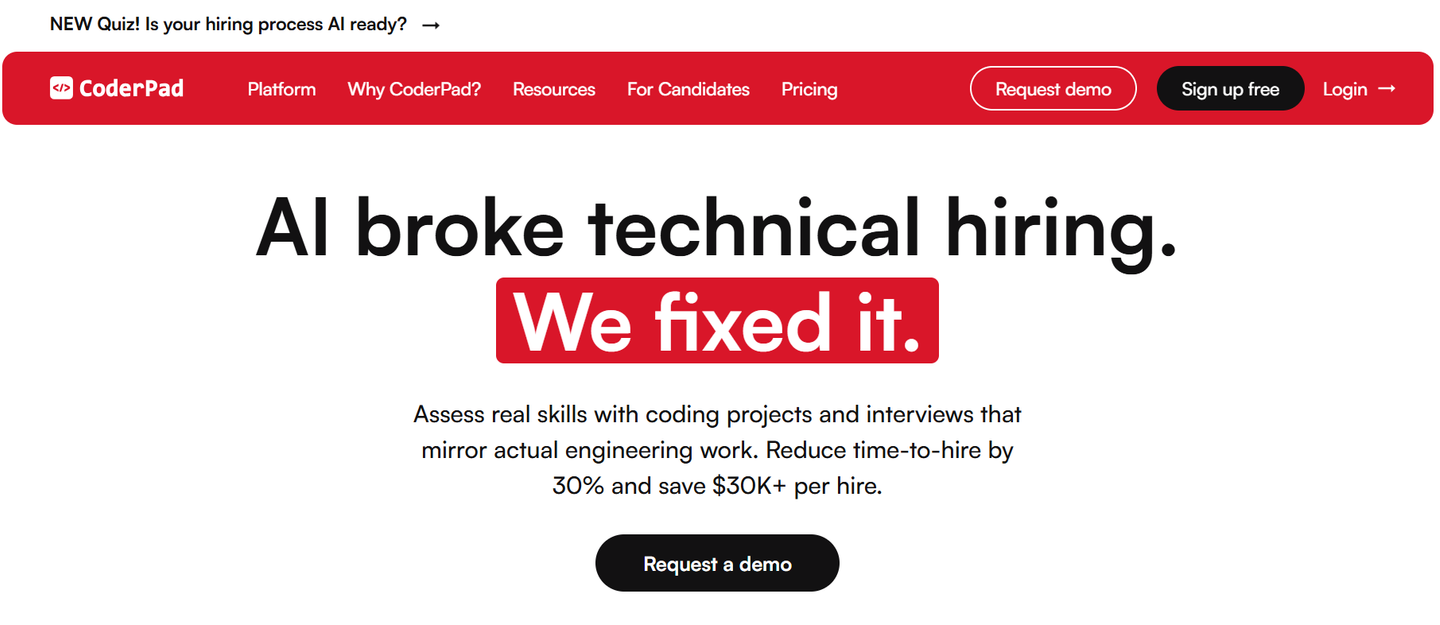
Coderpad website
Best suited to: Live technical interviews and collaborative pair programming.
Assessment experience
CoderPad offers three main technical-hiring workflows:
- Automated coding screens
- Realistic project-based assessments
- Live collaborative interviews
Its live Interview product includes:
- A collaborative coding environment
- Integrated video calling
- A digital whiteboard
- Private interviewer notes
- Rubrics
- Code playback
- AI-supported interview features
CoderPad Screen supports ready-made questions, custom questions, candidate reporting, anti-cheating controls, video questions and multi-file projects in a realistic environment.
Where CoderPad stands out
CoderPad is particularly valuable when employers want to observe how a candidate:
- Thinks aloud
- Communicates technical decisions
- Responds to feedback
- Debugs code
- Collaborates with another engineer
- Works through ambiguity
- Uses an environment closer to real technical work
Its paid self-service plans also include unlimited users, which may suit organisations with many engineering interviewers.
CoderPad currently supports screening across more than 65 languages, frameworks and technical skills, while its Interview environment supports more than 99 languages and frameworks.
For a closer comparison of asynchronous assessments and live coding capabilities, read TestTrick vs CoderPad.
Important limitations
CoderPad is primarily a technical screening and interviewing platform.
It is not intended to replace a broader assessment system for:
- Personality
- Language proficiency
- Cognitive ability
- General business roles
- Company-wide pre-employment testing
ATS integrations, SSO, advanced security controls and several advanced AI features are also associated with Custom plans.
Pricing
CoderPad currently offers:
- Free: Two tests or interviews per month
- Starter monthly: $120/month for five tests or interviews
- Starter annually: $80/month, billed at $960 annually, for 60 annual tests or interviews
- Team: $400/month with 30 monthly or 360 annual tests or interviews
- Custom: Tailored pricing
Additional usage on Starter and Team plans is listed at $25 per test or interview.
Choose CoderPad when:
- Live pair programming is essential
- Communication and collaboration matter
- You need realistic project-based assessments
- Many engineers require interviewer access
- You want coding screens and live interviews from one provider
7. TestDome
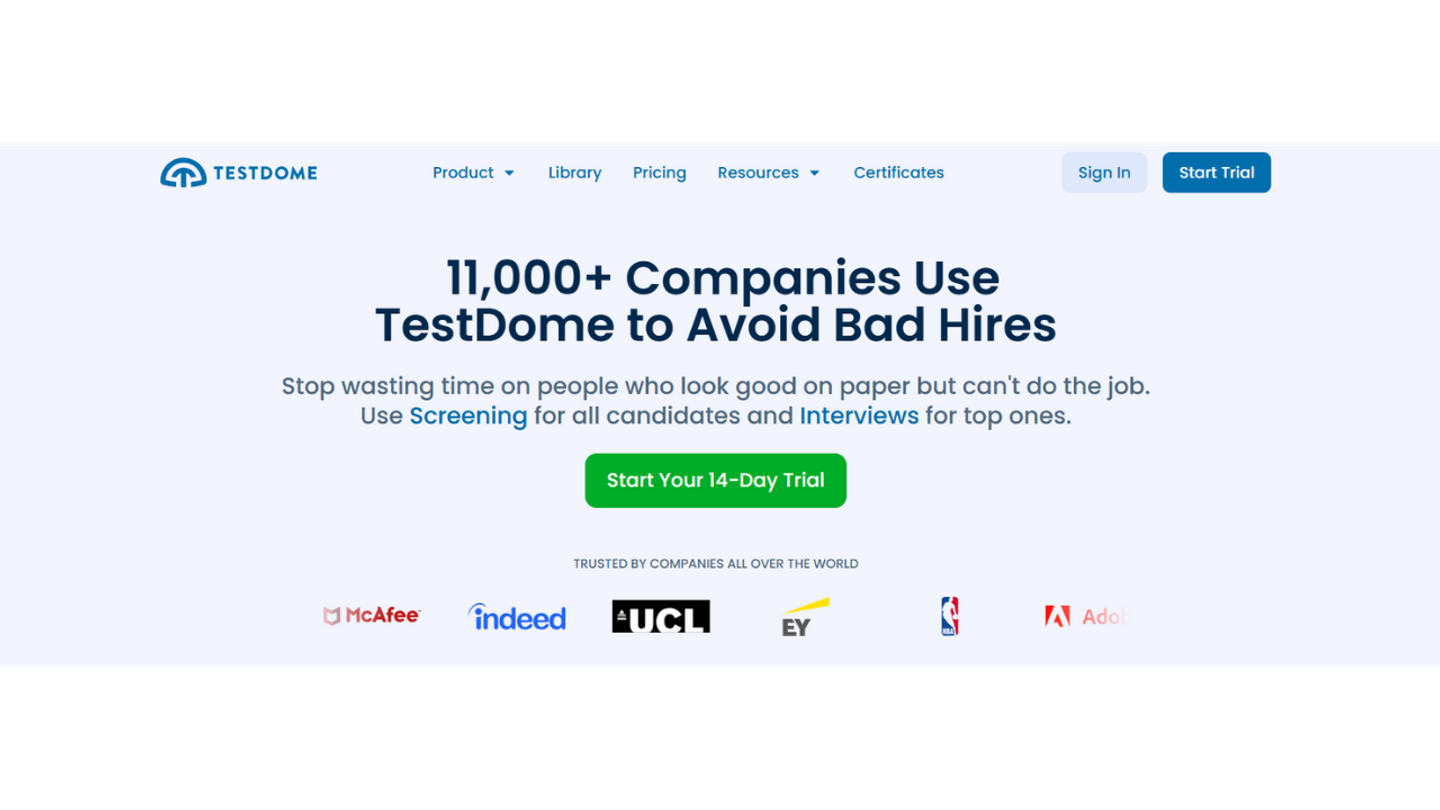
TestDome website
Best suited to: Employers that prefer prepaid candidate packs over recurring subscriptions.
Assessment experience
TestDome provides work-sample assessments and live interviews across technical and business skills.
Its platform currently includes:
- More than 2,000 questions
- Tests for more than 130 skills
- More than 30 programming languages and frameworks
- Custom questions
- Automated scoring
- Collaborative live coding
- Video calls and chat
- A virtual whiteboard
- Detailed candidate reports
Integrity controls include AI-driven cheating detection, AI-resistant questions, webcam and screen proctoring, hidden-AI-assistant blocking and duplicate browser or IP detection.
Where TestDome stands out
TestDome’s strongest differentiator is its purchasing model.
There is no recurring subscription. Employers purchase candidate packs and use them when they need to assess or interview someone.
This can suit:
- Small employers
- Occasional recruitment
- Seasonal hiring
- Project-based recruitment
- Companies with unpredictable hiring volume
All published candidate packs include the same standard features.
Important limitations
The cost per candidate is comparatively high at low volumes.
The smallest pack costs $20 per candidate, while the largest published pack reduces the price to $7.
TestDome also focuses more heavily on practical work samples than on broad psychometric, personality or behavioural assessment.
Pricing
Published candidate packs include:
- Five candidates: $100
- 25 candidates: $400
- 100 candidates: $1,000
- 300 candidates: $2,400
- 600 candidates: $4,200
This produces a per-candidate cost of between $7 and $20, depending on the package.
Choose TestDome when:
- Your hiring volume is irregular
- You do not want a recurring subscription
- Practical work samples matter
- You need both screening and live technical interviews
- You prefer all core features to be available across packages
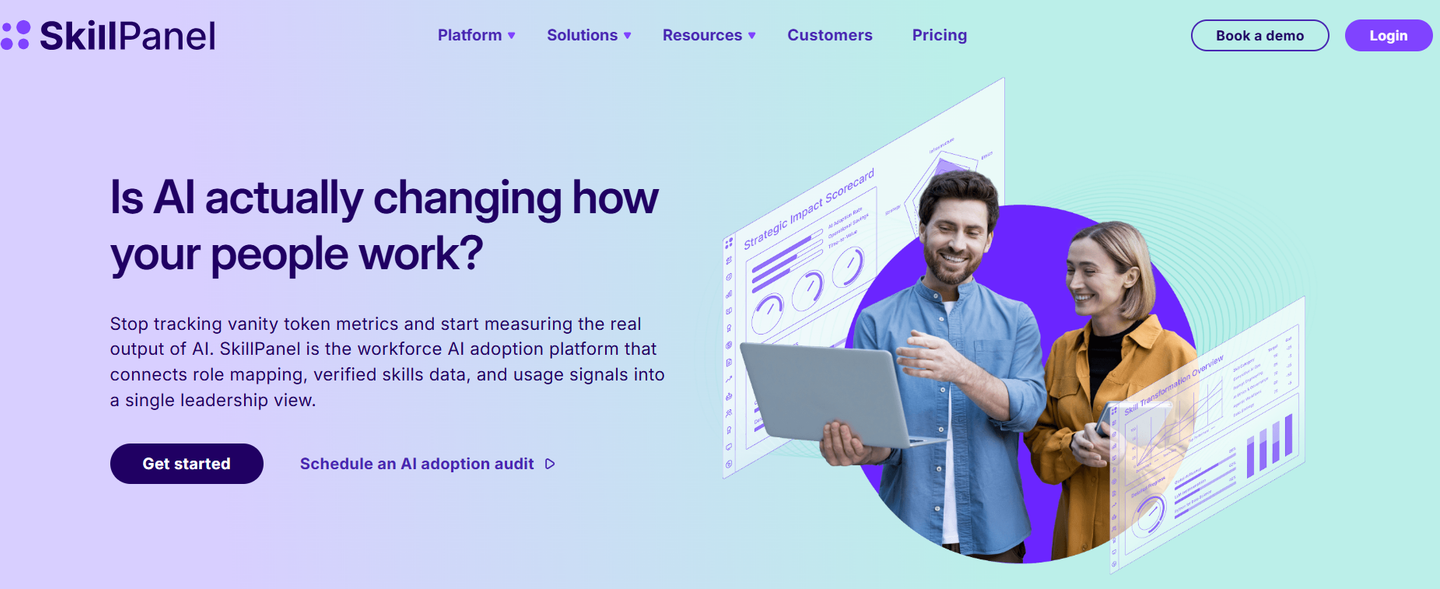
8. SkillPanel
SkillPanel Website
Best suited to: Organisations that want to combine technical assessments with broader workforce-skills intelligence.
Assessment experience
SkillPanel presents itself as a platform for mapping, measuring and developing workforce skills.
Its available solutions include:
- Skills assessment
- Technical assessments
- Skills intelligence
- Workforce planning
- Internal mobility
- Career pathing
- Reskilling and upskilling
- AI readiness
The product also provides a technical assessment catalogue and integrations with HR, ATS and learning systems.
Where SkillPanel stands out
SkillPanel is broader than a candidate-testing platform.
It may be particularly relevant when an organisation wants to connect external hiring with internal questions such as:
- Which technical capabilities already exist?
- Where are the workforce skills gaps?
- Which employees are ready for internal mobility?
- Which teams need upskilling?
- How prepared is the workforce for AI-related change?
This wider positioning can be useful to larger organisations that want a unified view of candidate and employee skills.
Important limitations
SkillPanel’s current pricing is framed primarily around employees and workforce-skills functionality.
Employers interested specifically in candidate technical assessments should confirm:
- How external candidate assessments are priced
- Whether separate assessment credits apply
- Which technical-assessment modules are included
- Whether live technical interviews are available
- Which ATS integrations are supported
- Whether the advertised per-employee price applies to recruitment use cases
Pricing
SkillPanel currently advertises pricing starting from $1 per employee per month.
It states that modules can be added to the core platform or purchased independently, and guided onboarding is included.
Choose SkillPanel when:
- You want technical assessment and workforce-skills intelligence
- Internal mobility and development matter
- You need to map organisational skills gaps
- Candidate assessment is part of a wider talent strategy
- You are prepared to request a tailored technical-assessment proposal
9. TestGorilla
TestGorilla Website
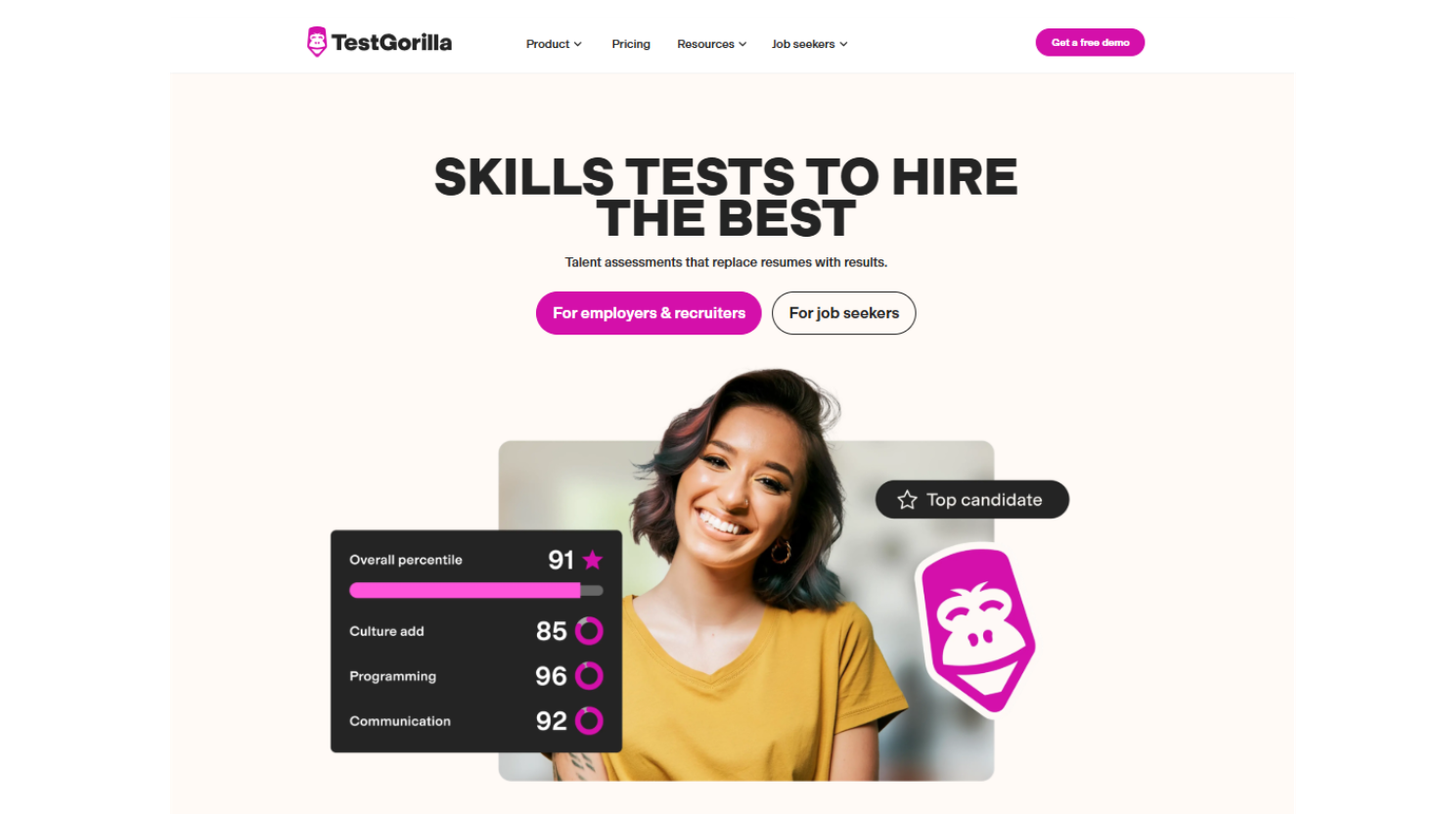
Best suited to: Companies that want one assessment platform across technical and non-technical departments.
Assessment experience
TestGorilla offers a library of more than 350 tests covering:
- Programming
- Software
- Cognitive ability
- Situational judgement
- Role-specific skills
- Languages
- Personality
- Culture
Its technical-hiring functionality includes a coding environment, code playback, automated scoring, algorithmic-thinking tasks, debugging challenges, language-specific questions and custom coding challenges on applicable plans.
The platform also offers:
- AI interviews
- One-way video questions
- Résumé scoring
- Qualifying questions
- Job simulations
- ID verification
- ATS integrations
Where TestGorilla stands out
TestGorilla’s main advantage is breadth.
The same platform can support hiring for:
- Software development
- Data
- Finance
- Marketing
- Customer support
- Sales
- Operations
- Administration
- Management
This may be more convenient than purchasing a specialist coding platform for engineering and a separate assessment platform for every other department.
Important limitations
Several deeper technical and workflow features are restricted to the Plus plan.
These include:
- Custom coding challenges
- Job simulations
- ID verification
- ATS integrations
- API access
- Custom branding
- Unlimited full-access seats
TestGorilla is also primarily designed for asynchronous pre-employment assessment rather than collaborative live pair programming.
Pricing
TestGorilla currently uses flexible credit pricing:
- Free: $0 with 10 monthly credits and limited test access
- Core: $142/month, billed at $1,704 annually
- Plus: Starting from $400/month, with an annual commitment starting at $4,800
- Enterprise: Tailored agreements
Skills tests and video questions generally consume one credit per candidate. AI interviews consume two credits per candidate. Credits are charged when the candidate starts the assessment rather than when they complete it.
Employers comparing broad pre-employment testing platforms can explore the TestTrick vs TestGorilla comparison.
Choose TestGorilla when:
- Several departments need candidate assessments
- Broad test coverage matters
- You want technical and general-role testing in one platform
- Résumé scoring or AI interviews are useful
- Live pair programming is not a primary requirement
10. Adaface
Adaface website
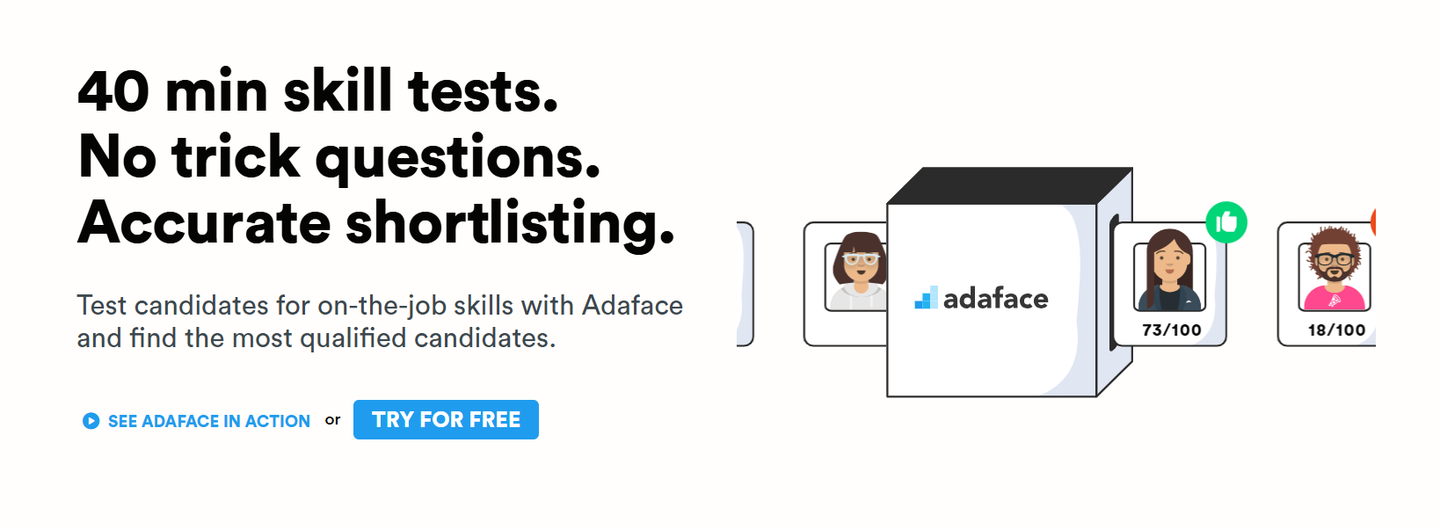
Best suited to: Employers that want conversational assessments across technical, cognitive and business skills.
Assessment experience
Adaface provides more than 500 assessments across areas including:
- Programming
- IT
- Artificial intelligence
- Cognitive ability
- Personality
- Psychometrics
- Languages
- Finance
- Marketing
- Sales
- Customer service
- Typing and administration
The platform uses a conversational assessment format and provides coding, aptitude, personality and role-specific testing within the same system.
Where Adaface stands out
Adaface may suit employers that want broader role coverage but prefer a more conversational candidate interface than a traditional test format.
It can be used across technical and general hiring, reducing the need to maintain several separate testing platforms.
Its credit-based access also allows employers to unlock ready-made or custom assessments and reuse them while remaining on a paid plan.
Important limitations
Adaface’s credit model requires careful calculation.
Credits are consumed in two stages:
Unlocking an assessment
Inviting candidates
A ready-made assessment costs five credits to unlock, while a custom assessment costs 10 credits. Each candidate invitation then costs one additional credit.
This means the headline number of credits is not equal to the number of candidates that can necessarily be assessed.
Adaface is also primarily an asynchronous assessment platform rather than a live pair-programming tool.
Pricing
Current annual plans include:
- Individual: $180 for 12 credits
- Starter: $500 for 50 credits
- Pro: $900 for 100 credits
- Scale: $3,000 for 500 credits
- Growth: $5,500 for 1,000 credits
- Enterprise: $20,000 for 5,000 credits
Credits expire one year after purchase. Candidate invitation credits can be returned when an unused invitation is cancelled.
Choose Adaface when:
- You want a conversational assessment format
- You hire technical and general business roles
- Cognitive and psychometric tests matter
- You are comfortable with a multi-stage credit model
- Live coding interviews are not required
For a detailed comparison of their assessment formats, pricing structures and candidate experiences, read TestTrick vs Adaface.
Technical assessment pricing models explained
Comparing starting prices alone can be misleading, particularly when evaluating free and paid assessment tools.
Technical assessment vendors charge for different events. One may charge when an invitation is sent. Another may charge when a candidate starts. A third may use a credit only after the candidate completes the assessment.
Before comparing prices, understand what you are actually buying.
Per completed candidate
A credit is consumed only when the candidate completes or submits an assessment.
Suitable for:
- High-volume outreach
- Roles with uncertain candidate engagement
- Employers that do not want to pay for unused invitations
Check:
- What qualifies as completion
- Whether partial attempts consume credits
- Whether retakes require another credit
- Whether separate assessment links count separately
TestTrick currently uses a completed-candidate model.
Per attempted candidate
A credit is consumed when the candidate starts or attempts the assessment.
Suitable for:
- Employers with predictable candidate engagement
- Short assessments with low abandonment
- Hiring teams that use qualifying questions first
Check:
- Whether credits are refunded when candidates leave early
- Whether failed system checks consume credits
- Whether disqualified candidates consume credits
HackerEarth charges for attempted tests, while TestGorilla states that its credits are charged when the candidate starts.
Per invitation
A credit is consumed when an invitation is sent, although the vendor may return it if the candidate does not participate.
Suitable for:
- Employers with high expected completion
- Controlled candidate pools
- Final-stage assessment
Check:
- How long invitations remain valid
- Whether unused invitations can be cancelled
- When credits are returned
- Whether invitations and assessment access use separate credits
Adaface charges one credit per candidate invitation and returns it when the candidate does not take the test, but employers must also spend credits to unlock assessments.
Monthly assessment allowance
The employer receives a fixed number of assessments or interviews each month.
Suitable for:
- Continuous hiring
- Predictable monthly volume
- Teams that value billing flexibility
Risk:
Unused monthly allowances may reset instead of carrying forward.
HackerEarth and CoderPad both offer monthly usage plans.
Annual credit allowance
The employer purchases a pool of credits for the year and uses them according to hiring demand.
Suitable for:
- Seasonal recruitment
- Uneven monthly hiring
- Employers that want one annual budget
Check:
- Credit expiry
- Overage rates
- Renewal rules
- Whether credits can roll over
TestTrick, CodeSignal, Codility and CoderPad offer annual credit or usage allowances.
Prepaid candidate packs
The employer purchases a fixed number of candidate assessments without maintaining a subscription.
Suitable for:
- Occasional hiring
- Small organisations
- Project-based recruitment
- Employers avoiding recurring costs
Risk:
The price per candidate may be relatively high at low volumes.
TestDome uses prepaid candidate packages.
Per-user or per-employee pricing
Pricing is based partly or entirely on the number of platform users or employees.
Suitable for:
- Small hiring teams
- Workforce-development programmes
- Skills-intelligence initiatives
Risk:
Costs may increase quickly when many hiring managers, interviewers or employees require access.
SkillPanel currently advertises employee-based pricing, while several assessment vendors restrict full-access user seats by plan.
How to run a technical assessment pilot
A product demonstration is not enough to determine whether a platform will improve your hiring process. Employers should first establish a consistent approach for how they will conduct a skills assessment.
Test the platform against an active or recently filled technical role.
Step 1: Define the evidence you need
Choose one recurring position.
List the five or six competencies that genuinely influence performance.
Separate them into:
- Skills that can be assessed automatically
- Skills that require technical review
- Skills that require a live conversation
- Skills that do not need to be tested at the screening stage
Avoid adding questions simply because they are available in the platform’s library.
Every question should help your team make a hiring decision.
Step 2: Build and test the assessment
Ask one or two current employees to complete the assessment.
Review:
- Question relevance
- Difficulty
- Expected completion time
- Candidate instructions
- Browser and device requirements
- Coding environment
- Scoring
- Proctoring evidence
- Candidate report
- Technical support process
A test that capable employees consider irrelevant or confusing is unlikely to provide a useful candidate signal.
During the pilot, avoid common online assessment mistakes, such as testing irrelevant skills, creating an unnecessarily long assessment or setting a permanent passing score without reviewing real candidate results.
Step 3: Run a candidate pilot
Send the assessment to a controlled group of real candidates.
Track:
- Invitation-to-start rate
- Completion rate
- Average completion time
- Candidate questions
- Technical issues
- Score distribution
- Assessment-to-interview conversion
- Candidate feedback
Do not permanently set the passing score before reviewing actual candidate and employee performance.
Step 4: Calibrate recruiters and technical reviewers
Ask recruiters and technical hiring managers to review the same candidate reports independently.
Compare:
- Which candidates each reviewer would advance
- Which report elements influenced the decision
- Whether suspicious activity was interpreted consistently
- Whether recruiters understood the technical evidence
- Whether engineers needed to inspect every submission
- Whether the assessment changed the interview decision
Agree on a structured review process before expanding the platform to additional roles.
Questions to ask technical assessment vendors
Assessment relevance
- Can we build an assessment around an actual job description?
- Who creates and reviews the questions?
- How frequently is the library updated?
- Can we use our own questions?
- Can we assess candidates inside realistic project environments?
- Can we separate essential skills from trainable skills?
- Can we create different assessments by seniority?
AI use and assessment integrity
- What forms of AI assistance can the platform detect?
- What forms can it not reliably detect?
- Can AI be permitted for selected assessments?
- Can reviewers inspect the evidence behind an integrity flag?
- Does the platform provide code or session playback?
- Can candidate identity be verified?
- Can candidates dispute an incorrect flag?
- Does the system monitor copy-and-paste behaviour?
- Are screen and webcam recordings available?
- How long is candidate monitoring data retained?
No vendor should imply that every possible form of outside assistance can be detected with complete certainty.
Candidate reporting
- Can recruiters understand reports without technical assistance?
- Can engineers inspect the submitted code?
- Is code or session playback available?
- Are skill-level scores provided?
- Can candidates be compared side by side?
- Can reports be shared with hiring managers?
- Can reports be exported?
- Does the ATS receive structured data or only a link?
Candidate experience
- Does the assessment require software installation?
- Which browsers and devices are supported?
- Can candidates complete a practice test?
- Are accessibility accommodations available?
- Can assessment duration be communicated before the candidate starts?
- What support is available when a candidate experiences a technical issue?
- Can candidates review the privacy and monitoring requirements in advance?
Pricing
- What exact action consumes a credit?
- Do unused invitations consume credits?
- Are partial attempts charged?
- Do credits expire?
- Are live interviews charged separately?
- Are platform users limited?
- Are hiring-manager or collaborator accounts free?
- Which integrations require a higher plan?
- Is proctoring included?
- Are custom questions included?
- What are the overage charges?
- Does the contract renew automatically?
Final recommendations by hiring situation
Best for combining coding and broader candidate evaluation: TestTrick
Choose TestTrick when you need to assess technical ability alongside cognitive skills, psychometrics, job knowledge or one-way video responses.
Best for high-volume developer recruitment: HackerRank
Choose HackerRank when you continuously recruit developers and need both automated coding screens and live technical interviews.
Best for AI-enabled technical and skills assessment: CodeSignal
Choose CodeSignal when AI-related skills, AI interviewers and broader role-based assessment are important to your hiring model.
Best for structured engineering assessment programmes: Codility
Choose Codility when assessment quality, engineering simulations, live interviews and enterprise validation are central requirements.
Best for technical breadth and FaceCode interviews: HackerEarth
Choose HackerEarth when you recruit across several technical disciplines and want assessments, live interviews and developer-engagement functionality.
Best for collaborative live coding: CoderPad
Choose CoderPad when the most important evidence comes from watching candidates code, communicate, debug and collaborate with an interviewer.
Best for occasional hiring without a subscription: TestDome
Choose TestDome when you want prepaid candidate packs and practical work-sample assessments without a recurring plan.
Best for workforce skills intelligence: SkillPanel
Choose SkillPanel when technical assessment forms part of a wider strategy covering employee skills, internal mobility, upskilling and workforce planning.
Best for company-wide pre-employment assessment: TestGorilla
Choose TestGorilla when technical and non-technical departments need to use the same assessment platform.
Best for conversational multi-skill screening: Adaface
Choose Adaface when candidate experience, broad role coverage and conversational assessments matter more than live pair programming.
Frequently asked questions
What is a technical assessment tool?
A technical assessment tool is software used to evaluate whether a candidate possesses the practical knowledge and skills required for a technical role.
Depending on the platform, an assessment may include:
- Coding challenges
- Debugging exercises
- Code-review questions
- Technical multiple-choice questions
- Software simulations
- Project-based assignments
- Live coding
- Database or SQL tasks
- Cognitive assessments
- Video responses
Are technical assessment tools only used for software developers?
No.
Technical assessments may also be used for:
- Data analysts
- Data scientists
- Cybersecurity professionals
- Cloud engineers
- DevOps professionals
- QA engineers
- Database administrators
- IT support specialists
- Technical consultants
- Finance professionals
- Advanced software users
The available role coverage differs significantly between platforms.
Can technical assessment tools detect AI use?
Some platforms can detect or flag behaviours associated with unauthorised assistance, such as:
- Copying and pasting
- Suspicious code similarity
- External applications
- Tab switching
- Multiple faces
- Duplicate devices or IP addresses
- Unusual browser behaviour
- Hidden AI assistants
However, no platform can guarantee that every instance of outside assistance will be detected.
Employers should combine technical controls with:
- A clearly communicated AI-use policy
- Realistic assessment tasks
- Code or session review
- Candidate identity checks
- Structured follow-up interviews
Should candidates be allowed to use AI during technical assessments?
That depends on the purpose of the assessment.
AI may be prohibited when the employer needs to verify foundational knowledge or independent problem-solving ability.
AI may be permitted or required when the role expects employees to use it during normal work.
In an AI-permitted assessment, employers may evaluate whether candidates can:
- Write effective prompts
- Verify generated code
- Identify errors
- Improve weak outputs
- Apply independent judgement
- Use AI responsibly
The assessment policy should be explained before the candidate begins.
What is the difference between a coding test and a live coding interview?
A coding test is usually completed asynchronously without an interviewer.
It is useful for assessing a larger candidate pool efficiently and identifying who meets the minimum technical requirements.
A live coding interview involves an interviewer and candidate working together in real time.
It provides additional evidence about:
- Communication
- Collaboration
- Debugging
- Technical judgement
- Response to feedback
- Problem-solving process
Many employers use an asynchronous coding assessment first and a live interview later.
How long should a technical assessment be?
The appropriate duration depends on where the assessment appears in the hiring process.
An early-stage screen should test only the evidence required to decide who moves forward.
Longer project-based assessments should generally be reserved for a smaller group of qualified candidates.
Employers should clearly communicate the estimated completion time before candidates begin.
Can technical assessment software replace technical interviews?
It can reduce the number of technical interviews, but it should not automatically replace every live evaluation.
Asynchronous assessments are useful for verifying foundational and practical skills before engineering time is invested.
Live interviews remain valuable for evaluating:
- Communication
- Collaboration
- Architecture
- Technical judgement
- Response to changing requirements
- Ability to explain decisions
Which technical assessment platform is best for businesses?
The best option depends on hiring frequency and assessment requirements.
TestTrick starts at $420 per year for 600 completed candidate assessments. CoderPad offers a free plan with two monthly tests or interviews. TestDome sells prepaid candidate packs without a recurring subscription. Adaface begins at $180 per year, although employers must account for both assessment-unlocking and candidate-invitation credits.
Which technical assessment platform provides the best candidate experience?
There is no credible universal winner.
Candidate experience depends on:
- Assessment relevance
- Completion time
- Instructions
- Device requirements
- Interface quality
- Proctoring intrusiveness
- Technical reliability
- Employer communication
- Candidate support
Complete the assessment internally and pilot it with real candidates before making a final decision.
Track completion rates, support requests and candidate feedback rather than relying entirely on vendor claims.
Final verdict
The best technical assessment tool is not necessarily the platform with the largest library, the most advanced feature list or the lowest advertised price.
It is the platform that produces the evidence your hiring team needs without adding unnecessary candidate effort or operational complexity.
Choose the platform according to the decision you need to make:
- Use broad automated assessments to determine who should move beyond application review.
- Use realistic coding and work-sample tasks to verify practical ability.
- Use asynchronous assessments to protect engineering interview time.
- Use live technical interviews when communication and collaboration matter.
- Use transparent reports to support consistent and defensible hiring decisions.
Shortlist two or three platforms that match your hiring model.
Then test each one against an active role and compare the quality of the evidence—not merely the final score.
Combine coding challenges, cognitive assessments, psychometric tests, proctoring and one-way video interviews within one candidate assessment.
Build a Hiring-Ready Assessment
Create role-specific, anti-cheat assessments and shortlist candidates on evidence, not guesswork.
Start for freeBy Muhammad Noman
July 23, 2026
27 min read
Build a Hiring-Ready Assessment
Create role-specific, anti-cheat assessments and shortlist candidates on evidence, not guesswork.
Start for free