Best Teamtailor Integrations in 2026: A Practical Guide to Automating Your Hiring Workflow
Explore the best Teamtailor integrations for assessments, sourcing, interviews, background checks, HR systems, onboarding, and hiring automation.

By Sanjana Sankhyan
October 13, 2026
17 min read
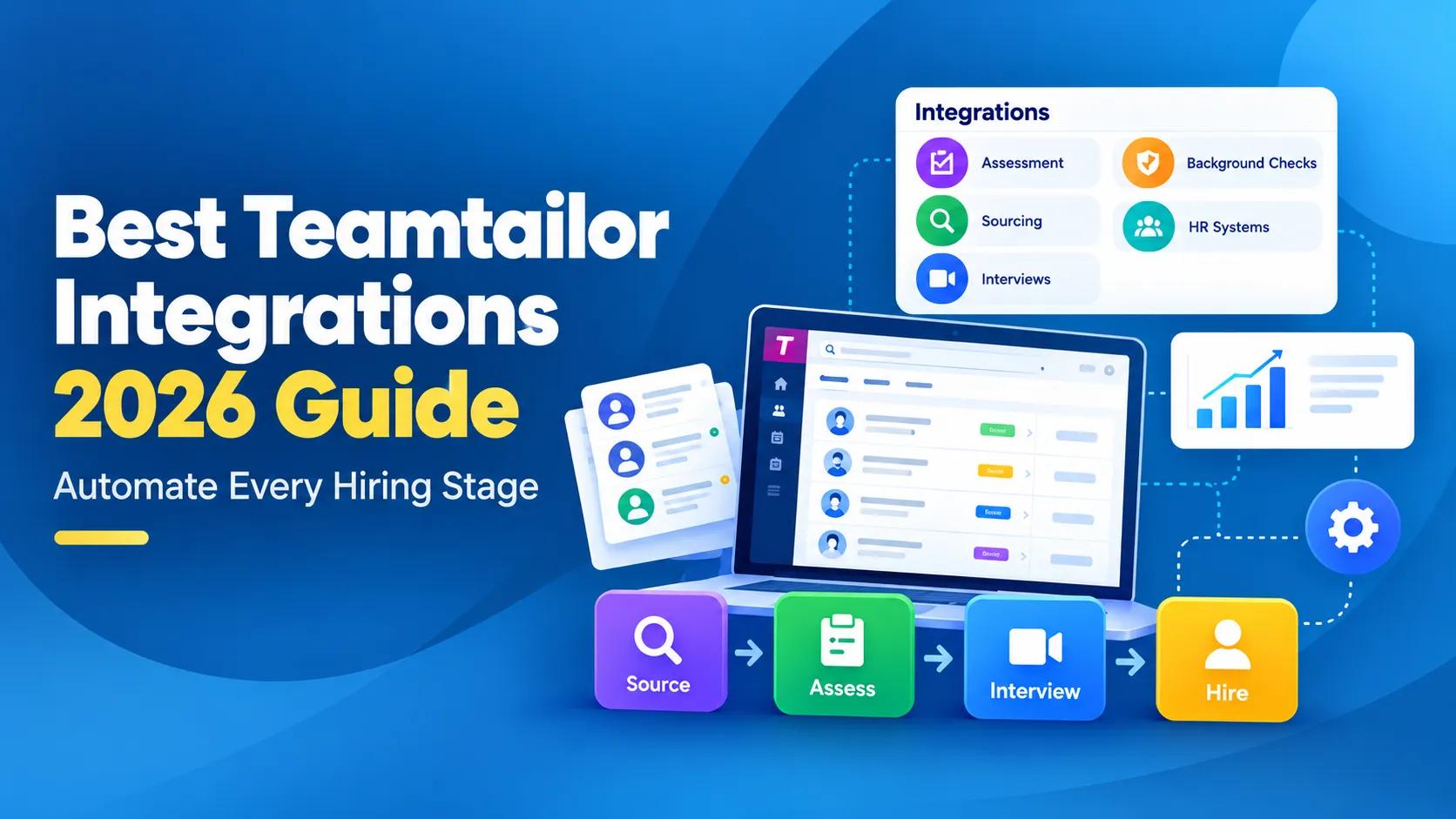
TL;DR – Key Takeaways!
- Teamtailor has a broad marketplace covering assessments, background checks, sourcing, HR systems, e-signing, interviews, onboarding, reference checks, job boards, and other recruiting workflows.
- Triggers are one of the most useful parts of the integration model. A candidate reaching a stage can automatically start an external workflow.
- TestTrick is a strong fit for teams that want technical and non-technical candidate assessments connected to Teamtailor.
- LinkedIn Recruiter and hireEZ make more sense when outbound sourcing is a real recruiting function.
- Checkr, Certn, and Refapp can automate verification and reference workflows later in the funnel.
- BambooHR, Rippling, Deel, and HiBob help move hired candidates into the systems where employee data actually needs to live.
- Teamtailor already has built-in scheduling, references, e-signing, onboarding, analytics, and candidate communication. Add another tool only when you need more depth than the native feature provides.
Teamtailor already handles a lot of the hiring process.
You can build career sites, manage candidates, schedule interviews, communicate with applicants, collect references, evaluate candidates, onboard new hires, and track recruiting performance without leaving the platform.
So, when you start looking at the Teamtailor Marketplace, the question should not be: How many tools can we connect?
A better question is: Where does another tool actually make our hiring process better?
This matters because Teamtailor integrations can do more than pass candidate information from one platform to another.
Many partners can be attached to specific stages in your recruitment process using Triggers. Move a candidate into a stage and Teamtailor can automatically send an assessment, begin a background check, request a reference, transfer a new hire to your HR system, or start another partner workflow.
That makes the integration conversation much more interesting. The goal is not another dashboard. It is a hiring process where the right action happens when the candidate reaches the right stage.
Teamtailor integrations at a glance
| Integration | Hiring Stage | Best For | What it Adds |
|---|---|---|---|
| TestTrick | Assessment | Mixed-role candidate screening | Skills, coding, psychometric and video assessments |
| LinkedIn Recruiter | Sourcing | Professional and passive candidates | Connected LinkedIn and ATS sourcing workflow |
| hireEZ | Sourcing | Dedicated outbound recruiting | Broader search, engagement and talent rediscovery |
| Indeed | Job advertising | Broad applicants reach | Job distribution and sponsored promotion |
| Hireflix | Interviewing | Asynchronous video screening | One-way video interviews triggered from Teamtailor |
| Checkr | Background checks | Structured screening workflows | Stage-triggered background checks |
| Certn | Background checks | International screening | Checks with results returned to the candidate card |
| Refapp | References | Automated reference checking | Triggered reference requests and reports |
| DocuSign | Offers | Contract and document signing | Stage-triggered e-signatures |
| BambooHR | HRIS | SMB and mid-market HR teams | Automatic new-hire transfer |
| Rippling | HRIS / onboarding | HR, IT and payroll workflows | Employee creation from Teamtailor |
| Deel | Global HR | International teams | Candidate transfer into global HR and payroll |
The list is deliberately spread across different parts of hiring. There would be little value in recommending five assessment platforms and calling it a hiring stack.
What makes a Teamtailor integration actually useful?
Teamtailor's marketplace covers a wide range of categories, including assessments, background checks, CRM, e-signing, HR systems, interviews, onboarding, reference checking, sourcing, video interviews, and job boards. But being listed in the marketplace does not automatically make an integration worth adding.
Here is what I would look at.
1. Can you attach it to the hiring stage where it is needed?
This is where Teamtailor gets interesting. Triggers can be placed on stages in a job process or included in job templates.
So instead of your recruiter remembering: Sarah has reached assessment. I need to send her the test.
You can set:

The same logic works for partner actions such as sending information to an HR system once someone is hired. That is much more useful than an integration that simply gives you a shortcut to another website.
2. What happens after the trigger fires?
- The action should remove work.
- For an assessment, candidate information may be sent to the assessment provider.
- For a background check, the screening request can begin.
- For HRIS, the candidate can be transferred as an employee.
If the recruiter still has to recreate everything manually, the integration has not solved much.
3. Does useful information come back?
This is just as important. Teamtailor's assessment framework lets partners return status, scores, detailed results, attachments, and report links directly to the candidate card. So the recruiter does not necessarily need to keep checking the partner platform.
That is the difference between sending data somewhere and connecting a workflow.
4. Can the result affect what happens next?
This is one of the more interesting parts of Teamtailor's assessment setup. Its assessment framework supports automatic candidate movement based on results.
You could have rules such as:

Partners can also expose multiple criteria, and where supported, those results can be mapped to Teamtailor Skills and Traits and contribute to the candidate's Job Match Score. You are no longer just collecting assessment data. You can use it to help drive the process.
5. Does Teamtailor already do this well enough?
This question will save you money. Teamtailor already includes Smart Schedule, built-in video meetings, candidate messaging, interview kits, references, analytics, onboarding, e-signing, job distribution, and several automation features.
If those features solve the problem, use them. An integration makes sense when you need specialist depth, not because another tool happens to be available.
Best Teamtailor integration for candidate assessments
You have 100 applications. Maybe 25 look good on paper. Interviewing all 25 is probably not the best use of your hiring manager's week. This is where assessments can earn their place.
But there is another problem. If your assessment platform sits completely outside the ATS, the recruiter may still have to create candidates, send tests, track completion, check results, and then return to Teamtailor. A useful assessment integration should reduce that loop.
The ideal flow is:

TestTrick
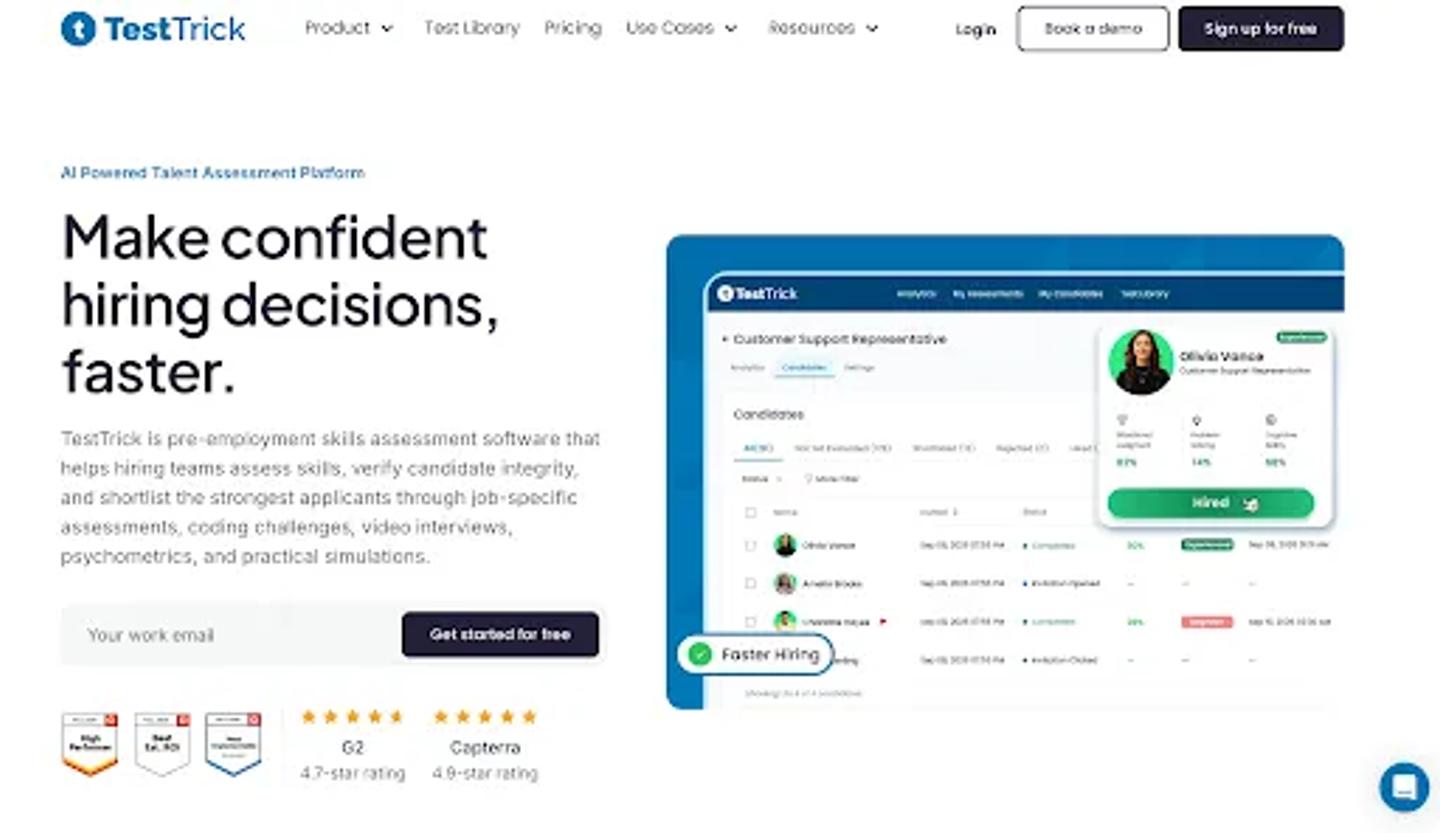
TestTrick Homepage
Best for: Companies that assess candidates across different job families
TestTrick is a useful fit when your organization does not hire just one type of person.
- A software engineer may need a coding assessment.
- A finance candidate may need an Excel or spreadsheet task.
- A graduate candidate may take cognitive and personality assessments.
- A customer-facing hire may need a video response.
TestTrick brings technical and non-technical assessment types into one platform, including skills tests, coding assessments, psychometric assessments, and video interviews. It is listed in Teamtailor's marketplace under Assessments and is available globally.
The integration matters more than the feature list. When assessment becomes part of a repeatable hiring process, you want it connected to the candidate stage rather than treated as a separate admin task.
Teamtailor's assessment integration model uses stage-based webhooks. When a candidate reaches a configured stage, the partner workflow can begin, while the resulting assessment information can be shown back on the candidate card.
That changes assessment from:

to something closer to:

Sending five assessments manually is not a major problem. Sending 500 is.
Where TestTrick fits best
TestTrick makes the most sense when your hiring spans several departments, and you would rather standardize around one assessment platform.
- Finance: Excel + finance skills
- Engineering: Coding + problem solving
- Sales: Sales knowledge + communication
- Customer support: Role skills + video response
- Graduate hiring: Cognitive + personality
The benefit is not having the largest possible test library.
It is able to keep different types of screening inside one workflow.
Best Teamtailor integrations for sourcing and attracting candidates
Before screening candidates, you need candidates. Teamtailor already gives recruiters several ways to build talent pools and source people, including Connect, a sourcing browser extension, job-board integrations, LinkedIn functionality, and candidate nurturing. So, an external sourcing tool needs to bring something extra.
LinkedIn Recruiter
LinkedIn Recruiter Homepage
Best for: Teams that source professional and passive candidates
This is probably the most natural sourcing integration for many recruiting teams. If your recruiters already spend hours in LinkedIn Recruiter, having LinkedIn and Teamtailor behave like two completely separate candidate databases creates unnecessary work.
Teamtailor's LinkedIn Recruiter System Connect integration reduces that separation. Inside Teamtailor, recruiters can see LinkedIn profile information, InMail history, notes, and links to candidate profiles.
Inside LinkedIn Recruiter, they can see whether a person already exists in Teamtailor and information about previous applications. Candidates can also be exported from LinkedIn Recruiter into Teamtailor.
That helps avoid a surprisingly common problem: A recruiter finds a great person on LinkedIn, then has to search for the ATS to figure out whether someone else already spoke to them six months ago.
LinkedIn makes sense when:
- Passive sourcing is important
- Recruiters already use LinkedIn Recruiter
- You hire specialist, professional, technical, or management roles
- Keeping ATS and sourcing activity connected matters
There is one limitation worth noting: Teamtailor's current LinkedIn RSC documentation says candidate export is done by one person at a time rather than in bulk.
hireEZ
hireEZ Homepage
Best for: Teams with a dedicated outbound sourcing operation
LinkedIn may be enough for plenty of recruiters. It may not be enough for a sourcing team expected to build hard-to-find pipelines every week.
hireEZ is listed in Teamtailor's Sourcing category and focuses on candidate discovery, campaigns, talent rediscovery, and talent pools. Its integration supports two-way ATS synchronization. This makes more sense when sourcing is not something recruiters do occasionally.
It is a process in itself.
Consider hireEZ when:
- You have dedicated sourcers
- Outbound hiring is a major channel
- Existing ATS talent needs to be rediscovered
- Your team runs ongoing outreach campaigns
If most of your hires already come from applicants and referrals, another sourcing platform may simply give recruiters another system to manage.
Best Teamtailor integration for job advertising
Sourcing is about finding people. Job advertising is about helping people find you. Teamtailor already has a strong channel setup. Job boards are available as always-included, free, premium, and social channels, and activated boards can be used from the Promote area of a job. That means you should not buy another distribution tool just to say you have one.
Indeed
Indeed Homepage
Best for: Companies that rely on inbound applications
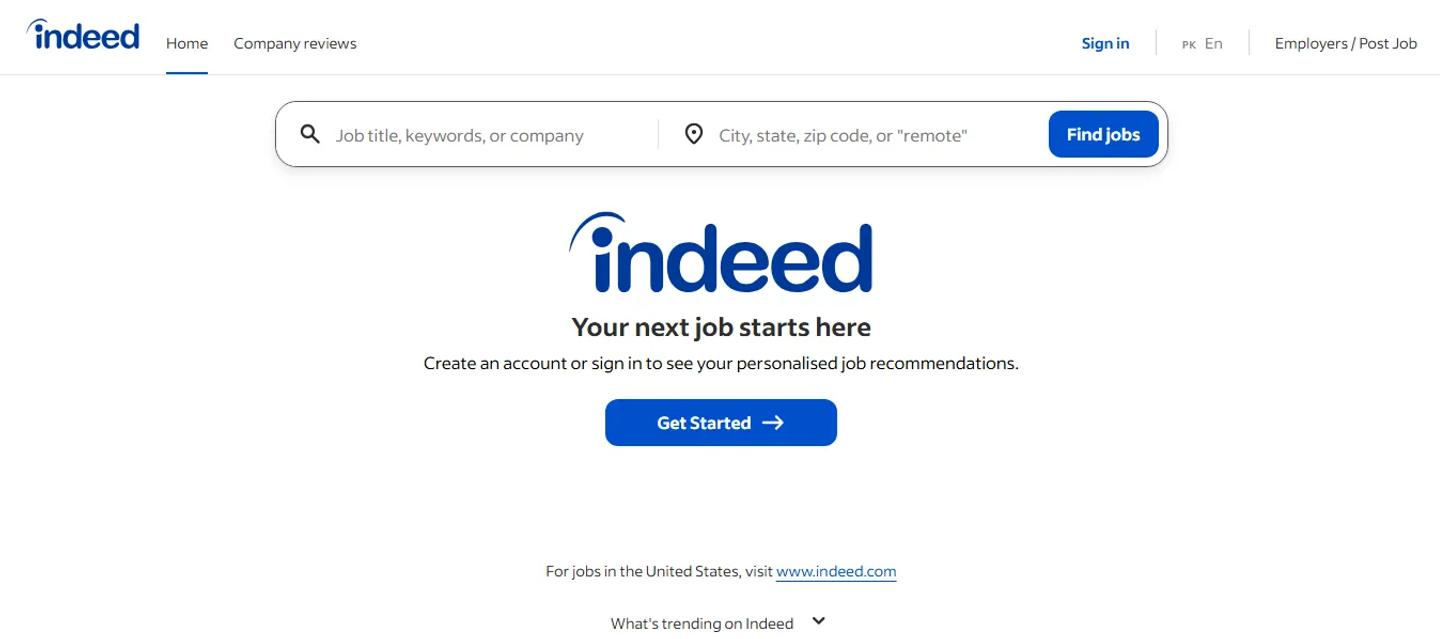
Teamtailor automatically makes published jobs available to Indeed, although Indeed ultimately decides which listings are eligible to appear.
For companies that want more visibility, Teamtailor also supports Indeed Sponsored Ads directly through its channel integration. Recruiters can connect the Indeed account and set up sponsored campaigns through the Teamtailor workflow.
The value here is straightforward. You manage the job from Teamtailor. The advertising channel helps you reach candidates. The applications feed back into your recruitment process.
Indeed is most useful when:
- Applicant volume matters
- You regularly advertise open positions
- You hire across broad job families
- Inbound candidates are a meaningful hiring source
For highly specialist roles, a sourcing platform may matter more than another job board.
Best Teamtailor integration for asynchronous video interviews
This section needs a little care because Teamtailor already includes video meetings and interview tools. So the question is not whether you can interview someone inside Teamtailor. You can. The case for an integration appears when you want a different type of interview.
Hireflix
Hireflix Homepage
Best for: One-way video screening before live interviews
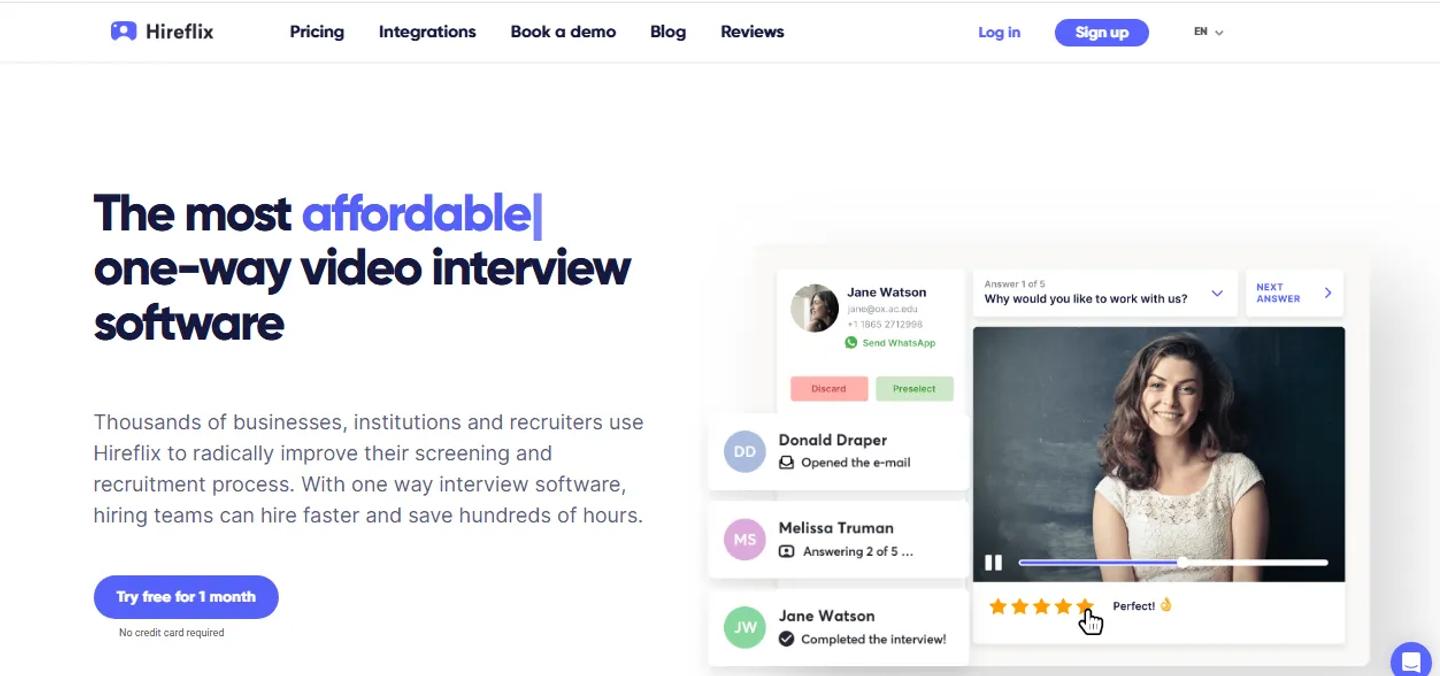
Imagine you have 50 candidates who passed the first screen. You want to hear how they communicate, but scheduling 50 introductory calls defeats the point of screening efficiently. That is where one-way video can help.
Hireflix integrates with Teamtailor through Triggers. You connect a Teamtailor job to a Hireflix interview and place the trigger on the stage where you want the invitation sent.
Move a candidate into that stage and the video interview invitation goes out automatically. Once candidates complete it, recruiters can review their responses as part of the connected workflow. This does not replace normal interviews. It changes when you need to schedule one.
Use Teamtailor's built-in video meetings when you want to speak live with someone. Use a one-way video platform when you want asynchronous screening before that conversation.
Best Teamtailor integrations for background checks
The candidate has passed the interviews. Everyone likes them. Now you need verification. This is a particularly bad time to start recreating the same person in another system.
A useful background-check integration should let the screening process start from the candidate stage and return enough information for the recruiter to know what happened.
Checkr
Checkr Homepage
Best for: Straightforward stage-based background screening
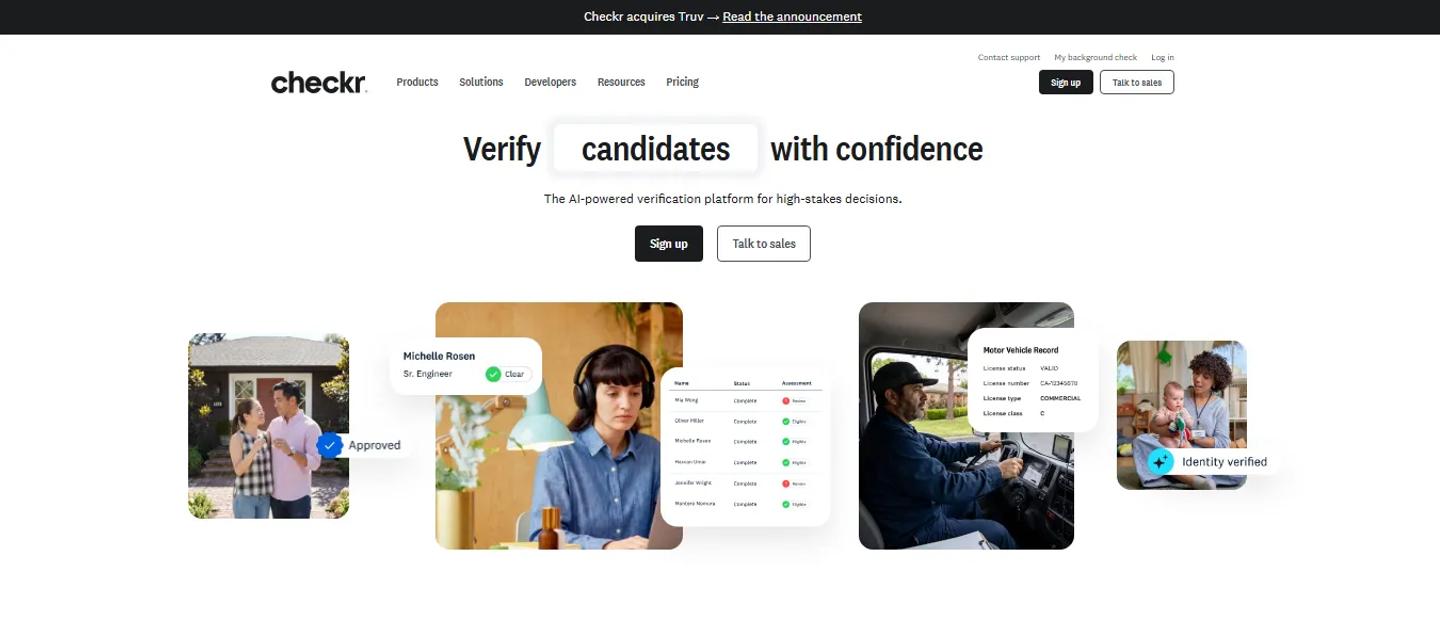
Checkr works well with the way Teamtailor Triggers are designed. You activate the integration and place a Checkr trigger on the relevant recruitment stage.
When the candidate reaches that stage, their information is sent to Checkr and the candidate receives the invitation needed to complete the process.
That turns: Someone remember to start the background check into:

For repeatable hiring workflows, that is a meaningful difference. There are data requirements depending on the check being ordered.
For example, criminal and motor-vehicle checks may require additional candidate fields such as ZIP code, SSN, or driving-license information. So, this is one integration where setup matters.
Certn
Certn Homepage
Best for: Teams that need broader or international screening
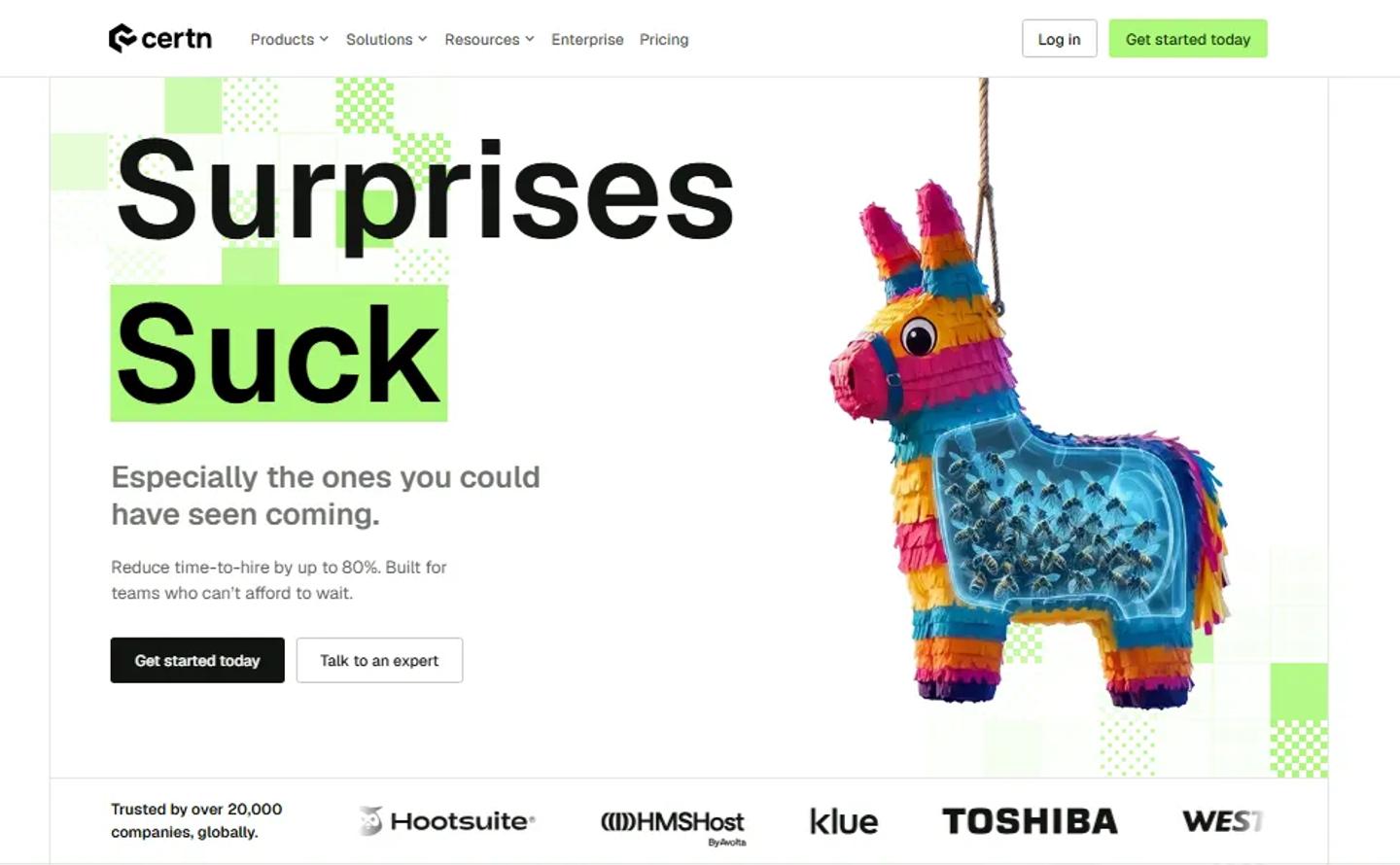
Certn is another useful example because the result does not just leave Teamtailor. Candidates can be sent to Certn for screening when they reach a chosen stage, and once the check is complete, its status and result can be surfaced on the candidate profile.
That gives you the workflow you actually want:

Certn becomes particularly relevant when geographic coverage matters.
The right background provider should be chosen based on where you hire and what you need to verify, not simply which interface looks nicer.
Best Teamtailor integration for reference checking
Here is an important point. Teamtailor already has built-in reference collection.
You can ask candidates to submit references, send forms to those references, automate the requests using Triggers, and keep the feedback on the candidate profile.
For many companies, that may already be enough. An external tool makes sense when reference checking is important enough that you want a specialist workflow.
Refapp
RefApp Homepage
Best for: Teams that run structured reference checks regularly
Refapp lets you add a reference-check trigger to a Teamtailor stage. Once the candidate reaches that stage, Refapp can ask them to provide referees, send questionnaires, collect responses, and produce a reference report.
This is most useful when references are a formal part of hiring. For example, a company may require two references for every successful candidate across hundreds of hires.
At that point, structured reference software can make sense. If you hire five people a year and references are occasional, Teamtailor's own reference feature may be all you need. That is exactly the kind of decision this article should help with.
Best Teamtailor integration for e-signatures
Teamtailor now has built-in e-signing for job offers and onboarding documents. Candidates can sign supported documents directly through the platform.
So why would you add another e-signature tool?
Usually because your company has already standardized on one.
DocuSign
DocuSign Homepage
Best for: Organizations already using DocuSign across the business
Teamtailor's DocuSign integration allows a document to be sent automatically through a stage trigger.
For example:

The recruiter can then track the document status from the candidate card. Once everyone has signed, Teamtailor can even move the candidate automatically to another stage.
That is a strong integration. But if all you need is a straightforward candidate signature and Teamtailor's built-in e-signing meets your requirements, you may not need DocuSign at all.
The integration becomes more logical when legal, HR, finance, and other teams already use DocuSign templates and workflows across the company.
Best Teamtailor integrations for HR systems and onboarding
Hiring somebody is not the end of the workflow. It is the point where recruiting data needs to become employee data.
The new hire's name, contact information, role, department, start date, documents, and other information already exist somewhere. Nobody should have to type it all again because the recruiting process ended.
Teamtailor partner triggers can transfer hired candidates directly into HR systems. This is one of the clearest places where integrations make sense.
BambooHR
BambooHR Homepage
Best for: Small and mid-sized companies using BambooHR after hiring
BambooHR Teamtailor integration lets you automatically transfer candidates from Teamtailor into BambooHR using a trigger. The transfer can include candidate documents and supported custom fields as well.
The flow is simple:

There is nothing glamorous about that. It is just better than an HR administrator copying information the company already has.
Rippling
Rippling Homepage
Best for: Companies where onboarding also touches payroll, IT, apps, and devices
Rippling becomes interesting when new-hire setup extends beyond an employee record.
- HR needs the candidate.
- Payroll needs the candidate.
- IT needs the candidate.
- Someone may need to provision software or equipment.
With the Teamtailor integration, candidates reaching the chosen stage can automatically be sent to Rippling, where an employee record is created using the transferred information.
That makes Rippling a stronger fit for companies trying to connect recruitment to broader employee operations.
Deel
Deel Homepage
Best for: Global hiring
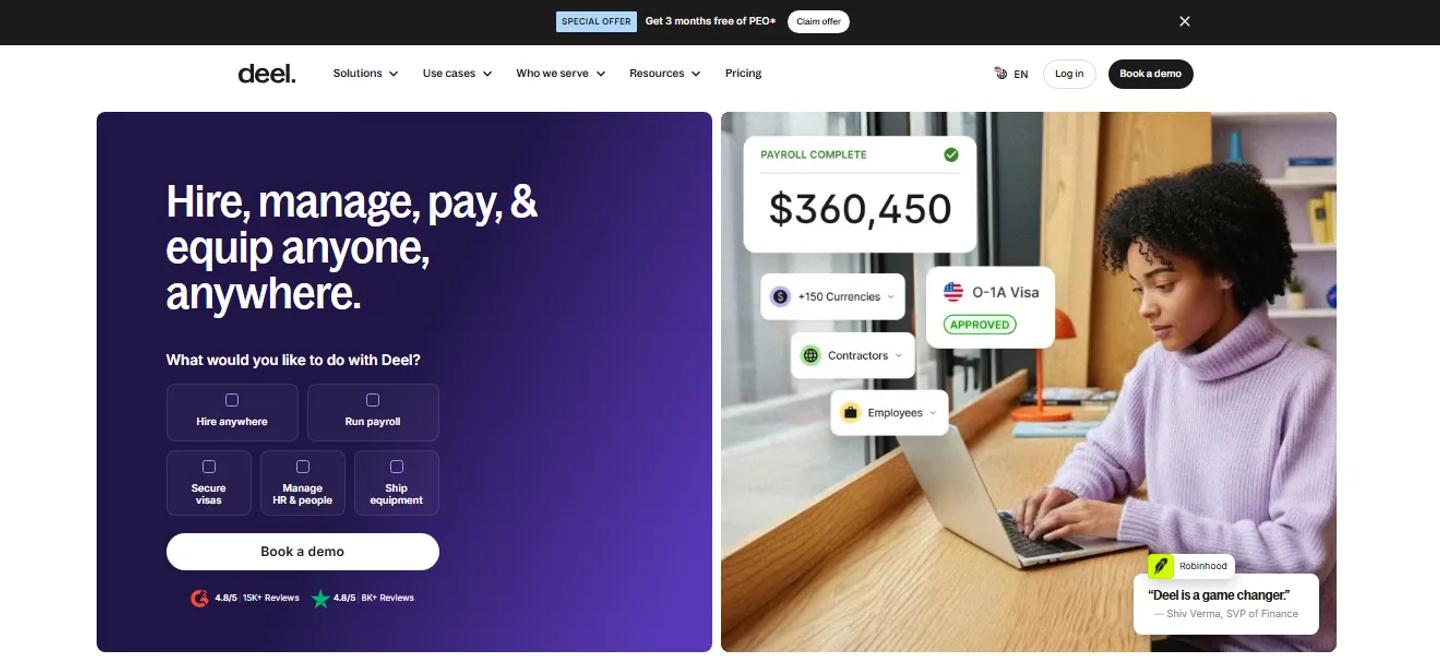
Deel solves a different post-hire problem. If you employ people or contractors across multiple countries, onboarding is tied to payroll, employment structure, compliance, and local requirements.
Teamtailor's Deel integration lets you place a trigger in the hiring process that automatically sends the candidate into Deel's onboarding module.
That becomes much more useful for distributed companies than for an employer hiring everyone under one local entity.
HiBob
HiBob Homepage
HiBob is also worth considering for companies already using Bob as the employee system.
The current integration sends newly hired candidates from Teamtailor into HiBob, including supported profile fields and resume information. Teamtailor's documentation describes it as a one-way transfer triggered when the candidate is marked hired.
The broader point is simple: Use the HR integration that matches the HR system your company actually runs.
Do not change HRIS because another product has a prettier Teamtailor marketplace page.
Where Teamtailor itself may already be enough
This is the part that is easy to miss when writing an integrations article. Teamtailor already does quite a lot.
Adding another platform is not always the answer.
| Need | Teamtailor already provides | When another tool may help |
|---|---|---|
| Candidate scheduling | Smart Schedule | Complex interview operations |
| Live interviews | Built-in video meetings | Asynchronous one-way screening |
| References | Reference requests and forms | Formal/high-volume reference programs |
| E-signatures | Built-in offer/onboarding signing | Company standardized on DocuSign |
| Candidate evaluation | Scorecards, reviews, Job Match Score | Specialist validated assessments |
| Candidate screening | Qualifying questions, Co-pilot screening | Job-specific skills testing |
| Onboarding | Teamtailor onboarding | HRIS, payroll, IT or global employment |
| Analytics | Built-in dashboards and custom reports | Advanced BI requirements |
| Sourcing | Connect + sourcing extension | Dedicated outbound sourcing team |
Teamtailor's feature set includes all of these areas, alongside Triggers and partner integrations. This table matters because good integration strategy is not about installing more products.
Sometimes the right answer is: Don't integrate anything.
Build your Teamtailor stack around triggers, not tools
Instead of starting with: What apps should we connect to Teamtailor? start with your hiring stages. Look at what needs to happen when somebody enters each one.
High-volume candidate screening

Teamtailor's assessment framework can also support routing candidates based on returned scores or outcomes where the partner exposes the relevant result data.
The point is not just to connect TestTrick. It is to remove the handoff between screening and assessment.
Candidate verification

The recruiter should not need a sticky note saying remember to order background check. The stage itself can start the workflow.
Post-hire workflow

BambooHR, Rippling, Deel, and other HR-system integrations all demonstrate different versions of this handoff. This is why Teamtailor integrations are better understood as stage actions rather than a list of apps.
A simple Teamtailor integration audit
You do not need to start by browsing the entire marketplace.
- Open one of your real hiring processes.
- Write down the stages.
For example:

Now go stage by stage.
What needs to happen when someone reaches this stage?
- Maybe the candidate needs an assessment.
- Maybe they need an interview invite.
- Maybe HR needs a document.
- Maybe a background check needs to start.
- Write it down.
Who currently starts that action?
If the answer is: A recruiter remembers to do it. You have found something worth examining. That does not automatically mean you need an integration.
Teamtailor might already have a native Trigger that handles it.
Does the result come back?
This is especially important for specialist tools.
Assessment scores, background-check status, signed documents, and similar information should ideally be visible where recruiters already manage the candidate.
Could the result decide what happens next?
If the answer is yes, look at whether the integration supports automated progression.
Assessment partners, for example, can support candidate movement based on scores, completion, or other exposed outcomes.
How often does this happen?
Manually transferring one candidate per quarter is not a serious integration problem. Doing it 300 times a week is. Frequency matters.
How many Teamtailor integrations are too many?
There is no useful number. A company with five integrations can have a messy hiring stack. Another company could use 15 and barely notice them because each one does a clear job.
The problem starts when every integration introduces:
- Another login
- Another subscription
- Another data source
- Another vendor relationship
- Another implementation
- Another process recruiters have to remember
The goal should not be: Add more tools to Teamtailor. It should be: Reduce the number of manual actions between hiring stages. Sometimes that means integrating software. Sometimes it means using a Teamtailor feature you already have.
Frequently asked questions about Teamtailor integrations
What integrations does Teamtailor support?
Teamtailor's Marketplace includes partners across assessments, background checks, CRM, e-signing, employer branding, HR systems, interviews, onboarding, reference checking, referrals, sourcing, video interviews, job boards, social media, and other recruiting categories.
How do Teamtailor integrations work?
Many partner integrations work through Teamtailor Triggers. A trigger can be attached to a hiring stage so that when a candidate reaches that stage, Teamtailor automatically starts the connected partner action. Integrations can also be triggered manually for individual candidates or in bulk where supported.
What are Teamtailor Triggers?
Triggers are automations attached to stages in the recruitment process. They can handle internal actions, candidate communication, and partner integrations. Examples include sending messages, inviting candidates to schedule interviews, requesting references, sending assessments, or transferring hired candidates to an HR system.
Can Teamtailor automatically send assessments?
Yes. Teamtailor's assessment integration framework supports partner assessments through stage-based triggers. Candidate data can be sent to the provider and results can be returned to the candidate card. TestTrick is one of the assessment providers currently listed in Teamtailor's marketplace.
Can assessment results appear inside Teamtailor?
Teamtailor supports partner result objects that can display statuses, scores, detailed results, attachments, sub-scores, and report links on the candidate card.
Can Teamtailor move candidates automatically based on assessment results?
Its current assessment integration framework supports rules based on scores, completion status, and partner-defined outcomes where the integration provides them. For example, a company could route candidates to Interview, Manual Review, or Rejected based on different assessment outcomes.
Does Teamtailor integrate with LinkedIn Recruiter?
Yes. Teamtailor supports LinkedIn Recruiter System Connect, including ATS indicators, candidate profile information, InMail history, notes, and candidate export from LinkedIn into Teamtailor.
Does Teamtailor have built-in interview scheduling?
Yes. Smart Schedule can identify available meeting times and let candidates choose suitable options based on attendee calendars. Teamtailor also has built-in video meetings.
Does Teamtailor have built-in reference checking?
Yes. Teams can request references, collect feedback using reference forms, and automate parts of the process through Triggers. An external provider such as Refapp makes more sense when your company needs a more specialized or high-volume reference workflow.
Does Teamtailor integrate with HR systems?
Yes. Its marketplace includes many HR-system integrations. Current documented examples include BambooHR, Rippling, Deel, HiBob, Workday, Gusto, Factorial, and others.
Make the hiring stages do more of the work
A good Teamtailor setup should not require recruiters to remember 20 small administrative actions every time someone moves through the pipeline. The process should help them.
- Candidate reaches assessment.
- The assessment goes out.
- Candidate reaches background checks.
- The check starts.
- Candidate is hired.
- Their information moves into HR.
That is where integrations become valuable. And Teamtailor's Triggers make that a particularly useful way to think about its marketplace.
For teams where candidate assessment is one of those repeated steps, TestTrick adds technical and non-technical screening to the Teamtailor workflow, helping recruiters evaluate candidates before spending more interviewer time on them.
For another company, the bigger problem may be background screening or the handoff into HR. Start there instead.
The best Teamtailor stack is not the one with the most integrations. It is the one where each hiring stage quietly triggers the next piece of work.
Build a Hiring-Ready Assessment
Create role-specific, anti-cheat assessments and shortlist candidates on evidence, not guesswork.
Start for freeBy Sanjana Sankhyan
October 13, 2026
17 min read
Build a Hiring-Ready Assessment
Create role-specific, anti-cheat assessments and shortlist candidates on evidence, not guesswork.
Start for free