Best Ashby Integrations in 2026: A Practical Guide to Extending Your Recruiting Stack
Explore 14 top Ashby integrations for assessments, background checks, HRIS, collaboration, job distribution, contracts, and recruiting automation.
By Muhammad Noman
October 16, 2026
18 min read
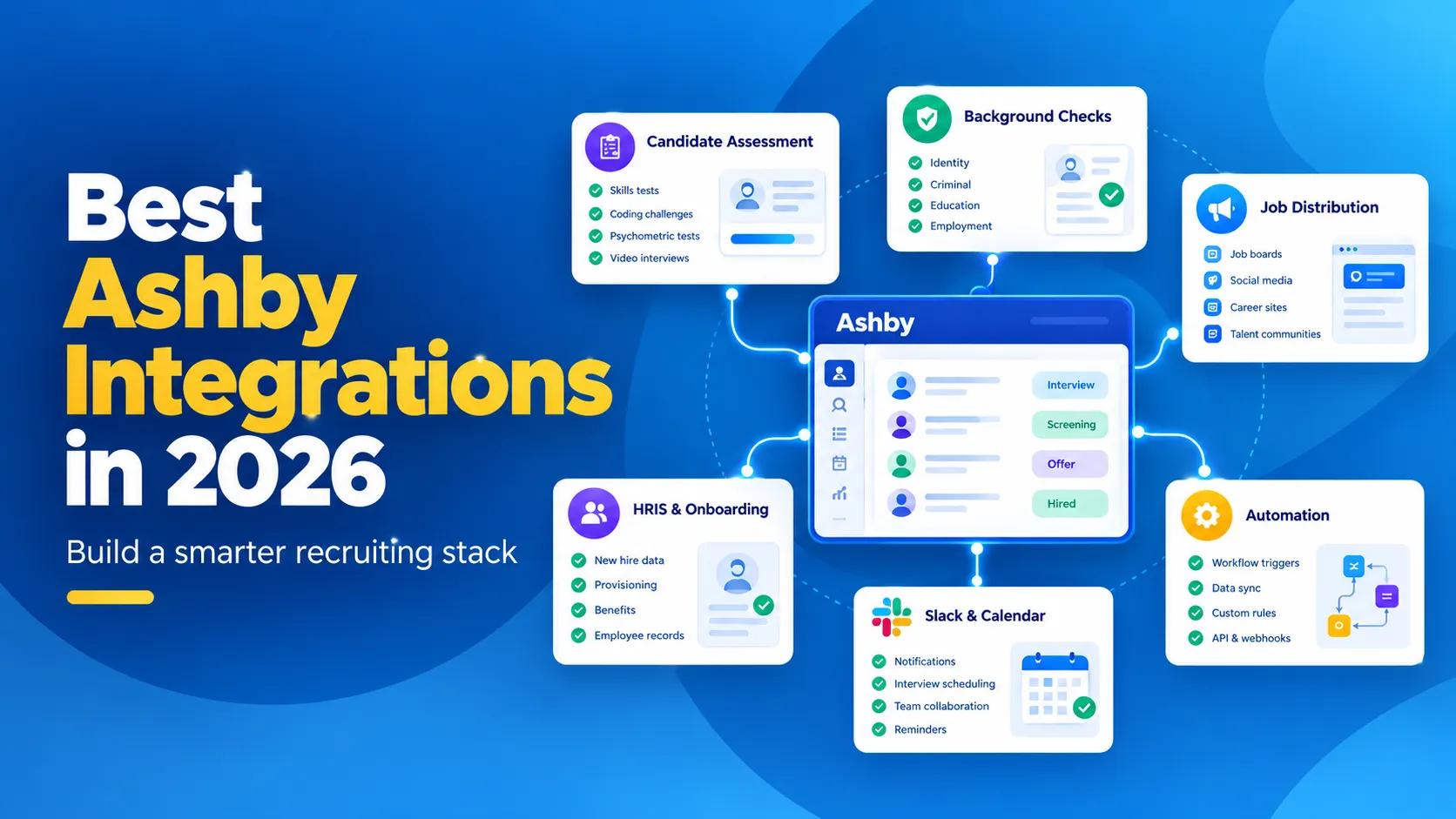
TL;DR – Key Takeaways!
- Ashby already combines ATS, sourcing and CRM, scheduling, and analytics; so many common recruiting workflows can stay inside the platform.
- TestTrick is a strong fit when you need deeper candidate assessment across technical and non-technical roles.
- TestTrick is a strong fit when you need deeper candidate assessment across technical and non-technical roles.
- Checkr and HireRight extend Ashby into background screening without separating the screening process from the candidate workflow.
- LinkedIn helps Ashby jobs reach candidates outside your own job board.
- Google Workspace or Microsoft 365 are foundational integrations because they power email and calendar workflows inside Ashby.
- Slack is useful when recruiting coordination already happens heavily in Slack.
- Workday, BambooHR, Rippling, and Deel matter after the candidate is hired and their information needs to move into HR.
- Juro can extend offer and contract workflows when Ashby's native offer process is not enough.
- For unusual workflows, Zapier, Ashby's API, and webhooks give you another option before adding more standalone recruiting software.
Ashby is a little different from many applicant tracking systems. You are not starting with an ATS and then adding separate tools for sourcing, candidate relationship management, scheduling, and reporting.
Ashby already combines ATS, CRM and sourcing, interview scheduling, and recruiting analytics in the same platform. That changes how you should think about integration.
The question is not: What else can we connect to Ashby?
It is: What genuinely needs to happen outside Ashby?
Candidate assessments are a good example. You may want a specialist platform to test Excel, coding, cognitive ability, or job-specific skills.
Background screening is another. Ashby manages the candidate, but somebody still needs to run the actual check.
And once someone is hired, their information eventually has to move into Workday, BambooHR, Rippling, Deel, or whatever system manages employees. Those are useful handoffs.
Adding another scheduling or analytics platform simply because it integrates with Ashby is a different question. Ashby may already do enough. That is the approach we will take throughout this guide.
Ashby currently offers 250+ out-of-the-box integrations across assessments, job boards, sourcing, interviewing, post-hire systems, and other workflows, alongside an open API for companies that need something more custom.
The goal is not to use as many as possible. It is to figure out where integration actually improves the hiring process.
Ashby integrations at a Glance
| Integration | Best for | What it adds beyond Ashby |
|---|---|---|
| TestTrick | Mixed-role candidate assessment | Skills, coding, spreadsheet, psychometric, and video assessment |
| HackerRank | Engineering-heavy hiring | Specialist developer tests and technical interviews |
| Checkr | Background screening | Candidate checks within the Ashby workflow |
| HireRight | Enterprise and global screening | More complex verification programs |
| External candidate reach | Job distribution beyond the Ashby job board | |
| Google Workspace / Microsoft 365 | Core recruiting operations | Email, calendar, user, and interview synchronization |
| Slack | Internal recruiting collaboration | Alerts, approvals, interview channels, reminders |
| Workday | Enterprise HRIS | Two-way recruiting and HR data flow |
| BambooHR | SMB and mid-market HR | New-hire handoff into HR |
| Rippling | HR, payroll, and IT onboarding | Broader post-hire employee setup |
| Deel | International hiring | Global contracts and workforce handoff |
| Juro | Contract workflows | More specialized offer and contract processes |
| Zapier | Custom automation | Connections to tools without a dedicated native workflow |
What makes an Ashby integration worth adding?
This is the part I would look at before opening Ashby's integration directory. A marketplace logo tells you that two products can connect. It does not tell you whether connecting them will actually improve your process.
1. Does it add something Ashby does not already do well?
This should be the first filter. Ashby already includes sourcing and CRM, interview scheduling, email sequences, interview plans, offers, analytics, and reporting.
So, if the problem is simple: We need candidates to book interviews, you may not need another scheduling platform.
If the problem is: We need to test whether candidates can actually build a financial model before inviting them to interview, that is different.
A specialist assessment product is adding capability rather than duplicating one.
2. Can it sit inside the Ashby workflow?
The best integrations do not make recruiters manage two completely separate hiring processes.
Ashby allows assessment integrations to be added as activities within interview plans. In supported cases, those activities can also be set to Automate on Stage Entry, meaning the assessment is sent when the candidate moves into that stage.
That gives you a much cleaner workflow:
Candidate moves to Assessment → Test is sent → Candidate completes it → Progress and result return → Recruiter decides what happens next
That is much more valuable than a simple link to another dashboard.
3. Does useful information come back?
Sending data out of Ashby is only half the job. If your recruiter still has to open five separate platforms every morning to see what happened, your workflow is still fragmented.
Ashby's assessment framework allows partners to send status updates and assessment information back into Ashby as the assessment progresses. That is the standard worth looking for.
4. Does it remove a handoff from another business system?
This matters especially after hiring. Ashby can own the recruiting process, but at some point, the new hire needs to exist in your HR system.
If someone has to manually recreate their name, email, salary, start date, department, and other information, that is an obvious integration opportunity.
5. Does this even need to be another product?
This is the question that keeps the stack under control. If Ashby already handles the workflow well, use Ashby. Integration should solve a gap. It should not create one.
1. Best Ashby Integrations for Candidate Assessments
A candidate looks great on paper. That is useful. It still does not tell you whether they can write SQL, build a spreadsheet model, debug code, interpret data, or handle the kind of decisions the role actually requires. That is where assessment platforms make sense.
The useful version of the workflow looks like this:
Candidate in Ashby → Assessment activity → Candidate completes test → Results return → Hiring decision
Not:
Candidate in Ashby → Copy email → Open another platform → Create candidate → Send test → Check platform later → Return to Ashby
TestTrick
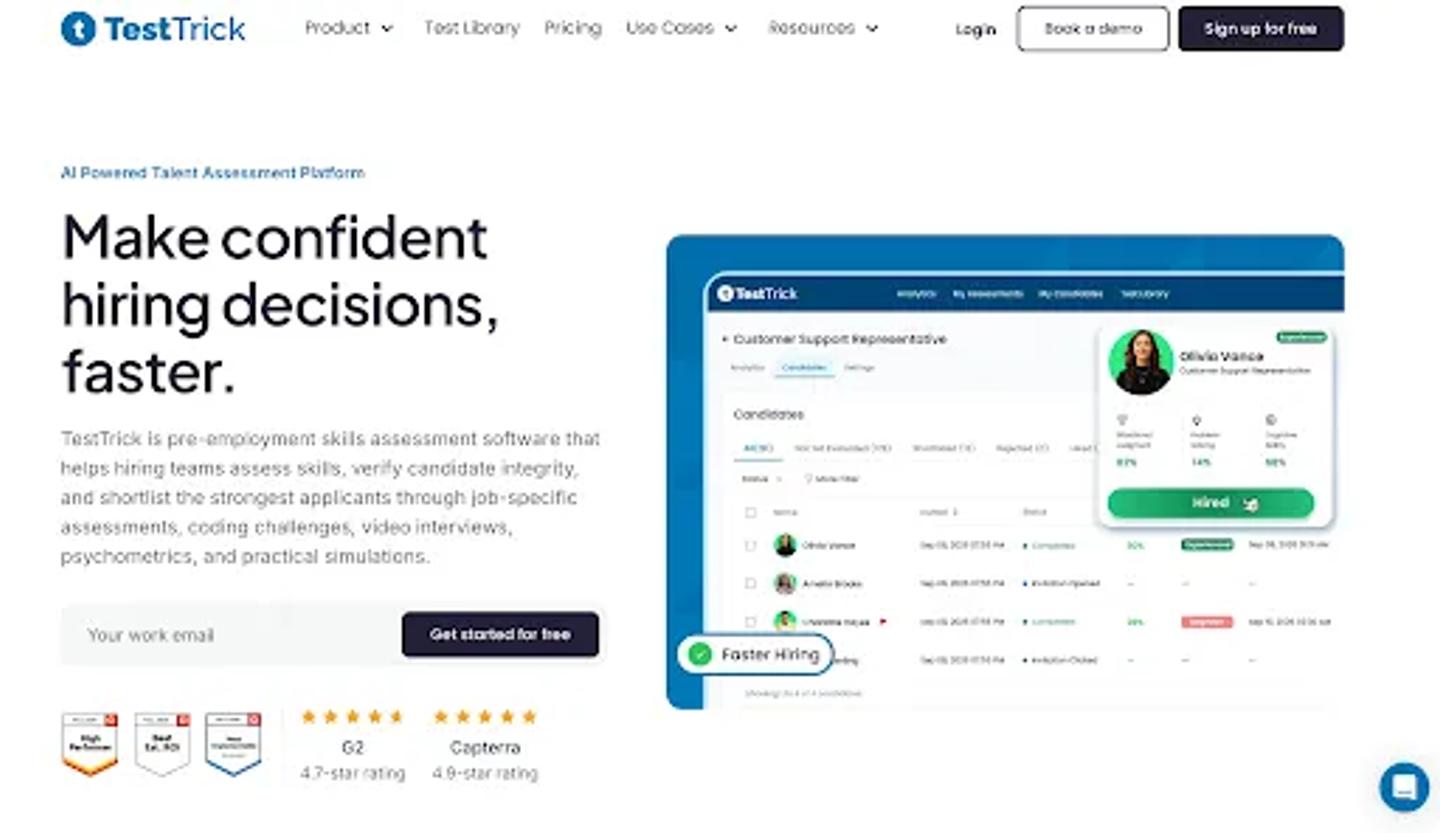
TestTrick Homepage
Best for: Companies assessing candidates across technical and non-technical roles
TestTrick makes the most sense when the company hires across different departments. You might need:
- A coding test for engineering.
- An Excel simulation for finance.
- A cognitive assessment for graduate hiring.
- A personality assessment for a people-facing role.
- A one-way video response when communication matters.
Instead of maintaining a separate assessment vendor for each use case, TestTrick combines these assessment types in one platform. The more important part here is the Ashby connection.
TestTrick's Ashby integration lets recruiters send assessments directly from Ashby, automatically track candidate progress and results, and keep the screening workflow connected to the ATS.
That matters when assessment is not a one-off task. Sending three tests manually is easy. Sending 300 and remembering which candidates finished is not.
A good workflow becomes:
Candidate reaches assessment stage → TestTrick assessment goes out → Candidate completes it → Recruiter reviews the result → Candidate progresses
That is where an integration starts saving real recruiter time.
Where TestTrick fits best
TestTrick is particularly useful when your hiring mix is broad.
- Finance: spreadsheet + finance knowledge
- Engineering: coding + problem solving
- Sales: role knowledge + communication
- Customer support: job skills + video response
- Graduate hiring: cognitive ability + personality
The advantage is not simply having assessments. It can standardize screening across different departments without turning assessment into another disconnected hiring process.
HackerRank
HackerRank Homepage
Best for: Companies where engineering assessment is the main requirement
HackerRank is the more specialist option. Ashby's HackerRank integration allows HackerRank tests to be used as assessment activities inside interview plans and also supports live HackerRank interview links. Assessment data can be passed back into Ashby.
That makes the choice fairly straightforward. If most of your assessment needs are developer-focused, a dedicated coding platform such as HackerRank can make sense.
If engineering is only one part of a broader hiring program and the business also needs finance, sales, operations, cognitive, spreadsheet, and communication assessments, a broader platform is easier to standardize. There is no reason every organization needs the same answer.
2. Best Ashby integrations for background checks
The assessment tells you whether someone should move forward. Background screening answers a different question later in the process. Can the company verify what it needs before the person starts?
This is exactly the kind of activity that should stay attached to the candidate's record rather than becoming a separate recruiter checklist.
Checkr
Checkr Homepage
Best for: Straightforward background-check workflows
Ashby treats Checkr checks as activities that can be added to an interview plan or surfaced at the Offer or Hired stage.
Once the candidate reaches the appropriate point, the recruiter can start the background check from Ashby. The status is then visible on the candidate's dashboard, while the detailed report can be opened in Checkr when complete.
That changes the workflow from: Candidate passed the final interview. Someone remembers to open Checkr, to:
Candidate reaches screening stage → Checkr activity appears → Recruiter starts check → Status remains visible in Ashby
One important limitation is worth mentioning.
Ashby's current Checkr integration can automatically add the background-check activity to a stage, but the check itself still needs to be started manually.
That distinction matters. Integrations are often described as fully automated when they really are not. Checkr is still useful. You just need to understand where the recruiter remains involved.
HireRight

HireRight Homepage
Best for: Larger organizations with more complex screening requirements
HireRight becomes more interesting when background screening varies by role, geography, or policy.
The Ashby integration lets you add HireRight packages to interview-plan stages, start the check from Ashby, follow status updates, and see the adjudication status once the screening is complete. It can also be configured to automate the assessment when the candidate reaches the relevant stage.
That makes it more suitable for organizations where background screening is a formal, repeatable part of the hiring process. The choice should depend less on which logo is more recognizable and more on what you actually need to verify.
A company hiring mostly in one market has different requirements from a multinational employer to screening candidates across several jurisdictions.
3. Best Ashby integration for external candidate reach
This is where Ashby needs a different treatment from Greenhouse or Lever. I would not recommend a long list of sourcing platforms by default.
Why? Because sourcing and CRM are already major parts of Ashby's native product.
Ashby lets recruiting teams search their candidate database, organize talent into projects, run outreach sequences, and manage sourced candidates inside the same platform.
So, the integration opportunity is less about building another CRM. It is about reaching candidate ecosystems outside Ashby.
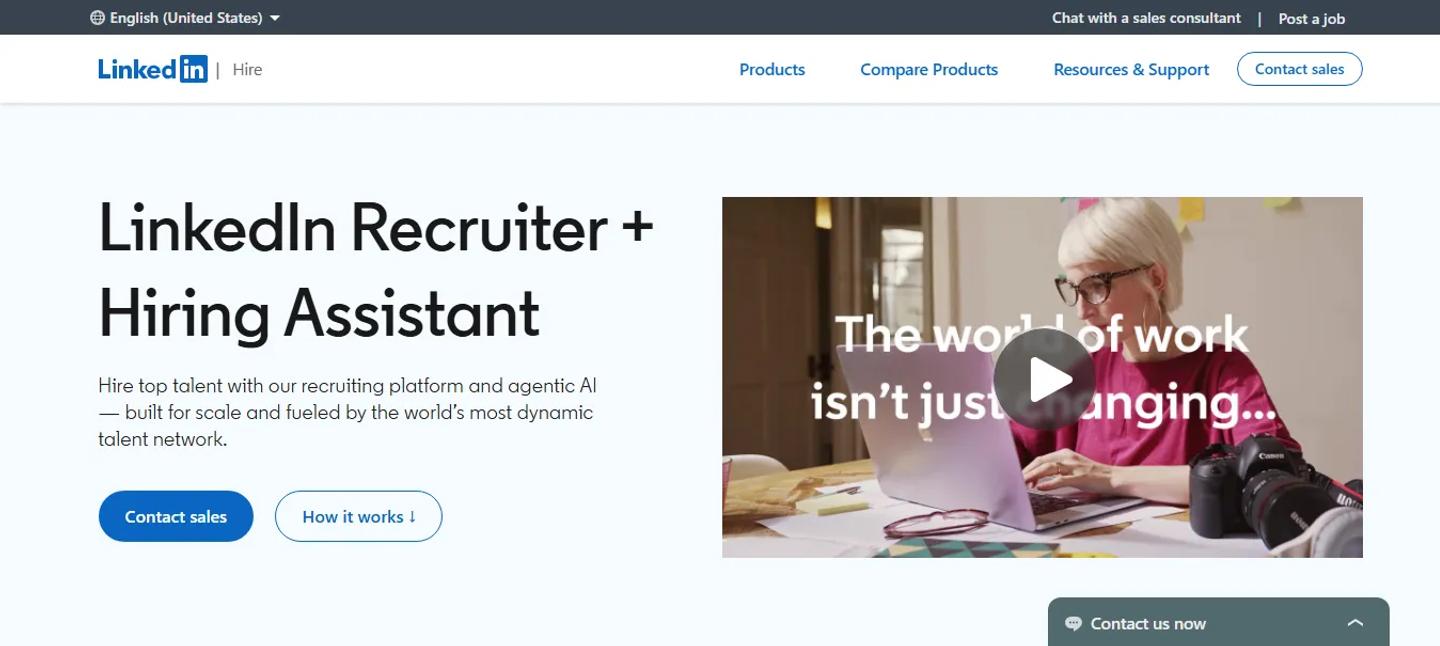
LinkedIn Recruiter
Best for: Extending Ashby jobs to a major external candidate audience
Ashby can automatically publish and update open roles on LinkedIn. Its LinkedIn job-posting integration supports free Basic Jobs and paid Job Wrapping for companies using LinkedIn Job Slots. Updates made to the job in Ashby can flow through to LinkedIn without recruiters repeatedly reposting the role. That is a useful distinction.
- Manage the job in Ashby.
- Use LinkedIn to reach the external audience.
- Then bring applicants back into the recruiting process.
This is the kind of integration that extends Ashby rather than competing with something it already does.
4. Platform Integrations that Make Ashby Itself Work Better
Not every important integration adds a new recruiting product. Some make Ashby's own features work properly. Google Workspace, Microsoft 365, and Slack fall into this category.
They are less glamorous than an AI screening tool. They may be more important to your day-to-day recruiting operation.
Google Workspace or Microsoft 365
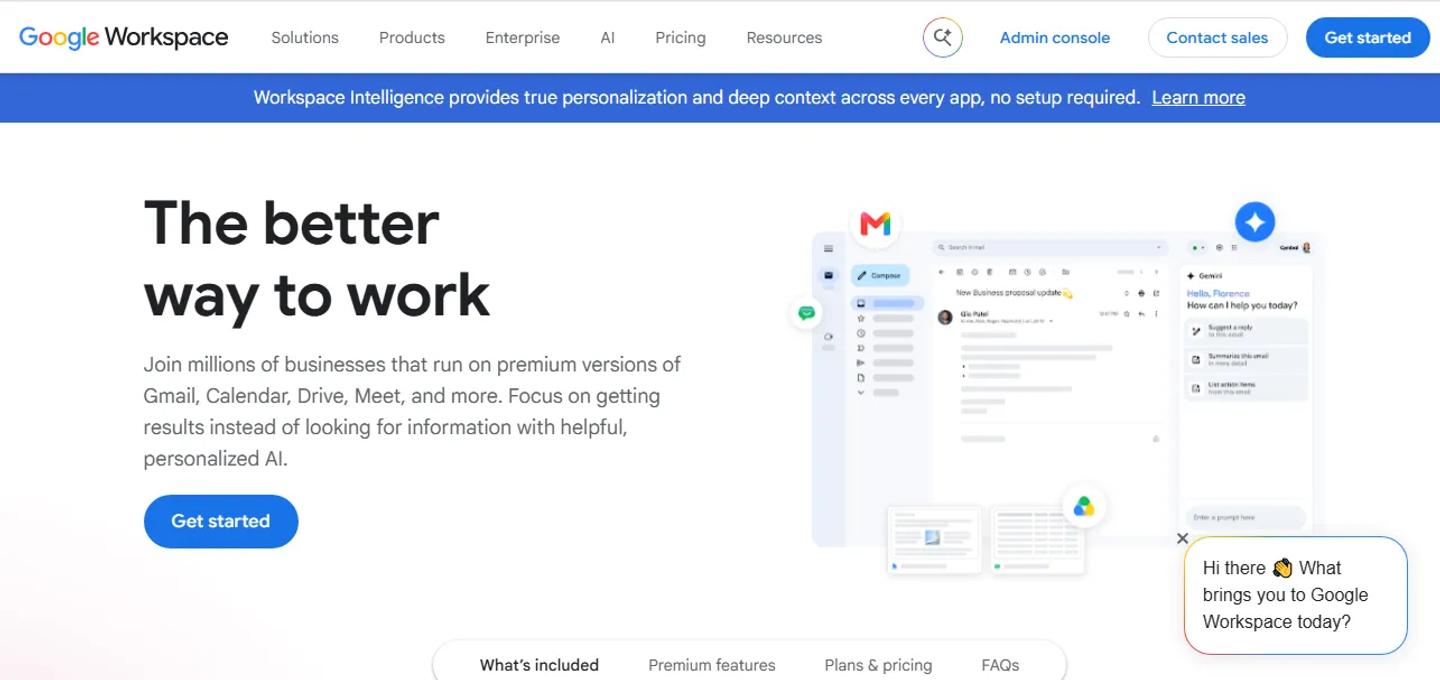
Google Workspace Homepage
Best for: Email, calendars, interview scheduling, and candidate communication
Ashby integrates deeply with either Google Workspace or Microsoft 365. These integrations support user synchronization, candidate email history, emails and sequences sent from Ashby, interviewer calendars, meeting-room availability, event invitations, and interview scheduling.
This is not an optional nice-to-have in the same way some marketplace integrations are. If your team wants Ashby to behave like the recruiting operating system, email and calendar integration are part of the foundation.
One thing IT teams should know is that Ashby currently supports deep integration with Google Workspace or Microsoft 365, not simultaneously in the same Ashby account. That is worth considering if your organization has a mixed environment.
Slack
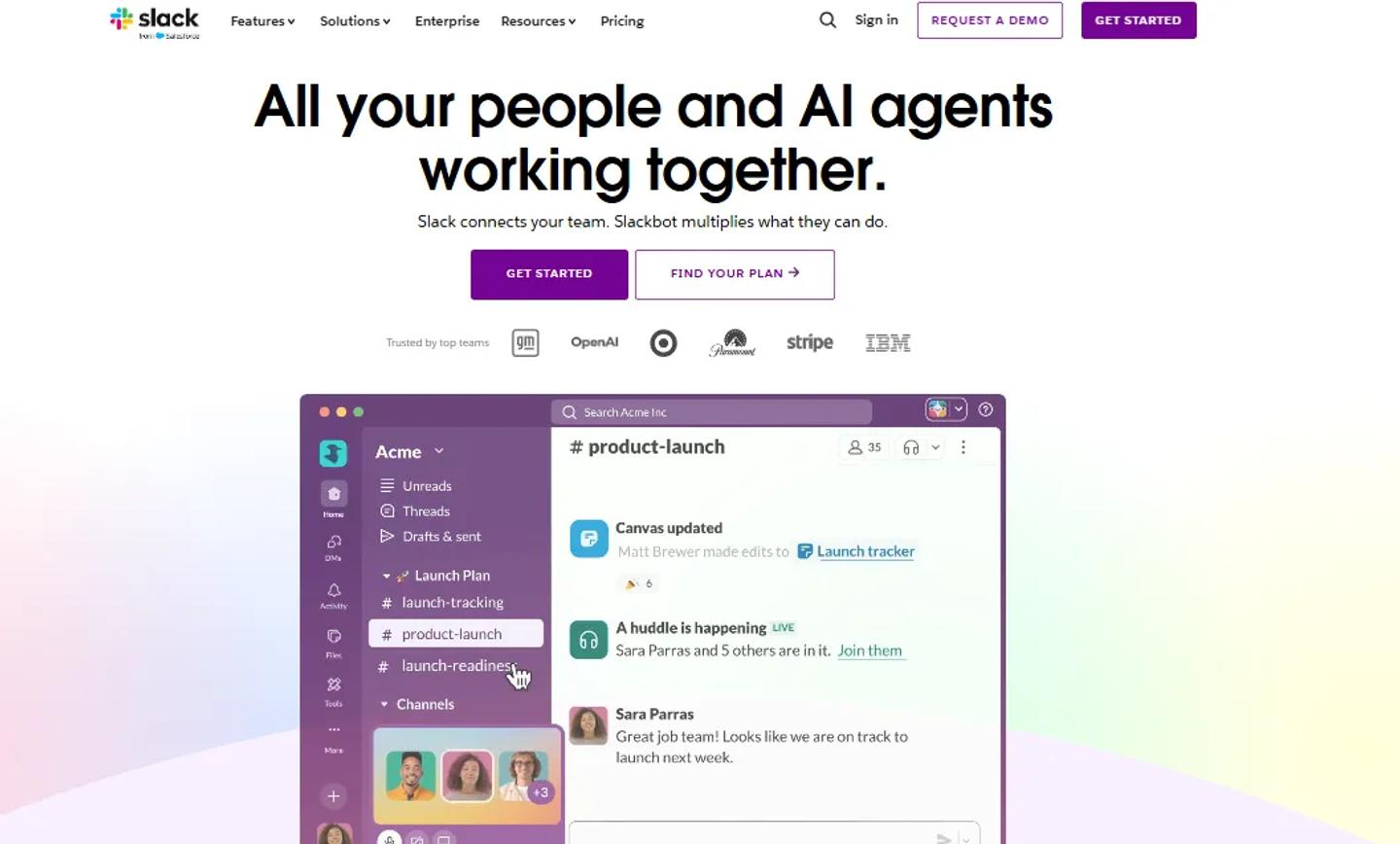
Slack Homepage
Best for: Recruiting teams that already coordinate heavily in Slack
Recruiters do not work alone. Hiring managers, interviewers, finance, founders, and coordinators all get pulled into the process.
And in many companies, those conversations already happen in Slack. Ashby's Slack integration can send recruiting notifications, support approvals, create private candidate interview channels automatically, send interviewer reminders, and deliver recruiting information into Slack.
For example:
- A candidate's interview gets scheduled.
- Ashby creates the relevant private Slack channel.
- The interviewers are added.
- New interviewers can be added automatically as the process continues.
- Once the candidate is hired or archived, the channel can be archived too.
That is a good integration because it follows where people already work rather than introducing another destination.
5. Best Ashby integrations for HRIS and post-hire workflows
Eventually, recruiting ends. The candidate accepts the offer and becomes an employee. That is when a different system usually takes over. And this is one of the clearest places to use integration because the information already exists.
The new hire name, email, phone number, salary, start date, job, location, and offer information should not have to be manually recreated in HR. Ashby has a substantial set of post-hire integrations designed around exactly this handoff.
Workday
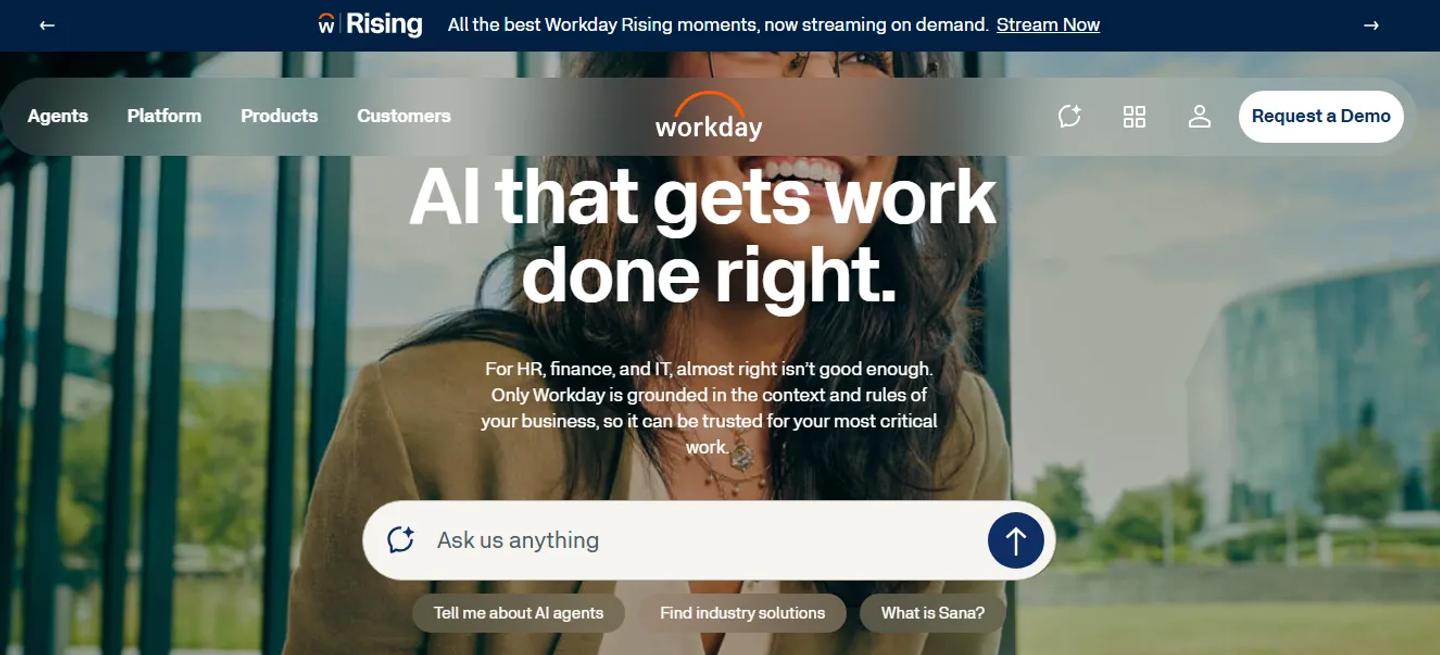
Workday Homepage
Best for: Enterprise organizations with more complex HR and headcount processes
Workday is one of the deeper Ashby integrations. Unlike a simple one-way new-hire export, Ashby's Workday integration can synchronize information in both directions.
Workday positions can create Ashby openings. Workday job requisitions can create Ashby jobs. And once someone is hired in Ashby, offered information can be sent back into Workday.
That is more than an onboarding handoff. It connects workforce planning and recruiting. The workflow becomes something like:
Position approved in Workday → Opening appears in Ashby → Recruiting happens → Candidate hired → Hire sent back to Workday
For a large organization, that is much more valuable than asking recruiting and HR to maintain parallel records.
There is a trade-off. This is not a plug-and-play integration. Ashby says implementation can take anywhere from a couple of days to several weeks depending on the customer's Workday setup, and it is currently available on Ashby's Enterprise plan.
That makes sense. The deeper the workflow, the more configuration usually sits behind it.
BambooHR
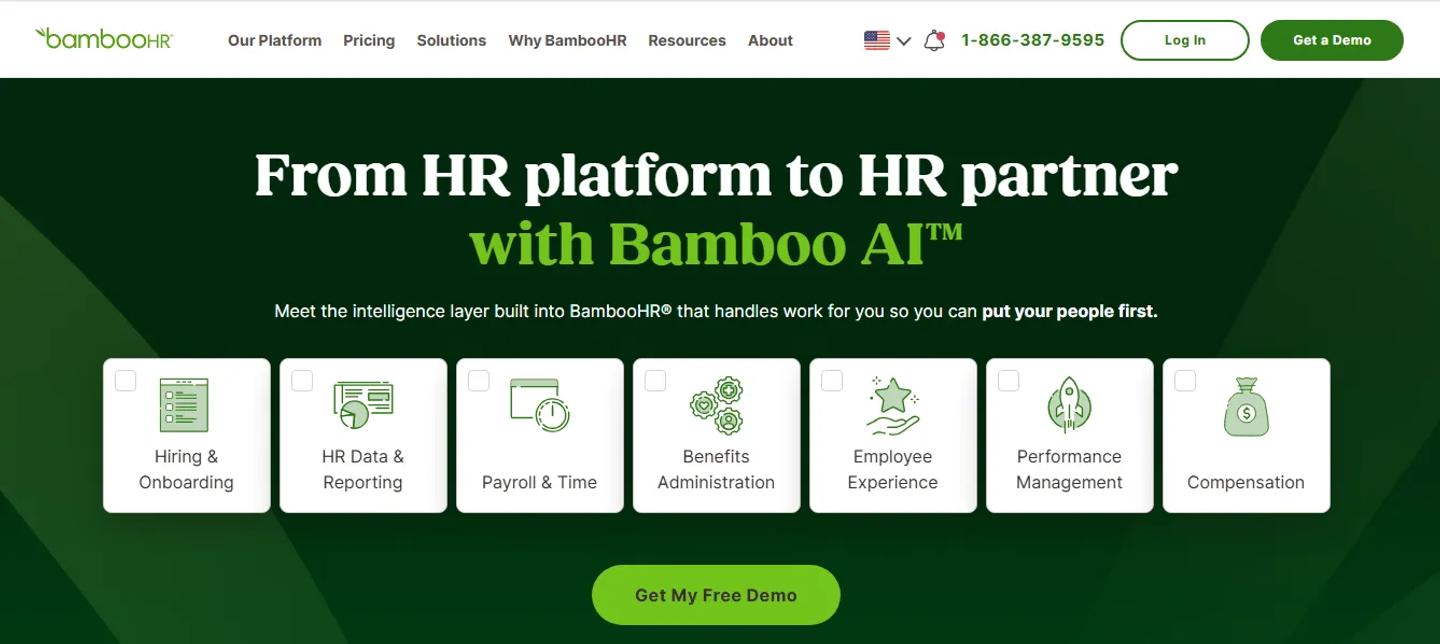
BambooHR Homepage
Best for: Smaller and mid-sized companies that need a clean recruiting-to-HR handoff
BambooHR solves a simpler problem. The candidate accepts. Ashby already has their data.
The HR team needs that person in BambooHR. Ashby can push candidate information into BambooHR after offer acceptance, including standard candidate details, supported custom fields, the offer letter, and resume information.
That creates a straightforward handoff:
Candidate hired → Push to BambooHR → Employee onboarding begins
Not complicated. Still useful. A lot of good integrations solve boring problems well.
Rippling
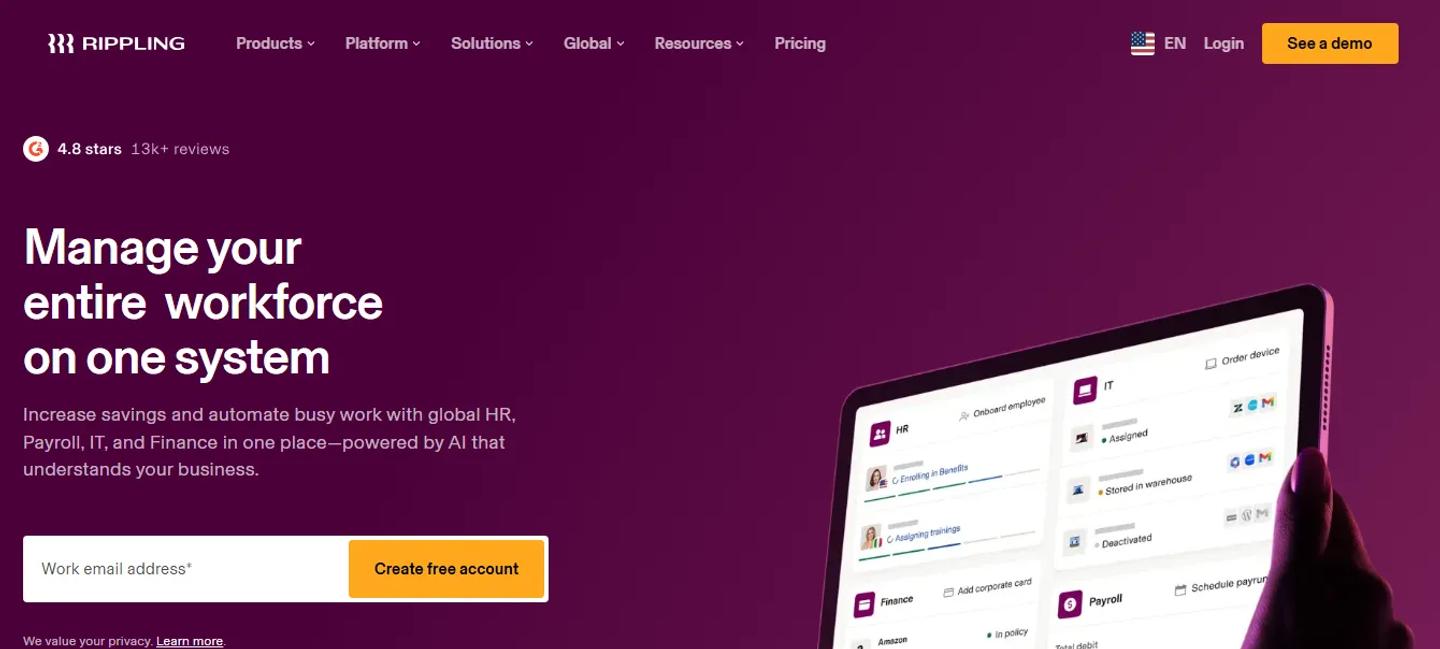
Rippling Homepage
Best for: Companies where onboarding also touches payroll, applications, and IT
Rippling becomes more interesting when employee onboarding involves more than creating a record.
- The HR team needs a new hire.
- Payroll needs them.
- IT may need them.
- Apps and devices may need to be provisioned.
Ashby's Rippling integration can send hired-candidate information such as name, email, phone number, salary, start date, and selected offer fields into Rippling after the candidate accepts. The transfer can be done manually or configured to happen automatically.
So, if Rippling already sits at the center of your employee operations, the Ashby integration creates a natural handoff from recruiting into everything that happens next.
Deel
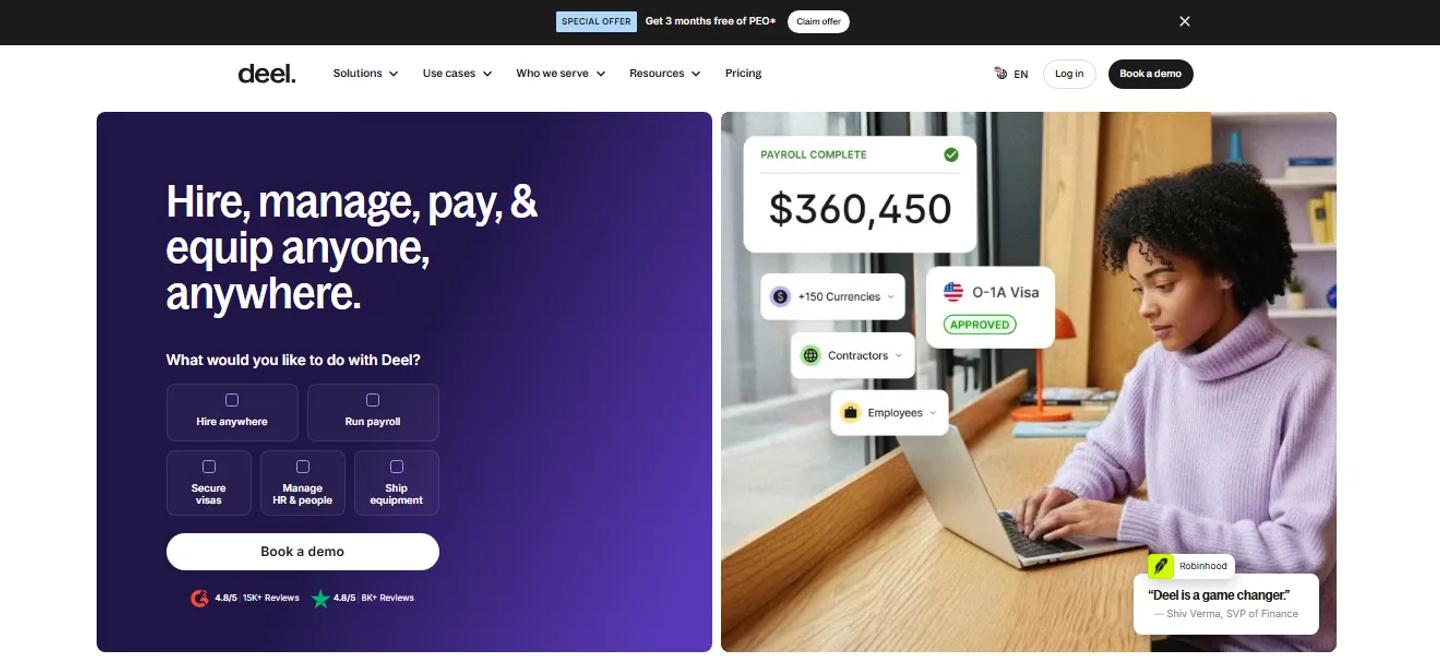
Deel Homepage
Best for: International employees and contractors
Deel is the more relevant option when hiring crosses countries. Once the offer is made and you are ready to hire, candidate, job, and offer information from Ashby can be pushed into Deel to help create the post-hire contract workflow. The current connection is one way from Ashby to Deel.
This is useful when global employment is the problem. If every employee joins the same local entity and payroll system, you may not need it. Again, the HR system you already use should usually determine the integration. Not the other way around.
6. Best Ashby Integration for more Complex Contract Workflows
Ashby already handles offers. You can create offer fields, approval processes, offer letters, and e-signature requests directly on the platform.
So, adding another offer tool by default would be strange. The case for external integration appears when the contract itself needs a more specialized legal workflow.
Juro
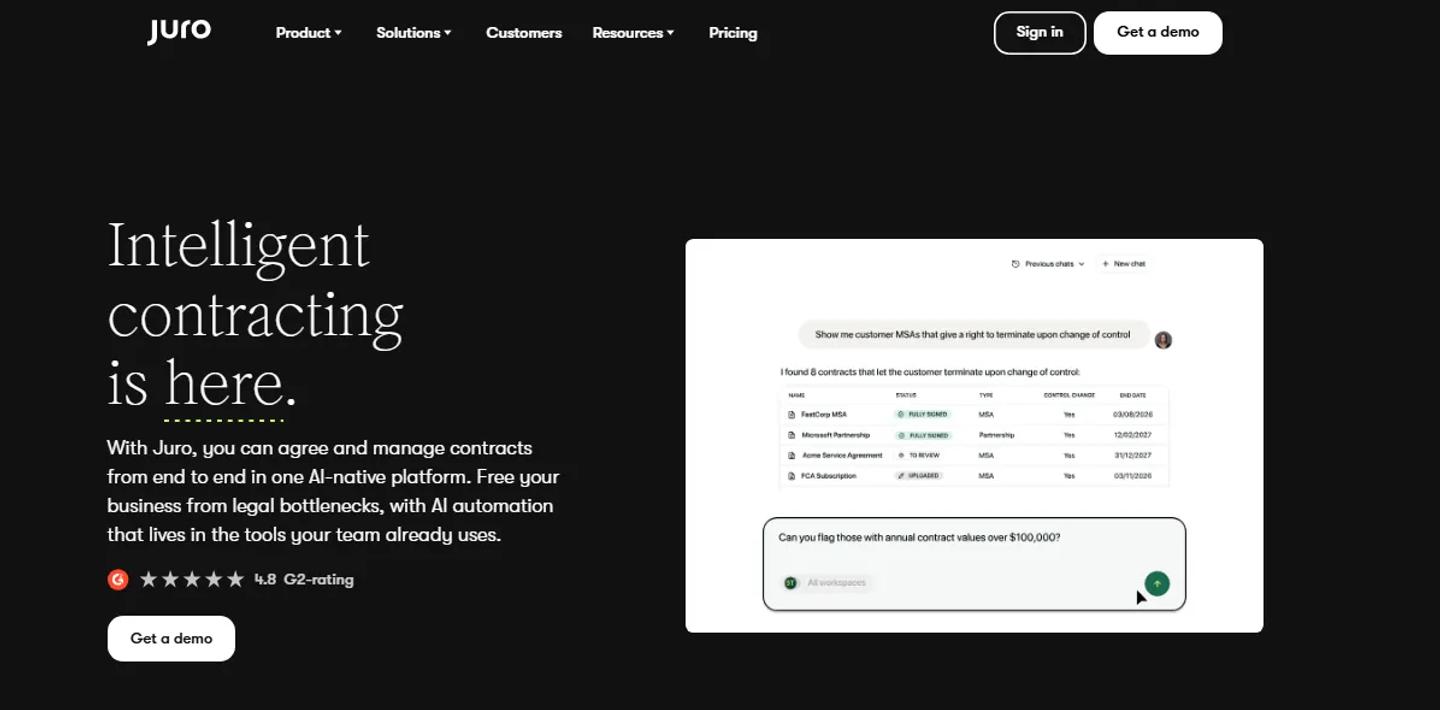
Juro Homepage
Best for: Companies that need contracts to pass through a dedicated contract-management process
Ashby's Juro integration allows Juro workflows to be started either as an activity within an interview plan or as part of the offer process.
Candidate and offer information can be mapped into the Juro workflow, and Ashby tracks the external workflow status. When the workflow completes, Ashby can mark the offer as accepted.
That makes sense if your contracts need to go through a company-wide contract system rather than only a recruiting e-signature process.
If your hiring team simply needs to send a standard employment offer for signature, Ashby's own offer tools may already be enough.
Do not turn a simple offer of workflow into a legal-operations project unless the business actually requires it.
7. Best Ashby Integration for Custom Workflows
Eventually, somebody will ask: Can Ashby connect to our internal system?
or: Can Ashby do something when this happens?
And there may not be a marketplace tile for it. That does not automatically mean the answer is no.
Zapier
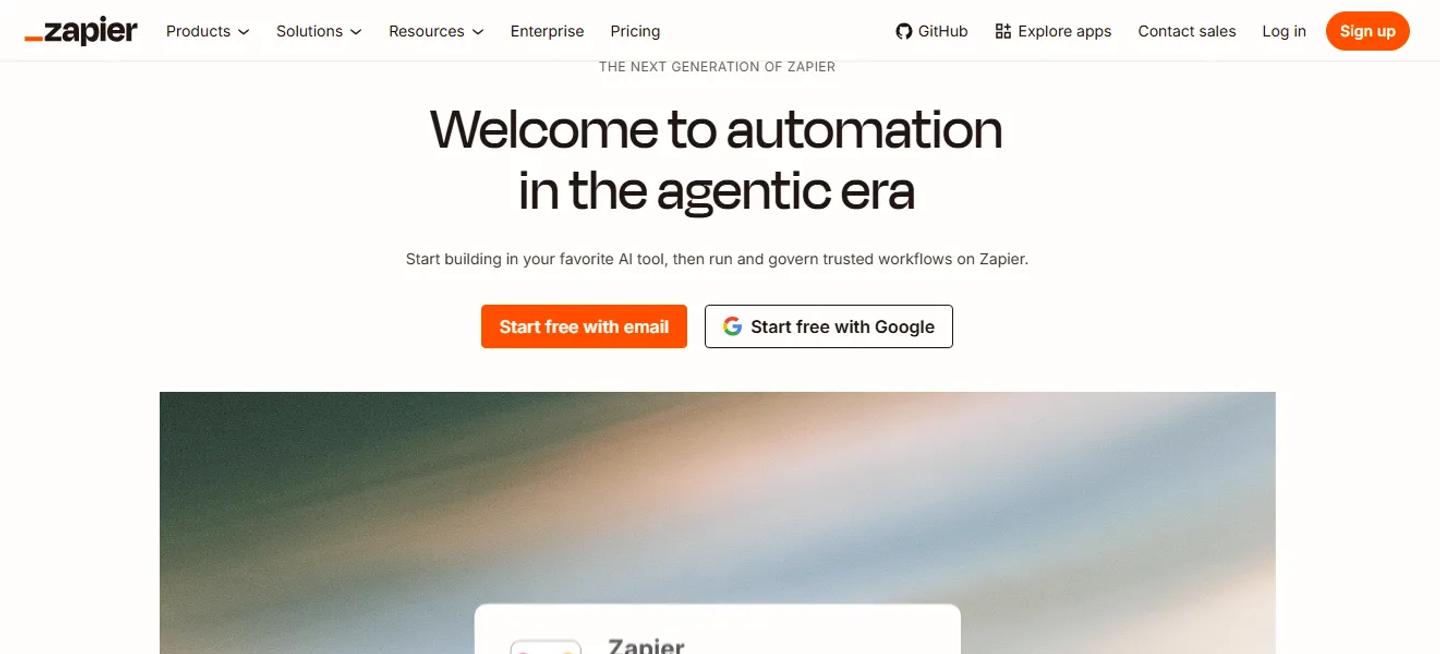
Zapier Homepage
Best for: Straightforward automation between Ashby and other SaaS tools
Ashby supports Zapier as both a trigger and action app. That means an event in Ashby can start a Zap, or another application can trigger an action in Ashby, depending on the supported workflow.
This can be useful when the process is specific to your company but not important enough to justify custom engineering.
For example, you may need candidate or hiring activity to trigger something in another business application that does not have a dedicated Ashby integration. Zapier can fill that gap.
Ashby API and Webhooks
When the workflow is more important or more complex, use the actual platform. Ashby positions its open API as a core part of the product and supports webhooks for real-time events such as candidate changes, job updates, and interview scheduling.
A simple way to think about it:
- Native integration available? Use it.
- Simple cross-app automation? Zapier may be enough.
- Business-critical custom workflow? API and webhooks are usually better conversations.
That keeps you from buying a new recruiting product just because you need one unusual automation.
Where Ashby itself may already be enough
This section matters more for Ashby than for most integration guides. Because there is a good chance, the thing you are about to buy already exists in the platform.
| Need | Ashby Already Provides | When Another Tool May Make Sense |
|---|---|---|
| Candidate sourcing | CRM, sourcing workflows, projects, outreach | Specialized external candidate database |
| Interview scheduling | Manual and automated scheduling | Highly specialized scheduling requirements |
| Recruiting analytics | Native dashboards, reports, alerts, planning | Company-wide BI consolidation |
| Candidate email | Email sync and sequences | Specialist communications use case |
| Offers | Offer approvals, letters, e-signatures | Complex legal/contract workflows |
| Take-home assignments | Built-in take-home activities | Specialized scoring or skills evaluation |
| Job board | Ashby-hosted postings | External candidate reach such as LinkedIn |
| Internal collaboration | Candidate records and notifications | Slack-heavy hiring collaboration |
Ashby's reporting alone is worth paying attention to here. The platform includes native dashboards for jobs, sourcing, interviews, offers, CRM, and other recruiting activities, alongside custom reporting and dashboards.
So, if somebody says: We need another analytics product because we want to know how to hire, you should probably check Ashby first.
The same applies to scheduling. Ashby already supports structured interview plans and scheduling workflows that automate finding times and generating calendar invites.
Integration should solve a real gap. Not a problem you have not checked for yet.
Build your Ashby stack around what needs to leave Ashby
Instead of mapping up your entire hiring process and asking what software belongs at every stage, try something different.
Ask: What legitimately has to leave Ashby?
Candidate assessment may need to be left because a specialist assessment engine is doing the evaluation.
Ashby → TestTrick → Result back to Ashby
Background verification needs to be left because Checkr or HireRight performs the actual check.
Ashby → Checkr → Status back to Ashby
Your job may need to leave because candidates are searching for somewhere else.
Ashby → LinkedIn → Applicants back into your funnel
A hired candidate eventually needs to leave recruiting and become an employee.
Ashby → Workday / BambooHR / Rippling / Deel
A legal contract may need to enter the company's contract system.
Ashby → Juro
But other workflows may not need to leave at all.
Scheduling → Keep in Ashby
Recruiting analytics → Keep in Ashby
Sourcing CRM → Keep in Ashby unless you have a specialist gap
That is a healthier way to design the stack. You start with one system. Then you deliberately decide where specialist software needs to be taken over.
A simple Ashby integration audit
You do not need to start by scrolling through 250 integrations. Start with the software your recruiting team already uses outside Ashby. For each one, ask five questions.
What are we using this tool for?
Be specific.
Not:
Recruiting.
But:
Scheduling panel interviews.
or:
Testing candidates' Excel skills.
Does Ashby already do this?
If yes, compare the current workflow with Ashby's native one. Maybe the external tool is still better. Maybe nobody realized you no longer need it.
If Ashby does not do it, is there a native integration?
Assessment, background-check, and HRIS workflows are obvious places to look.
Does the information come back to Ashby?
A good integration should avoid creating another system recruiters need to monitor constantly.
How often does this handoff happen?
Manually transferring one candidate into HR every six months is annoying. Manually transferring 500 hires is an operational problem. Frequency determines whether automation is worth the effort. And there is one final question:
Could Zapier, an API, or a webhook solve this without another recruiting product?
Sometimes the answer is yes.
How many Ashby integrations are too many?
There is no useful number. A company using 20 integrations could have a very clean process. Another company could make a mess with five. What matters is whether each integration has a clear job.
Every additional product potentially introduces another subscription, user permission model, vendor relationship, security review, data source, renewal, implementation, and place for recruiters to look.
Ashby's biggest advantage is that it already consolidates several recruiting software categories. Do not rebuild the fragmented stack you bought Ashby to avoid.
Frequently asked questions about Ashby Integrations
How many integrations does Ashby have?
Ashby currently says its marketplace includes 250+ out-of-the-box integrations across assessments, job boards, sourcing, interviewing, post-hire tools, and other categories.
Does Ashby integrate with assessment platforms?
Yes. Ashby supports assessment integrations as activities within interview plans. Assessment partners can receive requests from Ashby and send progress or result information back into the platform. Supported assessment activities can also be automated when a candidate enters a stage.
Does TestTrick integrate with Ashby?
Yes. TestTrick lists Ashby among its ATS integrations. Recruiters can send assessments through the Ashby workflow, track candidate progress, and keep assessment results connected to the ATS.
Can Ashby automatically send assessments?
Yes, for supported assessment integrations. An assessment can be added as an activity to an interview-plan stage and configured with Automate on Stage Entry, so it is sent when the candidate moves to that stage.
Does Ashby integrate with LinkedIn?
Yes. Ashby can automatically publish and update open roles through LinkedIn's ATS-integrated job-posting workflows, including Basic Jobs and Job Wrapping for customers using paid LinkedIn Job Slots.
Does Ashby integrate with Workday?
Yes. Ashby's Workday integration supports two-way workflows including syncing positions and job requisitions into Ashby and sending hired candidates and offer information back to Workday. The integration is currently available on Ashby's Enterprise plan.
Does Ashby integrate with BambooHR and Rippling?
Yes. Ashby can push hired candidates into BambooHR and Rippling after offering acceptance. The exact fields and supported files differ between the integrations.
Does Ashby have a built-in interview scheduling feature?
Yes. Scheduling is a core part of Ashby's recruiting platform. Teams can schedule manually or use more structured workflows that automate candidate's availability and calendar coordination.
Does Ashby have its own recruiting CRM?
Yes. Ashby combines ATS functionality with sourcing and CRM capabilities, including candidate search, talent projects, sourcing workflows, and outreach.
Does Ashby have an API?
Yes. Ashby has a public developer API and supports webhooks for building custom integrations and event-driven workflows.
Can Ashby connect through Zapier?
Yes. Ashby's Zapier integration allows Ashby to be used as either a trigger or action app in supported Zaps.
Keep the core workflow in Ashby
The easiest way to make an integration article is to recommend more software. That is not particularly useful for Ashby users.
Ashby already brings together parts of recruiting that many companies previously managed in separate systems.
- Sourcing.
- CRM.
- Scheduling.
- ATS.
- Analytics.
The smarter approach is to keep those workflows together and extend Ashby only where another product has a clear specialist job.
- Use TestTrick when you need deeper candidate assessment.
- Use Checkr or HireRight when a candidate needs verification.
- Use LinkedIn when the job needs external reach.
- Use Workday, BambooHR, Rippling, or Deel when the candidate needs to become an employee.
- Use Juro when the contract requires a specialist contract workflow.
And if you have an unusual internal process, look at Zapier or Ashby's API before buying another recruiting tool. That is the real advantage of Ashby's integration ecosystem.
It gives you plenty of ways to extend the platform without requiring you to turn recruiting back into a collection of disconnected systems.
The best Ashby stack is not the one with the most integrations. It is the one where you can clearly explain why every integration needs to exist.
Build a Hiring-Ready Assessment
Create role-specific, anti-cheat assessments and shortlist candidates on evidence, not guesswork.
Start for freeBy Muhammad Noman
October 16, 2026
18 min read
Build a Hiring-Ready Assessment
Create role-specific, anti-cheat assessments and shortlist candidates on evidence, not guesswork.
Start for free